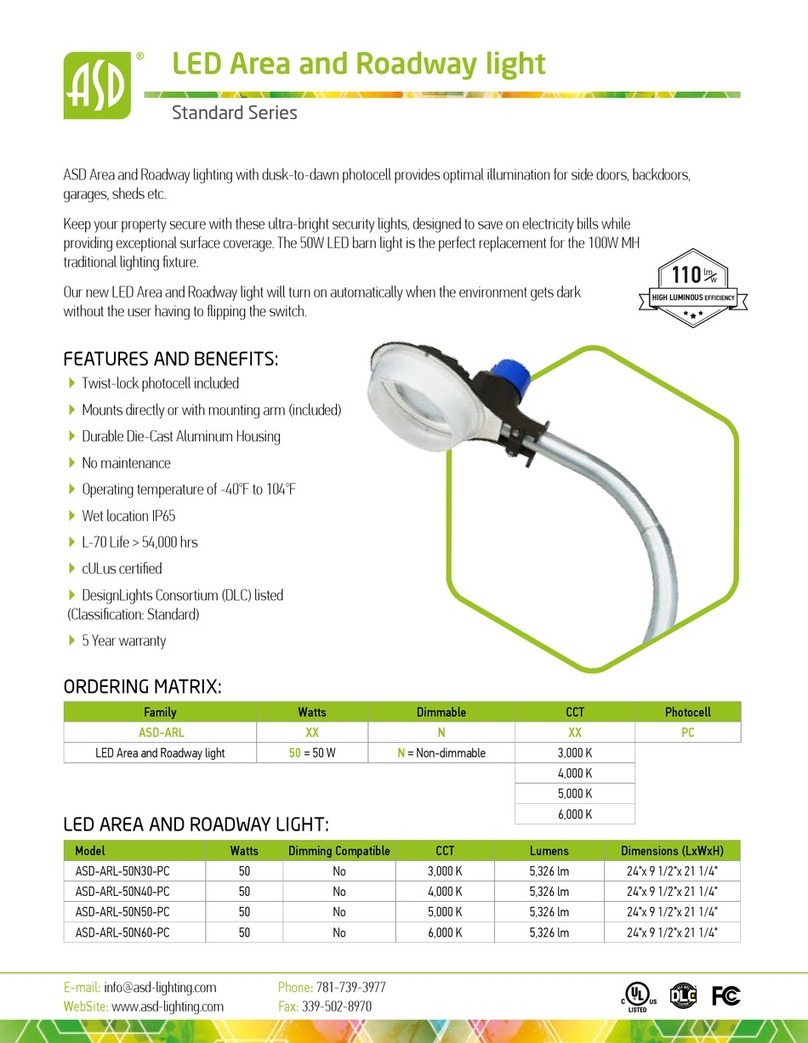
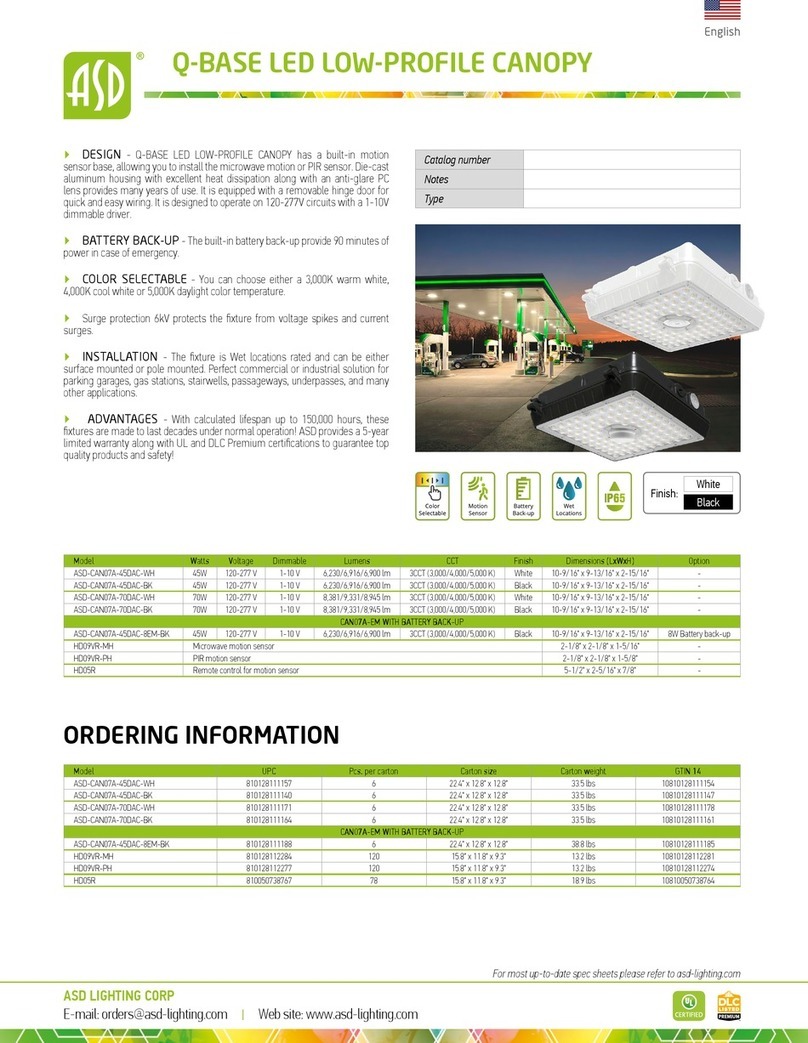
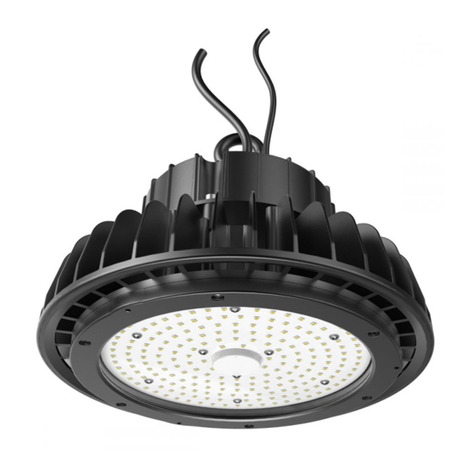
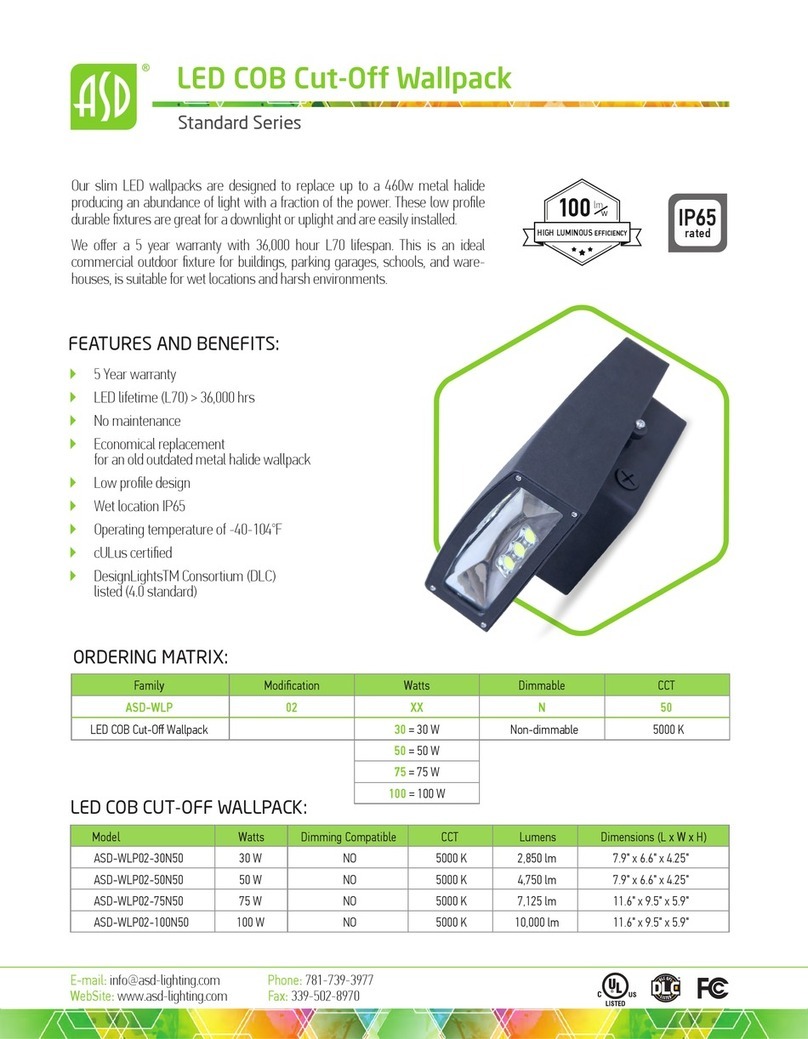
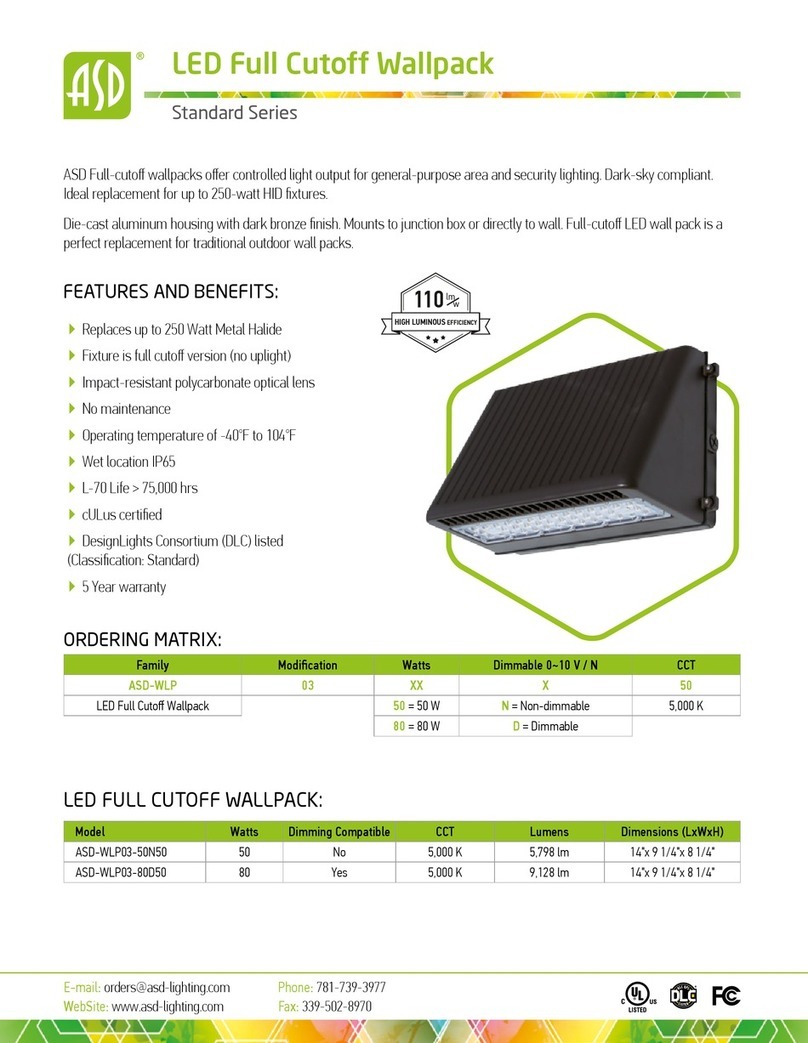
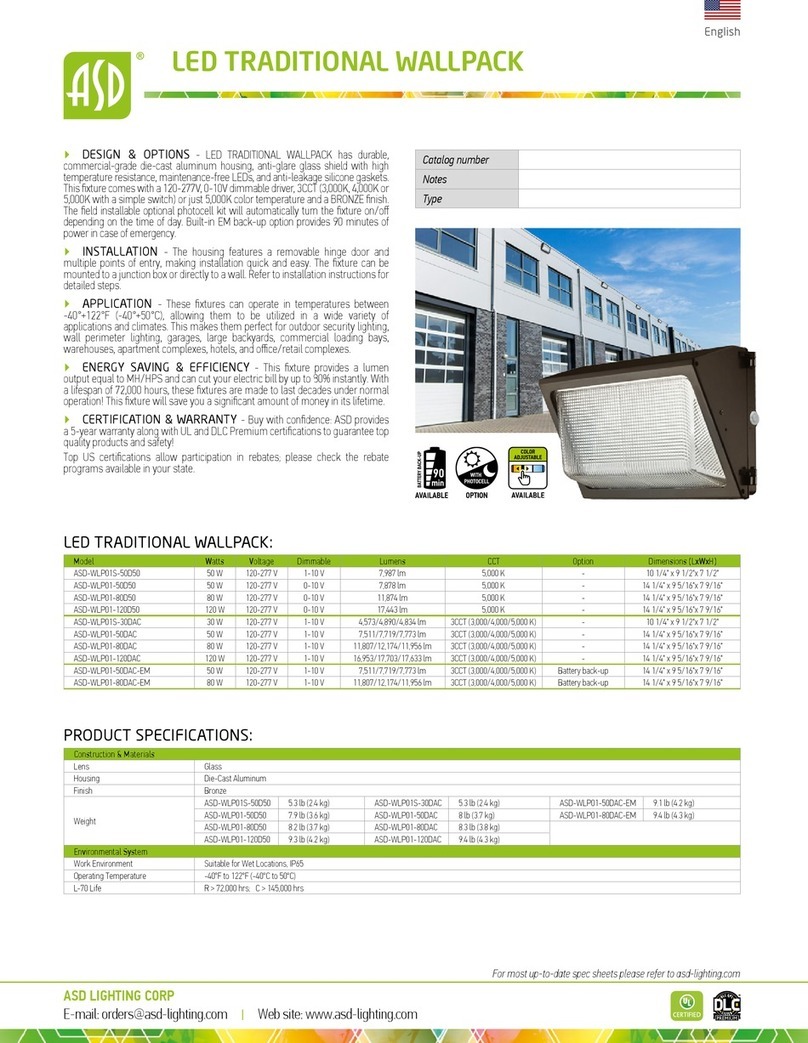
LED WALLPACK with optic lens
Standard Series
English
ASD LIGHTING CORP
Web site: www.asd-lighting.com
For most up-to-date spec sheets please refer to asd-lighting.com
ELECTRICAL SCHEMATIC DIAGRAM DIMMABLE:
DRIVER
L
N
L
N
G
L (live/hot) connect black
Ground
connect green
N (neutral) connect white
V
Dim + (Violet)
Dim - (Gray)
FIXTURE
PHOTOCELL:
Operate Level
10~20 Lx ON
30~80 Lx OFF
This light includes an optional Photocell which
activates the light during low illumination (At Dusk)
and de-activates the light when illuminated (At Dawn).
ELECTRICAL SCHEMATIC DIAGRAM NON-
DIMMABLE:
DRIVER
L
N
G
L
N
G
L (live/hot)
connect black
Ground
connect green
FIXTURE
N (neutral)
connect white
120-277 V
LN
RedBlack
PHOTOCELL
DRIVER
L
N
L
N
G
L (live/hot)
Ground
connect green
N (neutral) connect white
V
FIXTURE
ELECTRICAL SCHEMATIC DIAGRAM WALLPACK
WITH PHOTOCELL:
WARNING
RISK OF PERSONAL INJURY – READ and follow all WARNINGS and
installation instructions.
Keep or give to the owner for future reference.
Risk of cuts: Wear gloves to prevent cuts or abrasions when removing from
carton, handling, installing, and maintaining this product.
Risk of electric shock: This product must be installed in accordance with the
applicable installation code by a person familiar with the construction and
operation of the product and the hazards involved.
Risk of Fire: Minimum 194°F supply conductors. Consult a qualied electrician to
ensure correct branch circuit conductor.
ASD® assumes no responsibility for claims arising out of improper or careless
Installation or handling of this product.
For recessed installation: Access above ceiling required. Inherently protected.
Vapor barrier must be suitable for 194°F
INSTALLATION GUIDE
IMPORTANT SAFETY INFORMATION:
Please read all the instructions below before installation.
▶Make sure that the supply voltage corresponds to the rated product voltage.
▶The product must be installed by a qualied electrician in accordance with the
National Electrical Code and corresponding local codes.
▶If the product is damaged, do not use it.
PHOTOCELL INSTALLATION:
Take out one of the knockout caps,
place the rst O-ring on PC thread,
install the photocell into the receptacle
base.
Place the second O-ring, screw the
plastic nut, and tighten the transparent
cap on PC thread at the outer side of
the xture.
Connect all the photocell wires
according to PHOTOCELL ELECTRICAL
SCHEMATIC DIAGRAM (page 5).
INSTALLATION STEPS:
1. Use a screwdriver to loosen (2) screws securing xture door and open it.
2. It can be mounted to junction box or directly to a wall. In either application use
the bubble level built into the xture to evenly mount.
2.1. Carefully drill holes through castings to avoid damaging the driver, wires and
quick connectors. Hang the xture on the back plate. Connect wires into wiring
terminal; white wire to “Neutral” terminal, black wire to “Live” terminal, green
wire to “Ground” terminal; and x them with screws.
2.2. Replace one of the side caps pointed in the picture, insert power cord into
the xture and connect the wires as shown. Refer to size of the diagram to bore
the holes in the wall.
3. Close xture and tighten 2 screws removed in installation step 1.
1. 2.1.
2.2 3.