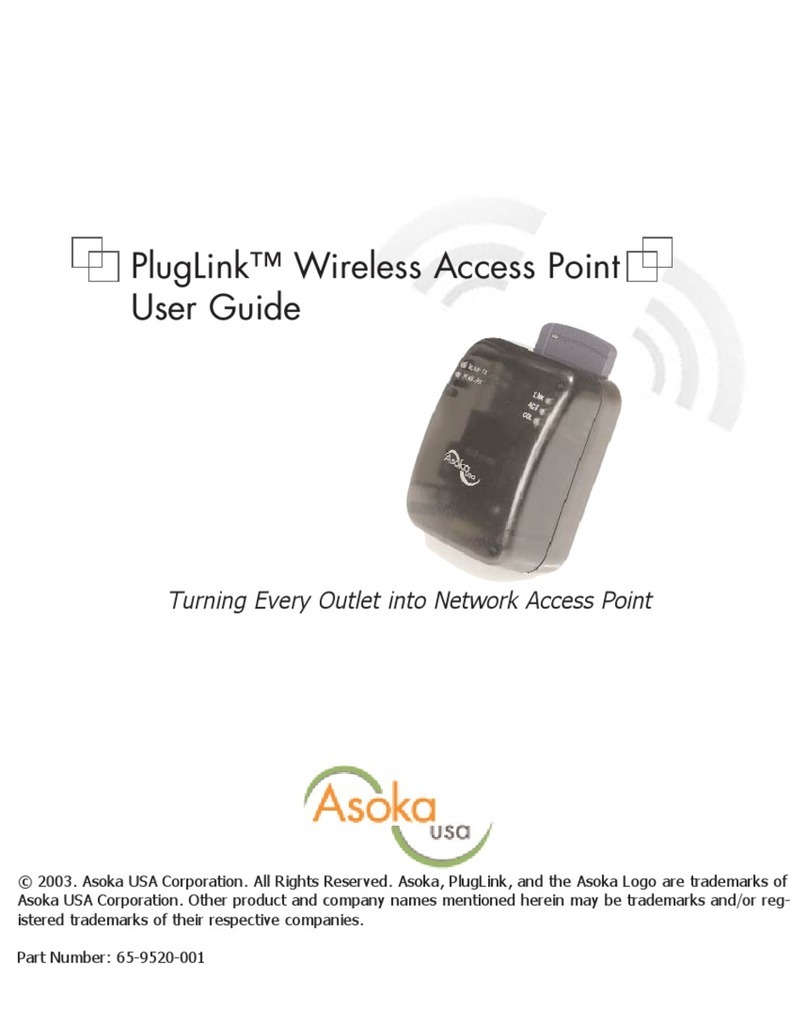
Asoka® User’s Guide
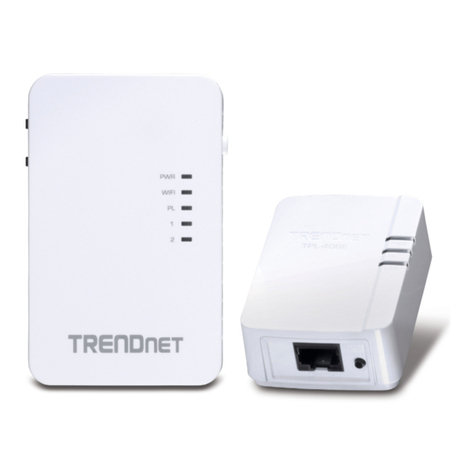
PlugLink 9550 Wireless Access Point PL9550-WAP
1. Introduction..............................................................................................................4
1.1 Features...............................................................................................................4
1.2 Package...............................................................................................................4
2. Hardware Installation..................................................................................................5
2.1 The Front Panel ...................................................................................................5
2.2 Connect Device and PC.......................................................................................5
3. Wireless AP Configuration.........................................................................................5
3.1 Logging in ............................................................................................................5
3.2 System.................................................................................................................6
3.2.1 Details........................................................................................................6
3.2.2 Time...........................................................................................................7
3.2.3 Password...................................................................................................7
3.2.4 System Logs..............................................................................................8
3.2.5 Reset .........................................................................................................8
3.2.6 Backup.......................................................................................................9
3.2.7 Firmware....................................................................................................9
3.3 Wireless.............................................................................................................10
3.3.1 Wireless Setting.......................................................................................10
3.3.2 Wireless Security..................................................................................... 11
3.4 IPADDRESS ..................................................................................................... 12
3.4.1 IPAddress................................................................................................13
3.5 POWER LINE ....................................................................................................13
3.5.1 Password Setting.....................................................................................13
3.5.2 Device Scan.............................................................................................13