manuals.online logo
Brands
  1. Home
  2. •
  3. Brands
  4. •
  5. ASTRO TOOL Corp.
  6. •
  7. Power Tools
  8. •
  9. ASTRO TOOL Corp. 11545 User manual

ASTRO TOOL Corp. 11545 User manual

Other ASTRO TOOL Corp. Power Tools manuals

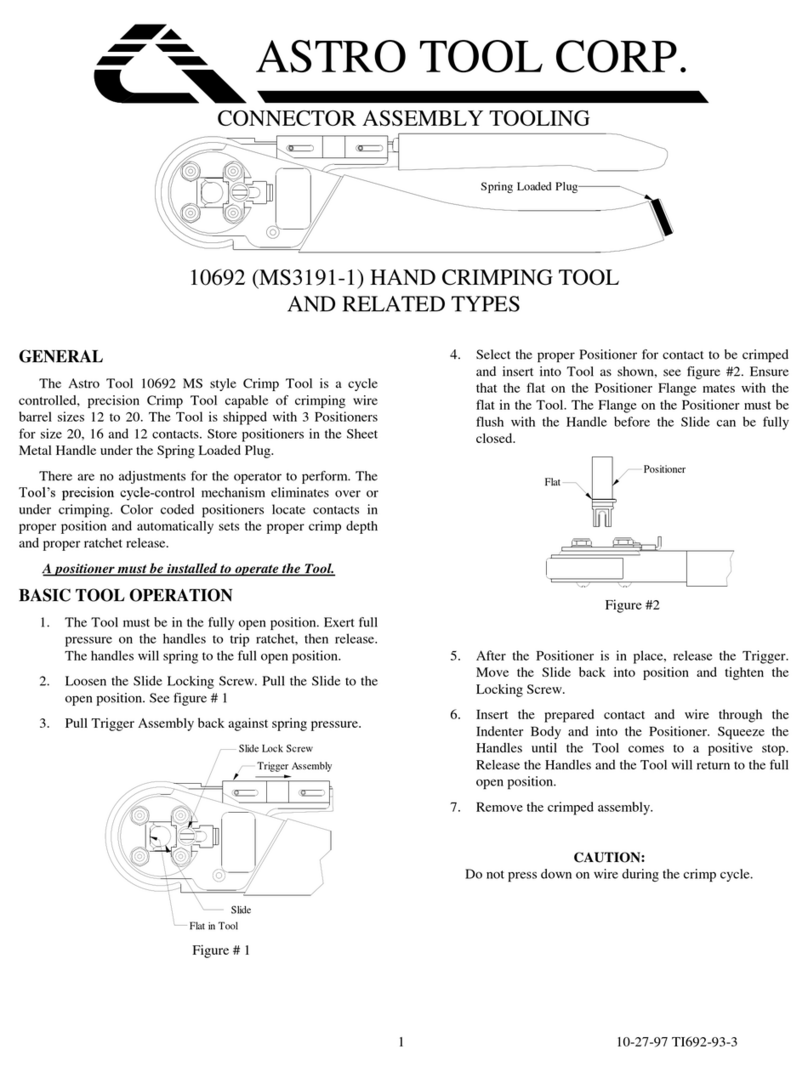
ASTRO TOOL Corp. 10692 User manual

ASTRO TOOL Corp.

ASTRO TOOL Corp. 10692 User manual

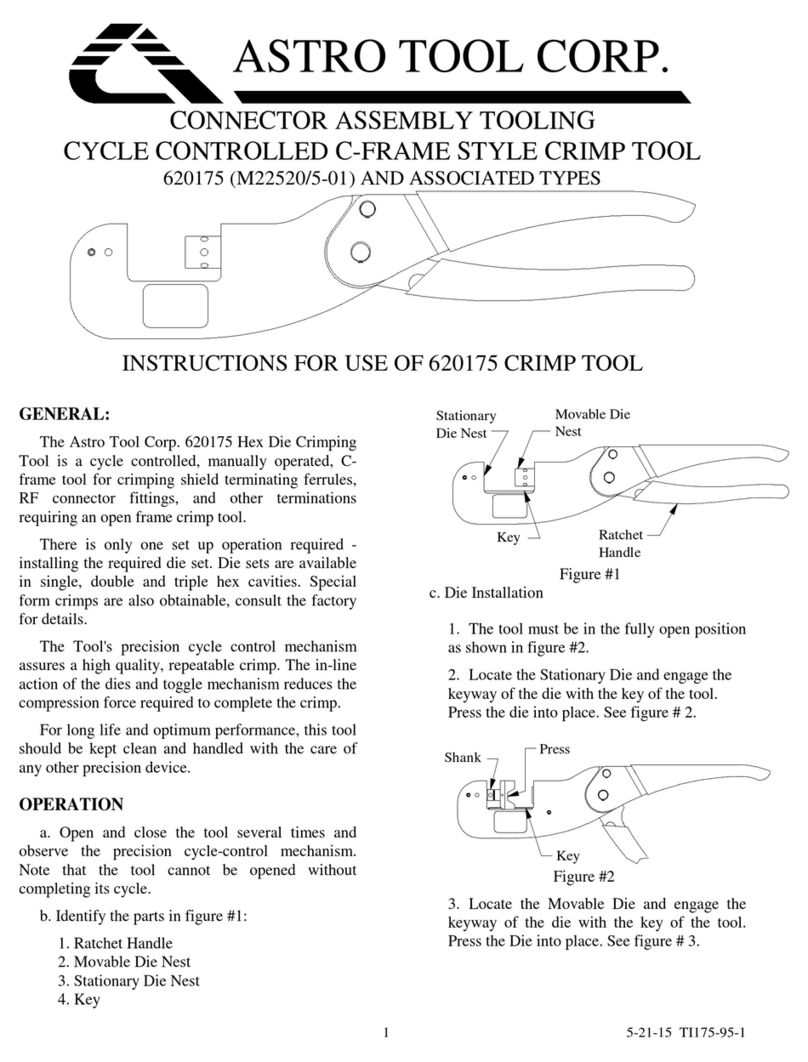
ASTRO TOOL Corp. 620175 User manual

ASTRO TOOL Corp.

ASTRO TOOL Corp. 620175 User manual

Popular Power Tools manuals by other brands

ISLAND HOPPER Power Egg HT-309 operating instructions

ISLAND HOPPER

ISLAND HOPPER Power Egg HT-309 operating instructions

Sioux Tools SSR6P25 Instructions-parts list

Sioux Tools

Sioux Tools SSR6P25 Instructions-parts list

Makita HM1317C technical information

Makita

Makita HM1317C technical information

ABB Smart Tool + quick start guide

ABB

ABB Smart Tool + quick start guide

Baumr-AG BMJK-24S user manual

Baumr-AG

Baumr-AG BMJK-24S user manual

Bosch Professional GST 18 V-LI S Original instructions

Bosch

Bosch Professional GST 18 V-LI S Original instructions

Ronix RA-2702 quick start guide

Ronix

Ronix RA-2702 quick start guide

Nordson ProBlue user guide

Nordson

Nordson ProBlue user guide

aoyue int6028 instruction manual

aoyue

aoyue int6028 instruction manual

Hitachi CJ 65VA2 Instruction manual and safety instructions

Hitachi

Hitachi CJ 65VA2 Instruction manual and safety instructions

Makita HM1304 instruction manual

Makita

Makita HM1304 instruction manual

Kurtz Ersa Ersa X-TOOL VARIO operating instructions

Kurtz Ersa

Kurtz Ersa Ersa X-TOOL VARIO operating instructions

SCHUNK KSO 65 Installation and operating instruction

SCHUNK

SCHUNK KSO 65 Installation and operating instruction

Harken LokHead 500 user manual

Harken

Harken LokHead 500 user manual

Senco DuraSpin ExTPro installation instructions

Senco

Senco DuraSpin ExTPro installation instructions

Ferm JSM1020 Original instructions

Ferm

Ferm JSM1020 Original instructions

Milwaukee M12 FUEL 2559-20 Operator's manual

Milwaukee

Milwaukee M12 FUEL 2559-20 Operator's manual

EINHELL BT-CD 12/2 operating instructions

EINHELL

EINHELL BT-CD 12/2 operating instructions

manuals.online logo
manuals.online logoBrands
  • About & Mission
  • Contact us
  • Privacy Policy
  • Terms and Conditions

Copyright 2025 Manuals.Online. All Rights Reserved.

1 5-21-15 TI545-93-1
ASTRO TOOL CORP.
CONNECTOR ASSEMBLY TOOLING
Selector Knob
Data Plate
INSTRUCTIONS FOR 11545 TERMINAL HAND CRIMPING TOOL
GENERAL
The Astro Tool Corp. 11545 tool is a three position, cycle
controlled, open frame tool for crimping size 26 to size 10
insulated terminals, per MS25036, and splices, per MS25181.
Observe the precision ratchet mechanism by opening and
closing the tool fully several times. Note that the tool cannot
be opened or closed without completing the cycle.
INSTRUCTIONS FOR TERMINALS
The tool must be in the open position.
Turn the Selector Knob so that the indicator points to the
desired terminal-wire size combination.
NOTE: Be sure to use the proper setting for your
application. The color coding on the Data Plate will match the
color of the terminal.
Slide the locator into the extended position so that it will
accept the lug end of the terminal. See figure # 1.
Wire Side
Figure # 1
Insert the prepared terminal and wire into the wire side of
the tool, the lug should be in the locator. Use the locator as a
stop.
Squeeze the handles together until the positive stop is
reached. The tool will release and return to the fully open
position.
Remove the crimped terminal and wire.
INSTRUCTIONS FOR SPLICES
The tool must be in the open position.
Turn the Selector Knob so that the indicator points to the
desired splice-wire size combination.
NOTE: Be sure to use the proper setting for your
application. The color coding on the Data Plate will match the
color of the splice.
Slide the locator back to the retracted position above the
die surface. See figure # 2.
Wire Side
Figure # 2
Insert the prepared splice and wire, placing the locating
shoulder in the space between the two crimping dies.
NOTE: During the crimping operation, the wire must be
protruding from the wire side of the tool.

2 5-21-15 TI545-93-1
Squeeze the handles together until the positive stop is
reached. The tool will release and return to the fully open
position.
Remove the crimped splice and wire.
GAGING
Gaging the tool requires Astro part number 612406.
Set the tool on the #26-18 setting.
Holding the tool closed, insert the GO pin between the dies
on the wire side. The gage should pass freely between the dies.
Holding the tool closed, insert the NO-GO pin between the
dies on the wire side. The gage must NOT pass between the
dies. See figure # 3.
Wire Side
Gage Pin
Figure #3
CAUTION:
DO NOT CRIMP GAGE.
TOOL DAMAGE WILL RESULT.
GAGING INFORMATION
Contact Side
Wire Side
Selector
Setting GO
±.0001 NO-GO
±.0001 GO
±.0001 NO-GO
±.0001
12/10 .1270 .1310 .1610 .1750
16/14 .0960 .1010 .1160 .1360
26/18
.0960
.1010
.1040
.1240
TOOL SERVICE
Astro Tool's 11545 Crimp Tool is designed for long,
reliable service. If the Tool becomes inoperative or does not
gage properly, it is suggested that you contact our Customer
Service Department for a Return Goods Authorization number
and return the Tool to our factory.
Upon receipt of the Tool, Astro will inspect and overhaul
each Tool to put the Tool back into acceptable and efficient
operating condition. Worn parts will be replaced or repaired.
Please note that Astro's Quality Control system is traceable to
The National Institute of Standards and Technology (N.I.S.T.).
Service charges for tools not under warranty will be
advised upon request.
Parts that Astro deems to have been damaged due to
neglect, misuse or accident; and parts that have been altered or
repaired by persons other than Astro Tool Corp. employees
will be replaced subject to additional charge for such parts.
TOOL HAS BEEN PERMANENTLY LUBRICATED
AT THE FACTORY
DO NOT OIL
ASTRO TOOL CORP. MANUFACTURERS OF INSERTION, REMOVAL,
CRIMP TOOLS AND CONNECTOR SERVICE KITS
ASTRO TOOL CORPORATION •21615 S.W. T-V HWY. •BEAVERTON OREGON 97003
503-642-9853 •FAX 503-591-7766