6
Do not modify AT&T EverThere in any
way.
Do not dismantle AT&T EverThere at
any time, as this will void the warranty.
AT&T EverThere is not ready for use
until it is activated.
The battery in AT&T EverThere is not
designed to be removed or replaced.
There is a risk of explosion, possible
injury, death or other serious adverse
reactions if the battery is tampered
with, replaced with an incorrect type or
manipulated in any way.
Hold AT&T EverThere a minimum of 1
inch away from your body with the
microphone near your mouth to
complete an emergency call.
Please read this entire User Guide
carefully.
Turning On and Off
To turn AT&T EverThere on, press the call
button and hold it until the battery indicator
flashes. AT&T EverThere will play music
while it starts up. Once connected, AT&T
EverThere will play a message: “Your AT&T
EverThere is ready.”
Placing AT&T EverThere into the charger will
turn it on automatically.
To turn AT&T EverThere off, press the call
button twice, holding down the second
press for 7 seconds. AT&T EverThere will
play a message announcing that you have
requested to turn it off and then will ask you
to confirm by pressing the call button one
more time. If done correctly, AT&T EverThere
will play the following message: “Powering off
now. Good bye.”
Note: When you first receive AT&T EverThere,
leave it in the charger for 4 hours.
Activation and Set Up
ÂStep 1: Activate and Set Up AT&T
EverThere
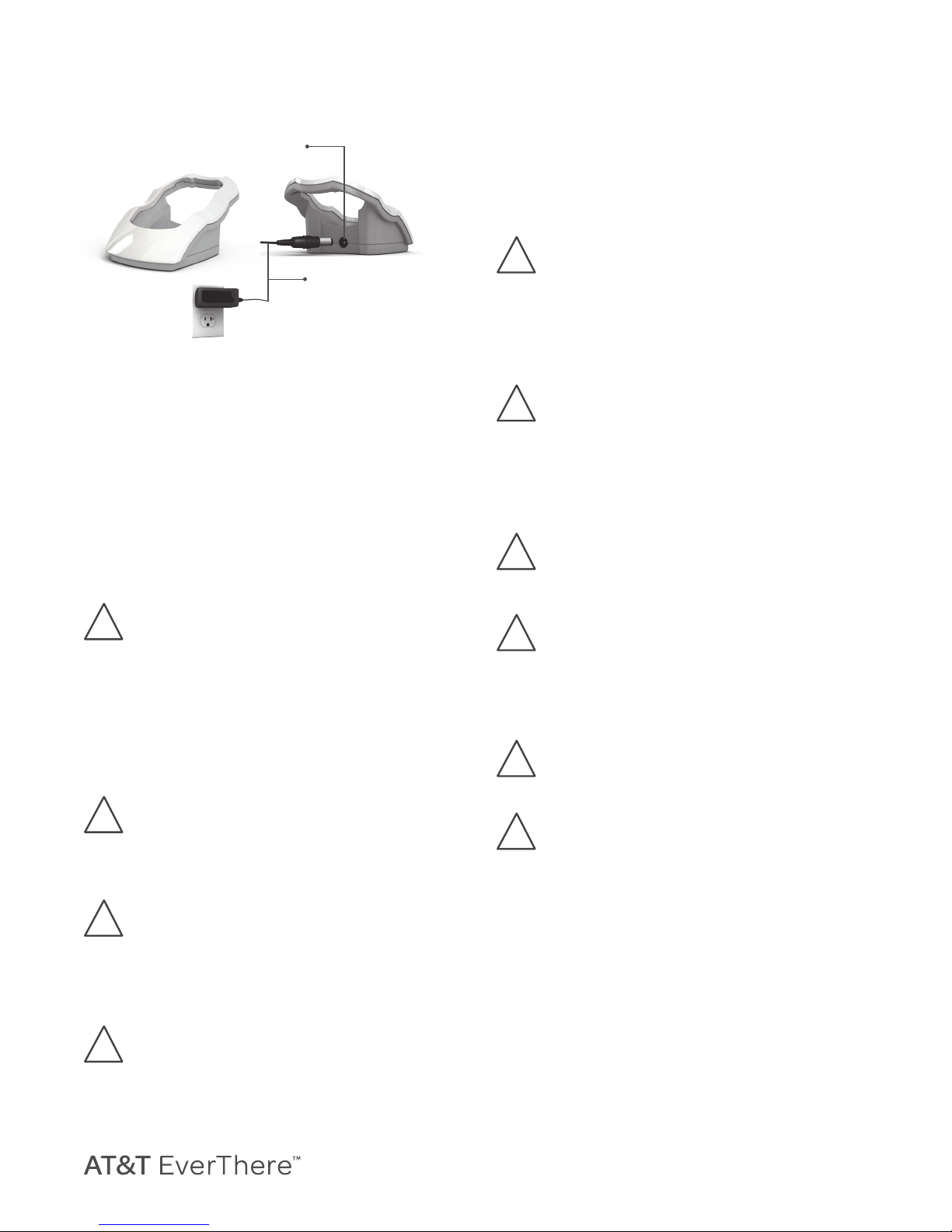
1. Plug the small round end of the power
cord into the power port located in the
back of the charger. Plug the large end of
the power cord into a standard wall outlet.
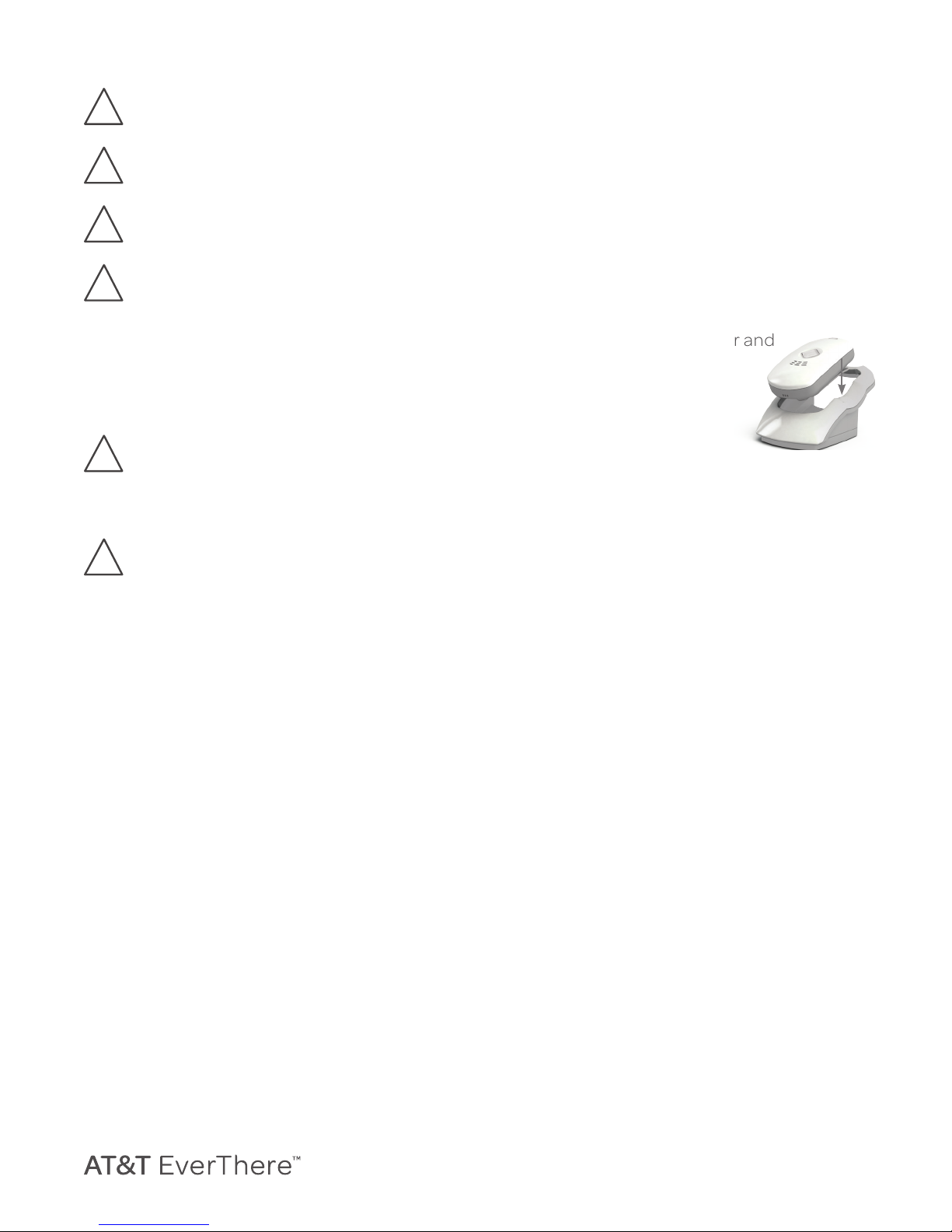
1. Place AT&T EverThere into the charger.
While charging, the cellular and
battery indicators will be
on and show your current
cellular signal strength
and level of battery
charge.
1. AT&T EverThere will automatically turn
on when placed in the charger and will
play a short start up tone, followed by a
message indicating it is ready for its first
use: “We are activating your personal
mobile resonder. We will notify you when
activation is complete.” AT&T EverThere
will automatically receive any updates and,
once activated on the cellular network, will
say: “Activation is now complete. We are
resetting your personal mobile responder
so it is ready for your use. One moment
please.” Allow up to a minute for AT&T
EverThere to restart.
1. AT&T EverThere will then play a message:
“Thank you for your purchase. This is a
reminder you’re being provided service in
accordance to the terms and conditions
detailed in your Customer Agreement.
AT&T EverThere will notify your response
team when it detects a fall. With one touch
of the Call Button, the Care Center will be
available to assist you and will determine
your location so help can reach you.”
1. To register your AT&T EverThere with the
Care Center, AT&T EverThere will say:
“It’s time to meet the Care Center. Please