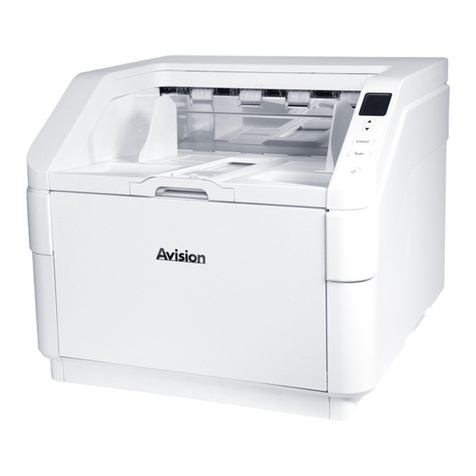
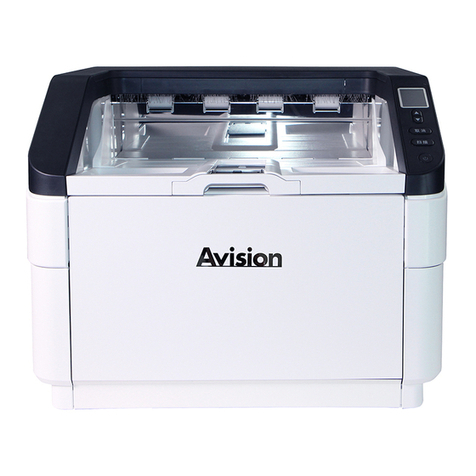
User’s Manual
vii
on or run over.
Place the device and its AC power adapter near an electrical
outlet where the AC power adapter can easily be unplugged.
If you use an extension cord with the device, make sure that
the total ampere rating of the devices plugged into the
extension cord does not exceed the cord's ampere rating.
Place the device close enough to the computer so that the
interface cable can easily reach between the device and the
computer.
Do not place or store the device or its AC power adapter:
Outdoors
Near excessive dirt or dust, water, or heat sources
In locations subject to shocks, vibrations, high
temperature or humidity, direct sunlight, strong light
sources, or rapid changes in temperature or humidity
Do not use the device with wet hands.
Never disassemble, modify, or attempt to repair the AC power
adapter, device, or device option by yourself, except as
specifically explained in the device's documentation. This could
cause fire, electrical shock, or injury.
Do not insert objects into any opening, as they may touch
dangerous voltage points or short-out components. Beware of
electrical shock hazards.
Unplug the device and the AC power adapter, and refer
servicing to qualified service personnel under the following
conditions:
The AC power adapter or plug is damaged.
Liquid has entered the device or the AC power adapter.
Object has entered the device or the AC power adapter.
The device or the AC power adapter has been dropped,
or the case has been damaged.
The device or the AC power adapter does not operate
normally (i.e. appearance of smoke, strange smell, odd
noise, etc.), or exhibits a distinct change in performance
Unplug the device and the AC power adapter before cleaning.