manuals.online logo
Brands
  1. Home
  2. •
  3. Brands
  4. •
  5. AVteq
  6. •
  7. TV Mount
  8. •
  9. AVteq RPS 500 User manual

AVteq RPS 500 User manual

Other AVteq TV Mount manuals

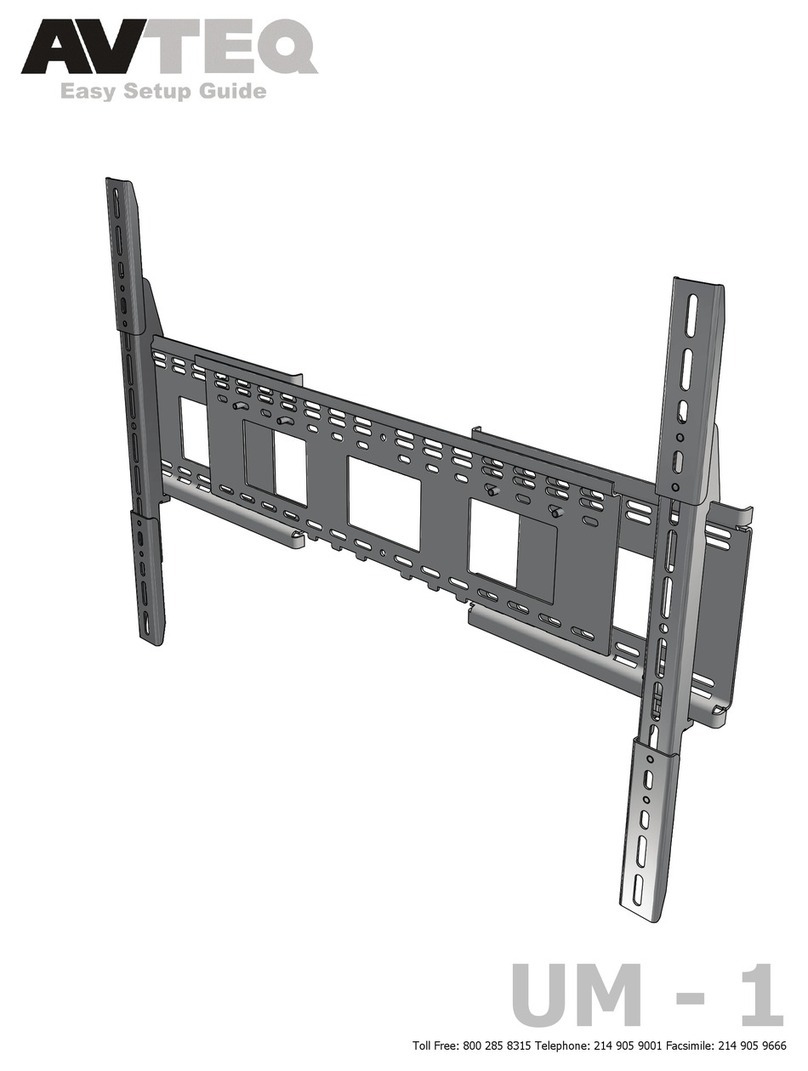
AVteq MAX Quick start guide

AVteq

AVteq MAX Quick start guide

AVteq ELT-2100 Quick start guide

AVteq

AVteq ELT-2100 Quick start guide

AVteq EDC 100 Quick start guide

AVteq

AVteq EDC 100 Quick start guide

AVteq UM-1T Quick start guide

AVteq

AVteq UM-1T Quick start guide

Popular TV Mount manuals by other brands

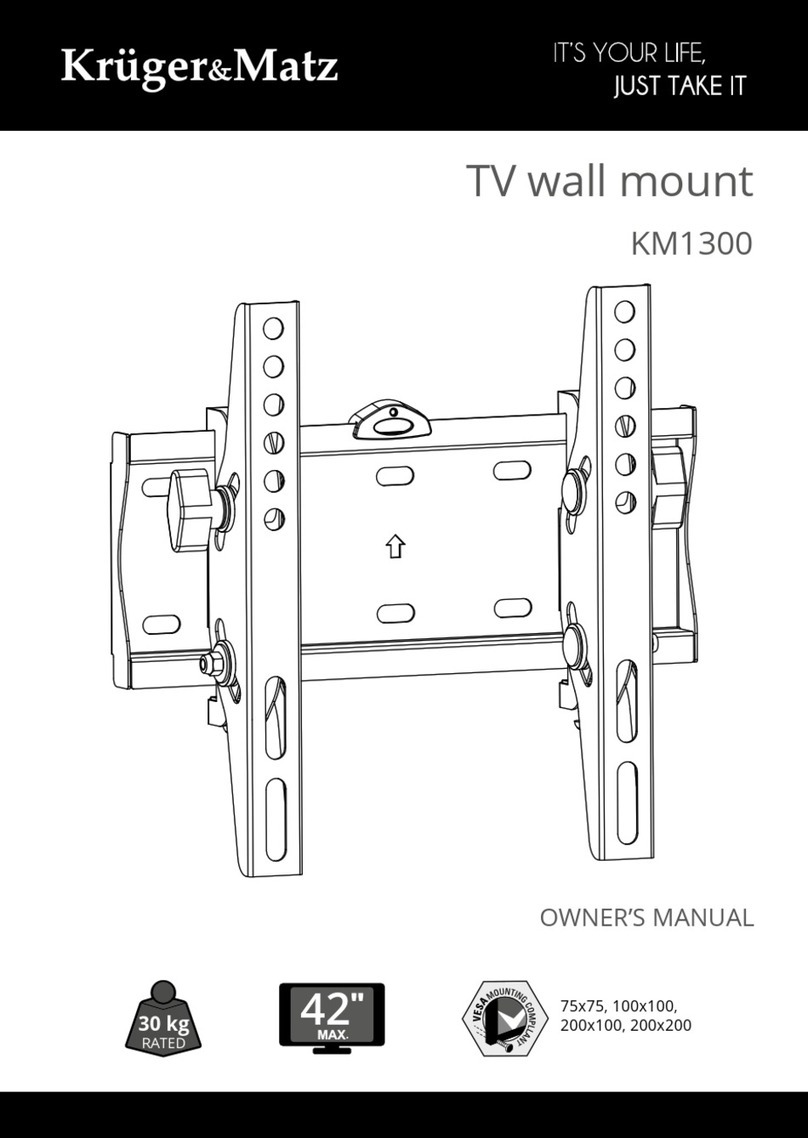
Krüger & Matz KM1300 owner's manual

Krüger & Matz

Krüger & Matz KM1300 owner's manual

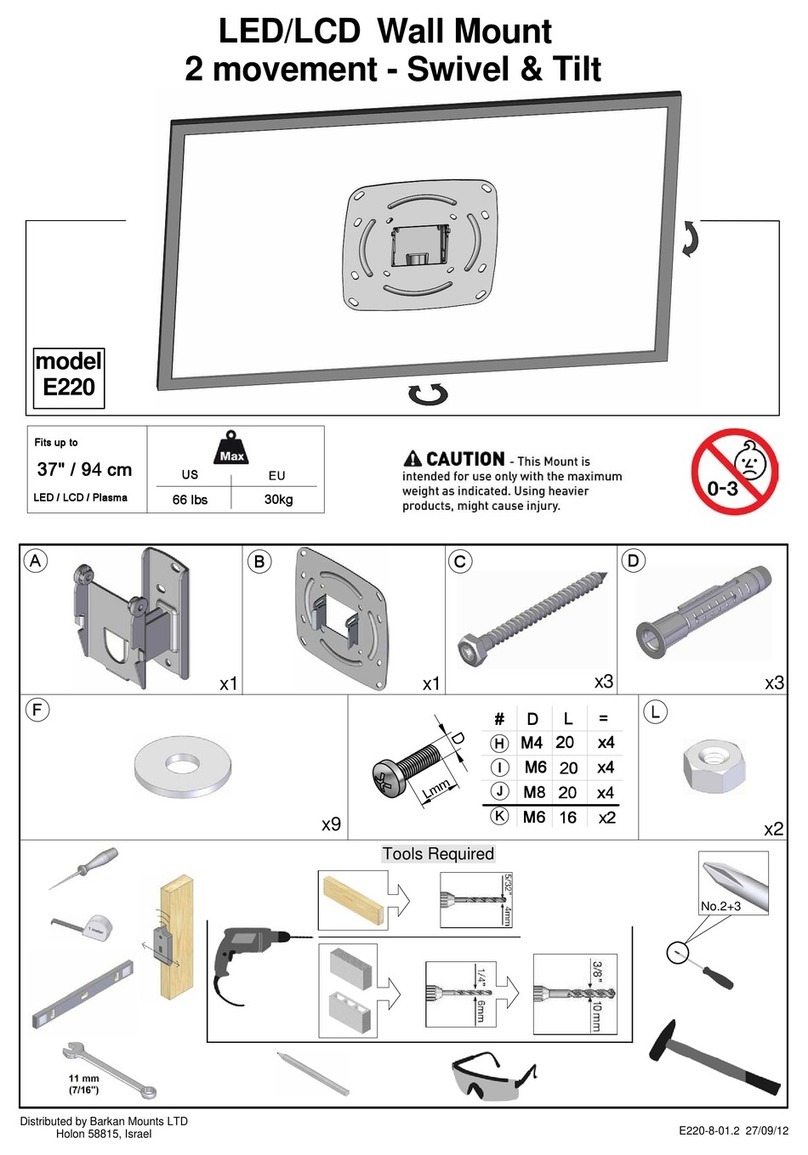
Barkan E220 manual

Barkan

Barkan E220 manual

Bauhn ACTVB-1120 installation guide

Bauhn

Bauhn ACTVB-1120 installation guide

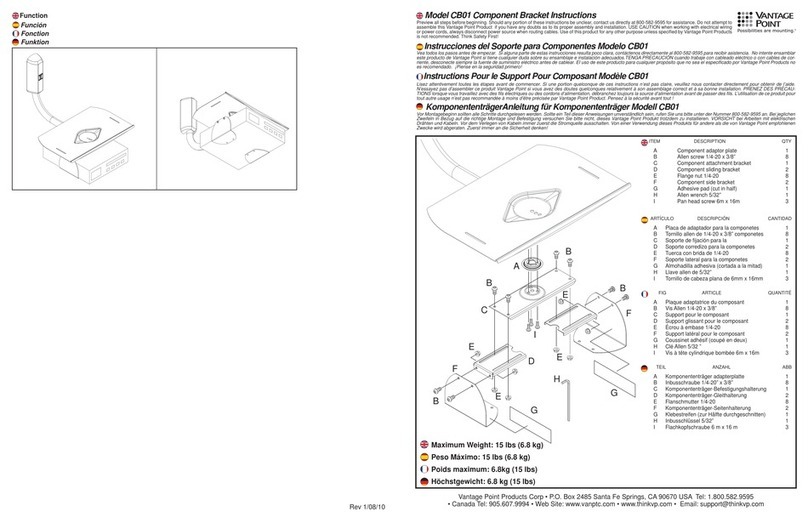
Vantage Point Products CB01 instructions

Vantage Point Products

Vantage Point Products CB01 instructions

Ergotron Neo Flex Cantilever UHD user guide

Ergotron

Ergotron Neo Flex Cantilever UHD user guide

ECG LD 174203 instruction manual

ECG

ECG LD 174203 instruction manual

StarTech.com FPCEILBTB user manual

StarTech.com

StarTech.com FPCEILBTB user manual

VonHaus 05/038 instruction manual

VonHaus

VonHaus 05/038 instruction manual

Techlink ECHO TV manual

Techlink

Techlink ECHO TV manual

Sandstrom SSTVMC12X instruction manual

Sandstrom

Sandstrom SSTVMC12X instruction manual

Kanto RCAD590 user manual

Kanto

Kanto RCAD590 user manual

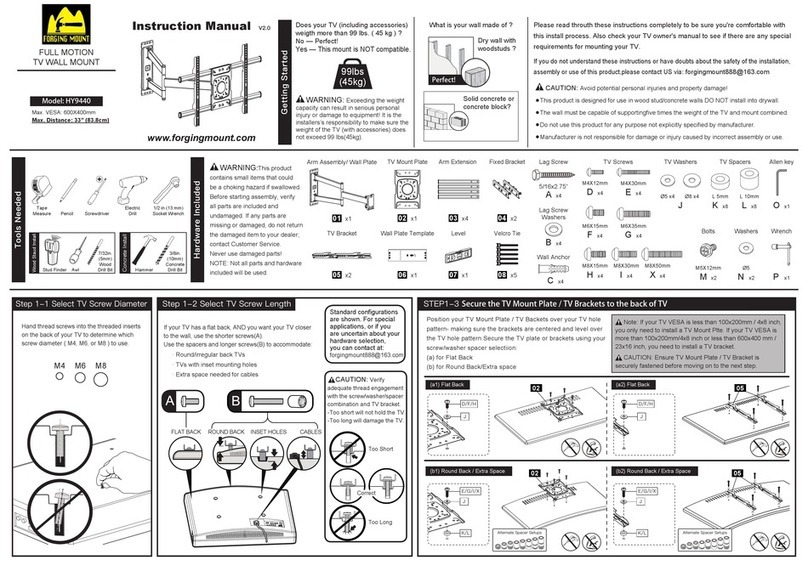
Forging Mount HY9440 instruction manual

Forging Mount

Forging Mount HY9440 instruction manual

ICW SCACC18 installation instructions

ICW

ICW SCACC18 installation instructions

LG WM-L640V owner's manual

LG

LG WM-L640V owner's manual

Gembird WM-65ST-01 user manual

Gembird

Gembird WM-65ST-01 user manual

ERARD FiTUP XXL 035320 quick start guide

ERARD

ERARD FiTUP XXL 035320 quick start guide

PEERLESS PLCK-1 Installation and assembly

PEERLESS

PEERLESS PLCK-1 Installation and assembly

GEM GEM GP001 instructions

GEM

GEM GEM GP001 instructions

manuals.online logo
manuals.online logoBrands
  • About & Mission
  • Contact us
  • Privacy Policy
  • Terms and Conditions

Copyright 2025 Manuals.Online. All Rights Reserved.

RPS 500
www.avteq.net
Items Included
A
Upright
x2
B
Support
x2
C
Union
x2
Screen mount
x1
D
F
With brake x2
Without brake x2
Acrylic Platform
x1
G
Camera
Support
x1
H
E
Shelf
x1
i
Lacing bars
x2
L
Socket Button
Head 5/16”x 3/4”(x12)
K
5/16” (x12)
OSocket Button
Head 1/4”x 3/4”(x6) P
1/4” (x4)
Q
1/4” (x8)
M
R
1/4” (x4)
cage nut
N
blind nut 1/4”
(x 4)
J
Socket
Flat Head
x4
Multi Wrench x1
1/4” Allen x 1
3/16” Allen x 1
S
1
Multi Wrench
S
A
F
Attach casters (F) to
body (A).
Note: Casters with
brakes should be
assembled on front.
2
C
C
L
K
1/4” Allen
Slide horizontal
braces (C) to each of
the uprights (A)
A
Socket
M6 x 15mm (x4)
www.avteq.net
3
A
A
1/4” Allen
LK
C
C
Attach the braces (C)
to the uprights (A)
K
4
L
K
i
i
5
M
Bolt shelf on
to shelf rack
MSocket
M6 x 15mm (x4)
E
E
A
A
A
Bolt the lacing
bars to the back
of the horizontal
braces.
www.avteq.net
6
Attach screen support (D)
to body (A)
NOTE: See instructions inside
screen support box to mount
flat screen on cart. please
secure the flat screen to the
cart at desired height before
moving on to step 7
B
B
D
D
B
P
Q
O
A
A
7
O
G
G
J
N
H
H
Attach acrylic (G) to
bracket (H) then attach
bracket (H) to body (A)
at desired height.
G