7
FUNCTIONS
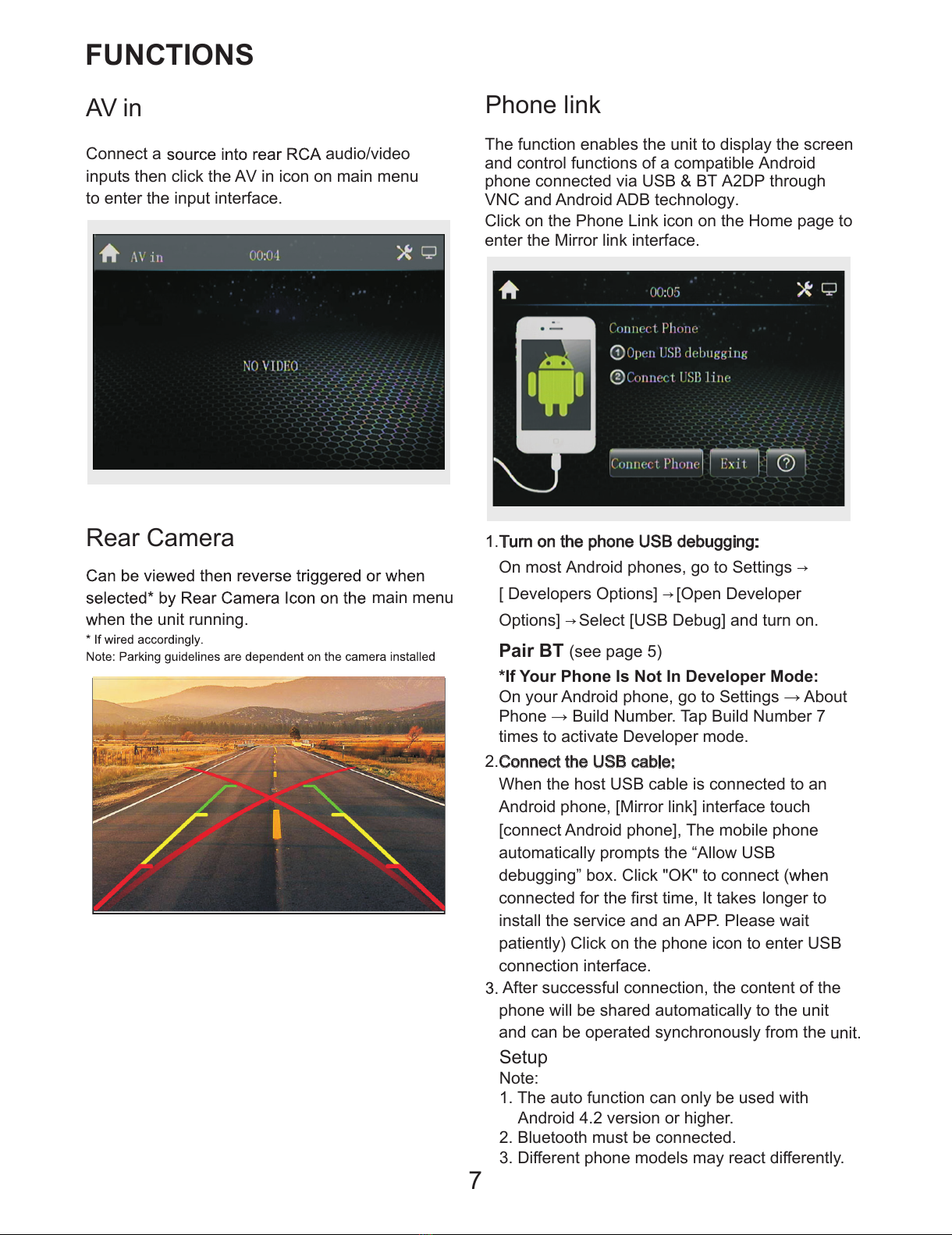
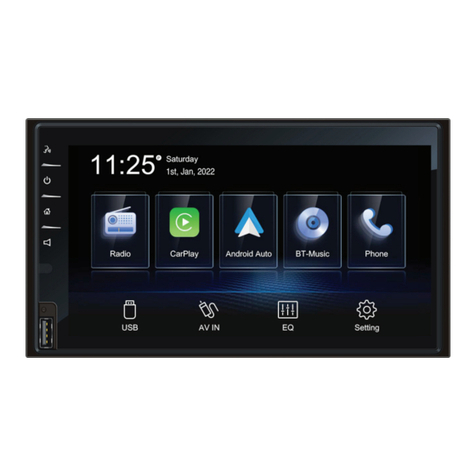
AVin
Connect a audio/video
inputs then click the AV in icon on main menu
to enter the input interface.
Turn on the phone USB debugging:
On most Android phones, go to Settings ൺ
> Developers Options] ൺ [Open Developer
Options] ൺ Select [USB Debug] and turn on.
2.Connect the USB cable:
When the host USB cable is connected to an
Android phone, >Mirror link] interface touch
[connect Android phone], The mobile phone
automatically prompts the “Allow USB
debugging” box. Click "OK" to connect (
connected for the first time, It takes longer to
install the service and an APP. Please wait
patiently) Click on the phone icon to enter USB
connection interface.
After successful connection, the content of the
phone will be shared automatically to the unit
and can be operated synchronously from the unit.
Phone link
The function enables the unit to display the screen
and control functions of a compatible Android
phone connected via USB & BT A2DP through
VNC and Android ADB technology.
Click on thePhone LinNicon on the Home page to
enter the Mirror link interface.
Rear Camera
hen the unit running
main menu
.
Setup
Note:
1. The auto function can only be used with
Android 4.2 version or higher.
2. Bluetooth must be connected.
'LႇHUHQWSKRQHPRGHOVPD\UHDFWGLႇHUHQWO\
*If Your Phone Is Not In Developer Mode:
2Q\RXU$QGURLGSKRQHJRWR6HWWLQJVĺ$ERXW
3KRQHĺ%XLOG1XPEHU7DS%XLOG1XPEHU
times to activate Developer mode.
Pair BT (see page 5)