AXIS 1650 Set-up Instructions Page 7
Assign IP Address
Install AXIS IP JumpStarter
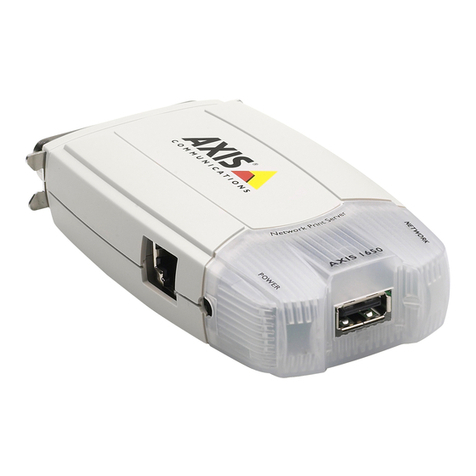
1. Insert AXIS 1650 CD into CD drive.
2. An AXIS 1650 window will pop up. If auto-run is off, click on
My Computer and click on the AXIS 1650 CD and select [Open].
3. Click the blue Software link on the upper right.
4. Click the blue AXIS IP JumpStarter link to install.
5. A File Download window will appear, select Run this
program from its current location radio-button and click
[OK].
6. AXIS IP JumpStarter Setup will appear, click
[Next].
7. To install in the default destination folder, click
[Next], otherwise select another destination folder
and continue.
8. A system requirement diagnostic will run to
ensure needs are sufficient, click [Next].
9. AXIS IP JumpStarter will install, once completed be sure to check the action Create a
shortcut to AXIS IP JumpStarter on your desktop. Click [Next], then [Finish].