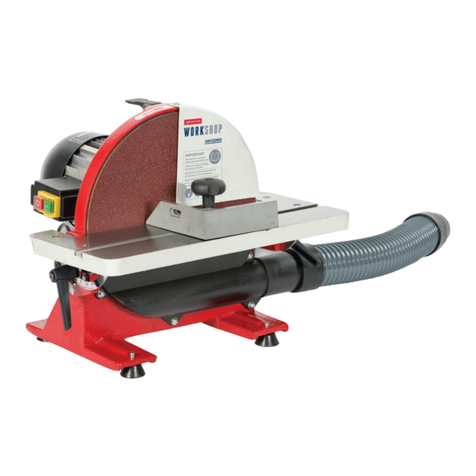
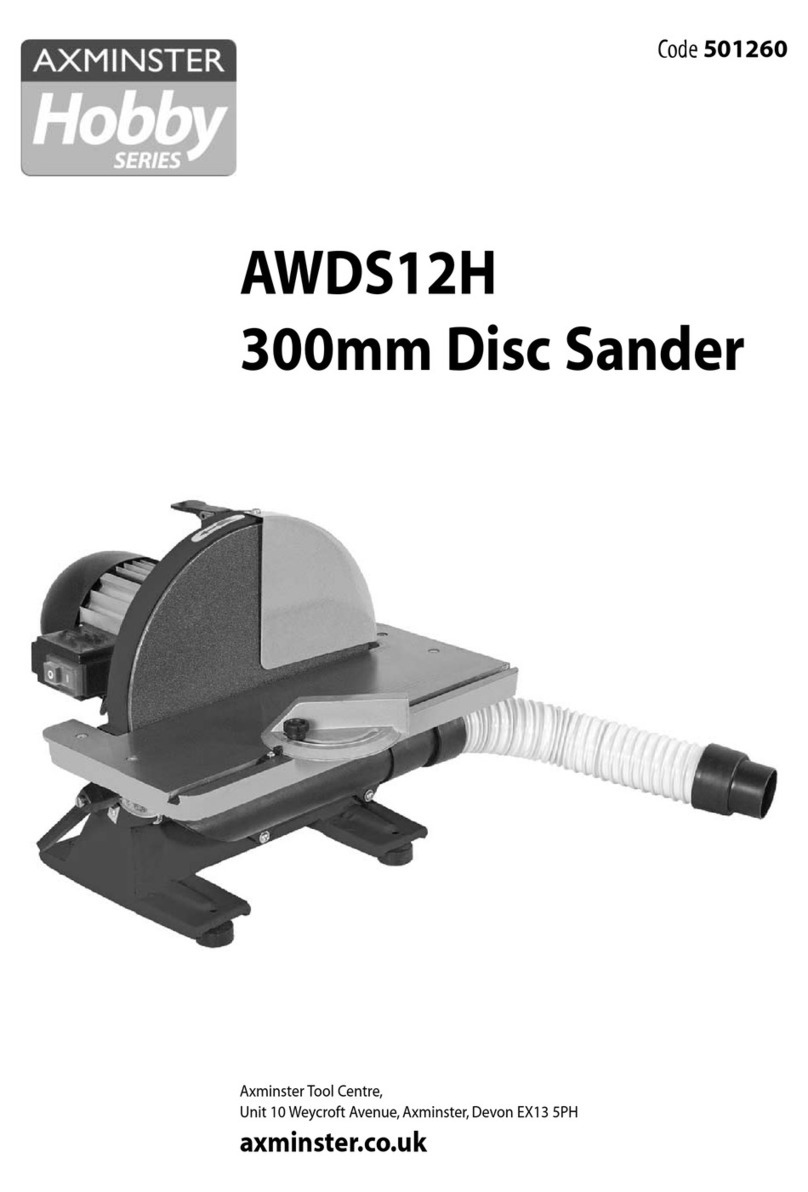
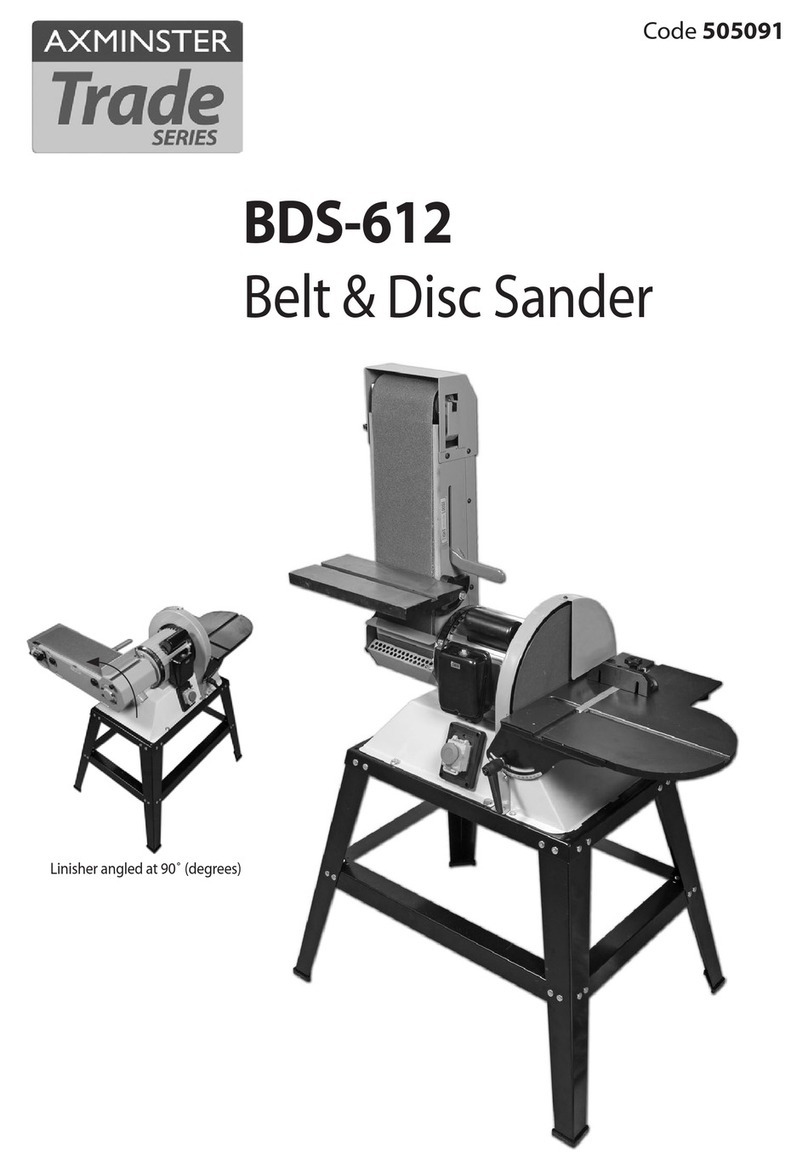
Axminster SS-12VS User manual

SS-12VS 305mm
Disc Sander
Code 501188

Index of Contents
2
Declaration of Conformity
Copied from CE Certificate
The undersigned, N. Sifonios authorised by
KINGCRAFT MACHINERY COMPANY LIMITED.
No.26, Gong Yeh 12rd, Dah Li District,Taichung City,
Taiwan
Model Number SS-12VS (Disc Sander)
Manufactured by KINGCRAFT MACHINERY COMPANY
LIMITED. is in compliance with the standards
determined in the following Council Directive.
EN 60204-1:2006+A1: 2009
EN ISO 12100: 2010
Low Voltage Directive: 2006/95/EC
Machinery Directive: 2006/42/EC
Warning The symbols below advise that you follow
the correct safety procedures when using
this machine.
Fully read manual
and safety instructions
before use
Eye protection
should be worn
Ear protection
should be worn
HAZARD
Motor gets hot
Dust mask
should be worn
Index of Contents 02
Declaration of Conformity 02
What’s Included 03
General Instructions for 230V Machines 04
Specific to Sanding Machines 05
Specification 06
Assembly 06-07-08
Setting up 08-09-10
Parts Illustration and Description 11-12
Operating Instructions 13-14
Changing the Abrasive Disc 14-15
Maintenance 16
Trouble Shooting 17
Parts Breakdown/List 18-19-20-21
SS-12VS Wiring Diagram 22
Notes 23

What’s Included
3
Quantity Item Part Model Number
1 No SS-12VS Disc Sander ASS-12VS
1 No Mitre Fence B
1 No Dust Extraction Adaptor (63mm to 37mm) C
1 No Dust Extraction Adaptor (63mm to 100mm) D
1 No Instruction Manual
Quantity Item Part Product Code
1 No Stand E501189
A
B
Having opened the box, remove the top packaging and lift the machine out and place upon a clear flat
surface, taking care not to trap or pinch the power cable under the chassis. Remove the remaining items from
the box and place safely aside.
Having unpacked your sander and its various components, if you do not wish to retain
the packaging please take it to a recycling centre.
NOTE: Please read the Instruction Manual prior to using your new machine; as
well as the operating procedures for your new machine, there are numerous
hints and tips to help you to the machine safely and to maintain its efficiency
and prolong its life. Keep this Instruction Manual readily accessible for any
others who may also be required to use the machine.
Optional Accessories
E
DC

General Instructions for 230V Machines
4
Good Working Practices/Safety
Disc Sander
Primary Precautions
Work Place/Environment
The following suggestions will enable you to observe
good working practices, keep yourself and fellow
workers safe and maintain your tools and equipment
in good working order.
WARNING! KEEP TOOLS AND
EQUIPMENT OUT OF THE
REACH OF YOUNG CHILDREN
These machines are supplied with a moulded 13
Amp. plug and 3 core power cable. Before using the
tool inspect the cable and the plug to make sure that
neither are damaged. If any damage is visible have
the tool inspected/repaired by a suitably qualified
person. If it is necessary to replace the plug, it is
preferable to use an ‘unbreakable’ type that will resist
damage on site. Only use a 13 Amp plug, make sure
the cable clamp is tightened securely. Fuse at 13
Amp. It is also good practice to use switched outlets.
If extension leads are to be used, carry out the same
safety checks on them, and ensure that they are
correctly rated to safely supply the current that is
required for your machine.This machine is intended
primarily for inside/workshop usage.
Always mount the machine on a flat, level stable
surface. There are several methods of achieving
this; bolting the machine directly to a ‘good solid
workbench’; bolting the machine to a sturdy base
board that can be clamped to the‘good solid
workbench’; create an independent entity by bolting
the machine to its own stand. However you mount
your machine, make sure it is secured down and
stable before use.
Paper belts and discs do not respond well to wet or
damp conditions. In the worst case the adhesives
holding the belt and the abrasive fail completely, the
belts fall apart and the abrasive becomes a soggy
mess against the edge of your workpiece.
Try to keep the machine in a reasonably dry, warm
environment. If this is not possible, or if the machine
is to remain unused for some time, at least remove
the disc, put in a ‘plastic’bag and store in a warm
dry place. With regard to the disc, this advice is on
practical if you have upgraded to a Velcro fastening
method. Also ensure that spare belts/discs are not
stored in damp conditions.
Keep the work area as uncluttered as is practical; this
includes personnel as well as material.
UNDER NO CIRCUMSTANCES
SHOULD CHILDREN BE
ALLOWED IN WORK AREA
Specific to Sanding Machines
Once the sander is mounted, carry out any setting
operations and remove all tools used in the setting
operations (if any) and place safely out of the way. If
you are working long lengths of material, arrange for
extra support beyond the boundary of the machine,
and check you have sufficient room to manoeuvre
the material through all the operations you will wish
to carry out.
It is good practice to leave the machine unplugged
until work is about to commence; also make sure
to unplug the machine when it is not in use. Always
disconnect by pulling on the plug body and not the
cable.
After fitting a new sanding disc, it is good practice
to lightly sand across the left side of the disc with a
reasonable sized (20mm x 50mm) piece of timber to
make sure the sanding disc is correctly ‘seated’ on the
disc.The sanding action will press the sanding disc
firmly back against the disc itself.
DO NOT sand very small pieces of work with bare
hands; try to construct some form of holder.
Make sure you are comfortable before you start
work, balanced, not reaching etc. If the work you are
carrying out is liable to generate excessive grit or
dust or chips wear the appropriate safety clothing,
goggles, masks etc.If the work operation appears
to be excessively noisy wear ear-defenders. If you
wear your hair in a long style wearing a cap, safety
helmet, hair net, even a sweatband, will minimise
the possibility of your hair being caught up in the
rotating parts of the machine. Likewise,

Specific to Sanding Machines
5
consideration should be given to the removal of
rings and wristwatches if these are liable to be a
‘snag’ hazard.
Do not work with cutting/abrasive tools of any
description if you are tired, your attention is
wandering or you are being subjected to distraction.
Do not use the machine within the designated safety
areas of flammable liquid stores or in areas where
there may be volatile gases.
Check that sanding surfaces are still sufficiently
abrasive to carry out the work you intend. Sanding
belt cleaning sticks are an efficient method of
prolonging the life of the belts and discs and will also
maintain their operating performance.
Check that the belts or discs are undamaged;
torn edges can pick up on the workpiece and will
cause the medium to tear, often very rapidly with
accompanying sharp flapping edges.
Always offer the workpiece to the belt/disc so that
the motion carries the work against the restraining
surface i.e. the work stop or the table (use the left
hand side of the disc).
Do not press too heavily against the sanding surface,
all this will do is slow the sander down. Remember,
sanders work by removing small particles of material
quickly and heavy pressure works adversely to the
cutting process. Further, it will accelerate the rate
of ‘clogging’of the abrasive surfaces, rendering the
machine less efficient.
If you are attempting to sand inside curves (over
the ‘tracking drum’) do not press at all, other than to
keep the workpiece in contact with the surface, any
pressure could upset the tracking geometry. As there
is no cushioning effect to the belt passing around the
drum, expect an added vibration and compensate
for it.
Sanding of certain types of timber may make the
fitting of dust extraction mandatory in order to
comply with the directives of the HSE. However, even
if it is not mandatory, it is strongly recommended that
you consider fitting dust extraction. It will certainly
reduce the level of dust and grit, and as it helps to
remove the waste quicker will certainly prolong the
longevity of the abrasive.
Above all, OBSERVE…. make sure you know what
is happening around you, and USE YOUR COMMON
SENSE.

Specification
6
Model SS-12VS
Product Code 501188
Rating Trade
Power 750W (230V, 1ph)
Speed 1,000 - 3,000rpm
Diameter of Disc 305mm (12")
Table Size 300 x 225mm
Table Tilt -5° to +45°
Dust Extraction Outlet 63mm
Overall L x W x H 650 x 400 x 430mm
Weight 32kg
Assembly
Fig 01
The disc sander comes fully assembled except the
mitre fence (B) and the dust extraction adaptor (C).
Please follow the assembly instruction below.
Locate the mitre fence (B) and slide it into the tables
‘T’ slot, see fig 01.
Locate the dust extractor adaptors (C) or (D),insert it
into the 63mm sander outlet.
Mitre Fence
Dust Extractor Adaptor
Fig 02
B
C
Optional Stand Assembly
A
C
B
E
6
B
1
2
3
C
4
5
D
D
1
2
3
4
5
6

Assembly
7
A E B CD
X4 M8
Bolts
X24 M8
Coach Bolts
X32 M8
Washers
X28 M8
Nuts
X4 Thread
Rubber Foot
Step 1
Step 2
Step 3
Step 4
Step 5
Step 6
15
6
D
3
4
2
E
B
B
C
Continues Over...

Assembly
8
Setting up
NOTE: Before using your disc sander you need to check that the table
is perpendicular by using a 90˚ square.
Place a 90˚ square on the sanding disc table, see fig
03 and check that the table is perpendicular to the
sanding disc. If it requires adjustment loosen the tilt
mechanism clamp (a), see fig 04 and turn the rise
and full control knob (b) until the table is at 90˚ to
the sanding disc then tighten clamp (a). DO NOT
OVERTIGHTEN
Step 7
Step 8
Step 9
Lower the disc sander on top of the stand and line up
the holes, using the four bolt (A) washer (B) and Nuts
(C) secure the sander to the stand
A
E
B
B
C
C
6
Fig 03
Table Stops
There are two adjusting nuts to the base of each
table leg, see fig 05.This is to set the gap between
the table and disc. Release the table clamps (c), using
a spanner loosen the nuts (d) and adjust the grub
Step 10

Setting up
9
Fig 04
a
b
Fig 05
screw stops (e) so the table does not come into
contact with the sanding disc, tighten the nuts to
lock the table stops in position. Re-tighten the table
clamps (c).
c
de
Now the table is set correctly you may have to adjust
the pointer on the scale so it’s set to (0˚) degrees.
Loosen the Phillips screw and adjust until correct,
re-tighten the screw. (see fig 06)
Scale Pointer
Table Top Adjustment
The table top can be adjusted so it’s square to the
sanding disc. Using a Hex key loosen the two Hex
bolts in the table, see fig 6.
Fig 06
Fig 07
Using a square adjust the table until it is set to 90˚ to
the disc. Re-tighten the hex bolts.
Fig 08
Loosen the Phillips screw and line up the pointer so it
reads (0˚) degrees on the scale.
Your disc sander is now ready. Check that all fixings
are secure before operating the machine.
CONNECT THE SANDER TO
THE MAINS SUPPLY
Continues Over...

Setting up
10
DISCONNECT THE SANDER
FROM THE MAINS SUPPLY
Remove all tools away for the machine, Switch on,
wait until the machine has reached full speed and
check that the disc sander is running properly ie, no
vibration or rattling for example. If not, switch off,
wait for the machine to come to a complete stop,
disconnect the sander and check all fixing to make
sure they are tight. Reconnect, switch on and check
again. If everything is fine, switch off and wait until
the machine has come to a complete stop.
Dust Extraction
The dust extraction moulding has a 63mm outlet,
insert a jubilee clip over the general purpose
extraction hose and insert it over the outlet and
clamp in place.
Also the disc sander comes with two adaptors (C)
and (D) see figs 09-10. Fit a general purpose hose
with either a 37mm or 100mm diameter and with a
jubilee clip, secure in place.
Fig 10
Vacuum cleaner hose connected to sanders adaptor
Fig 11
DO NOT OVERTIGHTEN AS THE
EXTRACTION OUTLET IS ONLY
PLASTIC AND CAN CRACK IF
DONE UP TOO TIGHT.
Alternately, if you have a vacuum cleaner with the
same diameter hose insert it over the outlet as before,
it should be a snug fit. (see fig 11)
Fig 09
C
Table of contents
Other Axminster Sander manuals
Axminster
Axminster BS100 User manual
Axminster
Axminster Professional AP2260BS2 User manual
Axminster
Axminster WorkShop AW125BDS User manual
Axminster
Axminster PROFESSIONAL AP150BS User manual

Axminster
Axminster AW150BB User manual
Axminster
Axminster WD-20 User manual

Axminster
Axminster AS408 User manual
Axminster
Axminster Professional AP305DS User manual

Axminster
Axminster WORKSHOP AW150BDS User manual

Axminster
Axminster Workshop AW200BDS User manual