manuals.online logo
Brands
  1. Home
  2. •
  3. Brands
  4. •
  5. aXtion
  6. •
  7. Tablet Accessories
  8. •
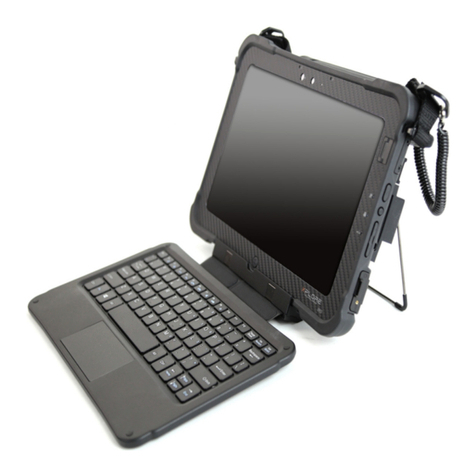
  9. aXtion edge+ MP User manual

aXtion edge+ MP User manual

Other aXtion Tablet Accessories manuals

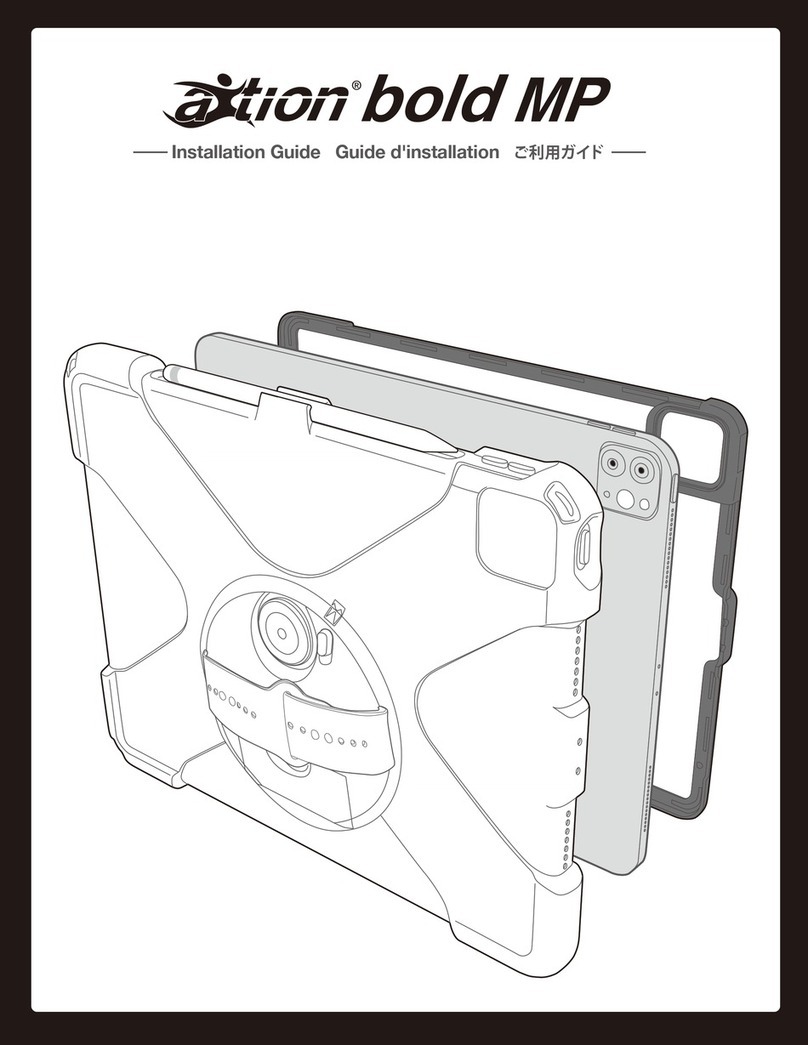
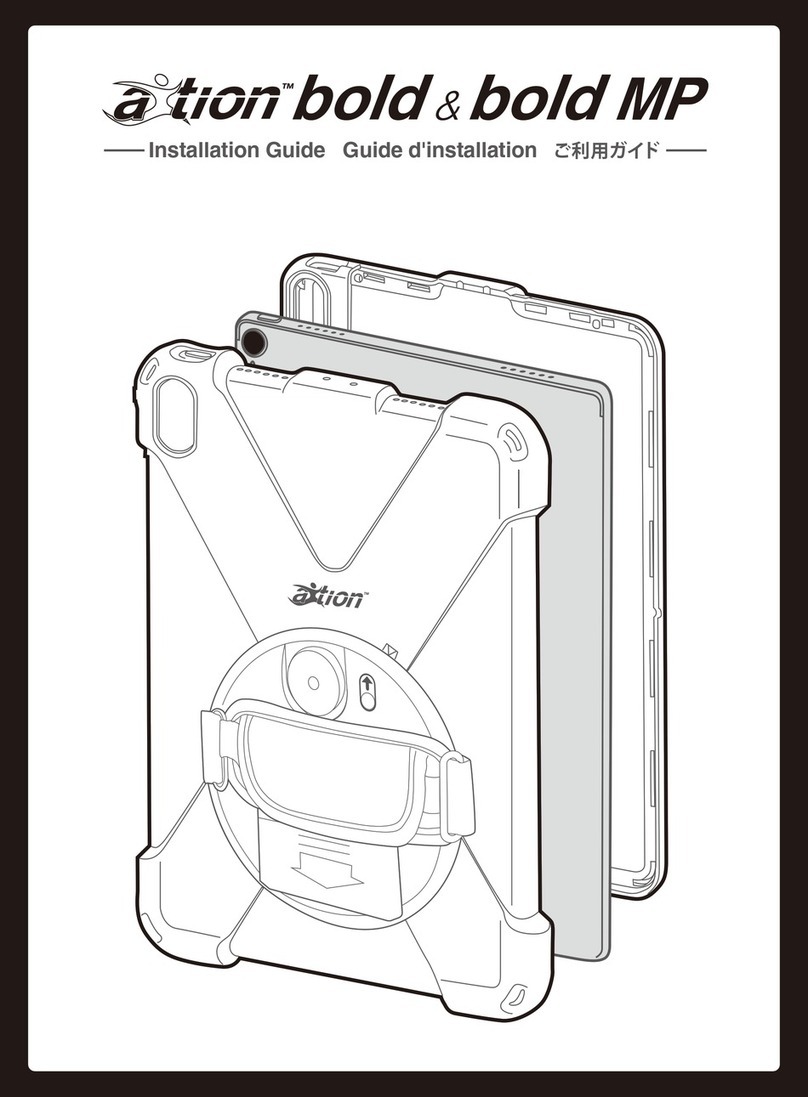
aXtion bold MP User manual

aXtion

aXtion bold MP User manual

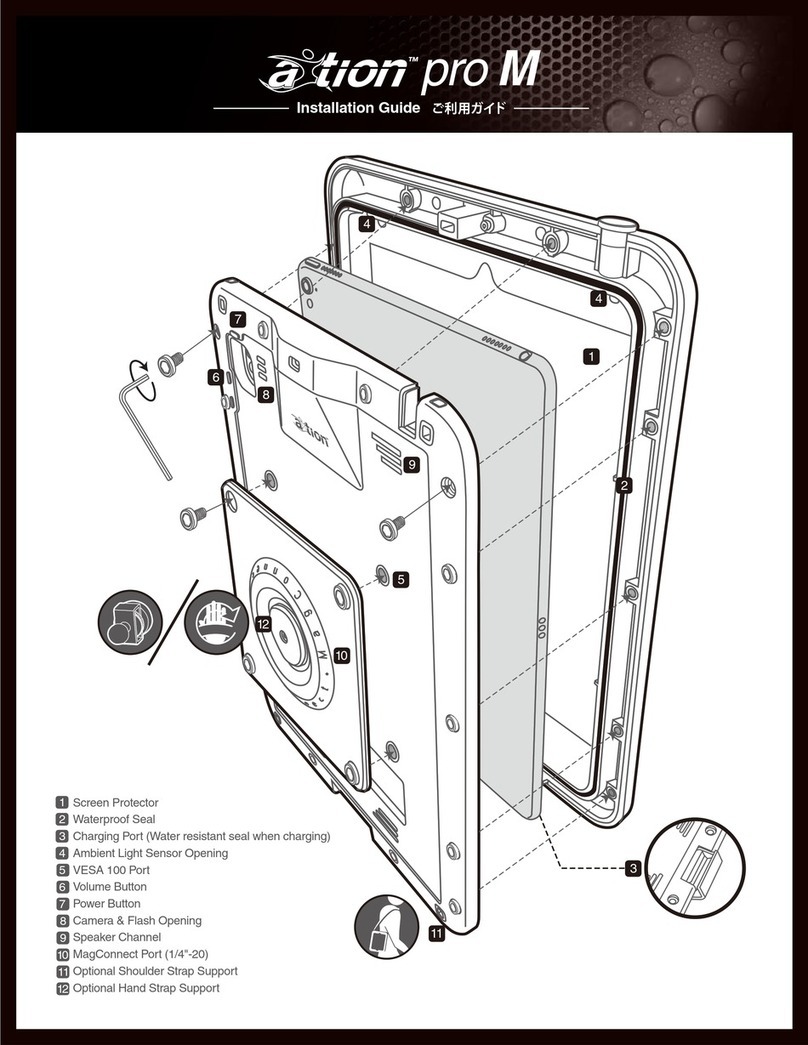
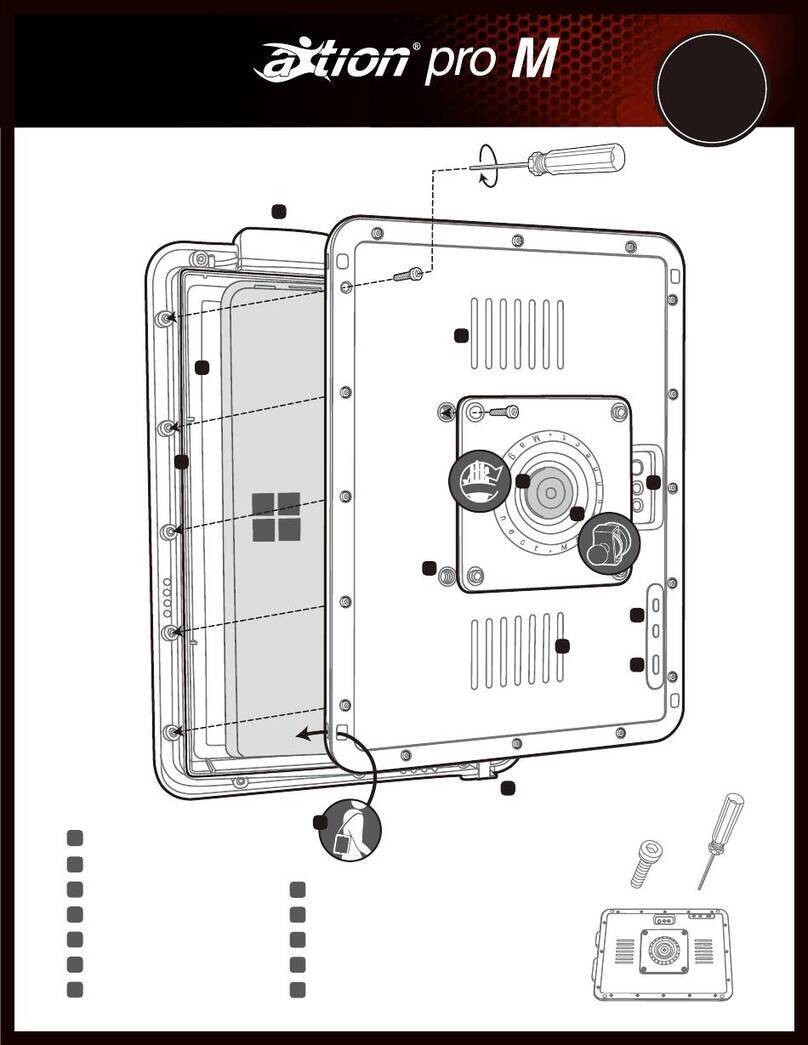
aXtion pro M User manual

aXtion

aXtion pro M User manual

aXtion slim User manual

aXtion

aXtion slim User manual

aXtion Bold User manual

aXtion

aXtion Bold User manual

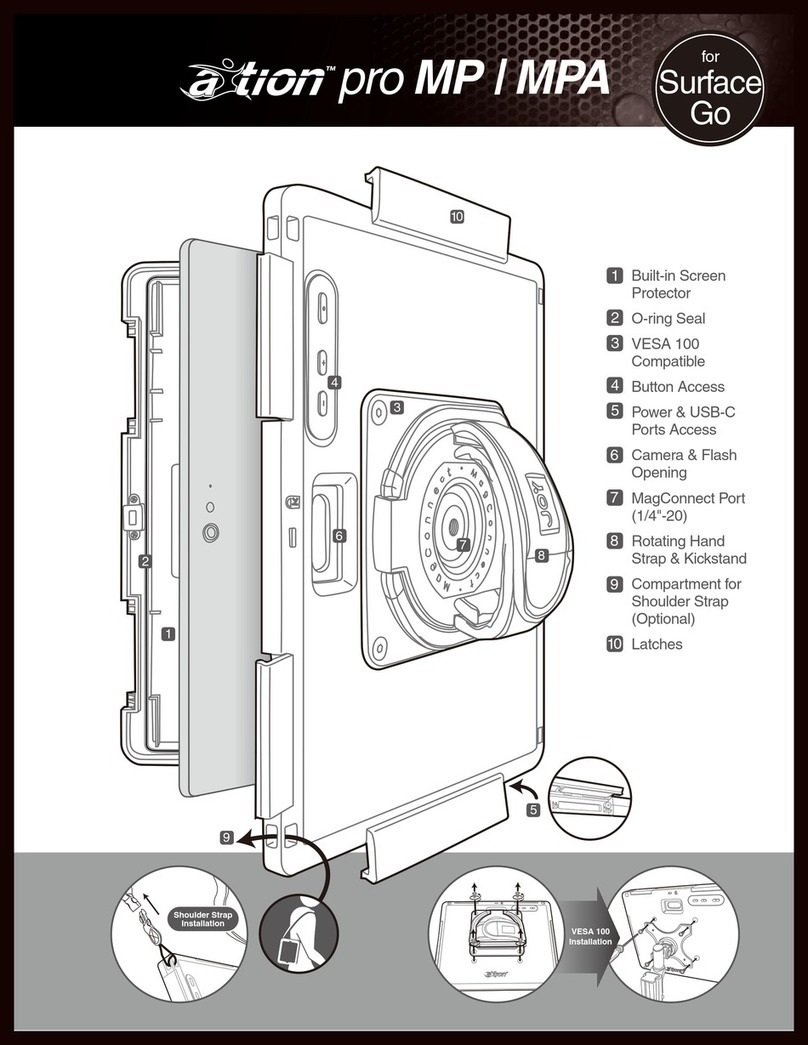
aXtion pro MP User manual

aXtion

aXtion pro MP User manual

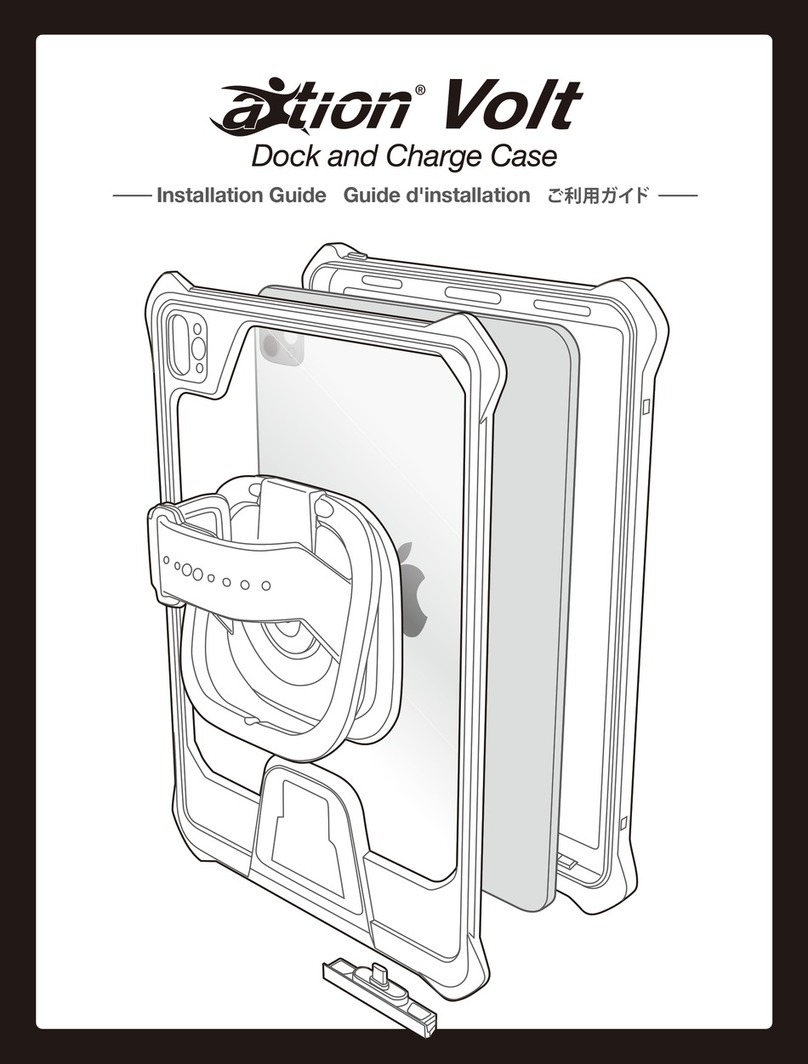
aXtion Volt User manual

aXtion

aXtion Volt User manual

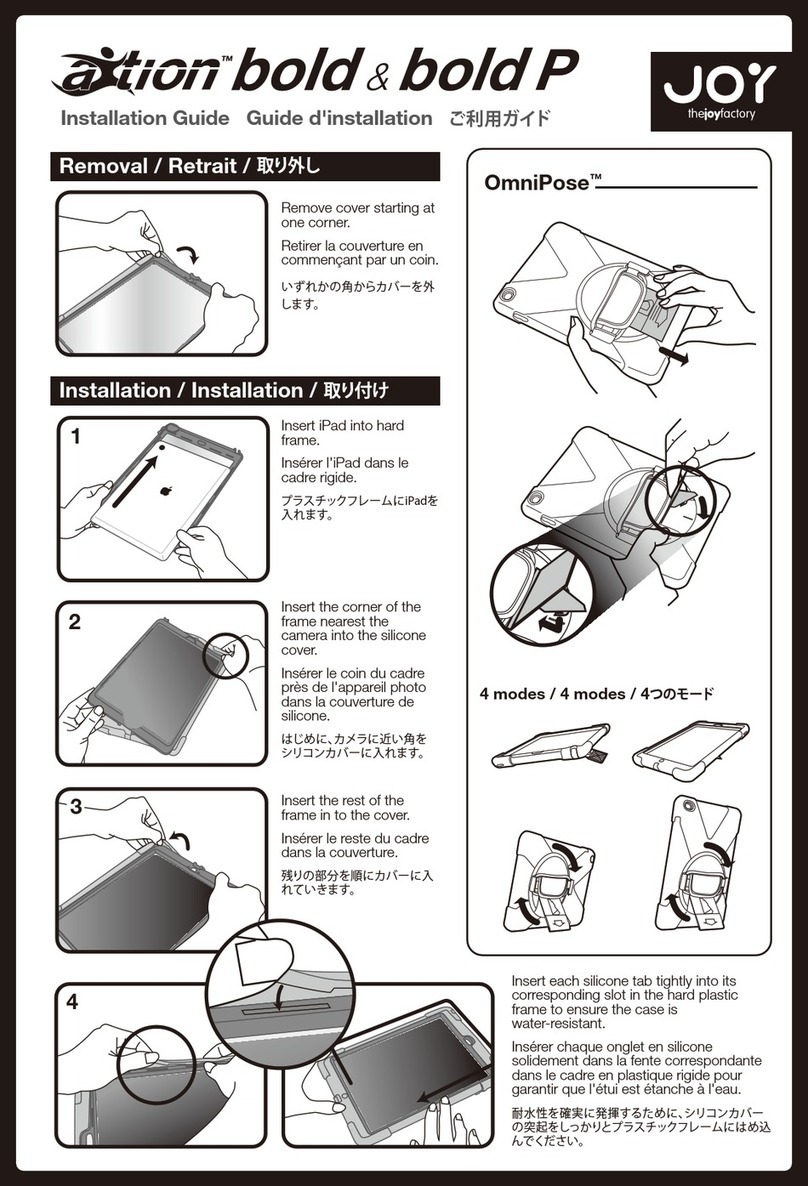
aXtion Bold & Bold P User manual

aXtion

aXtion Bold & Bold P User manual

aXtion Pro M User manual

aXtion

aXtion Pro M User manual

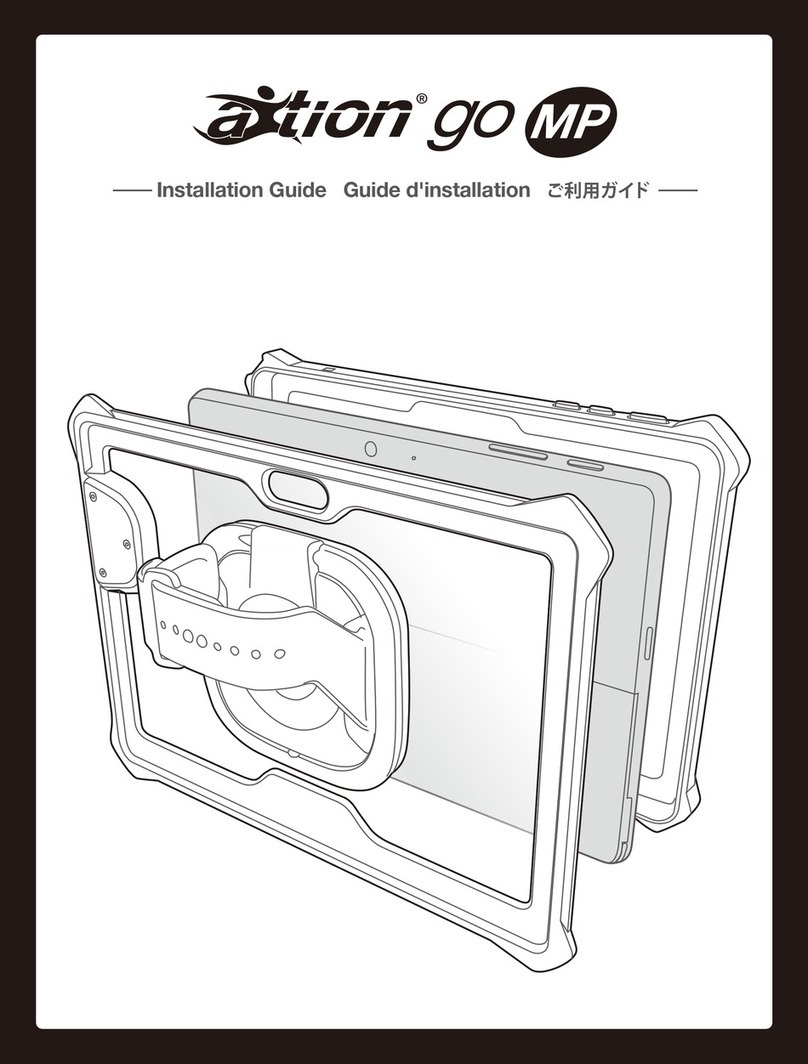
aXtion go MP User manual

aXtion

aXtion go MP User manual

Popular Tablet Accessories manuals by other brands

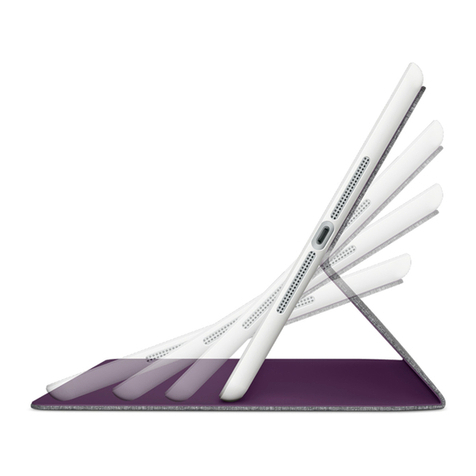
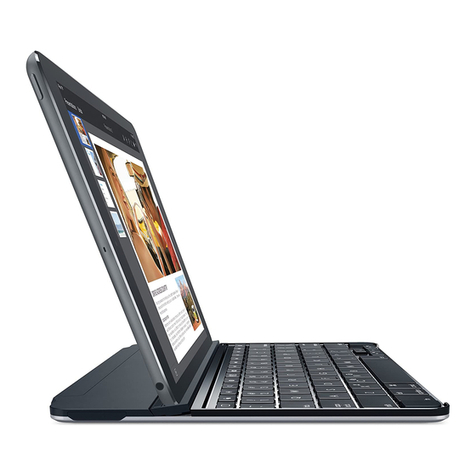
Logitech Logitech Keyboard Case user manual

Logitech

Logitech Logitech Keyboard Case user manual

Enabling Devices 4090 user guide

Enabling Devices

Enabling Devices 4090 user guide

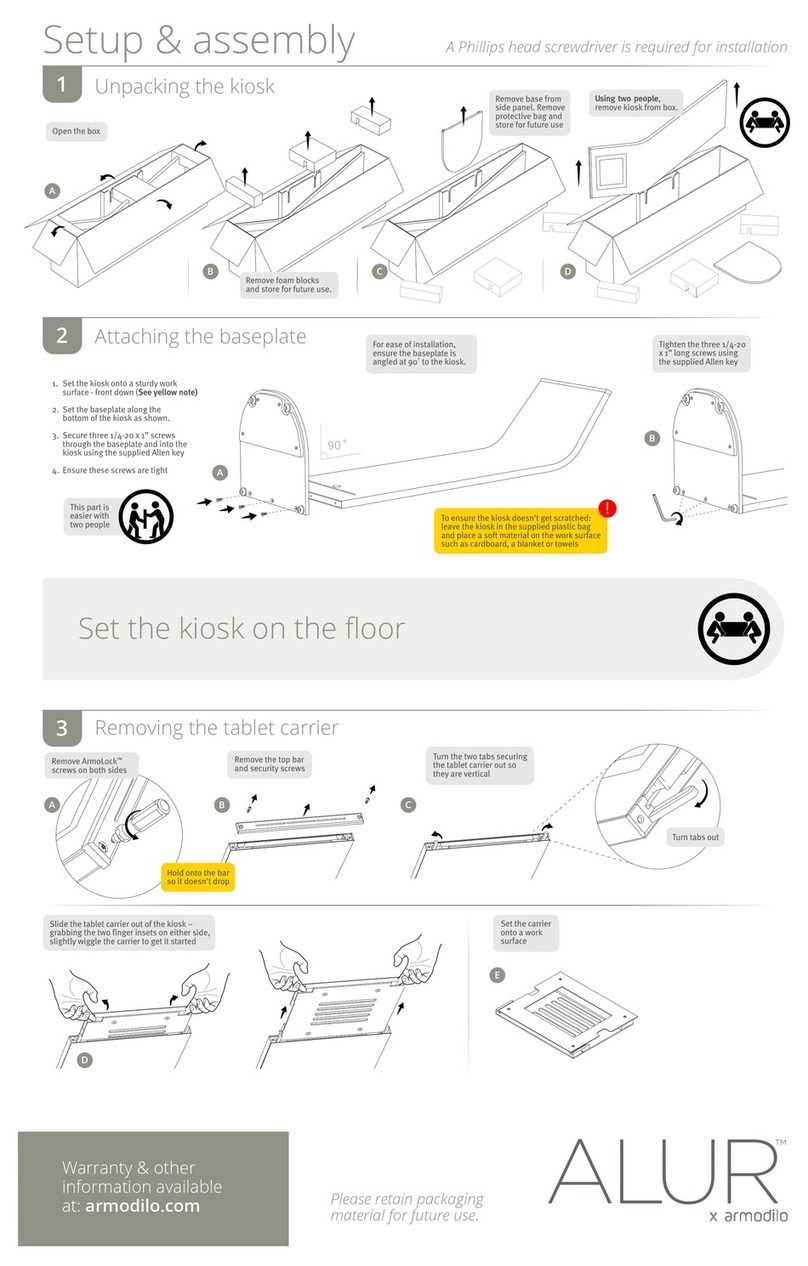
Armodilo ALUR Assembly instructions

Armodilo

Armodilo ALUR Assembly instructions

Thor’s Drone World Lifthor Mjolnir user manual

Thor’s Drone World

Thor’s Drone World Lifthor Mjolnir user manual

EARTO A1876 user manual

EARTO

EARTO A1876 user manual

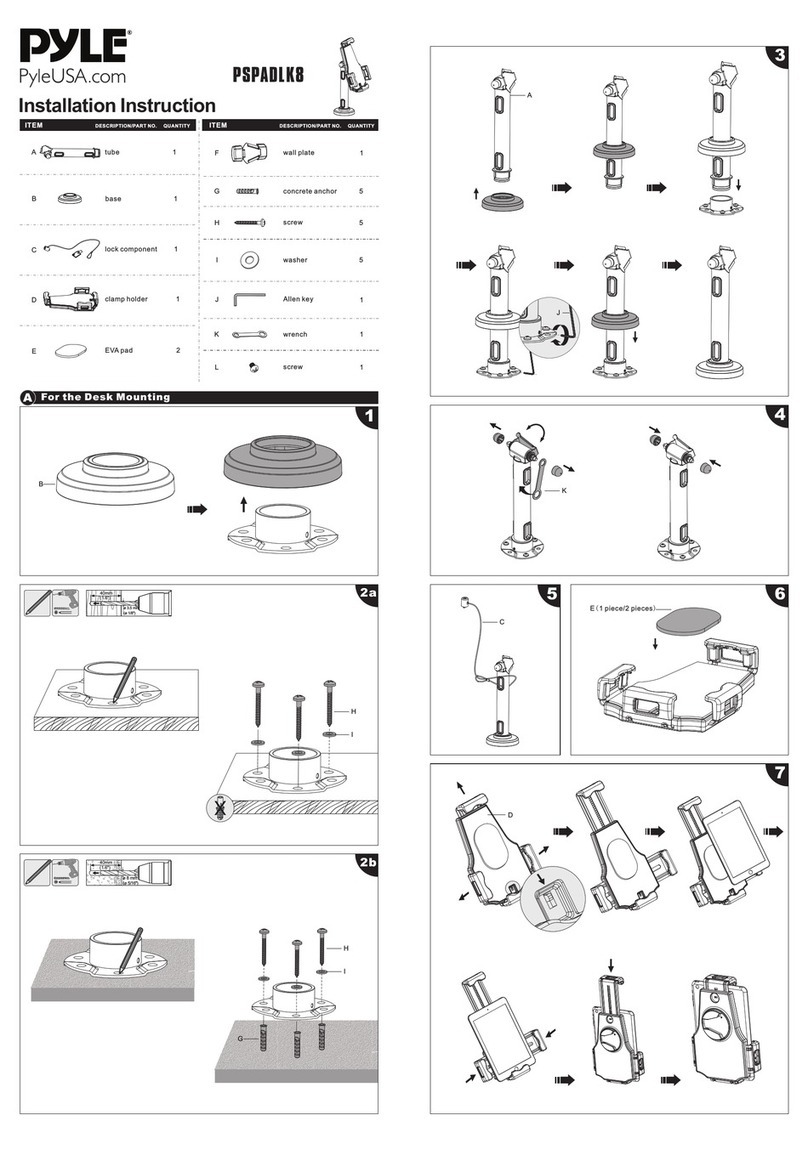
Pyle PSPADLK8 Installation instruction

Pyle

Pyle PSPADLK8 Installation instruction

MOB TUANUI user manual

MOB

MOB TUANUI user manual

Bretford PowerRack 10 manual

Bretford

Bretford PowerRack 10 manual

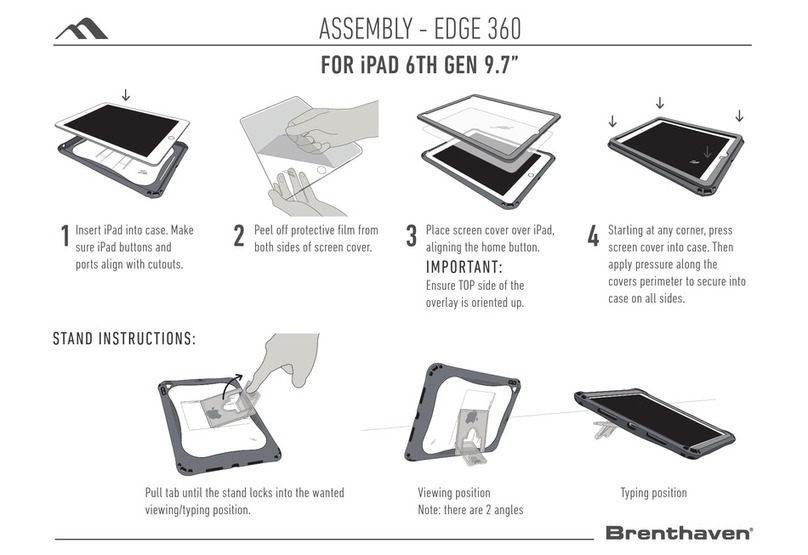
Brenthaven EDGE 360 manual

Brenthaven

Brenthaven EDGE 360 manual

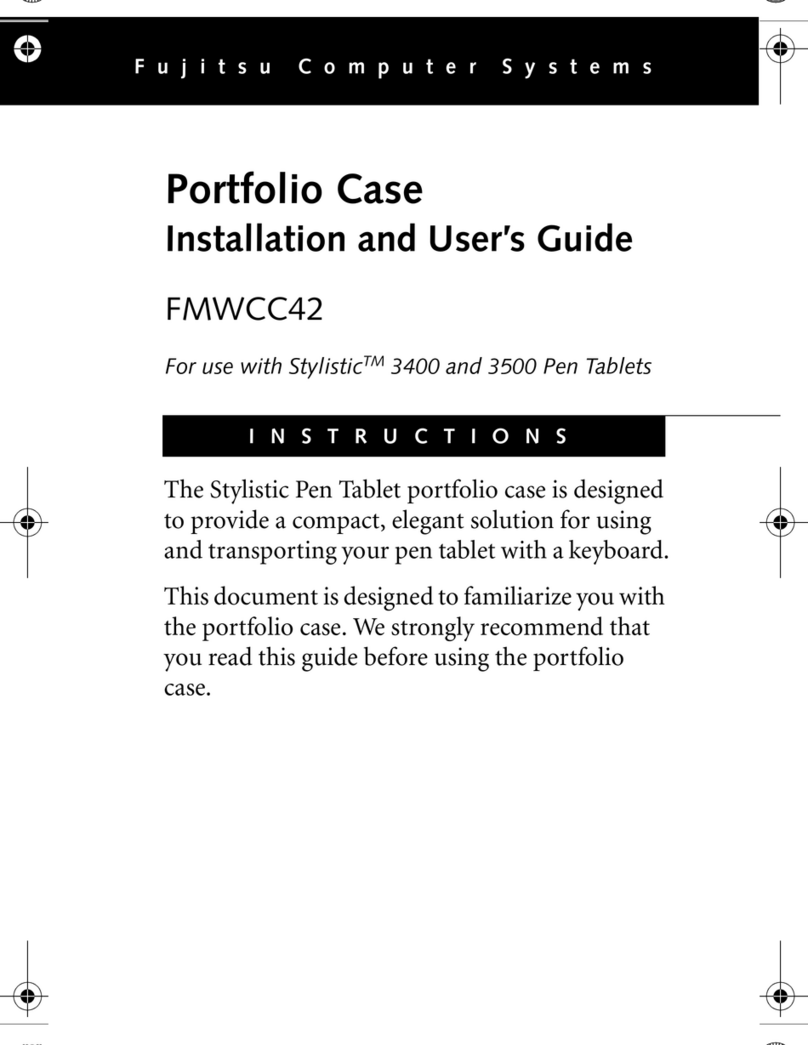
Fujitsu Stylistic 3400 Installation and user guide

Fujitsu

Fujitsu Stylistic 3400 Installation and user guide

Logitech Hinge Setup guide

Logitech

Logitech Hinge Setup guide

Heckler Design WindFall STAND Assembly & installation

Heckler Design

Heckler Design WindFall STAND Assembly & installation

APLIC 303183 user manual

APLIC

APLIC 303183 user manual

Basalte eve Air quick start guide

Basalte

Basalte eve Air quick start guide

lilitab P Pro Assembly instructions

lilitab

lilitab P Pro Assembly instructions

Heckler Design WindFall CHECKOUT STAND Assembly & installation

Heckler Design

Heckler Design WindFall CHECKOUT STAND Assembly & installation

Zagg ZAGGfolio instruction manual

Zagg

Zagg ZAGGfolio instruction manual

Kensington KeyFolio Pro quick start guide

Kensington

Kensington KeyFolio Pro quick start guide

manuals.online logo
manuals.online logoBrands
  • About & Mission
  • Contact us
  • Privacy Policy
  • Terms and Conditions

Copyright 2025 Manuals.Online. All Rights Reserved.

Installation Guide
© The Joy Factory, Inc.
Designed in Irvine, California, USA. Made in Taiwan.
Reproduction in whole or in part is prohibited. All other trademarks
are theproperties of their respective owners.
Installation Guide
Guide d'installation
ご 利 用 ガ イド
1
Separate the back cover beginning from the
gap on the left bottom side between the plastic
frame and back cover
2
Lay the bottom of the device down into
the plastic frame, then apply slight
pressure to insert the device properly
Remove
the Cap Before
Installing Type Cover
Secure the
Type Cover
Port Cover
4
3
Close the back cover and the plastic frame.
Make sure the gap is closed completely.
MagConnect
Mount
Compatible
360˚ Rotating
Hand Strap
Multi-angle Stand
Hanging Notch
Carrying Handle
We recommend cleaning the case after every
use cycle. Most hospital-grade
disinfectantwipes with high alcohol
concentrate are safe to use on the aXtion
Edge case. A few that we recommend are:
• Sani-Cloth AF3
• Super Sani-Cloth
• Cavi-Wipes
• Clorox Healthcare Bleach Germicidal Wipes
• Oxivir TB
Follow these steps:
1. Clean the back cover with a hospital-grade
wipe, using a small stroking motion. Pay
special attention to the crevices.
2. Use a new hospital-grade wipe to clean the
front cover and screen protector.
3. Let the case air dry before using.
Internal cleaning may be done as needed
following these steps
1. Remove the tablet from the case and set
aside.
2. Clean the inside back cover with a
hospital-grade wipe, using a small stroking
motion. Pay special attention to the crevices.
3. Use a new hospital-grade wipe to clean the
inside front cover and screen protector.
4. Let the case air dry before putting the tablet
into the case.
* Hospital-grade disinfectant wipes may have moredetailed
instructions for use.Please refer to the manufacturer’s
instructions.
* These instructions are onlyfor cleaning cases by The Joy
Factory. To clean the tablet,please refer tothe
manufacturer’s instructions.
for aXtion Edge