4. AUX settings
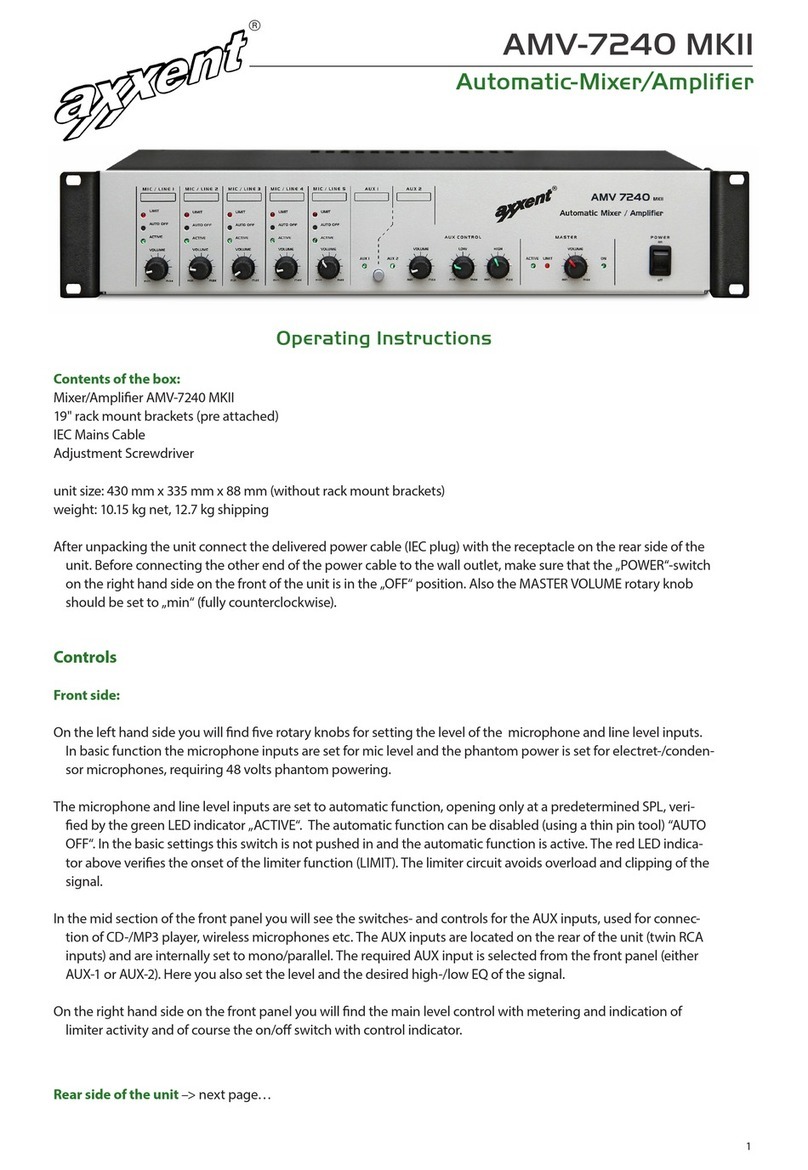
Choose the input signal AUX 1 or AUX 2 by depressing the equivalent push button on the front panel (section AUX
CONTROL). The trimmers GAIN AUX lets you set the sensitivity so, that no limiting of the signal occurs (VOLUME 4),
veried by the LIMIT LED in the master section. Set the desired volume with the rotary knob VOLUME (on the front
panel in the section AUX CONTROL). The sound (tonal characteristics) can be set and optimised by the potentio-
meters LOW and High accordingly.
5. Ducking (automatic signal attenuation)
Connect the signal to the AUX input and set the trimmer DUCK AMPL to centre position. Now test this function by
speaking into the microphone at the MIC/LINE input. The DUCK GATE threshold may be adjusted at the same named
Trimmer, so that the AUX signal is attenuated to your preference.
6. Parametric equalizer
The parametric equalizer is helpful for solving problems in venues with dicult acoustic environment and to simulta-
niously optimise speech for maximum intelligibility. Feedback prone frequencies lowering the threshold for onset of
feedback are ltered out of the audio spectrum (reected signals are time delayed). The EQ is simply activated by
EQ ON.
The built in equalizer covers the total audio spectrum. For ease of use the EQ is split into 4 overlapping sections: F1
= 20…9 000 Hz, F2 = 65…3 000 Hz, F3 = 170…7 000 Hz and F4 = 450…20 000 Hz. The (critical) frequency is selected
by the trimmer FREQ, the bandwidth Q = 1…12 with the trimmer BAND and the amplitude range with the trimmer
GAIN. The sections are overlapping in order to lter out a relative small and steep frequency range (notch-lter).
7. Amplier output level
When setting up the system in venues with high acoustical damping factor, where high output power can be utilized,
set the rotary pot VOLUME in the MASTER area on the front panel so, that no permanent limiting of the output signal
occur (watch the LIMIT LED, which also can indicate amplier overload).
Other amplier functions
•Microphone signals may be recorded at the RECORD outputs, without being inuenced by the volume setting.
•
Parallel operation of 2 ampliers is also possible in the AUTOMATIC Mixing mode. In this case the PARALLEL
connectors of both amps are used for both ampliers. The input of amplier 1 with the output of amplier 2
and vice versa.
•
An external eect device (FX), such as Echo, may be looped into the signal path of the amplier via the parallel
connectors between INPUT and OUTPUT .
•
An additional power amplier may be connected to the output of the AMV-7240. The kind of signal proces-
sing in our mixer/amplier is determined by the jumper OUTPUT. In position EQ the signal is routed through
the equalizer and the setting for the total gain. In the position VOL the signal is routed through the sum level
control but not through the EQ. In the SUM position the signal will neither be routed through any of the be
fore mentioned sections.
9. Output power
Output power is available at the transformer taps 100 V, 75 V and 50 V.
The choice of the amplier conguration is done by switching taps on the output transformer.
Details of the controls on the PCBs see next page.