manuals.online logo
Brands
  1. Home
  2. •
  3. Brands
  4. •
  5. az-instrument
  6. •
  7. Measuring Instrument
  8. •
  9. az-instrument AZ8903 User manual

az-instrument AZ8903 User manual

This manual suits for next models

2

Other az-instrument Measuring Instrument manuals

az-instrument 7755 User manual

az-instrument

az-instrument 7755 User manual
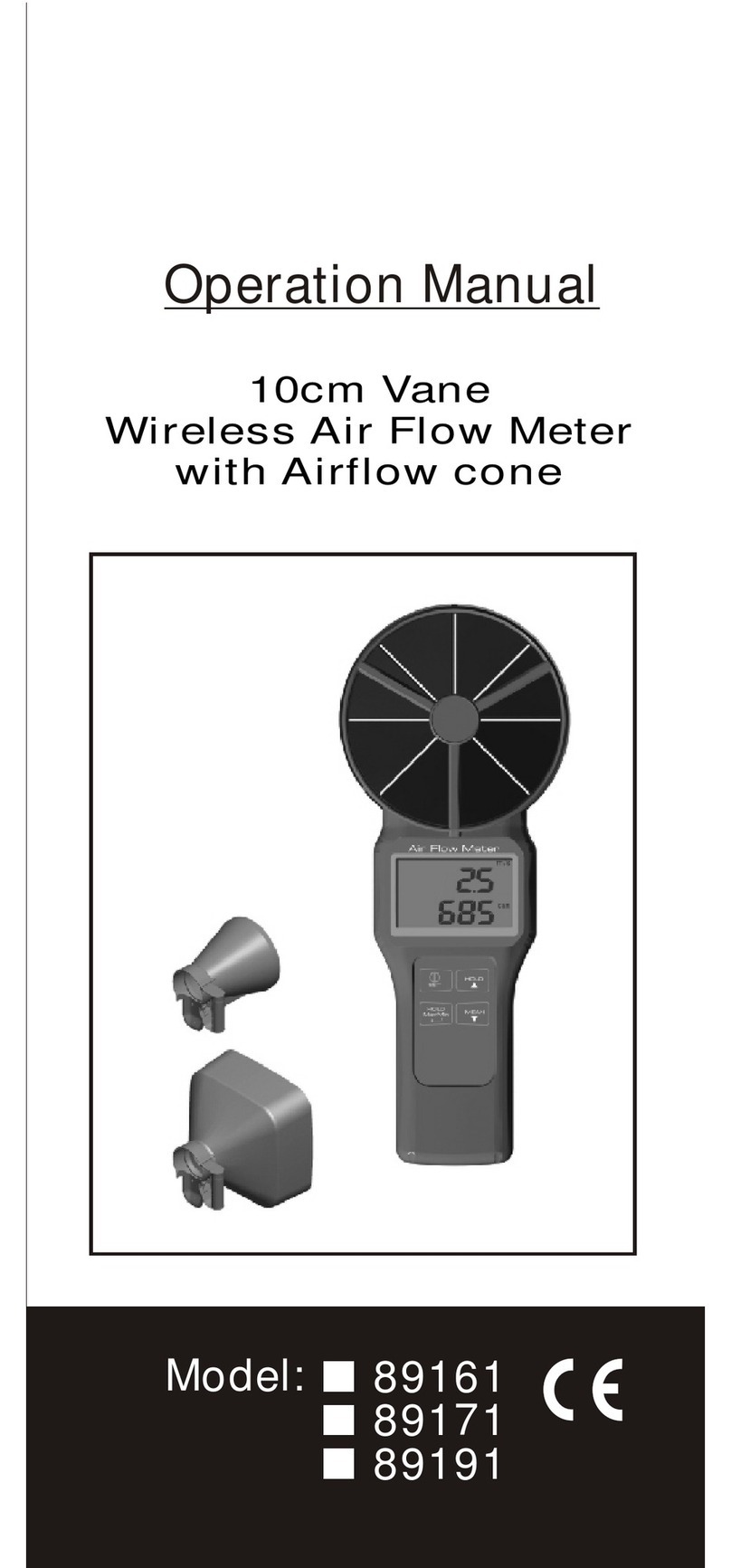
az-instrument 89161 User manual

az-instrument

az-instrument 89161 User manual
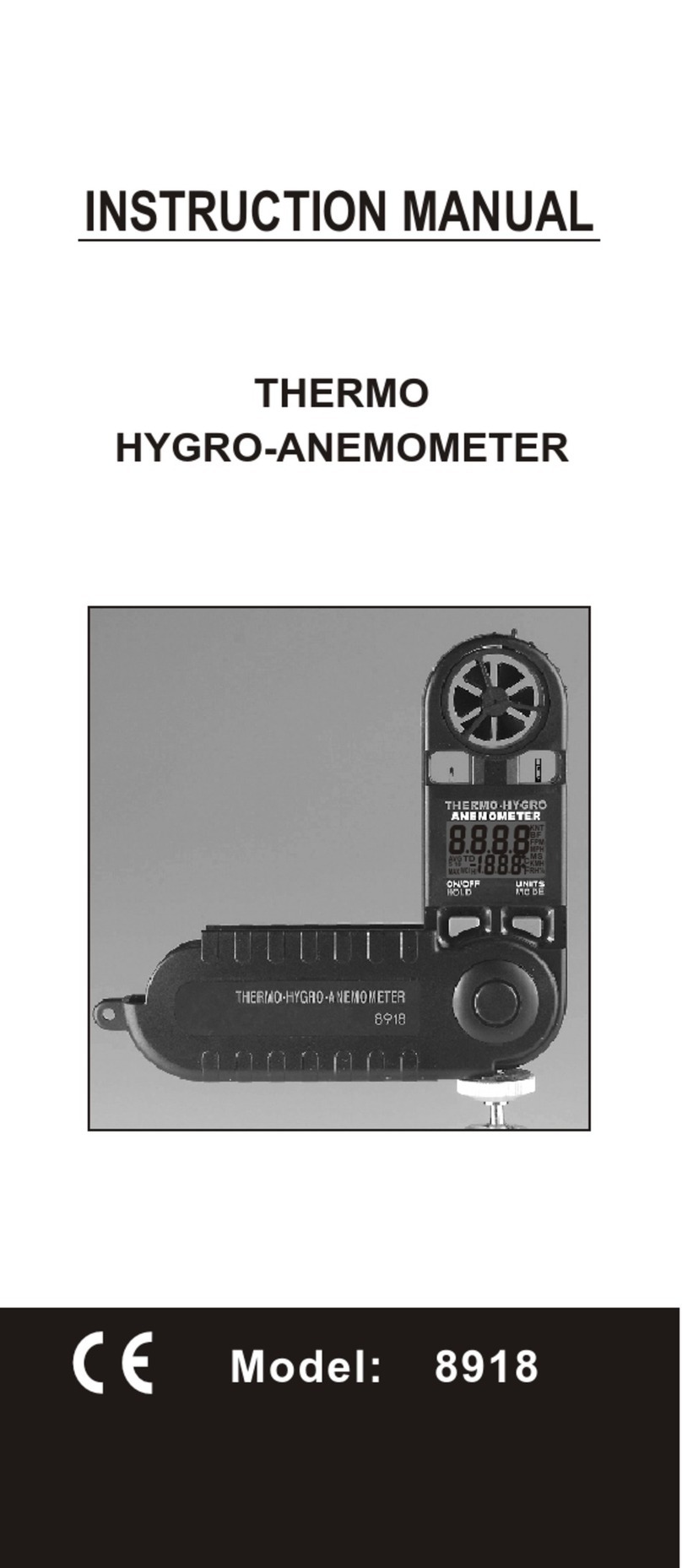
az-instrument 8918 User manual

az-instrument

az-instrument 8918 User manual

az-instrument AZ8922 User manual

az-instrument

az-instrument AZ8922 User manual

az-instrument 8921 Installation manual

az-instrument

az-instrument 8921 Installation manual

az-instrument 8690 User manual

az-instrument

az-instrument 8690 User manual

az-instrument 8708 User manual

az-instrument

az-instrument 8708 User manual
az-instrument 8902 User manual

az-instrument

az-instrument 8902 User manual

az-instrument 8758 User manual

az-instrument

az-instrument 8758 User manual

az-instrument 8684 User manual

az-instrument

az-instrument 8684 User manual

az-instrument 8902 User manual

az-instrument

az-instrument 8902 User manual

az-instrument 8902 User manual

az-instrument

az-instrument 8902 User manual

az-instrument 8552 User manual

az-instrument

az-instrument 8552 User manual

az-instrument 8000 User manual

az-instrument

az-instrument 8000 User manual

Popular Measuring Instrument manuals by other brands

Powerfix Profi 278296 Operation and safety notes

Powerfix Profi

Powerfix Profi 278296 Operation and safety notes

Test Equipment Depot GVT-427B user manual

Test Equipment Depot

Test Equipment Depot GVT-427B user manual

Fieldpiece ACH Operator's manual

Fieldpiece

Fieldpiece ACH Operator's manual

FLYSURFER VIRON3 user manual

FLYSURFER

FLYSURFER VIRON3 user manual

GMW TG uni 1 operating manual

GMW

GMW TG uni 1 operating manual

Downeaster Wind & Weather Medallion Series instruction manual

Downeaster

Downeaster Wind & Weather Medallion Series instruction manual

Hanna Instruments HI96725C instruction manual

Hanna Instruments

Hanna Instruments HI96725C instruction manual

Nokeval KMR260 quick guide

Nokeval

Nokeval KMR260 quick guide

HOKUYO AUTOMATIC UBG-05LN instruction manual

HOKUYO AUTOMATIC

HOKUYO AUTOMATIC UBG-05LN instruction manual

Fluke 96000 Series Operator's manual

Fluke

Fluke 96000 Series Operator's manual

Test Products International SP565 user manual

Test Products International

Test Products International SP565 user manual

General Sleep Zmachine Insight+ DT-200 Service manual

General Sleep

General Sleep Zmachine Insight+ DT-200 Service manual

Sensa Core Lacto Spark user manual

Sensa Core

Sensa Core Lacto Spark user manual

VOLTCRAFT UTS-1980 operating instructions

VOLTCRAFT

VOLTCRAFT UTS-1980 operating instructions

EBCHQ 94915 Operation manual

EBCHQ

EBCHQ 94915 Operation manual

Balluff BIP LD2-T017-01-EP-S4 Series user guide

Balluff

Balluff BIP LD2-T017-01-EP-S4 Series user guide

Pulsar IMP Lite Series instruction manual

Pulsar

Pulsar IMP Lite Series instruction manual

ETCR 6800 user manual

ETCR

ETCR 6800 user manual

manuals.online logo
manuals.online logoBrands
  • About & Mission
  • Contact us
  • Privacy Policy
  • Terms and Conditions

Copyright 2025 Manuals.Online. All Rights Reserved.

OPERATION MANUAL
Model:
8904
8903
8906
Model:8903/8904/8906
RS232
INTEGRAL VANE
DIGITAL ANEMOMETER
www.calcert.com sales@calcert.com1.800.544.2843 0
5
10
15
20
25
30
Congratulations on your purchase
of this Integral vane anemometer.
The meter features versatile functions,
use it to check air velocity FPM (Feet
per minute) and CFM (Cubic feet per
minute) in residential , light commercial
and standard commercial systems.
Thank you for selecting the meter.
Please read this operation manual
throughly before operation.
This meter has many user-friendly
features, all the features are accessible
through the keypads.
Please contact the store or the place
you purchased for the rest models you
might interested in.
The meter is most ideal for HVAC/R
technicians measuring Heat / Ventilation
/ Air conditioning / Refrigerating wind flow
and temperature.
CAUTION: Objects strike the fan may
damage the meter.
Model:
Knot, MPH,
KM/H
selectable
AZ8903
AZ8904
AZ8906
Yes
Yes
No
Yes
No
No
Air Flow
Volume
Measurement
1
www.calcert.com sales@calcert.com1.800.544.2843 0
5
10
15
20
25
30
A. Measuring Air Velocity (Single point)
Feet per Minute (FPM).
B. Continuous Moving Average.
C. MIN/MAX/AVG reading on a single
point.
D. Air Velocity average for multiple
points ( 8904.8906 model only).
E. Non Sleep Mode(Bypass auto power
off).
F. Default setting ( Imperial/ Metric)
G. RS232 interface setting.
H. Auto power off function.
I. FTM , MPH , KNOT unit selectable
(8904.8906 model only).
J. Direct measuring of air flow
(Single point) CFM ( 8906 only).
K. Obtain air flow (CFM) average
for multi-point ( 8906 only).
FEATURES
Typical Measurement
a) Please place the meter in the
airstream. Make sure that the
airstream and the sensor
are aligned as shown ( 20
degrees maximum).
b) 3 seconds for the
reading to stabilize .
o
20
o
20
Rear side
2
www.calcert.com sales@calcert.com1.800.544.2843 0
5
10
15
20
25
30
HOLD
AVERAGE
MULTI-POINT
MIN/MAX RE C
SINGLE-P OIN T
Model:8903
ON-OFF
RESET
HOLD
AVERAGE
MULTI-P OINT
SEL -MIL/H
- KNOT
MIN /M AX R EC
SIN GL E-P O IN T
Model:8904
ON-OFF/RESET
MODE-VELOCITY
FREE AREAFLOW
HOLD
AVERAGE
MULTI-P OINT
SEL- MPH
- KNOTS
MIN /M AX R EC
SIN GL E-P O IN T
Model:8906
1.ON/OFF- RESET. Power ON/OFF.
Press with HOLD key to set non-sleep
mode.
2.HOLD. Freezes the reading.
3.AVERAGE MULTI-POINT.
4.MN/MX RECORD SINGLE POINT
5.SEL:MIL/H (MPH) ,KNOT. unit
selectable .
(Model:8904 & 8906 only)
6.MODE VELOCITY, FREE AREA ,
FLOW. (Model:8904/8906 only)
Air volume measurement .
BUTTON / DISPLAY
FRONT PANEL DESCRIPTION
O FF N-O /RESET
O-V ITM DE ELOC Y
R E LO
FEE AR AF W
HLD
O
E
AV RAGE
L I
MUTI-PON T
EIL
SL-M /H
K T
- NO
MIN/M AX REC
S N
IGLE-POINT
N
MI
ml
i/
hc
G
AV
REC
LO
FW
/
km h c
AA
RE
m/s
velld K n ts
HoPH o
/m
ft 2
t
f
2
m
MAX
3
www.calcert.com sales@calcert.com1.800.544.2843 0
5
10
15
20
25
30
16. Primary readout-Numerical display
for Air Velocity/ Air Volume/Free
area digit
17. Secondary readout -Temperature
display or records number.
18. "-" Polarity indicator for negative
temperature.
MIN
mil/h cf m
AVG
REC
FLOW
km/ h cms
AREA
m/s
vel Hol d PH Kno ts
ft/m 2
ft
2
m
MAX
INDICATORS
19. Knots.
20. Mil/h.
21. Km/h.
(KN)=1850 meters per hour
or 1.15 miles per hour
(Imperial) Miles per hour
(Metric) Km/h Kilometer
per hour
1.vel.
Air velocity measurement.
2.FLOW. Air Flow/Air volume.
3.AREA. Free area default setting.
4.Hold. Freezes the reading.
5.ft/m. Feet per minute.
2
6.ft . Feet square.(imperial)
7.m .
2meter square.(metric)
8.cfm. Cubic feet per minute.(imperial)
9.cms. Cubic meter per second.(metric)
10.C. Celsius unit.
11.F. Fahrenheit unit.
12.REC. Record and saved.
13.AVG. Average data
14.MIN. Minimum data
15.MAX. Maximum data
4
www.calcert.com sales@calcert.com1.800.544.2843 0
5
10
15
20
25
30
B. CONTINUOUS MOVING AVERAGE
1. Turn the power ON .
2. Place sensor in front of air flow
source.
3. Press MIN/MAX record key once.
An "AVG" and "REC" in the lower left
corner of the display to confirm the
meter is in continuous moving average
measurement mode. The display
will update every second.
(See Fig.3)
The meter has the ability to display
continuous moving average for up to
two(2) hours.
1. Press the ON/OFF button to turn the
meter on. Meter will show full display
for initial 5 seconds. (See Fig.1)
2. Unit is ready for use when LCD display
shows "vel" at upper left corner and
temperature at lower right corner.
(See Fig.2)
A. MEASURING AIR VELOCITY
(SINGLE POINT) FEET PER
MINUTE (FPM)
vel
Fig.1 Fig.2
Fig.3
ft/m
AVG
vel
m/s
5
MIN
mil/h c fm
AVG
REC
FLOW
km/h cm s
AREA
m/s
vel Hold PH K nots
ft/m 2
ft
2
m
MAX
REC
www.calcert.com sales@calcert.com1.800.544.2843 0
5
10
15
20
25
30
C. MIN/MAX/AVG READING ON A
SINGLE POINT
1. Power the meter ON.
2. Place sensor in front of air flow
source.
3. Press MIN/MAX REC SINGLE POINT
key. The unit will begin to record
the readings.The meter displays the
average velocity by default.(see Fig.3)
Each press of the MIN/MAX button
cycles the display through:
* Real-time readings.
* MIN velocity.
* MAX velocity.
* Back to AVG velocity.
4. To revert to normal measurement
mode or clear the current MIN/MAX
and average readings, you could turn
off the meter first and then turn it on
again or press and hold MIN/MAX key
until meter beeps twice, then release.
To obtain MIN/MAX/AVG readings on a
single point.
6
Note: Feet Per Minute (FPM) readings
can be converted to CFM readings
by following below instructions:
1. Press the HOLD button to store
the readings before moving the
meter away from an air flow
sources.
2. Press MODE key to enter area
setting (see page11 for the details
of area setting). After setting, press
MODE key again to convert the
FPM into CFM.
www.calcert.com sales@calcert.com1.800.544.2843 0
5
10
15
20
25
30
4. Once all measurements have been
recorded, you could
press AVERAGE
key to view the
average air velocity
reading and the
number of points
which are recorded.
vel
Fig.4
Hold
m/s
vel
Fig.4-A
Hold
m/s
vel
Fig.5
Hold
m/s
AVG
1. Turn the meter on and position the
vane at the first point to be measured.
soon as the first measurement is
completed press the HOLD key,(you
will hear a single beep), and release.
The display will show HOLD above
the reading. (See Fig.4)
2. Press the MIN/MAX key,(You will hear
a single beep), and release,(the
display will show a digit 1-8). This
number represents the point number
which has been recorded.(See Fig.4-A)
3. Repeat above procedure until all
desired points have been measured
and recorded. A maximum 8 points may
be recorded at one time.
D. AIR VELOCITY AVERAGE FOR
MULTIPLE POINTS(8904,8906 only)
ll
ll
ll
ll
7
5. You could press HOLD key to revert to
normal measurement mode
6. To clear multi- point average memory,
press and hold next digit/multi point
average key until unit beeps twice,
then release.
www.calcert.com sales@calcert.com1.800.544.2843 0
5
10
15
20
25
30
Fig. 6
Fig.7
m/s
Fig.8
m/s
ft/m
The default measuring units can be
changed by following the steps below.
The unit should be turned off before
commencing.
E. NON SLEEP MODE (Disable auto
power off)
Power unit off; press ON and HOLD at
the same time and then release ON only.
An "n" appears on the LCD then you can
release the HOLD key. The instrument
will remain on until the OFF button is
pressed.(See Fig.6 )
1. Press and hold the AVERAGE key,
then press the ON/OFF key once to
turn the unit on. When the LCD
o o
displays " ft/m,ms " and " C, F"
realease the AVERAGE key.(Fig.7)
2. To choose the metric units, pressing the
HOLD key. The LCD should display "
o
m/s, C". (See Fig.8)
F. HOW TO CHANGE THE DEFAULT
SETTING/IMPERIAL TO METRIC
Vice Versa(METRIC TO IMPERIAL)
8
www.calcert.com sales@calcert.com1.800.544.2843 0
5
10
15
20
25
30
3. Press the MIN/MAX REC key, the LCD
should display "S" (See Fig.10) .
Then press the HOLD key. The LCD
display 2400 or 1200 (pre-setting).
(If Baud rate change is needed, please
refer to step G.1) (See Fig.11)
4. Press the MIN/MAX REC key again,
the LCD should display "S" again.
(See Fig.10) .Then press the HOLD
key, the LCD will revert to a normal
measurement display. The default
setting is now completed.(See Fig.12)
.
To choose the imperial units, pressing the
AVERAGE key. The LCD should display
o
"ft/m, F" (See Fig.9).
ft/m
Fig.9
Fig. 10 Fig.11
Fig.12
m/s
vel
9
www.calcert.com sales@calcert.com1.800.544.2843 0
5
10
15
20
25
30