9
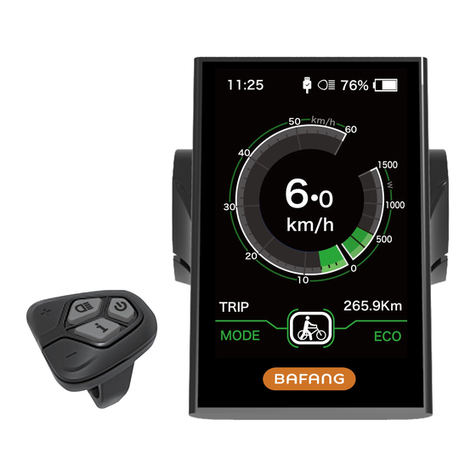
DISPLAY MANUAL DP C240.CAN
NORMAL OPERATION
• Push assistance mode:
Press and hold ”-” button to enter into
push assistance mode, the symbol is
displayed, when release ”-” button, will exit
the push assistance mode and go back to
the current assistance level.
Push assistance function
• BOOST mode:
While riding and speed reaching to 25km/h,
press and hold “ BOOST” button with 2 sec-
onds to activate, then motor will give 100%
output power and flowing without pedaling,
it feels more like a constant strong push in
the back; On the contrary, release the button
and exit from BOOST mode.
BOOST mode
• Battery capacity indication:
The battery remaining capacity will be indi-
cated as the exact percentage, in addition,
the frame of the symbol will flash at 1Hz
when capacity is less than 5%, means the
battery needs to be charged.
• USB charging:
Plug the USB cable to display and smart
peripheral devices to charge,but the display
must be switched on.(≤5V, ≤1A)
USB charging indication
• Bluetooth connection:
①This display has Bluetooth module inte-
grated and connectable to BAFANG’s own
smart phone application “BAFANG GO”. In
addition, the SDK is open for customer to
develop APP individually.
②This display is also connectable to the
chest belt and catch real-time heart beat
data from the chest belt and display it and
send the data to smart phone.
③The list of data transmit from display to
smartphone as below:
Item Data
1 Speed
2 Capacity
3 Support level
4 Data of battery
5 Output of sensors
6 Remaining range
7 Calory
8 Component info.
9 Current
10 Heart beat
11 Trip
12 ODO
13 Headlight status
14 Error code