iii
Contents
Before you get started ................................................................................................5
Proper Care of your baiMobile™ 3000MP Bluetooth Smart Card Reader ..........................5
Welcome...................................................................................................................5
Hardware and Software Requirements ..........................................................................5
Hardware Requirements ...........................................................................................5
Software Requirements ............................................................................................6
baiMobile™ Middleware Libraries ...............................................................................6
Supported Smart Cards............................................................................................6
baiMobile™ Bluetooth Smart Card Reader Specifications .................................................7
Accessories ...............................................................................................................8
Reader Basics ............................................................................................................8
Reader Features......................................................................................................8
Power consumption .................................................................................................9
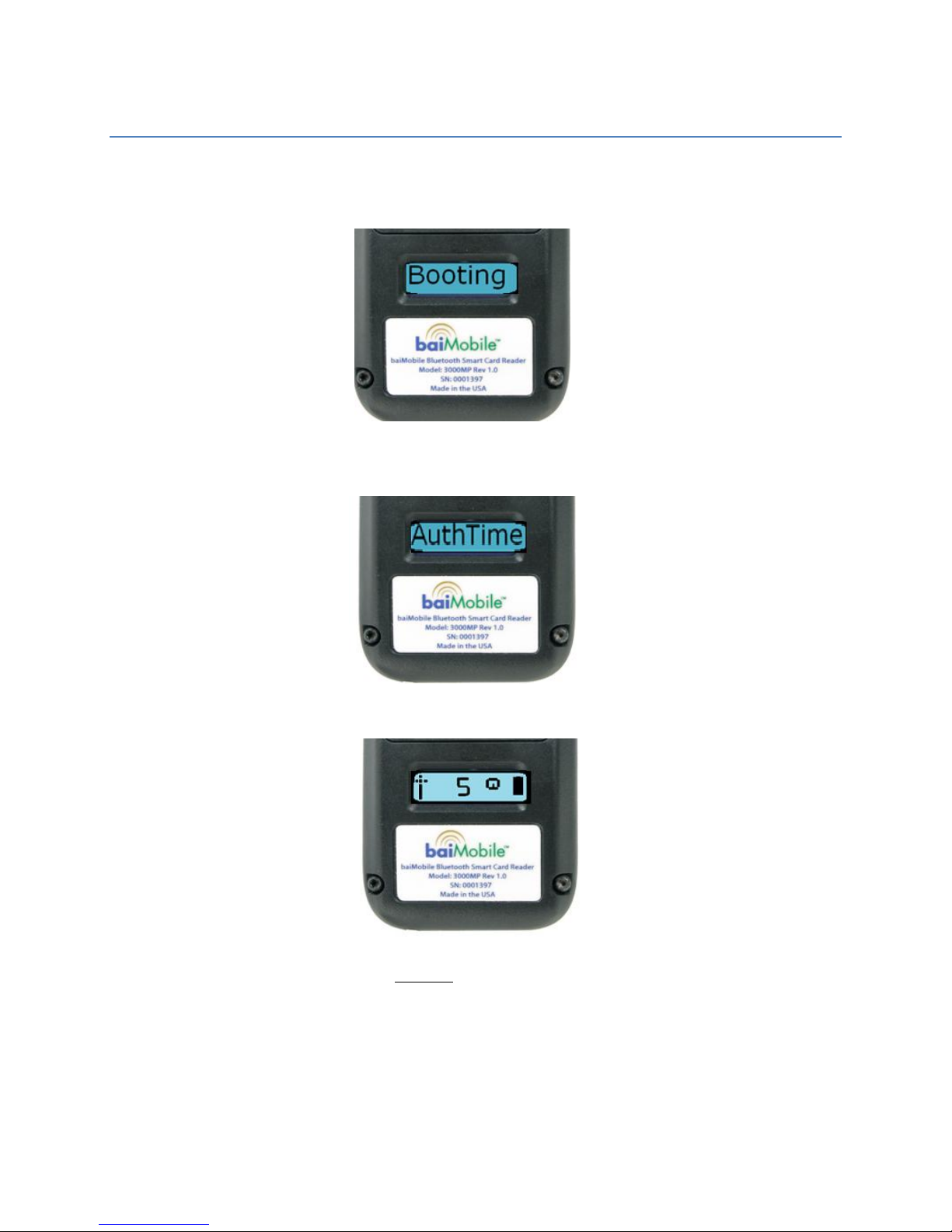
Powering on the Reader ......................................................................................... 10
Accepting a Bluetooth connection ............................................................................ 11
Powering off the Reader ......................................................................................... 12
Charging the Reader .............................................................................................. 12
Upgrading the Reader Firmware ............................................................................. 13
LED Panel Icons .................................................................................................... 14
Home Screen ..................................................................................................... 14
Data Transfer Screen .......................................................................................... 14
Battery Status Icons .............................................................................................. 15
Inserting a CAC or PIV card .................................................................................... 15
Battery ................................................................................................................ 16
Reader Error Massages........................................................................................... 16
Pairing.................................................................................................................... 17
Pairing Troubleshooting.......................................................................................... 25
PAIRING FAQ ........................................................................................................ 26
Index...................................................................................................................... 27