Manufactured under one or more of these patents.
U.S. Patents: 5332944, 5361215, 5550753, 5559720, 5,883,459, 6253227, 6282370, 6590188, 6976052, 6965815, 7030343, 7,417,834 b2, Canadian Patent: 2342614,
Australian patent: 2373248 other patents both foreign and domesc applied for and pending. All material copyright of Balboa Water Group.
42281_A | Compable with SpaTouch 1 & 2 503.17
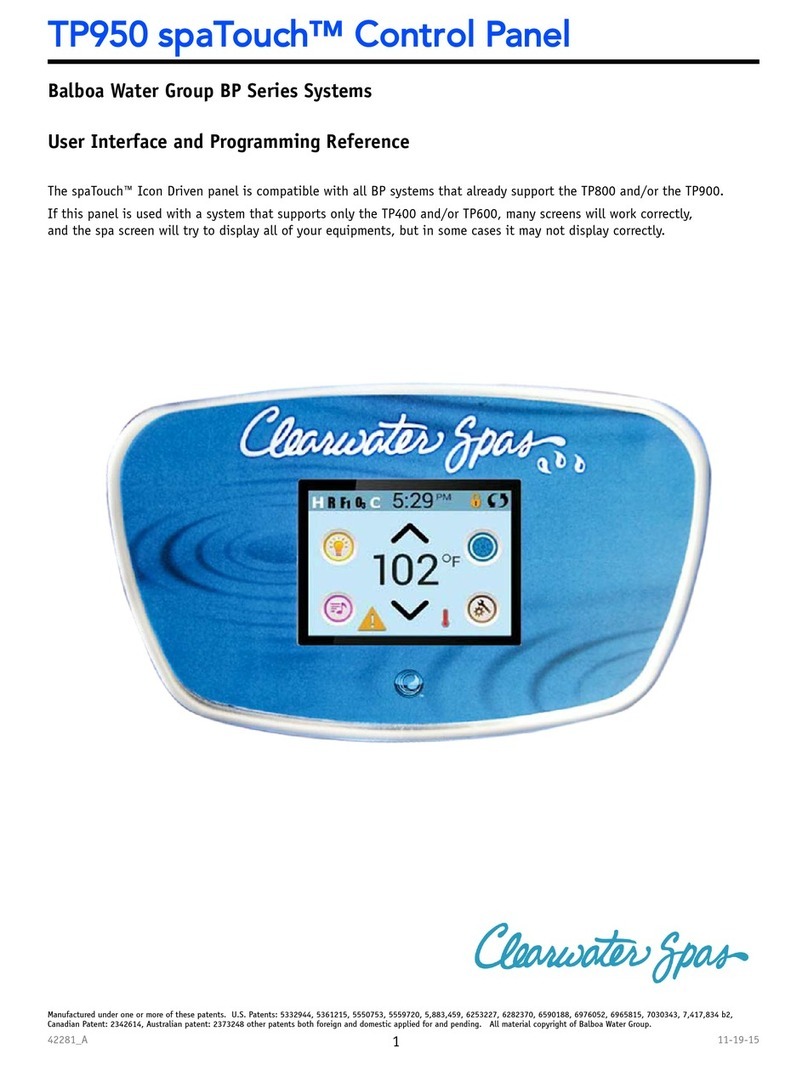
The Main Screen
Lock Icon: When displayed, indicates
the panel is in a locked mode. To un-
lock or lock a setting or panel lock,
first press the corresponding icon
onthe Lock Screen, then press and
hold the word “Lock” for 5+ seconds
until the text and icon change to the
opposite state.
There are 2 lock icons that can
be shown on the title bar of most
screens. A tall skinny one repre -
senting a settings lock is applied.
It is shown on screens that are af -
fected by the settings lock. And the
standard lock icon Padlock which
represents the Panel being locked. If
both settings and panel are locked,
only the panel lock will show since
the settings lock doesn’t do much
in that situation. When the panel is
locked, the Settings Screen will only
show items not affected by that lock
(System Info and Lock Screens).
Touch the Indicator to go to a
Message Screen which shows the
message.
Some messages will include the “Call
for Service” text as it requires a ser -
vice technician to fix the problem.
If the panel is locked and a message
alert appears, you will be taken to
the Lock Screen (where you will need
to Unlock the panel) before you can
clear the message.
Touching the Error/Warning/Re -
minder/Info Icon on the Message
Screen will take you to the System
Information Screen to allow for trou-
bleshooting over the phone or for a
field service tech to better under -
stand what is going on. Exiting the
System information Screen will take
you back to the Message Screen in
that situation.
= Adjust set temperature higher = Adjust set temperature lower
= Spa equipment control icon
= Jet is inacve. Indicates if a pump is
running or not
= Sengs is acve = Sengs is inacve
Current water temperature if
Set temperature if
(when the panel is locked). Takes you to Sengs
Screen
Dierent animaon sequences,
including blinking, may indicate
dierent stages of heang
or
or
is solid
is ashing
Brings up a screen where the spa jets, blower or other
equipment can be controlled. While on the Spa Equip -
ment Screen, you can press a Jets buon once for low
speed, and if congured press it again for high speed.
= on
= on
= inactive
= inactive
= fatal error (Spa can’t funcon unl
it’s xed)
= Normal Error or Warning
= Reminder Message
= Informaon Message
= disabled
= disabled
Message waiting indicator: The
Message Waiting Indicator will show
one of the following icons: