10
YOU SHOULD ALSO RUN YOUR HOOD FOR TEN MINUTES AFTER
YOU HAVE FINISHED COOKING.
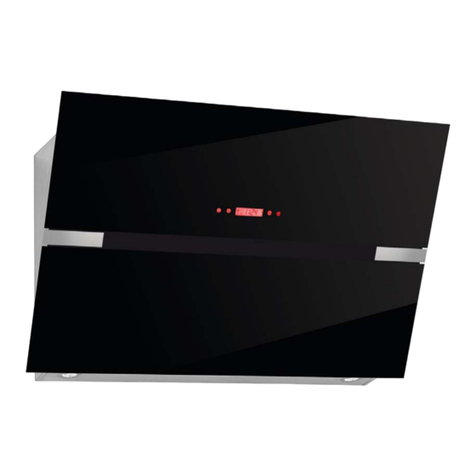
oAfter switching off the hood, the telescopic part of the hood will
return to its original position automatically.
Setting the time of day
IMPORTANT: After the cooker hood is connected to the power
supply, the time of day should be set. However it is only possible to
set the time if the light is not switched on and the cooker hood fan
is not running.
oPress and hold the timer button until the hour digits of the LED
display flash.
oUse the speed selection button to increase the hour number
shown on the LED display or the light ON/OFF button to decrease
the hour number shown on the LED display.
oIf “23” appears on the LED display, the speed selection will no
longer operate and if “00” appears on the LED display, the light
ON/OFF button will no longer operate.
oWhen the correct hour digits appear on the LED display, press
and hold the timer button until the minute digits of the LED
display flash.
oUse the speed selection button to increase the minute number
shown on the LED display or the light ON/OFF button to decrease
the minute number shown on the LED display.
oIf “59” appears on the LED display, the speed selection will no
longer operate and if “00” appears on the LED display, the light
ON/OFF button will no longer operate.
oWhen the correct minute digits appear on the LED display, press
the timer button for a third time to confirm the time of day.
Switching the cooker hood on and setting the fan speed
oPress the ON/OFF button to switch the cooker hood on.
oUse the speed selection button to regulate the speed that the
motor is running at. The motor will run at the following speeds:-
One push - Low speed
Two pushes - Medium speed
Three pushes - High speed