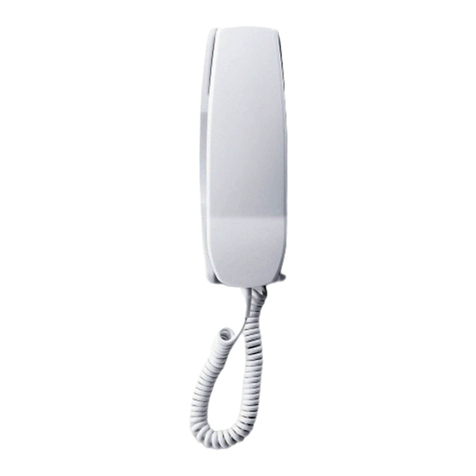
bellissimo Digital Video Entry System
PD-105 Issue 3C Installation and Operating Manual Page 7 of 40
Videophone Controls
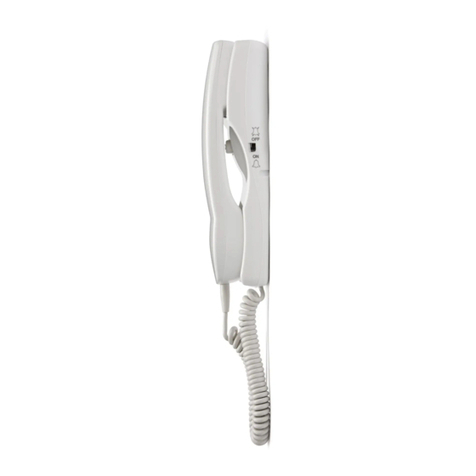
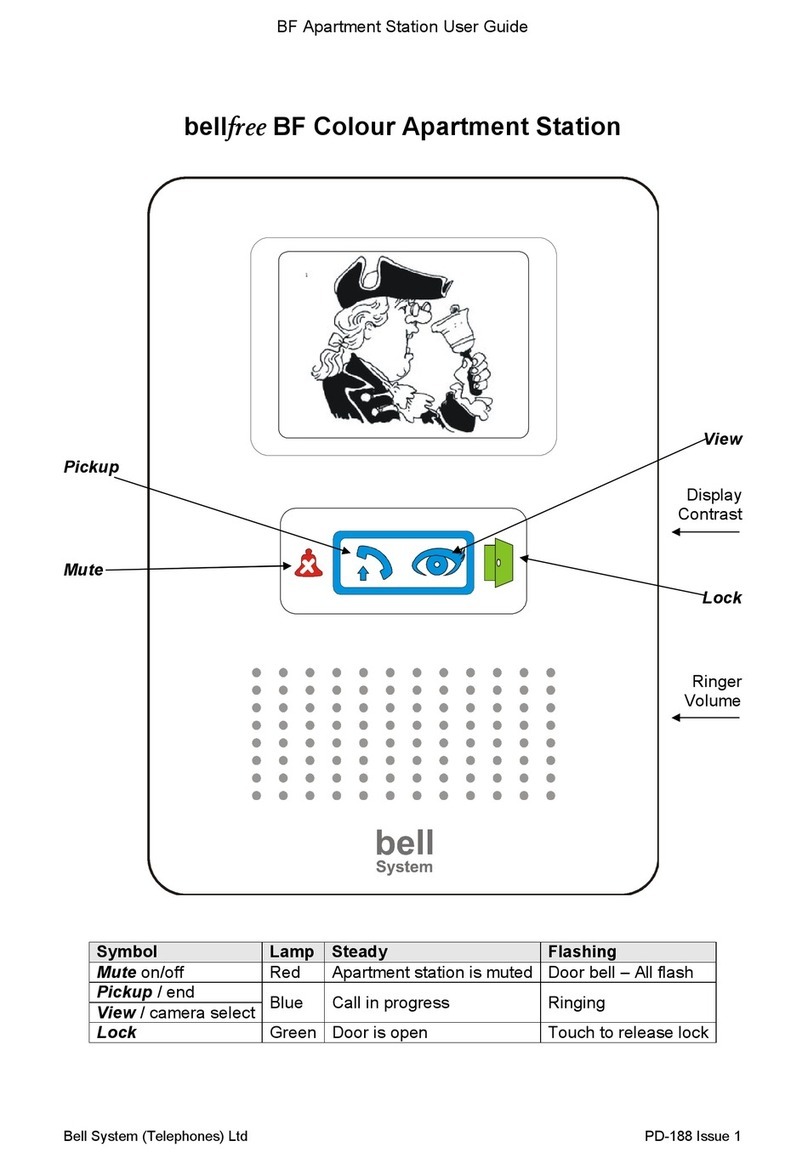
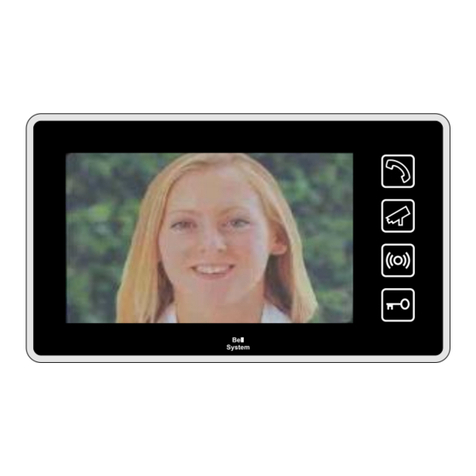
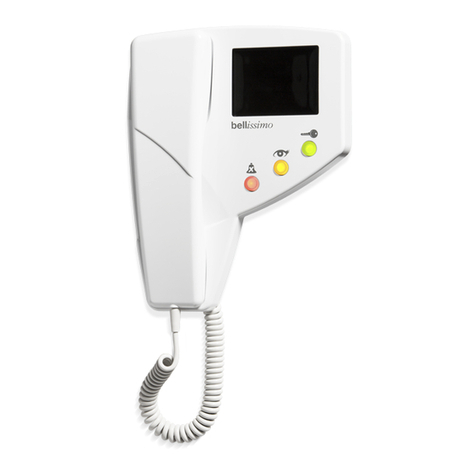
The diagram in the introduction shows the standard colour monitor and its controls. The
default setting is ringer volume maximum (slide finger to left) and contrast midway. The
slider on the right hand side alters the screen viewing angle.
Auto Display
When ‘Auto Display’ mode is selected the picture will come on while the videophone is
ringing, otherwise the picture will only come on when the call is answered. Auto Display
mode is usually pre-selected at installation and generally only one videophone per flat
should be set in this mode (see ‘Extension Videophones’ below).
Call Mute
The resident can mute the ringing sound in the videophone when they do not wish to be
disturbed. Call mute is activated by pressing the mute button on the videophone, which
then illuminates in red as a reminder. The handset must be on the hook for this to work.
Pressing the mute button a second time will disengage the mute function. During
installation it is possible to set a time limit for the mute function in various values from 2
minutes up to 10 hours or indefinitely. When this time period has elapsed the mute
function will automatically disengage. (See ‘mute timer’, page 23).
The mute feature can be set during installation to one of two modes (or disabled
altogether): -
Ringer Mute only stops the audible ring, but the amber view light will still flash and all
other functions work normally. Ringer mute will continue for the preset time even if a
call is answered. Pressing the mute button again while the videophone is idle will
cancel the mute function.
Full Mute prevents the videophone both from ringing or flashing the amber view lamp.
Pressing the mute button again or lifting the handset will cancel the full mute function.
Silent viewing
When the videophone is ringing the resident can press the view button to answer the call
instead of lifting up the handset; this will stop the videophone ringing and enable them to
view the visitor for up to 60 seconds or until the lock button is pressed to release the door.
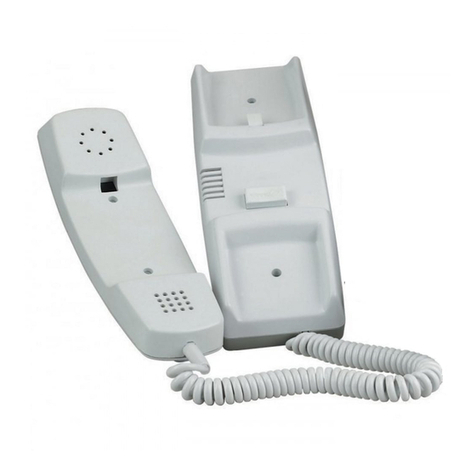
Silent viewing can be ‘normalised’ at any time by picking up the handset and conversing
with the visitor as described above.
Door Status Indication
The green lock lamp on the videophone will illuminate to warn the resident that a door has
been left open following a call. This feature requires a door monitor contact to be fitted.
Call Privacy
Once a call has been made from an entrance panel only the videophone(s) which is/are
ringing may answer the call. Once answered, if another videophones handset is picked
up, or the view button is pressed, the videophone will not activate (including extensions of
the active videophone).
User Activation (CCTV Mode)
User activation is a feature of the bellissimo 1 way system and is not available on digital
systems. User activation is generally not recommended on larger systems as the
conflicting demands of residents and callers can result in confusion and erroneous fault
reports.