8
FALLBACK SWITCH AND LOOPBACK SWITCH
• DCD, Data Carrier Detect, high/low
• DTR, Data Terminal Ready, high/low
The alarming can be used to alert the operator and, optionally, to automatically
switch to a backup link (Fallback Switch) or to a loopback or normal condition
(Loopback Switch). For example, loss of Carrier Detect on a Fallback Switch “A”
connector can trigger automatic switching to the “B” side, and return of Carrier
Detect on “A” can trigger automatic switching back to “A.”
In order for an alarm to be reported to the console, the condition causing the
alarm must be present for a user-definable period of time, the “Time to Alarm.”
After an alarm has been reported to the console, the clearing of that alarm is also
reported. The “clear” report is issued after the original alarm condition has been
clear for a user-definable period of time, the “Time to Clear.”
2.6 “Smart” Switching
The control firmware accepts switching commands from the console and relays
these commands to the Switch within the switch housing.
When switching has automatically occurred as a result of an alarm, the “Time to
Clear” becomes functionally a “Time to Ignore” (although the console
nomenclature does not change). This “Ignore” function takes effect immediately
upon initial alarm detection and switching. The alarm for the time in question is
artificially cleared (regardless of its actual status) and, for the “Time to Clear”
duration, all activity on that line is ignored. If any alarm conditions are present
when the timer times out, they are treated as if they had just occurred (and the
“Time to Alarm” begins its function).
2.7 Manual Switching
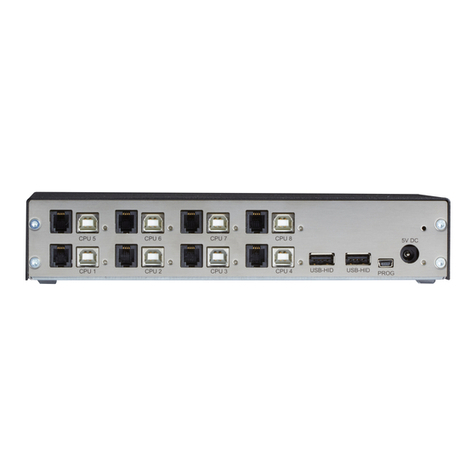
A front-panel push button lets you manually toggle the Fallback Switch between
the
“A” position and the “B” position. To prevent accidental switching, you must press
the button for several seconds to enable the switching.
A front-panel push button lets you manually toggle the Loopback Switch between
the “normal” position and the “loopback” position. To prevent inadvertent operation,
you must press the button for several seconds to enable the switching.