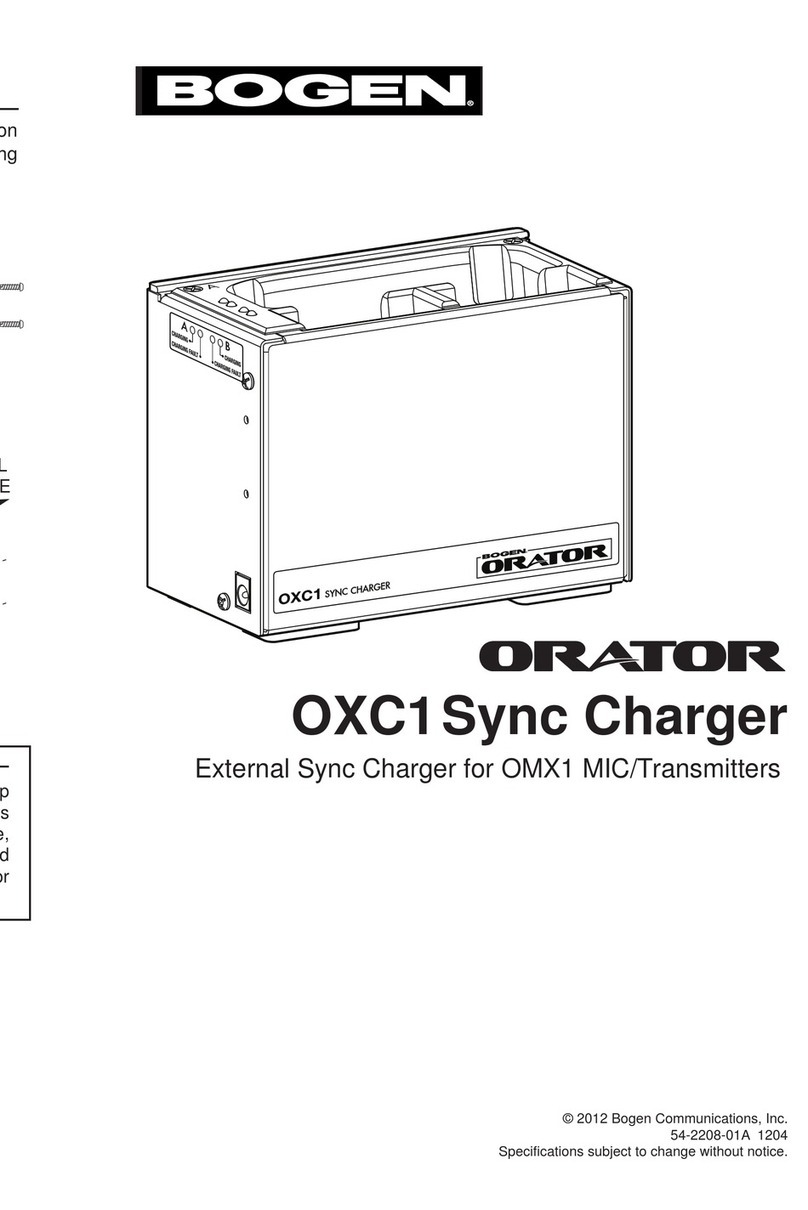
Charging OMX1 MIC/Transmitter Units
Begin by connecting the included Power Supply into the DC Power Connector on
the OXC1, plug the power supply into an AC outlet, and set the bottom Frequency
Band switch. The OMX1 MIC/Transmitter units are inserted into the OXC1 Sync
Charger as shown. A MIC/Transmitter using the “A” Channel should only be
inserted in the “A” charging dock in the OXC1, a “B” Channel MIC/Transmitter only
into the “B” dock. The OXC1 syncs the transmittersʼ operating frequencies to the
Orator base unit, depending on the setting of the bottom switch. A mechanical
“click” is noticeable when the OMX1 is fully inserted into the OXC1 dock. When
an OMX1 has been inserted, the OXC1 charge indicator will illuminate. The Orator
manual contains more information regarding charging bays and charge dock
selection tabs.
Charging Dock Indicators
Charge
When an OMX1 is being charged, the OXC1
charge indicator will illuminate GREEN.
Charging is complete when the indicator is
extinguished.
Fault
A fault condition will be signaled by a RED
indicator, and may indicate a problem with
the OMX1 battery.
Orator OXC1 Sync Charger
The Bogen Orator OXC1 Sync Charger provides a means to charge and set the
operating frequencies of OMX1 MIC/Transmitters external to the Orator base
unit. Because of its compact size, the OXC1 may be located in more convenient
locations than the Orator base unit but still provide the necessary functions of
charging and frequency selection for OMX1 units. The OXC1 Sync Charger
allows wall mounting with included brackets.
OXC1
MIC/Transmitter Accessory Storage Area
Charge
Indicators
Charging
Dock
Frequency Band Selection
This switch, located on the bottom of the unit, is used to
set the operating frequency band for the Orator system.
This switch must be set to the same band that the
Orator base unit is set to (HIGH or LOW, DIP switch 1).
Each time an OMX1 is inserted into a charging bay, its
operating frequency will be synchronized with the Orator
receiver. A charge only center position will charge an
OMX1 unit without disturbing its current operating setting.
OXC1
SIDE
VIEW