manuals.online logo
Brands
  1. Home
  2. •
  3. Brands
  4. •
  5. Bunn
  6. •
  7. Kitchen Appliance
  8. •
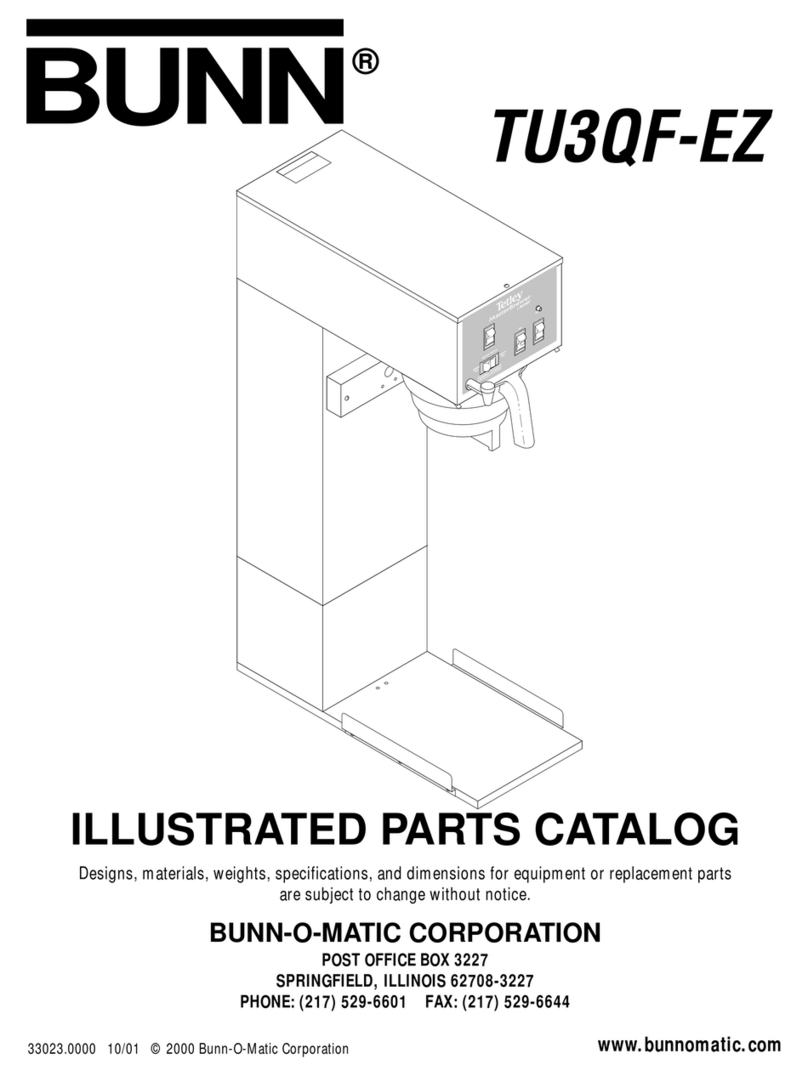
  9. Bunn TU3QF-EZ Instruction and safety manual

Bunn TU3QF-EZ Instruction and safety manual

Other manuals for TU3QF-EZ

3

Other Bunn Kitchen Appliance manuals

Bunn TNT-3 Instruction and safety manual

Bunn

Bunn TNT-3 Instruction and safety manual

Bunn TB3Q Instruction and safety manual

Bunn

Bunn TB3Q Instruction and safety manual

Bunn TB3 Instruction Manual

Bunn

Bunn TB3 Instruction Manual

Bunn TB3Q Instruction Manual

Bunn

Bunn TB3Q Instruction Manual

Bunn ITCB-DV Installation guide

Bunn

Bunn ITCB-DV Installation guide

Bunn TB3 Troubleshooting guide

Bunn

Bunn TB3 Troubleshooting guide

Bunn TB3 User manual

Bunn

Bunn TB3 User manual

Bunn TNT-3 Instruction Manual

Bunn

Bunn TNT-3 Instruction Manual

Bunn T3 Instruction and safety manual

Bunn

Bunn T3 Instruction and safety manual

Bunn TU3Q User manual

Bunn

Bunn TU3Q User manual

Bunn IC3 Instruction Manual

Bunn

Bunn IC3 Instruction Manual

Bunn Recipe Writer BrewWISE User manual

Bunn

Bunn Recipe Writer BrewWISE User manual

Bunn TU5Q User manual

Bunn

Bunn TU5Q User manual

Bunn TU3Q Instruction and safety manual

Bunn

Bunn TU3Q Instruction and safety manual

Bunn TB3 Instruction and safety manual

Bunn

Bunn TB3 Instruction and safety manual

Bunn TU3Q-EZ Instruction and safety manual

Bunn

Bunn TU3Q-EZ Instruction and safety manual

Bunn TB3 Installation instructions

Bunn

Bunn TB3 Installation instructions

Bunn TU3 User manual

Bunn

Bunn TU3 User manual

Bunn TB3Q-LP Instruction Manual

Bunn

Bunn TB3Q-LP Instruction Manual

Bunn TU3QF-EZ Instruction and safety manual

Bunn

Bunn TU3QF-EZ Instruction and safety manual

Bunn TU3QF-EZ Instruction and safety manual

Bunn

Bunn TU3QF-EZ Instruction and safety manual

Bunn TU5Q Instruction and safety manual

Bunn

Bunn TU5Q Instruction and safety manual

Bunn TU3 Instruction and safety manual

Bunn

Bunn TU3 Instruction and safety manual

Bunn TU3QF-EZ Instruction Manual

Bunn

Bunn TU3QF-EZ Instruction Manual

Popular Kitchen Appliance manuals by other brands

Saturn ST-EK8037 manual

Saturn

Saturn ST-EK8037 manual

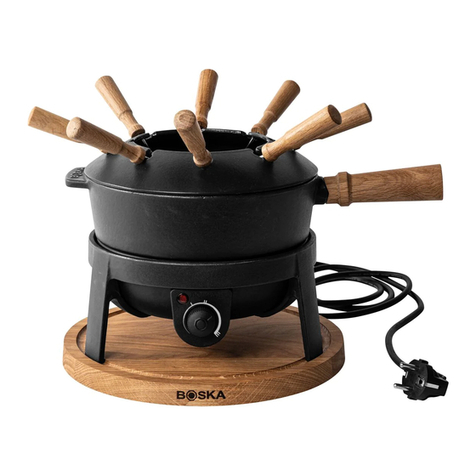
BOSKA Pro 853560 instruction manual

BOSKA

BOSKA Pro 853560 instruction manual

Enders 7909 instruction manual

Enders

Enders 7909 instruction manual

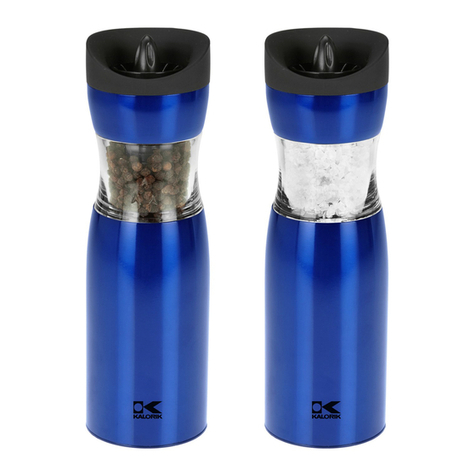
Kalorik USK PPG 37241 operating instructions

Kalorik

Kalorik USK PPG 37241 operating instructions

Scarlett SC-FD421001 instruction manual

Scarlett

Scarlett SC-FD421001 instruction manual

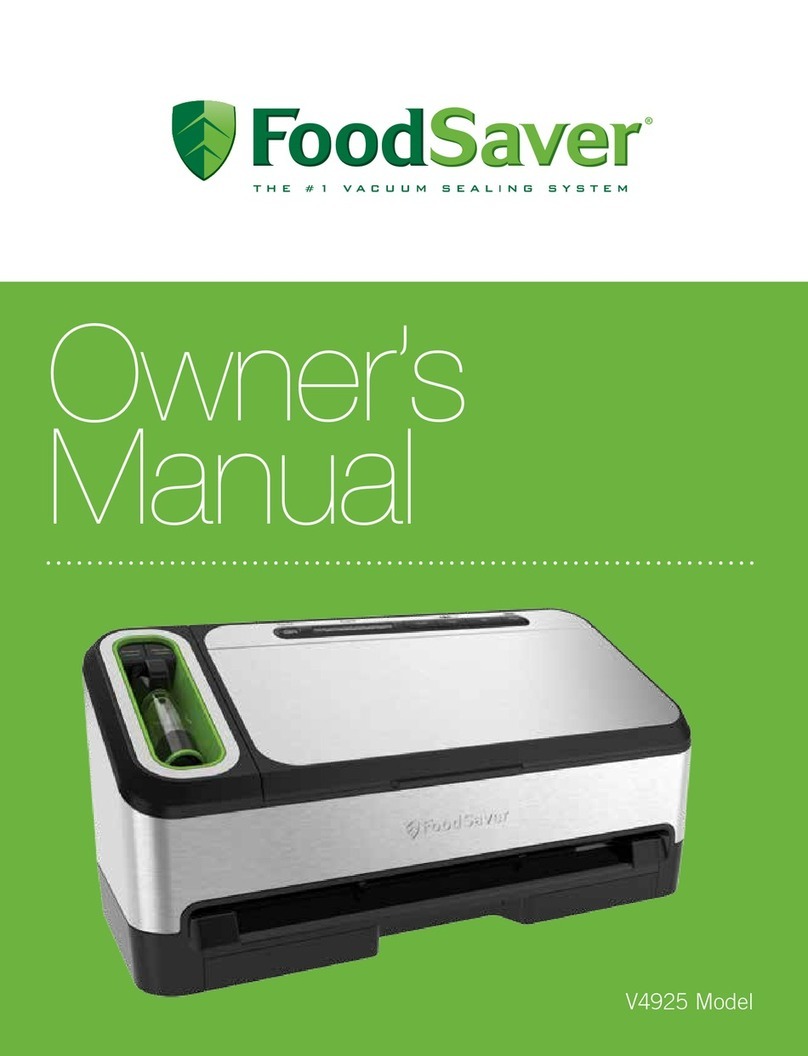
FoodSaver V4925 owner's manual

FoodSaver

FoodSaver V4925 owner's manual

Course	Housewares B416144 quick start guide

Course Housewares

Course Housewares B416144 quick start guide

AEG SANTO Series operating instructions

AEG

AEG SANTO Series operating instructions

Melissa 643-036 instruction manual

Melissa

Melissa 643-036 instruction manual

cecotec ROCK'NTOAST 3IN1 instruction manual

cecotec

cecotec ROCK'NTOAST 3IN1 instruction manual

Gourmia GMF225 instructions

Gourmia

Gourmia GMF225 instructions

Electrolux EKM7 Series Instruction book

Electrolux

Electrolux EKM7 Series Instruction book

Magio MG-965 instruction manual

Magio

Magio MG-965 instruction manual

Keimling Naturkost Excalibur 56301WH Operation manual

Keimling Naturkost

Keimling Naturkost Excalibur 56301WH Operation manual

Beper 90.071 use instructions

Beper

Beper 90.071 use instructions

Geryon E2900-M user manual

Geryon

Geryon E2900-M user manual

Morphy Richards 46718 owner's manual

Morphy Richards

Morphy Richards 46718 owner's manual

Kenwood A995 manual

Kenwood

Kenwood A995 manual

manuals.online logo
manuals.online logoBrands
  • About & Mission
  • Contact us
  • Privacy Policy
  • Terms and Conditions

Copyright 2025 Manuals.Online. All Rights Reserved.

BUNN-O-MATIC CORPORATION
POST OFFICE BOX 3227
SPRINGFIELD, ILLINOIS 62708-3227
PHONE: (217) 529-6601 F X: (217) 529-6644
www.bunnomatic.com
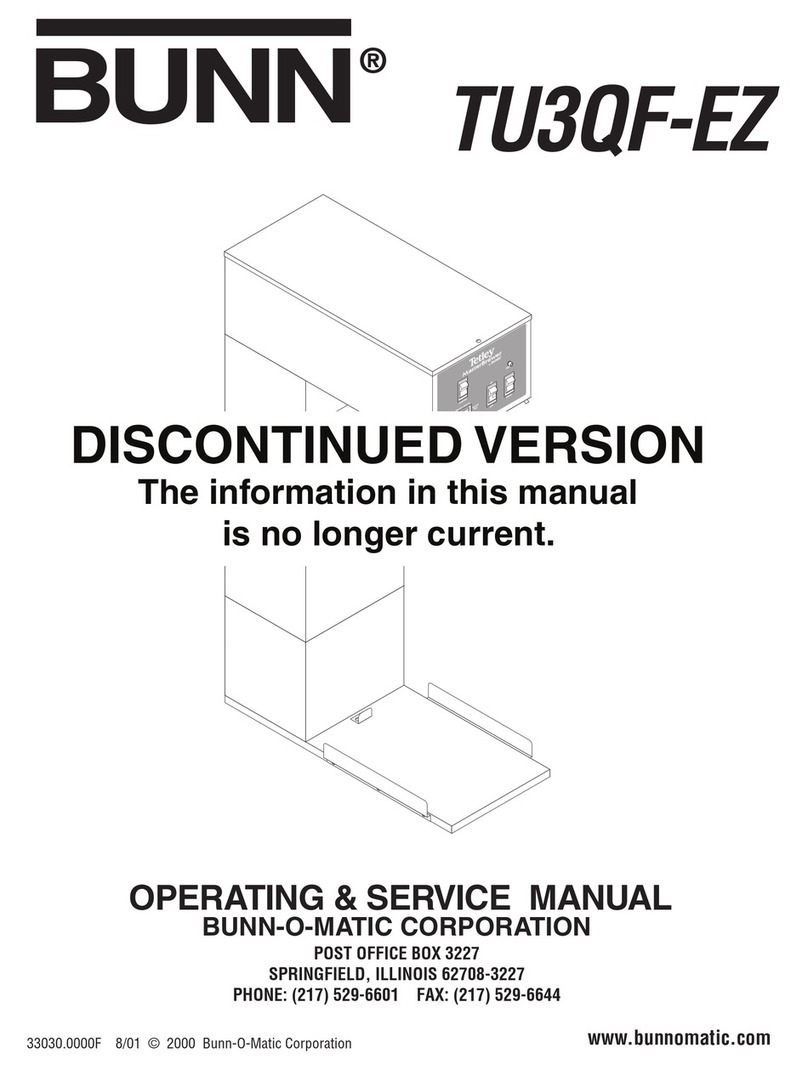
TU3QF-EZ
OPERATING & SERVICE MANUAL
33030.0000F 8/01 © 2000 Bunn-O-Matic Corporation
BUNN
®
Page 2
CONTENTS
User Notices ............................................................. 3
E ectrica Requirements ............................................ 4
P umbing Requirements ........................................... 4
Initia Set-Up............................................................. 5
Operating Contro s.................................................... 5
C eaning.................................................................... 6
Tea Brewing .............................................................. 6
Adjustments and Optiona Settings........................... 7
Troub eshooting ........................................................ 8
Service.................................................................... 15
Wiring Schematics.................................................. 26
INTRODUCTION
This equipment wi brew a four-ga on batch of fresh tea into an awaiting dispenser. The tea wi be dispensed at
approximate y room temperature to conserve ice. The brewer a so has a hot water faucet for a ied beverage use. The
brewer is on y for indoor use on a sturdy counter or she f.
W RR NTY
Bunn-O-Matic Corp. (“Bunn”) warrants the equipment manufactured by it to be commercia y free from defects
in materia and workmanship existing at the time of manufacture and appearing within one year from the date of
insta ation. In addition:
1.) Bunn warrants e ectronic circuit and/or contro boards to be commercia y free from defects in materia and
workmanship for three years from the date of insta ation.
2.) Bunn warrants the compressor on refrigeration equipment to be commercia y free from defects in materia
and workmanship for two years from the date of insta ation.
3.) Bunn warrants that the grinding burrs on coffee grinding equipment wi grind coffee to meet origina factory
screen sieve ana ysis for three years from date of insta ation or for 30,000 pounds of coffee, whichever comes first.
This warranty does not app y to any equipment, component or part that was not manufactured by Bunn or that,
in Bunn’s judgement, has been affected by misuse, neg ect, a teration, improper insta ation or operation, improper
maintenance or repair, damage or casua ty.
THE FOREGOING W RR NTY IS EXCLUSIVE ND IS IN LIEU OF NY OTHER W RR NTY, WRITTEN OR
OR L, EXPRESS OR IMPLIED, INCLUDING, BUT NOT LIMITED TO, NY IMPLIED W RR NTY OF EITHER
MERCH NT BILITY OR FITNESS FOR P RTICUL R PURPOSE. The agents, dea ers or emp oyees of Bunn are
not authorized to make modifications to this warranty or to make additiona warranties that are binding on Bunn.
According y, statements by such individua s, whether ora or written, do not constitute warranties and shou d not
be re ied upon.
The Buyer sha give Bunn prompt notice of any c aim to be made under this warranty by te ephone at (217)
529-6601 or by writing to Post Office Box 3227, Springfie d, I inois, 62708-3227. If requested by Bunn, the Buyer
sha ship the defective equipment prepaid to an authorized Bunn service ocation. If Bunn determines, in its so e
discretion, that the equipment does not conform to the warranty, Bunn sha repair the equipment with no charge
for parts during the warranty period and no charge for abor by a Bunn Authorized Service Representative during
the warranty period. If Bunn determines that repair is not feasib e, Bunn sha , at its so e option, rep ace the
equipment or refund the purchase price for the equipment.
THE BUYER’S REMEDY G INST BUNN FOR THE BRE CH OF NY OBLIG TION RISING OUT OF THE S LE
OF THIS EQUIPMENT, WHETHER DERIVED FROM W RR NTY OR OTHERWISE, SH LL BE LIMITED, S
SPECIFIED HEREIN, TO REP IR OR, T BUNN’S SOLE OPTION, REPL CEMENT OR REFUND.
In no event sha Bunn be iab e for any other damage or oss, inc uding, but not imited to, ost profits, ost sa es,
oss of use of equipment, c aims of Buyer’s customers, cost of capita , cost of down time, cost of substitute
equipment, faci ities or services, or any other specia , incidenta or consequentia damages.
33030 082901

Page 3
#00831.0000
#00656.0000
#03408.0000
#03409.0000
USER NOTICES
Carefu y read and fo ow a notices on the equipment and in this manua . They were written for your protec-
tion. A notices on the equipment shou d be kept in good condition. Rep ace any unreadab e or damaged abe s.
33030 052600
Page 4
ELECTRIC L REQUIREMENTS
C UTION - The brewer must be disconnected from the power source unti specified in
Initia Set-Up.
120V mode brewer requires 2-wire, grounded service rated 120 vo ts ac, 15 amp, sing e phase, 60 Hz.
Proceed as fo ows:
Electrical Hook-Up
C UTION – Improper e ectrica insta ation wi damage e ectronic components.
1. An e ectrician must provide e ectrica service as specified.
2. Using a vo tmeter, check the vo tage at the e ectrica source.
3. Connect the brewer to the power source.
4. If p umbing is to be hooked up ater be sure the brewer is disconnected from the power source. If p umbing
has been hooked up, the brewer is ready for
Initia Set-Up
.
PLUMBING REQUIREMENTS
The brewer must be connected to a co d water system with operating pressure between 20 and 90 psi (138
and 620 kPa) from a 1⁄2" or arger supp y ine. A shut-off va ve shou d be insta ed in the ine before the brewer.
Insta a regu ator in the ine when pressure is greater than 90 psi(620 kPa) to reduce it to 50 psi(345 kPa). The
water in et fitting is 1⁄4" f are.
NOTE - Bunn-O-Matic recommends 1⁄4" copper tubing for insta ations of ess than 25 feet and 3⁄8" for more than
25 feet from the 1⁄2" water supp y ine. A tight coi of copper tubing in the water ine wi faci itate moving the
brewer to c ean the countertop. Bunn-O-Matic does not recommend the use of a sadd e va ve to insta the
brewer. The size and shape of the ho e made in the supp y ine by this type of device may restrict water f ow.
This equipment must be installed to comply with the Basic Plumbing Code of the
Building Officials and Code dministrators International, Inc. (BOC )
and the Food Service Sanitation Manual of the Food and Drug dministration (FD ).
P2183
33030 052600
1. Remove the shipping cap from the bu khead fitting on the rear of the brewer.
2. Attach the f are fitting from the short piece of tubing on the strainer/f ow contro (supp ied) to the water in et
fitting at the rear of the brewer.
3. F ush the water ine and secure y attach it to the f are fitting on the strainer/f ow contro .
4. Turn on the water supp y.
Page 5
INITI L SET-UP
C UTION - The brewer must be disconnected from the power source throughout the
Initia Set-up
, except when
specified in the instructions.
1. Insert an empty funne into the funne rai s.
2. P ace an empty container of at east 4 ga ons capacity under the funne .
3. Connect the brewer to the power source.
4. P ace the "ON/OFF" switch in the "ON" position. Tank wi start to fi automatica y.
5. Water wi f ow into the tank and dispense for approximate y eighteen minutes, then cyc e wi stop.
6. Heater circuit wi activate automatica y.
7. Wait approximate y fifty minutes for the water in the tank to heat to the proper temperature. The ready ight
wi be activated when the brewer reaches the proper temperature.
8. Press the START switch to begin a brew cyc e. Once water comes out of the sprayhead, p ace the "ON/OFF"
switch in the "OFF" position. This wi dispense the expansion water in the tank.
9. Empty contents of the container through the faucet.
10. P ace the "ON/OFF" switch in the "ON" position then momentari y press and re ease the "START" switch.
11. A ow the cyc e to finish and measure the amount of water in the container. It shou d be 512 ounces ±2. Refer
to the adjustments section of this manua shou d the vo ume need to be increased or decreased.
The brewer is now ready for use in accordance with the Tea Brewing instructions.
OPER TING CONTROLS
A. ON/OFF Switch
ON - P acing the switch in the "ON" position a ows the start switch to activate a timed brew cyc e for four ga ons
of tea.
OFF - P acing the switch in the "OFF" position stops the brew cyc e. Stopping a brew cyc e after it has been started
wi not stop the f ow of water into the funne unti the tank syphons down to its proper eve . The switch should
always be placed in this position after a brew cycle and whenever the brewer is unattended.
B. Start Switch
Starts a brew cyc e when the ON/OFF switch is in the "ON" position.
C. Ready Indicator
This indicator g ows when prese ected brew water temperature has been achieved. It is a so used for diagnostic
testing of brewer.
D. Sanitize Switch
Starts a sanitize cyc e when pressed and re eased. This functions when the ON/OFF switch is in the "ON" position.
E. Green Tea/Black Tea Faucet Switch
Dispenses hot water for either green tea or b ack tea.
33030 070300
Page 6
CLE NING
C UTION - CLEAN AND SANITIZE YOUR ICED TEA BREWER D ILY
1. Remove and thorough y c ean the entire brew funne . The funne tip and screen must be free from any tea
partic es or residue. Reassemb e the funne .
2. P ace the ON/OFF switch in the "OFF" position. Remove and thorough y rinse the sprayhead. The ho es must
be open and c ear of any minera deposits. Wipe the sprayhead pane c ean with a damp c oth.
3. Insert the de iming spring into the sprayhead fitting unti no more than two inches is visib e and move it in
and out 5 or 6 times. Insert the spring into the air vent ho e in the sprayhead pane and move it in and out 5
or 6 times. Reattach the sprayhead.
4. Wash the entire outside surface of the brewer with a c ean damp c oth.
5. P ace the empty 4 ga on tea reservoir on the base. Insert funne into rai s. Make sure faucet is c osed and id
cover is removed.
6. P ace the ON/OFF switch to the "ON" position. Press and re ease the "Sanitize" Switch.
7. After sanitize cyc e ends, et reservoir soak, then empty contents. Let reservoir air dry.
C UTION - DO NOT KEEP BREWED ICED TEA OVERNIGHT. THE SERVER MUST BE CLEANED DAILY.
TE BREWING
1. Begin each brew cyc e with a c ean empty brew funne and server. (Be sure the server id doesn’t interfere
with the f ow of di ution water.)
2. P ace the packet of fresh tea eaves into the funne .
3. Leve the bed of tea eaves by gent y shaking.
4. S ide the funne into the funne rai s unti it stops.
5. P ace the ON/OFF switch in the "ON" position.
6. Momentari y press the start switch.
C UTION - The funne contains hot iquids. Remove funne s ow y.
7. Carefu y remove the brew funne and discard the used packet when tea no onger drips from the funne tip.
8. P ace the ON/OFF switch in the "OFF" position to prevent a fa se start.
9. Fresh tea is avai ab e at the faucet on the dispenser.
33030 063000
Page 7
TU3QF-EZ DJUSTMENTS & OPTION L SETTINGS
P1864
33030 082901
P2174
DJUSTING BREW VOLUMES
IMPORT NT - Tank must be fu and refi so enoid shut off prior to making these adjustments.
Sprayhead must be insta ed whi e making these adjustments.
INCRE SING THE BREW VOLUME: Use the fo owing steps when you want to increase the amount of water for
each brew cyc e.
1. P ace a funne in the funne rai s and an empty container of at east four ga ons beneath the funne .
2. Turn ON the brewer.
3. Press and ho d the brew start switch unti you hear the brew so enoid c ick on-and-off three times (approxi-
mate y 5 seconds). Re ease the switch.
4. Momentari y press and re ease the brew start switch once for each two seconds to be added to the prior
setting.
5. A ow the cyc e to finish.
The brewer is now set to dispense this amount of water for each subsequent brew cyc e.
DECRE SING THE BREW VOLUME: Use the fo owing steps when you want to decrease the amount of water for
each brew cyc e.
1. P ace a funne in the funne rai s and an empty container of at east 4 ga ons beneath the funne .
2. Turn ON the brewer.
3. Momentari y press and re ease the brew start switch once for each two second period to be removed from
the prior setting.
4. Press and ho d the brew start switch unti you hear the brew so enoid c ick on-and-off three times (approxi-
mate y 5 seconds). Re ease the switch.
5. A ow the cyc e to finish.
The brewer is now set to dispense this amount of water for each subsequent brew cyc e.
Page 8
TROUBLESHOOTING
A troub eshooting guide is provided to suggest probab e causes and remedies for the most ike y prob ems
encountered. If the prob em remains after exhausting the troub eshooting steps, contact the Bunn-O-Matic
Technica Service Department.
• Inspection, testing, and repair of e ectrica equipment shou d be performed on y by qua ified service person-
ne .
• A e ectronic components have 120 vo t ac and ow vo tage dc potentia on their termina s. Shorting of
termina s or the app ication of externa vo tages may resu t in board fai ure.
• Intermittent operation of e ectronic circuit boards is un ike y. Board fai ure wi norma y be permanent. If an
intermittent condition is encountered, the cause wi ike y be a switch contact or a oose connection at a
termina or crimp.
• So enoid remova requires interrupting the water supp y to the va ve. Damage may resu t if so enoids are
energized for more than ten minutes without a supp y of water.
• The use of two wrenches is recommended whenever p umbing fittings are tightened or oosened. This wi
he p to avoid twists and kinks in the tubing.
• Make certain that a p umbing connections are sea ed and e ectrica connections tight and iso ated.
• This brewer is heated at a times. Keep away from combustib es.
W RNING – • Exercise extreme caution when servicing e ectrica equipment.
• Unp ug the brewer when servicing, except when e ectrica tests are specified.
• Fo ow recommended service procedures.
• Rep ace a protective shie ds or safety notices.
Before troubleshooting this brewer, check for the following:
Before servicing the brewer, make sure that vo tage is present at contro board. Check for vo tage across pins
1 & 7 of the eight pin J1 connector (b ack and white wires). If vo tage is present, proceed with testing. If
vo tage is not present, check wiring and vo tage at socket. Correct the prob em and retest before proceeding
with testing.
33030 082901
BREW VOLUME SETUP: Use the fo owing steps when the setting is unknown or a different circuit board is being
insta ed.
1. P ace a funne in the funne rai s and an empty container of at east four ga ons beneath the funne .
2. Turn ON the brewer.
3. Press and ho d the brew start switch unti you hear the brew so enoid c ick on-and-off three times (approxi-
mate y 5 seconds). Re ease the switch.
4. A ow the cyc e to continue unti the desired amount of water is dispensed and then turn OFF the brewer.
The brewer is now set to dispense this amount of water for each subsequent brew cyc e.
S NITIZE VOLUME: Use the above procedure substituting the sanitize switch for the brew start switch. The
vo ume for the sanitize function is set for 3 ga ons.
DJUSTING BREW VOLUMES (CONT.)
Page 9
TROUBLESHOOTING (cont.)
PROBLEM PROB BLE C USE REMEDY
BREWING CIRCUIT
Brew or sanitize cyc e wi not start 1. Ready ight f ashing
2. No water
3. No power or incorrect vo tage to
the brewer
4. ON/OFF switch not in the "ON" po-
sition
5. START Switch
6. Low water temperature (Brew
ockout is enab ed)
7. Brew so enoid va ve
8. Contro board
Brewer has shut down due to
ma function (See Diagnostic Chart
in manua , page 14, or under top
id of brewer).
Water ines and va ves to the brewer
must be open.
Check for vo tage across the b ack
and white termina s at the power
source.
The indicator amp must be it
Refer to
Service -
Start Switch for
testing procedures. See page 23
A ow brewer to heat unti ready
amp is it, or disab e the brew ock-
out feature. See page 7
Refer to
Service -
Brew So enoid
Va ve for testing procedures. See
page 16
Refer to
Service -
Contro Board for
testing procedures. See page 25
33030 052600
Page 10
TROUBLESHOOTING (cont.)
PROBLEM PROB BLE C USE REMEDY
BREWING CIRCUIT (cont.)
Set up brewer according to instruc-
tions in section
djustments
-Brew
Volumes. (See page 7) Using a stop
watch or second hand, time the
ength of the brew cyc e. Record
this time inside the top id. If ser-
vice is ever needed again, use the
time as reference to determine if
time has changed.
Inspect the sprayhead tube and
sprayhead for excessive ime de-
posits. De ime as required.
Refer to
Service -
Brew So enoid
Va ve for testing procedures. See
page 16
A) Direction of f ow arrow must be
pointing towards brewer.
B) Remove f ow contro and check
for obstructions. C ear or rep ace.
1. Brew vo ume
2. Lime bui d up
3. Brew So enoid Va ve
4. F ow Contro
Consistent y ow beverage eve in
the dispenser or beverage over-
f ows dispenser
33030 052600