All rights reserved. No spreading abroad without permission of Caltta.
PH660 Radio Maintenance Manual
CONTENTS
1 Overview....................................................................................................................................................1
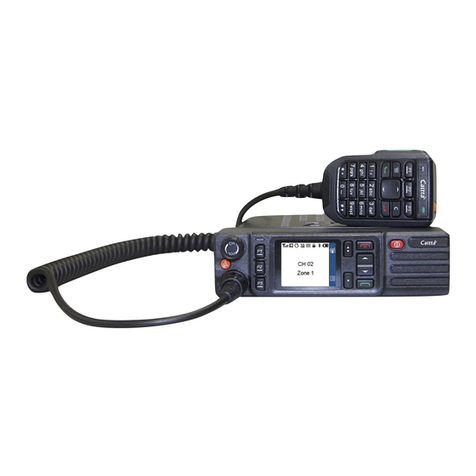
1.1 Appearance.................................................................................................................................... 1
1.2 Standard Package.........................................................................................................................1
1.3 Specification................................................................................................................................... 2
2 Function Test........................................................................................................................................... 4
2.1 Basic Function Test.......................................................................................................................4
2.2 Check Firmware Version and Device Information................................................................... 4
3 Software Upgrade................................................................................................................................... 5
3.1 Before Upgrade..............................................................................................................................5
3.2 Upgrade Procedure.......................................................................................................................6
3.3 CPS Software.............................................................................................................................. 14
4 Radio Disassemble Demonstration.................................................................................................23
4.1 Tools.............................................................................................................................................. 23
4.2 Procedure..................................................................................................................................... 24
4.3 Disassemble Steps..................................................................................................................... 24
4.4 Assemble Steps...........................................................................................................................34
4.5 Components.................................................................................................................................35
5 Hardware Pictures................................................................................................................................36
5.1 Front of Main PCB.......................................................................................................................36
5.2 Back of Main PCB....................................................................................................................... 37
6 Troubleshooting Maintenance Flow................................................................................................38
6.1 Structural Part Failure.................................................................................................................38
6.2 Battery Failure..............................................................................................................................39
6.3 No Power On................................................................................................................................40