!
!
!
!
Version v0.2d www.canchecked.de
Installation
When installing the display, you need to pay attention to a neat cabling. The power
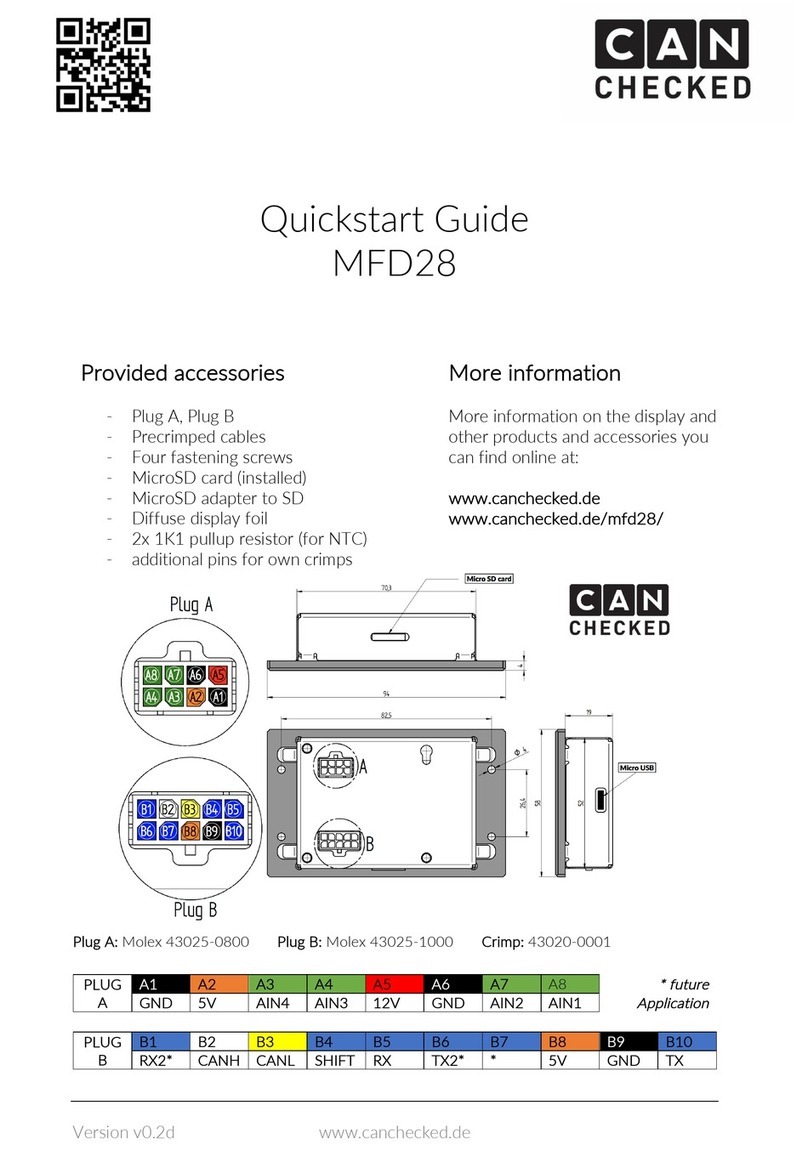
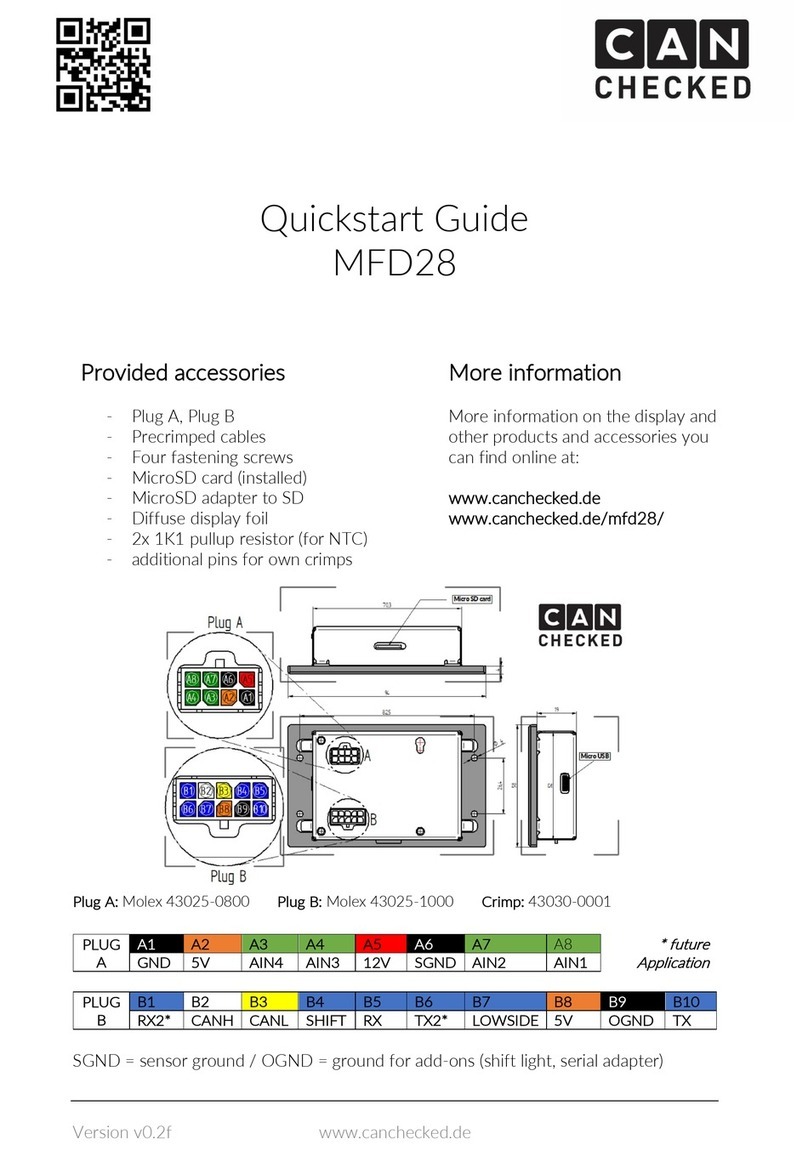
cable needs to be fused with 5A. The measurements for the mounting hole and the
screw holes can be found in the upper drawing.
In addition, only the can bus cables (high/low) needs to be connected.
Implementation
After the start-up, the splash screen appears and after 5 seconds or tap on the screen
you will get forwarded to the first view.
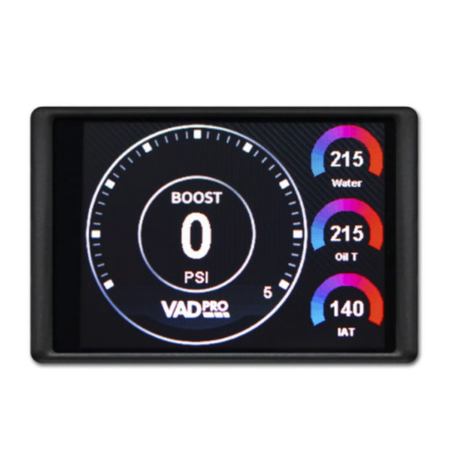
The ten predefined views give you a rough guidance of what is possible to display.
By a tap on the screen, you can stop the display and you will see the following view:
Touch areas on the screen