manuals.online logo
Brands
  1. Home
  2. •
  3. Brands
  4. •
  5. Canon
  6. •
  7. Security Camera
  8. •
  9. Canon VB-C500VD User manual

Canon VB-C500VD User manual

Other manuals for VB-C500VD

2

Other Canon Security Camera manuals

Canon VB-S800VE User manual

Canon

Canon VB-S800VE User manual

Canon VB-C500VD Guide

Canon

Canon VB-C500VD Guide

Canon VB-C50i/VB-C50iR User guide

Canon

Canon VB-C50i/VB-C50iR User guide

Canon VB-C50I User manual

Canon

Canon VB-C50I User manual

Canon Vb-C60 - Ptz Network Camera User manual

Canon

Canon Vb-C60 - Ptz Network Camera User manual

Canon VB-S800VE User manual

Canon

Canon VB-S800VE User manual

Canon VB-H47 User manual

Canon

Canon VB-H47 User manual

Canon VB-H43 User manual

Canon

Canon VB-H43 User manual

Canon ME20F-SHN User manual

Canon

Canon ME20F-SHN User manual

Canon VB-C300 User manual

Canon

Canon VB-C300 User manual

Canon VB-M700F User manual

Canon

Canon VB-M700F User manual

Canon EVERCAM XU-81 User manual

Canon

Canon EVERCAM XU-81 User manual

Canon VB-S910F User manual

Canon

Canon VB-S910F User manual

Canon VB-M700F User manual

Canon

Canon VB-M700F User manual

Canon DU10-H-VB User manual

Canon

Canon DU10-H-VB User manual

Canon VB-C300 Guide

Canon

Canon VB-C300 Guide

Canon 450X - RE Document Camera User manual

Canon

Canon 450X - RE Document Camera User manual

Canon VB-H761LVE User manual

Canon

Canon VB-H761LVE User manual

Canon VB-M600D User manual

Canon

Canon VB-M600D User manual

Canon VB-S30D MKII User manual

Canon

Canon VB-S30D MKII User manual

Canon VK-16 Manual

Canon

Canon VK-16 Manual

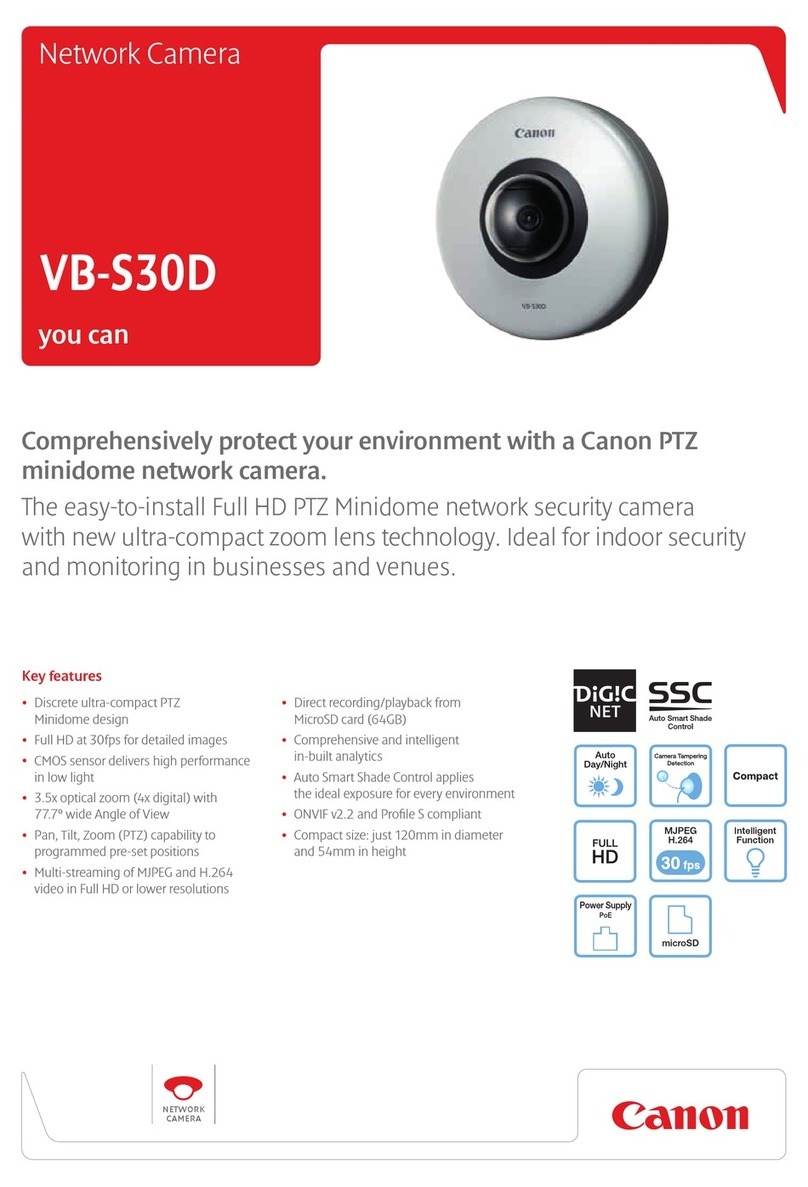
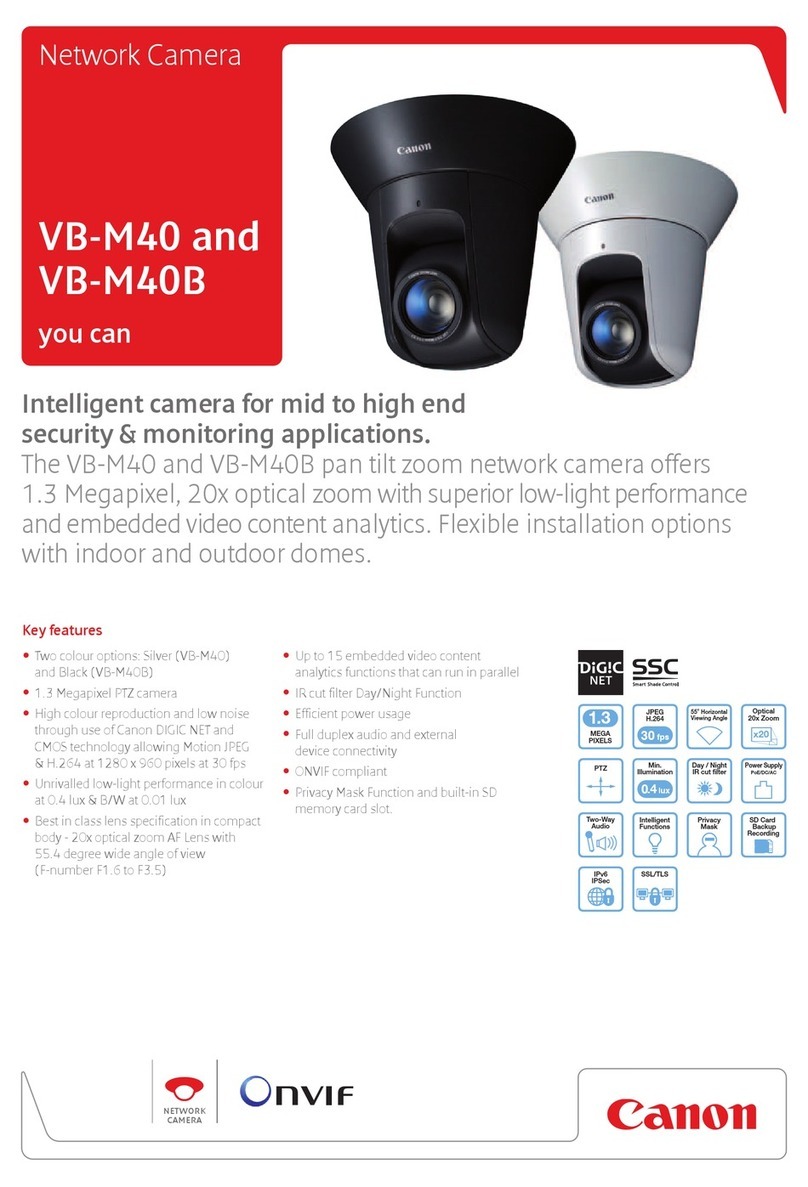
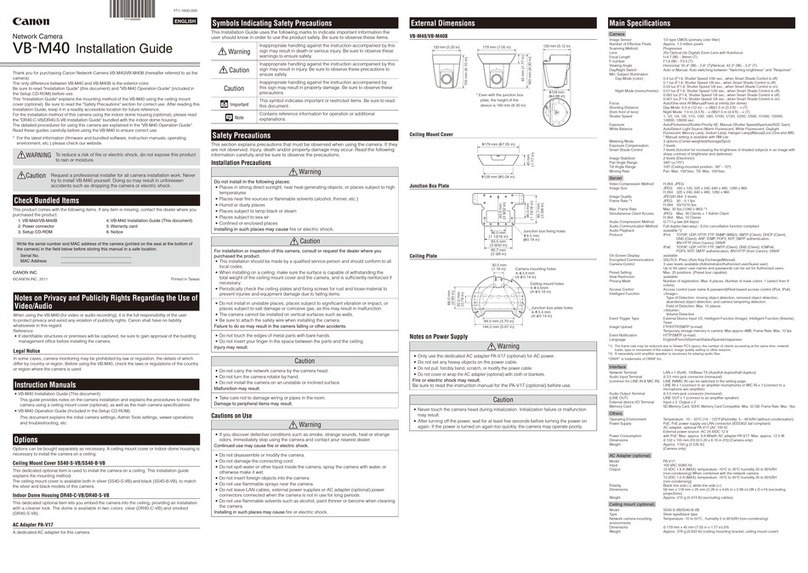
Canon VB-M40 User manual

Canon

Canon VB-M40 User manual

Canon VB-M600D User manual

Canon

Canon VB-M600D User manual

Canon BU-51H User manual

Canon

Canon BU-51H User manual

Popular Security Camera manuals by other brands

ADEMCO RapidDome Owners Operating & Installation Guide

ADEMCO

ADEMCO RapidDome Owners Operating & Installation Guide

EverFocus EBA2880 user manual

EverFocus

EverFocus EBA2880 user manual

Honeywell OptiCAM-IR Installation and setup guide

Honeywell

Honeywell OptiCAM-IR Installation and setup guide

Uniq UC-600 user manual

Uniq

Uniq UC-600 user manual

OPTICOM NVD-120-S datasheet

OPTICOM

OPTICOM NVD-120-S datasheet

Steren CCTV-221 instruction manual

Steren

Steren CCTV-221 instruction manual

Arm Electronics C420BCDNVFIR Features

Arm Electronics

Arm Electronics C420BCDNVFIR Features

Eneo PLD-2036PTZ installation guide

Eneo

Eneo PLD-2036PTZ installation guide

Axis AXIS M20 Series installation guide

Axis

Axis AXIS M20 Series installation guide

Panasonic KX-HCM230 operating instructions

Panasonic

Panasonic KX-HCM230 operating instructions

COP-USA CC15NV-SL Specifications

COP-USA

COP-USA CC15NV-SL Specifications

Active Silicon HARRIER H.264 quick start guide

Active Silicon

Active Silicon HARRIER H.264 quick start guide

Motorola Avigilon 1.3C-H5SL-BO1-IR installation guide

Motorola

Motorola Avigilon 1.3C-H5SL-BO1-IR installation guide

INSTEON 2864-232 user manual

INSTEON

INSTEON 2864-232 user manual

Wisenet XNB-6002 quick start guide

Wisenet

Wisenet XNB-6002 quick start guide

Axis M5525-E user manual

Axis

Axis M5525-E user manual

Vitek VTC-IR62NZ922 user guide

Vitek

Vitek VTC-IR62NZ922 user guide

Panasonic WV-SF342 Specifications

Panasonic

Panasonic WV-SF342 Specifications

manuals.online logo
manuals.online logoBrands
  • About & Mission
  • Contact us
  • Privacy Policy
  • Terms and Conditions

Copyright 2025 Manuals.Online. All Rights Reserved.

VB-C500VD
VANDAL-RESISTANT MINI DOME NETWORK CAMERA
Introducing a high performance vandal resistant
mini dome network camera with Canon’s unique
Multi-Directional Shock Absorber, perfect for
monitoring tight spaces such as ATM’s, building
entrances, lobbies, schools and shopping malls.
VB-C500VD
VANDAL-RESISTANT MINI DOME NETWORK CAMERA
Product Name VB-C500VD
Item Code 4073B002
UPC Code 013803117448
VANDAL RESISTANT HOUSING:
•The VB-C500VD is comprised of High-Shock Resistant Materials which prevents
damage to the camera from external blunt force.
•The VB-C500VD’s Multi-Directional Shock Absorber shifts the camera when blunt
force is applied to the outside base or dome cover.
• The Tamper Proof Screws provide an added level of security by their drive design
that prevents removal with ordinary screwdrivers.
GENUINE CANON OPTICS:
• The VB-C500VD offers a wide 82º (2.6mm) horizontal eld of view.
• The lens maintains exceptional image clarity throughout the entire eld of view.
ZOOM / RANGE OF MOVEMENT:
•Zoom: 2.4x Optical Zoom lens / 4x Digtial Zoom lens.
•Range of Movement: Pan Range: 350° (±175°) - manual
Tilt Range: 150° (±75°) - manual
Rotation Range: 350° (±175°) - manual
POWERFUL DIGIC NET PROCESSOR:
•DIGIC NET processor performs all encoding and transmission.
•Simultaneous distribution of M-JPEG in three different resolutions.
•Image capture can be delivered in both M-JPEG and MPEG-4 video at 30fps.
AUTO DAY/NIGHT MODE with DIGITAL NIGHT MODE:
•The Auto Day/Night mode feature switches automatically from light to dark in
night time conditions. Select up to 5 different brightness levels for Auto Day/
Night switching.
•Digital Night Mode will automatically change from color video monitoring to
monochrome video monitoring without interruption caused by insertion/
removal of an IR cut lter.
PROGRESSIVE-SCAN CCD:
•Full frame captures result in high quality video of moving subjects, even in
low-light conditions.
MOTION DETECTION:
• Built-in motion detection capability, allows the user to set up to four motion
detection areas, with varying levels of sensitivity.
• The camera is equipped to automatically send images to a desired location
via FTP/ HTTP / SMTP (email) when subject motion is detected or if an
external sensor is triggered.
PoE (POWER OVER ETHERNET) IEEE802.3af COMPLIANT:
•Receive both data and power through a single Ethernet cable.
ON-SCREEN DISPLAY FOR CAPTURED VIDEO:
•The on-screen display function, embeds the date, time, and camera name
(or any character combination up to 15 characters) into the video.
•Displaying the camera name on the video helps to distinguish different
cameras at a glance. Embedding the date and time eliminated the need to
search for date and time information.
MULTIPLE LANGUAGE SUPPORT:
•Selectable from English, Japanese, French, Italian, German, and Spanish
Shown with optional SR500-S-VB
Recessed Mounting Kit
Polycarbonate
Plastics Dome
Cover
Movable
Base
Alloy Alluminum BodySprings
Multi-Directional Shock Absorber
Tilted Angle
VB-C500VD: Color Video at 0.2 lux
(Smart Shade Control ON / Level 7)
Competitor Model:
Color Video at 0.2 lux
Smart Shade
Control: OFF
Smart Shade
Control: ON
Smart Shade Control (SSC) adjusts darker areas of the image, while maintaining
the brightness of the brighter areas, so the subject and background are visible.
Color Video at 0.2 lux
Smart Shade Control (SSC)
Blunt force to the outside base or dome cover causes the Multi-Directional
Shock Absorber to shift the camera, effectively dispersing, the effects of
impact force from various angles, away from the camera
usa.canon.com/ipcameras
1-800-OK-CANON
Canon U.S.A., Inc.
One Canon Plaza
Lake Success, NY 11042 U.S.A.
©2009 Canon U.S.A., INC. 0136W688 9/09 PRINTED IN U.S.A.
VB-C500VD VANDAL-RESISTANT MINI DOME NETWORK CAMERA
VANDAL-RESISTANT MINI DOME NETWORK CAMERA
VB-C500VD
CCD IMAGE SENSOR 1/4-inch CCD (primary color lter)
NUMBER OF PIXELS Effective 310k pixels
SCANNING METHOD Progressive
LENS
Zoom Ratio Fixed Focus: Optical 2.4x lens (digital 4x)
Focal Length / F-Number f=2.6 ~ 6.2mm / F1.1 (W) ~ F1.4 (T)
ANGLE OF VIEW
Horizontal 82°(W) - 34°(T)
Vertical 60.5°(W) - 25.5°(T)
RANGE OF MOVEMENT
Pan Range 350° (±175°) - Manual
Tilt Range 150° (±75°) - Manual
Rotation Range 350° (±175°) - Manual
FOCUS Manual
FOCUS RANGE
Day Mode 2.29 ft closest ~ ∞
Night Mode 2.29 ft closest ~ ∞
DAY/NIGHT MODE Auto/Manual Switching No power-driven removal / insertion of IR cut lter (Digital Night Mode)
MINIMUM ILLUMINATION
Day Mode 0.2 lux (F1.1, color, 1/30 sec, Smart Shade Control=on)
Night Mode 0.1 lux (F1.1, B&W, 1/30 sec, Smart Shade Control=on)
SHUTTER SPEED 1/1 ~ 1/8000 sec
AE Auto / Flickerless / Shutter-speed (12 levels: 1/8 ~ 1/8000 sec.)
WHITE BALANCE Auto / Light Source (6 types) / Lock (One-shot WB)
OPTICAL MEASUREMENT SYSTEM 3 options (Center-weighted / Average / Spot)
EXPOSURE COMPENSATION 7 Levels
SMART SHADE CONTROL 7 Levels
VIDEO COMPRESSION METHOD Simultaneous distribution of M-JPEG / MPEG-4
OUTPUT IMAGE / VIDEO SIZE M-JPEG: 640×480 / 320×240 / 160×120 MPEG-4: 640×480 / 320×240
VIDEO QUALITY M-JPEG: 5 Levels (set by each video size) MPEG-4: 5 Levels
FRAME RATE M-JPEG: 0.1 ~ 30fps MPEG-4: 10 / 15 / 30 fps
MAXIMUM FRAME RATE M-JPEG: 30 fps (640x480)¹ MPEG-4: 30fps (640x480) ¹
SIMULTANEOUS CLIENT ACCESS M-JPEG: 30 clients MPEG-4: 10 clients
AUDIO COMPRESSION METHOD G.711 μ-law (64kbps)
AUDIO COMMUNICATION Full Duplex
AUDIO PLAY Available (can play an audio le on a motion detection event or when an
external device input is triggered)
PROTOCOL IPv4: TCP/IP, UDP, HTTP, FTP, SNMP (MIB2), SMTP (client), DHCP
(client), DNS (client), ARP, ICMP, POP3, NTP, SMTP authentication,
WV-HTTP (Canon’s original protocol)
IPv6: TCP/IP, UDP, HTTP, FTP, SMTP (client), DNS (client), ICMPv6,
POP3, NDP, SMTP authentication, WV-HTTP (Canon’s original
protocol)
IPsec Available
CAMERA CONTROL 3 user levels available (Administrator / Authorized user / Guest user)
Up to 50 users’ user names and passwords can be set for Authorized users
ACCESS CONTROL Access control (user name & password) / IP address control (IP v 4) /
Simultaneous client access control
MOTION DETECTION Available (up to 4 detection areas can be set in a frame)
UPLOAD JPEG IMAGE FTP/HTTP/SMTP (e-mail) in-camera buffer memory for upload: Max. 4MB
EVENT NOTIFICATION HTTP/SMTP (e-mail)
NETWORK LAN × 1 (RJ45, 100Base-TX (Auto / full-duplex / half-duplex))
AUDIO INPUT TERMINAL Ø 3.5 monaural mini jack connector
LINE IN × 1 (connect to an amplier microphone) or
MIC IN × 1 (connect to a microphone w/o amplier)
Requires Optional Accessory #4: Audio Interface Cable (WA-500VB)
AUDIO OUTPUT TERMINAL Ø 3.5 monaural mini jack connector
LINE OUT × 1 (connect to an amplier speaker)
Requires Optional Accessory #4: Audio Interface Cable (WA-500-VB)
EXTERNAL DEVICE I/O TERMINAL Input × 2 / Output × 2
Requires Optional Accessory #5: I/O Interface Cable (WC-500VB)
OPERATING ENVIRONMENT
Temperature / Humidity Temperature: 14° ~ 122°F / Humidity: 68 ~ 185% RH (no condensing)
POWER SUPPLY
PoE PoE power supply via LAN connector (IEEE802.3af compliant)
Optional AC Adapter AC100V-240V Requires Optional Accessory #2: Power Adapter (PA-V17)
and Optional Accesory #3: Power Interface Cable (WP-500VB)
Optional External Power AC24V/DC12V Requires Accessory #3: Optional Power Interface Cable
(WP-500VB) and third party transformer (sold seperately)
POWER CONSUMPTION
with PoE Max. approximately 3.3W
with Optional AC Adapter Max. approximately 3.6W
BUNDLED SOFTWARE
VK-Lite 4-Camera Monitoring and Recording Software license included
DIMENSIONS (W x D x H) 6.10”(W) x 6.10”(D) x 4.65”(H) (155 x 155 x 118 mm)
WEIGHT 1.72 lbs. (780g)
SHOCK RESISTANCE Exterior materials: alloyed aluminum, polycarbonate plastic with
multi-directional shock absorber
Estimated shock resistant: 50J (impact strength). Based on Canon’s tests
PRODUCT SPECIFICATION
KIT CONTENT
ITEM CODE DESCRIPTION
2245B001 PA-V17: AC Adapter (WP500-VB also required)
3939B001 WP500-VB: Power Interface Cable
3936B001 WA500-VB: Audio Interface Cable
3938B001 WC500-VB: I/O Interface Cable
3935B001 SR500-S-VB: Recessed Mounting Kit
4075B001 VK-64 v2.2 Network Video Recording Software
4075B002 VK-16 v2.2 Network Video Recording Software
4075B003 VK-Viewer v2.2: 1 License for VK64/16
4075B004 VK-Viewer v2.2: 5 License for VK64/16
3331B001 VK-Lite additional license
OPTIONAL ACCESSORIES / SOFTWARE
All prices, specications, and availabilities subject to change without prior notice.
Canon is a registered trademark of Canon Inc. IMAGEANYWARE is a trademark of Canon.
MPEG-4
NOTICE ABOUT THE MPEG-4 VISUAL STANDARD: THIS PRODUCT IS LICENSED UNDER THE MPEG-4 VISUAL PATENT
PORTFOLIO LICENSE FOR THE PERSONAL AND NON-COMMERCIAL USE OF A CONSUMER TO (i) ENCODING VIDEO IN
COMPLIANCE WITH THE MPEG-4 VISUAL STANDARD (“MPEG-4 VIDEO”) AND/OR (ii) DECODING MPEG-4 VIDEO THAT WAS
ENCODED BY A CONSUMER ENGAGEDIN A PERSONAL AND NON-COMMERCIAL ACTIVITY. NO LICENSE IS GRANTED OR
SHOULD BE IMPLIED FOR ANY OTHER USE. ADDITIONAL INFORMATION INCLUDING THAT RELATING TO PROMOTIONAL,
INTERNAL AND COMMERCIAL USES AND ADDITIONAL LICENSING MAY BE OBTAINED FROM MPEG LA, LLC.
SEE HTTP://WWW.MPEGLA.COM.
1. SR500-S-VB
Recessed
Mounting Kit
(3935B001)
*camera not included
2. PA-V17
AC Adpater
(2245B001)
3. WP500-VB
Power
Interface
Cable
(3939B001)
4. WA500-VB
Audio
Interface
Cable
(3936B001)
5. WC500-VB
I/O Interface
Cable
(3938B001)
8.46 in.
1.06 in.
2.48 in.

Ø 3.85 in. (dia.)

120° 3 - Ø 0.19 in. (dia.)

Ø 6.65 in. (outside dia.)

Ø 7.64 in.

120°
2.99 in.
4.33 in.
8 - 0.16 in.
4.40 in.
2.51 in.
VB-C500VD OPTIONAL ACCESSORIES
VB-C500VD DIMENSIONS / SR500-S-VB IN-CEILING KIT (optional)
Canon Canada, Inc.
6390 Dixie Road
Mississauga, Ontario L5T 1P7 Canada
ITEMS VB-C500VD Network Camera Template
Set-Up CD-ROM Start Guide
Safety Wire Warranty Card
¹ The frame rate may be reduced due to Viewer PC’s specs, the number of clients accessing at the same time, network loads, or other reasons.
A separately-sold amplier speaker is necessary for playing audio les.
2.99 in.
4.65 in.
6.10 in.
4.41 in.
3.74 in.
0.16 - Ø 0.18 in.