-1 0
AUTOMOTIVE MULTIMETER
WITH PC INTERFACE
INSTRUCTION MANUAL
Contents
Introduction……………………………………………………………………….1
Safety………………………………………………………………………………2
Getting Started…………………………………………………………………6
Meter Basics…………………………………………………………………………7
Digital and Analog display…………………………………………………………8
Function and Range Select…………………………………………………………9
Push-button Functions……………………………………………………10
Mode Button…………………………………………………………10
Range Select Button…………………………………………………………10
Range Exit ……………………………………………………………………10
+ TRIG Button………………………………………………………………10
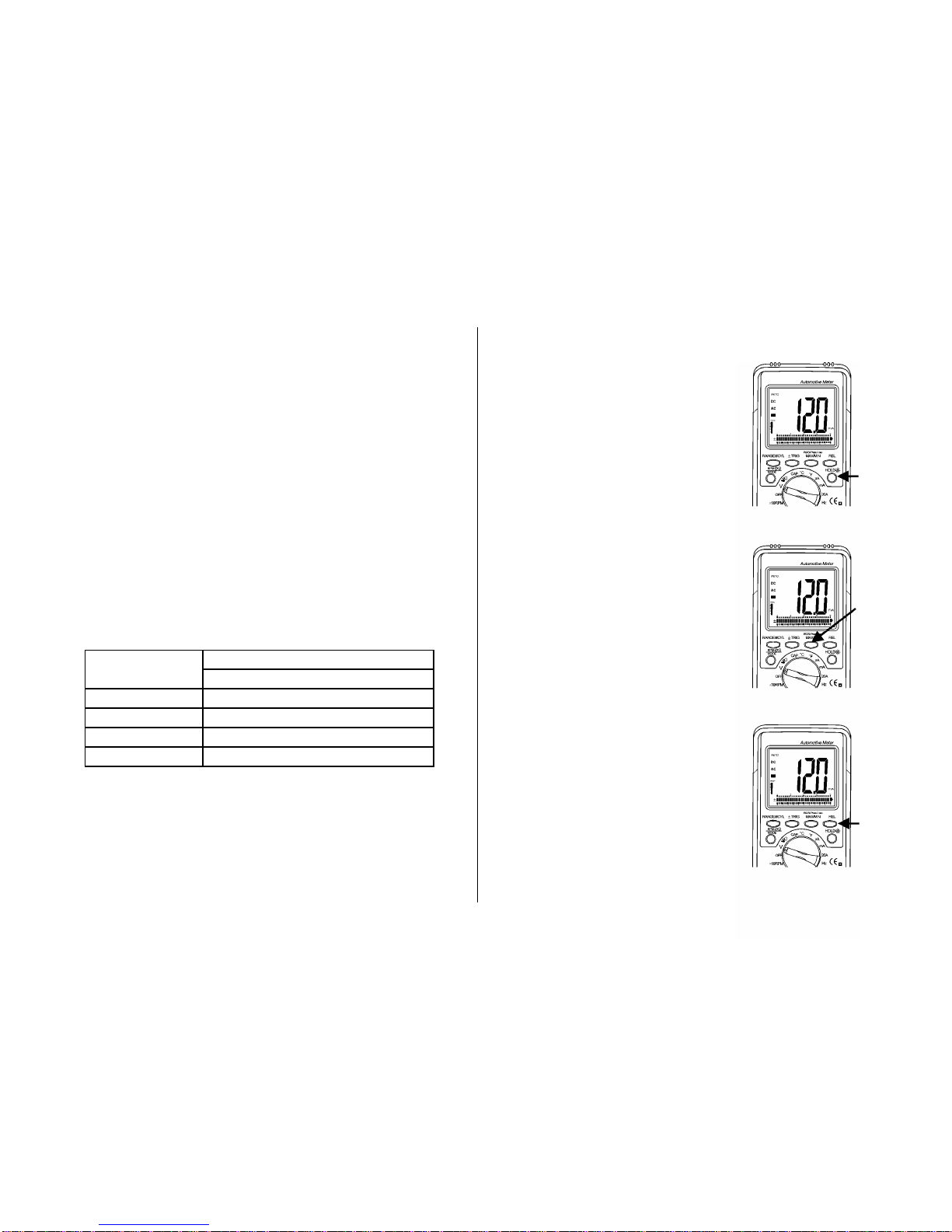
Data Hold /Backlight Button………………………………………………12
MAX/MIN/RS232 Button……………………………………………………12
Relative Button………………………………………………………………12
Meter Functions
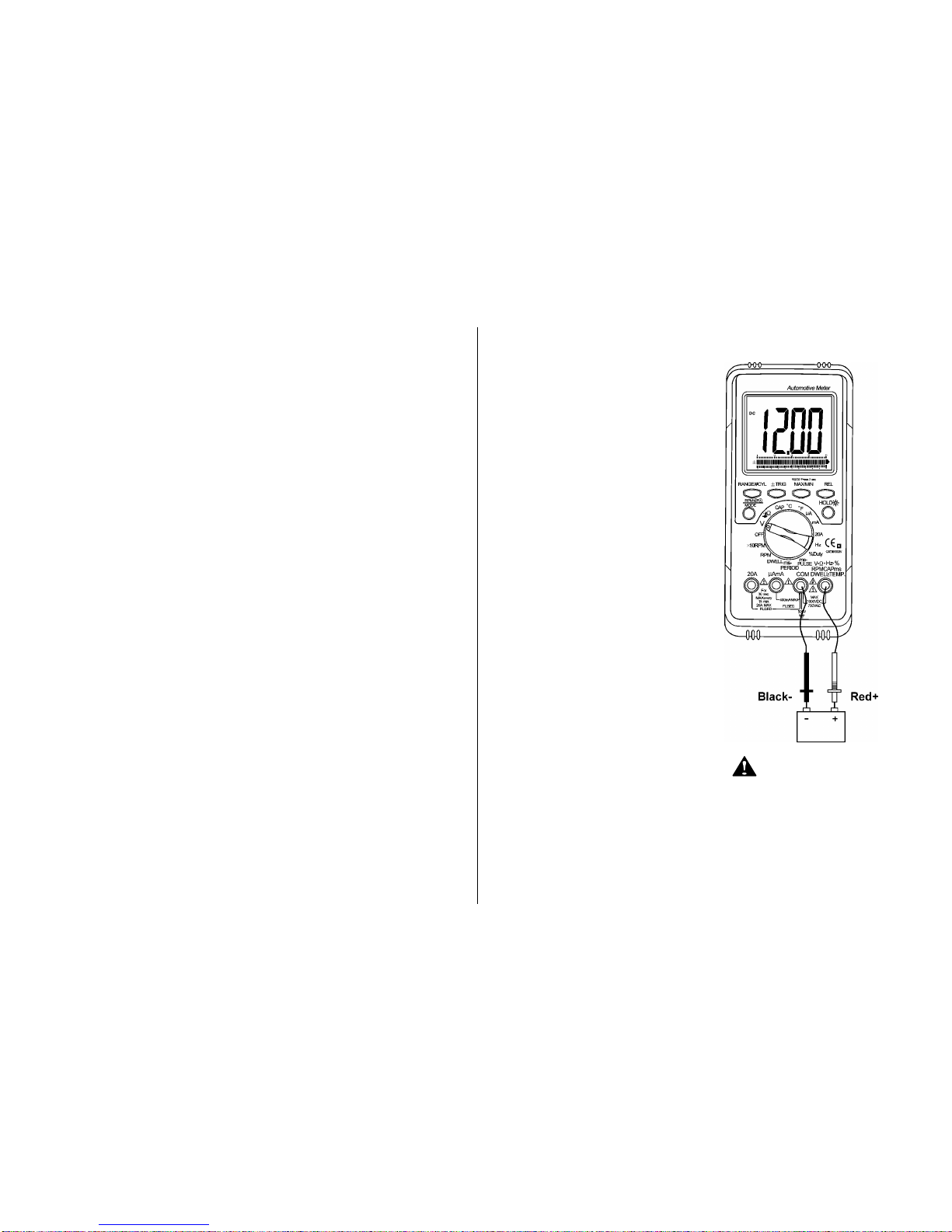
Voltage (V)……………………………………………………………………14
Resistance (Ω) ………………………………………………………………15
Diode Check( )……………………………………………………………16
Audible Continuity ( )……………………………………………………17
AC or DC Current (A) ………………………………………………………18
Temperature (℃/ 0F) ………………………………………………………19
Frequency (Hz) ……………………………………………………………20
Dwell ( )…………………………………………………………………21
Duty Cycle (%)………………………………………………………………22
Ms –PULSE& ms- PERIOD (ms) …………………………………………23
RPM ( ) ……………………………………………………………………25
Maintenance………………………………………………………………………26
Replacing The Battery……………………………………………………………26
Battery Installation…………………………………………………………………26
Replacing The Fuses………………………………………………………………27
Trouble Shooting…………………………………………………………………28
General Specifications…………………………………………………………29
Electrical Specifications…………………………………………………………30
Ready –to –Use Windows® Application Program………………………35
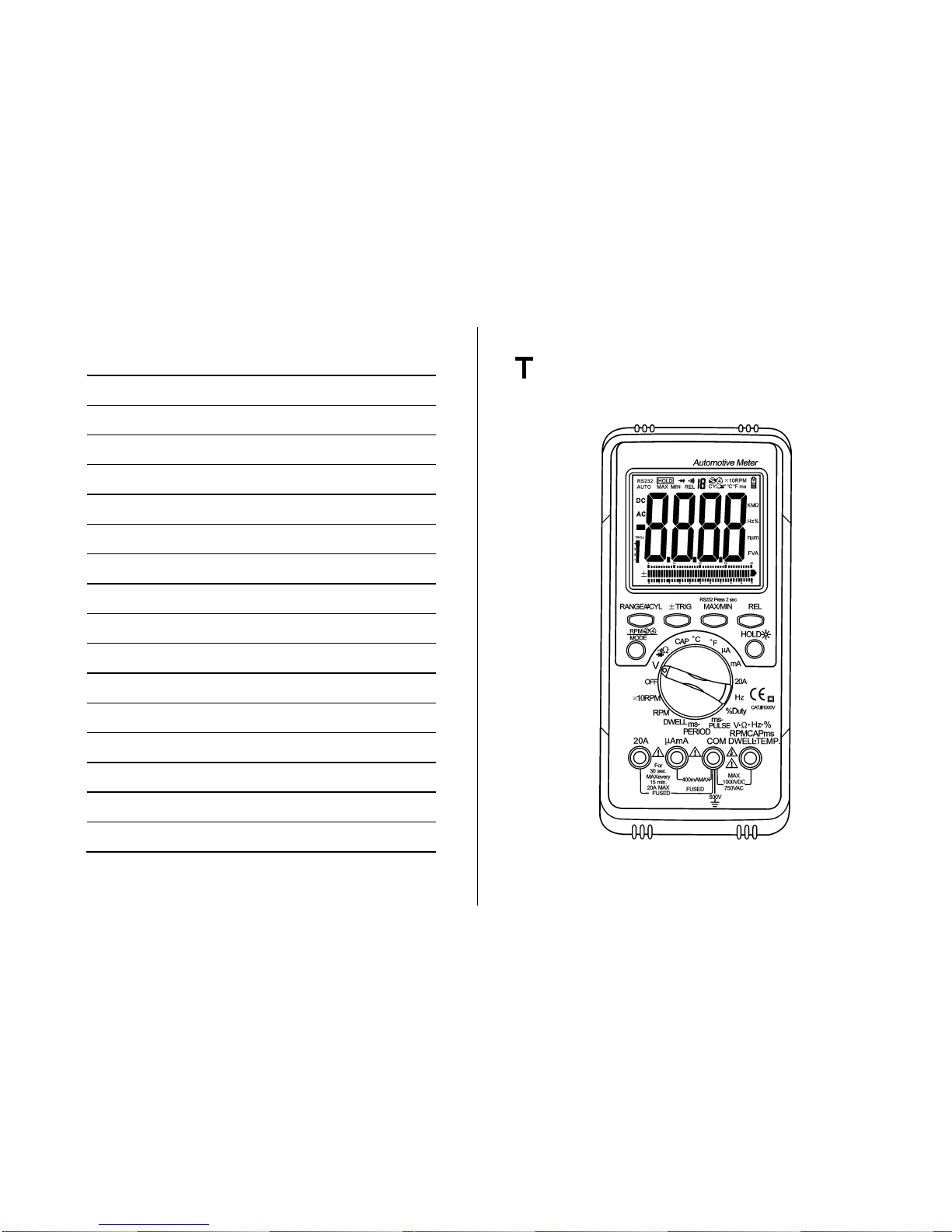
his chapter covers brief, introductory information, You will find: