Operation of Your Opener
• BEFORE YOU PROCEED, PLEASE READ SAFETY • DO NOT PERMlT CHlLDREN TO PLAY IN THE AREA
RULES ON PAGE 2 AND THE OPERATING OF THE DOOR.
INSTRUCTlONS ON THIS PAGE CAREFULLY. • OPERATE ONLY WHEN OPENER IS PROPERLY
• TO AVOID DIFFICULTY DURING INSTALLATION, DO ADJUSTED AND THE DOOR IS VISIBLE AND
NOT RUN OPENER UNTIL INSTRUCTED TO DO SO. UNOBSTRUCTED.
HOW TO ACTIVATE THE OPENER
Use any of the following devices:
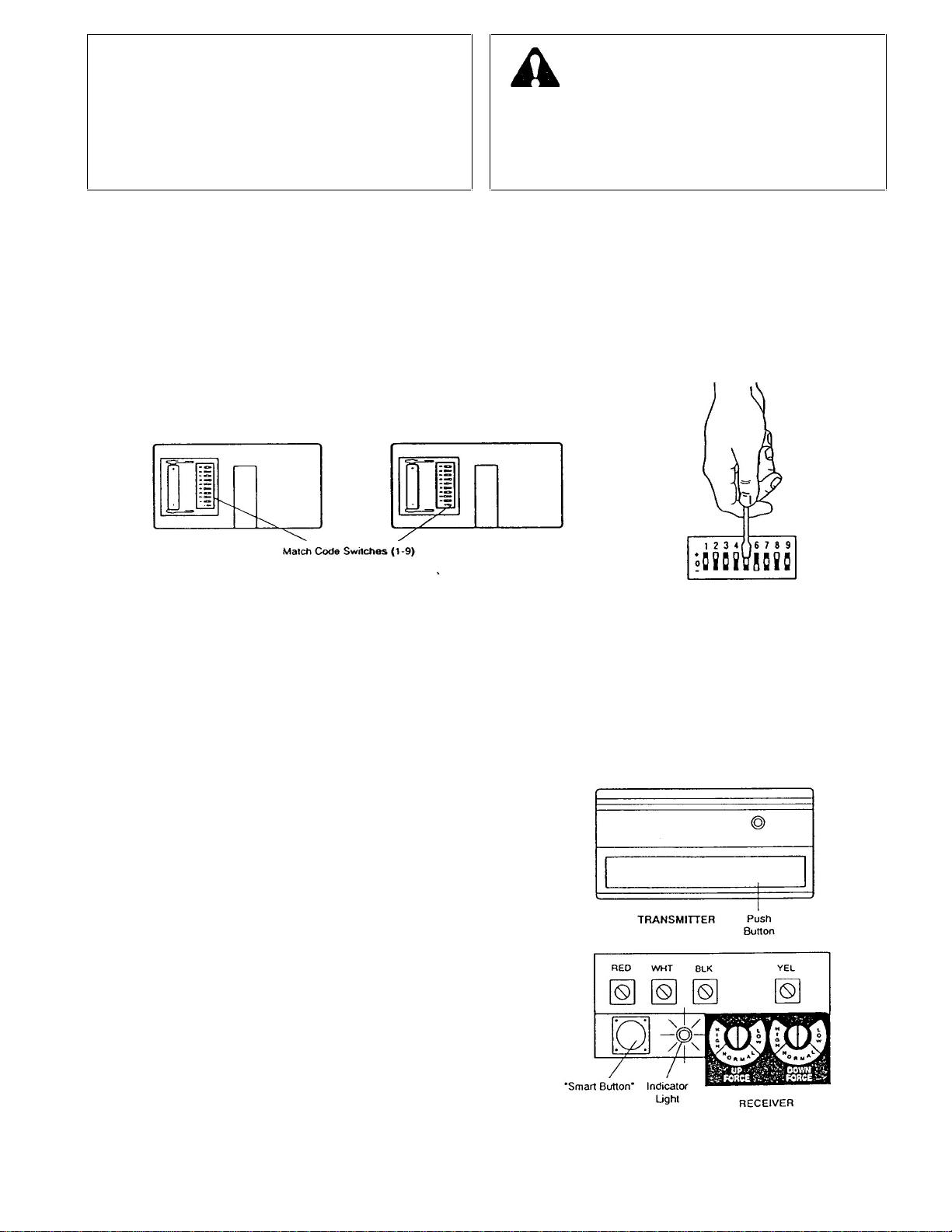
1. The Remote Control Transmitter. Hold the push
button down until the door starts to move.
2. The Door Control Button. Hold the button down until
the door starts to move.
3. The Key Switch or Wireless Keyless Entry System (if
you have installed either of these accessories).
OPENER LIGHT(S) will turn on under the following
conditions: when the opener is initially plugged in; when the
power is interrupted; when the opener is activated. Light(s)
turns off automatically after 4 1/2 minutes. Bulb size is 75
Watts maximum.
If the Multi-Function Control Panel (with the Light Switch
Feature) is installed. the light can remain ON or turn OFF
before the automatic cycle is completed, if desired.
HOW TO OPERATE THE DOOR MANUALLY
DOOR SHOULD BE FULLY CLOSED IF POSSIBLE.
WEAK OR BROKEN SPRINGS COULD ALLOW AN
OPEN DOOR TO FALL RAPIDLY. PROPERTY DAMAGE
OR SERIOUS PERSONAL INJURY COULD RESULT. DO
NOT USE MANUAL RELEASE HANDLE TO PULL DOOR
OPEN OR CLOSED.
HOW DOOR MOVES WHEN OPENER ACTIVATES
1. If open, door will close. If closed, door will open.
2. If closing, the door will reverse.
3. If opening, the door will stop (allowing space for entry
and exit of pets and for fresh air).
4. If the door has been stopped in a partially open position,
it will close.
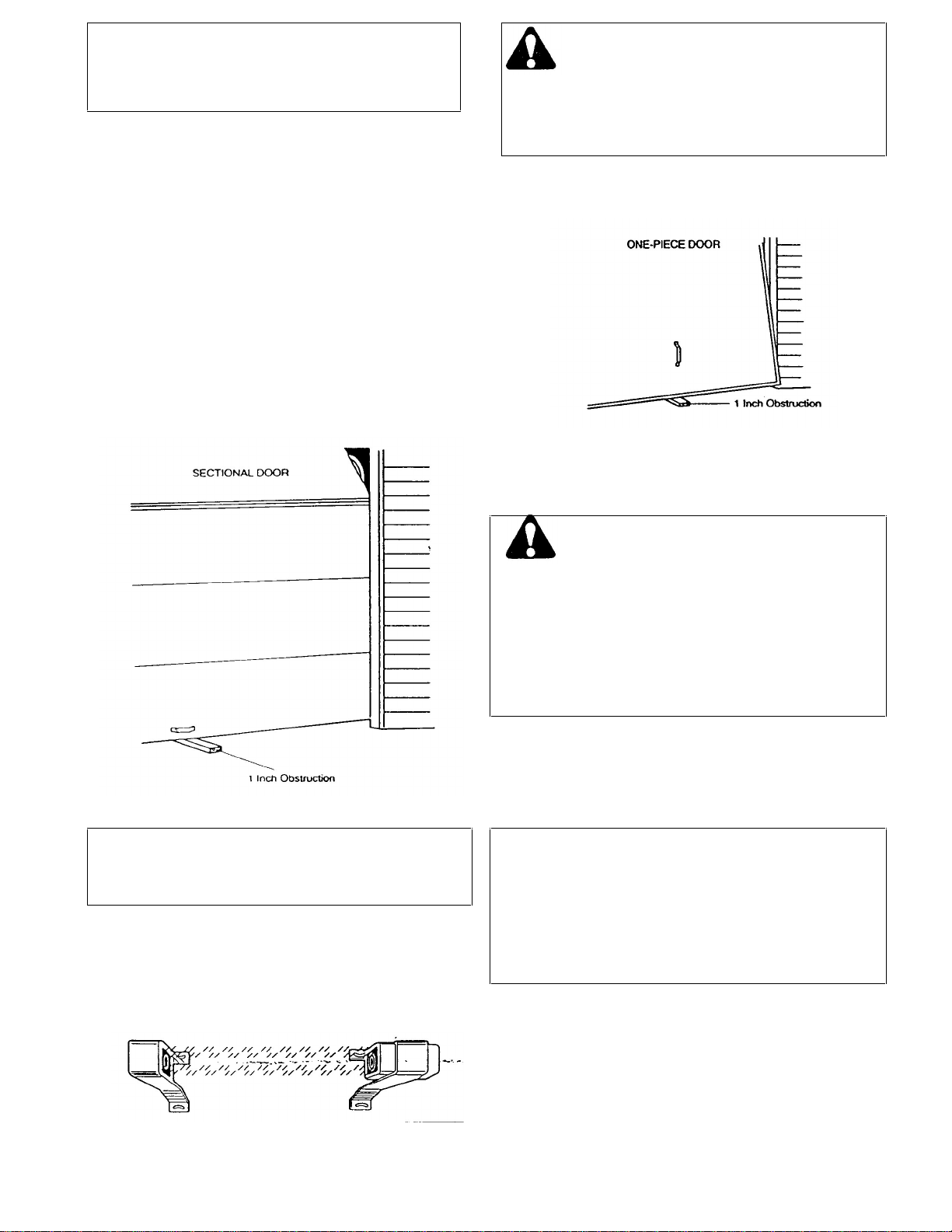
5. If an obstruction is encountered while closing, the door
will reverse.
6. If an obstruction is encountered while opening, the door
will stop.
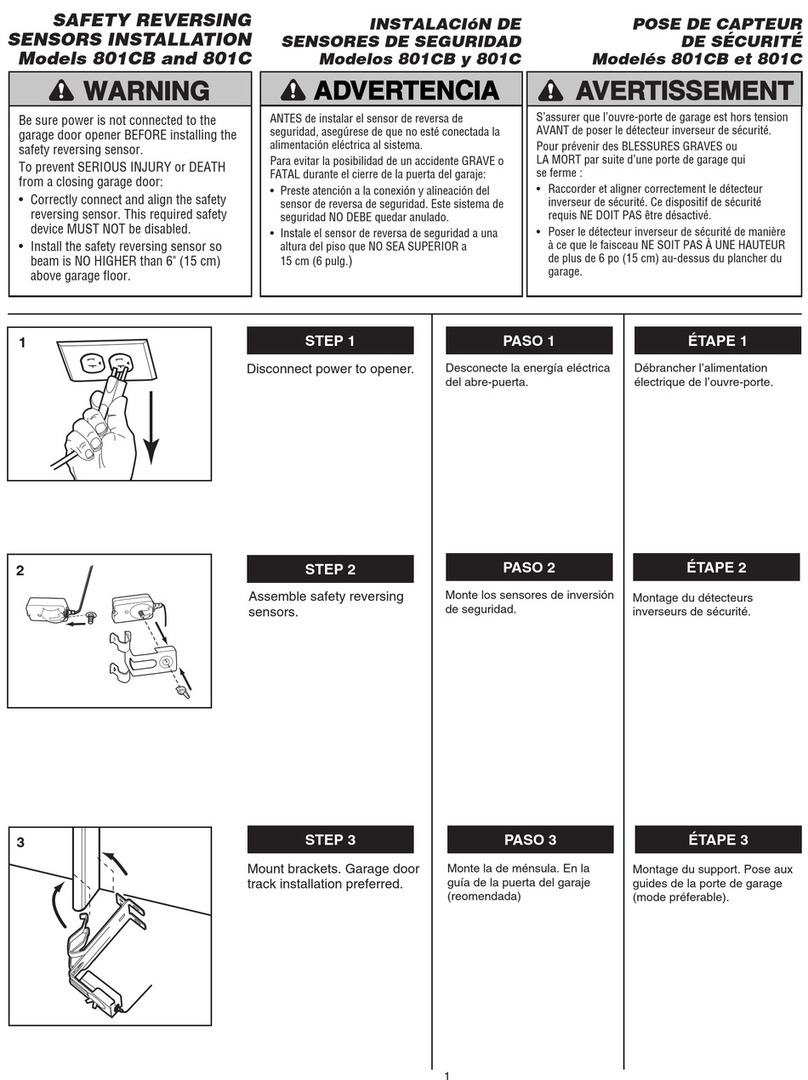
7. The optional Protector Systemuses an invisible beam
which, when broken by an obstruction, causes a closing
door to open and prevents an open door from closing. It
is STRONGLY RECOMMENDED for homeowners with
young children.
Disconnect door from opener by pulling down sharply on
red handle. Lift door manually. To automatically reconnect
door to opener, press Door Control Button.
LOCKOUT FEATURE: prevents trolley from reconnecting
automatically. If you need to use this feature, pull Manual
Release Handle down and back (toward opener). Trolley
will remain "Locked-Out" and door can be raised and
lowered manually. To reconnect trolley, Pull Manual
Release Handle straight down.
ACCESSORIES AVAILABLE FOR YOUR OPENER
Model 756 Mini Multi-Function Remote
With key ring and velcro.
The Mini Multi-function remote control
transmitter can activate one or more door
openers and/or light controls.
Wireless Keyless Entry System
Enables homeowner to operate garage
door opener from outside by entering code
on specially designed keypad.
Model 750 Model 7704 -8
Multi-Function Control Panel
Provides a Lock Switch which prevents
operation of garage door opener from
remotes and a Light Switch for constant light
Model 760
Single-Function Remote
with visor clip
With a longer section of T-rail & a
chain/cable assy. to allow an 8 foot door to
open fully.
Opens garage door automatically from
outside when remote control transmitter is
not handy.
'The Protector System’
Provides auxiliary support to the safety
features built into your opener. The
system's invisible beam, when broken by
an obstruction, causes a closing door to
open and prevents an open door from
closing.
Emergency Release Keylock
REQUIRED for a garage with NO
service door.
Allows manual operation of garage door
from outside in case of power failure.
Model 745
Model 7702
Model 740
Model 70
CAUTION
5