logo
Brands
  1. Home
  2. •
  3. Brands
  4. •
  5. Chamberlain
  6. •
  7. Home Safety Product
  8. •
  9. Chamberlain LiftMaster Hercules 50HERK User manual

Chamberlain LiftMaster Hercules 50HERK User manual

Popular Home Safety Product manuals by other brands

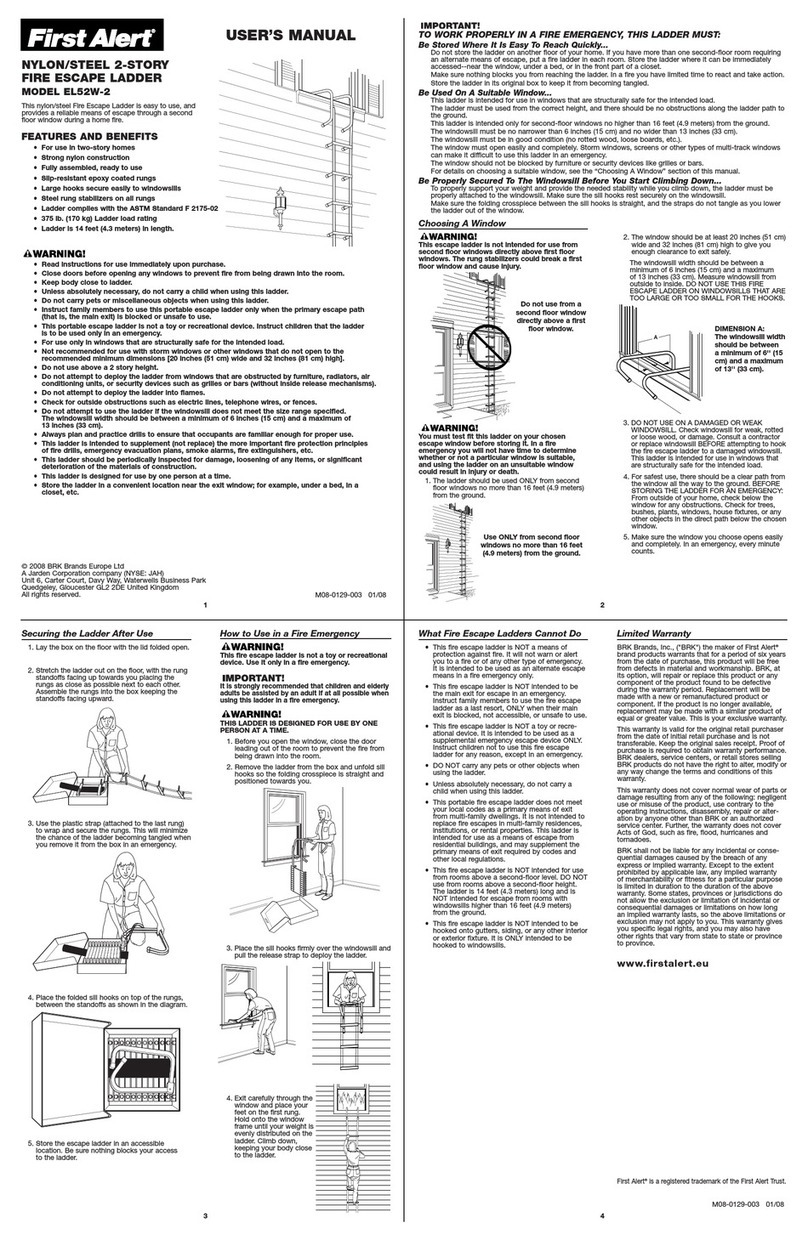
First Alert Fire Escape Ladder EL52W-2 user manual

First Alert

First Alert Fire Escape Ladder EL52W-2 user manual

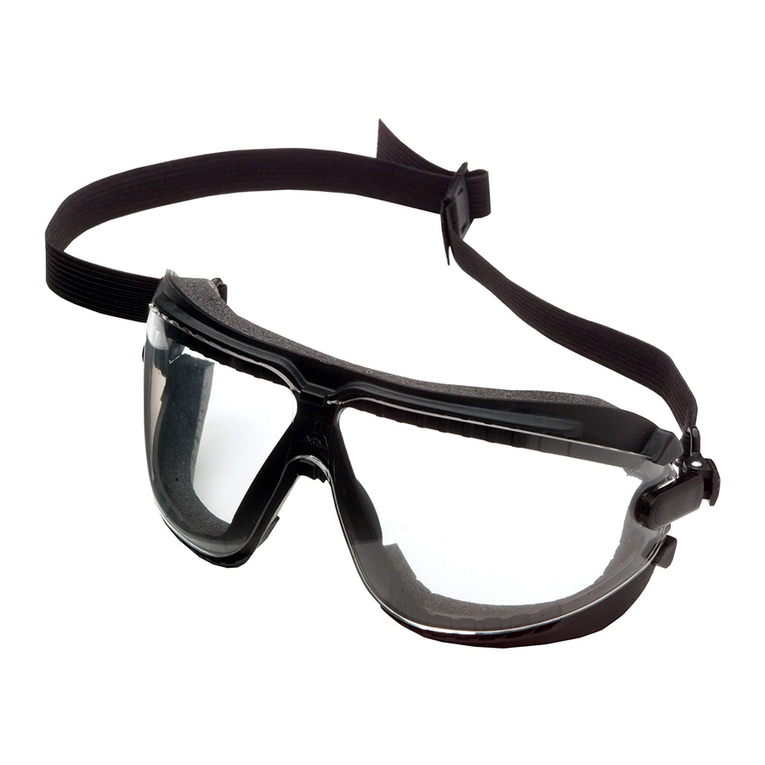
AOSafety GoggleGear Dust Specifications

AOSafety

AOSafety GoggleGear Dust Specifications

Westfalia 69 86 96 instruction manual

Westfalia

Westfalia 69 86 96 instruction manual

Summer 7260 installation guide

Summer

Summer 7260 installation guide

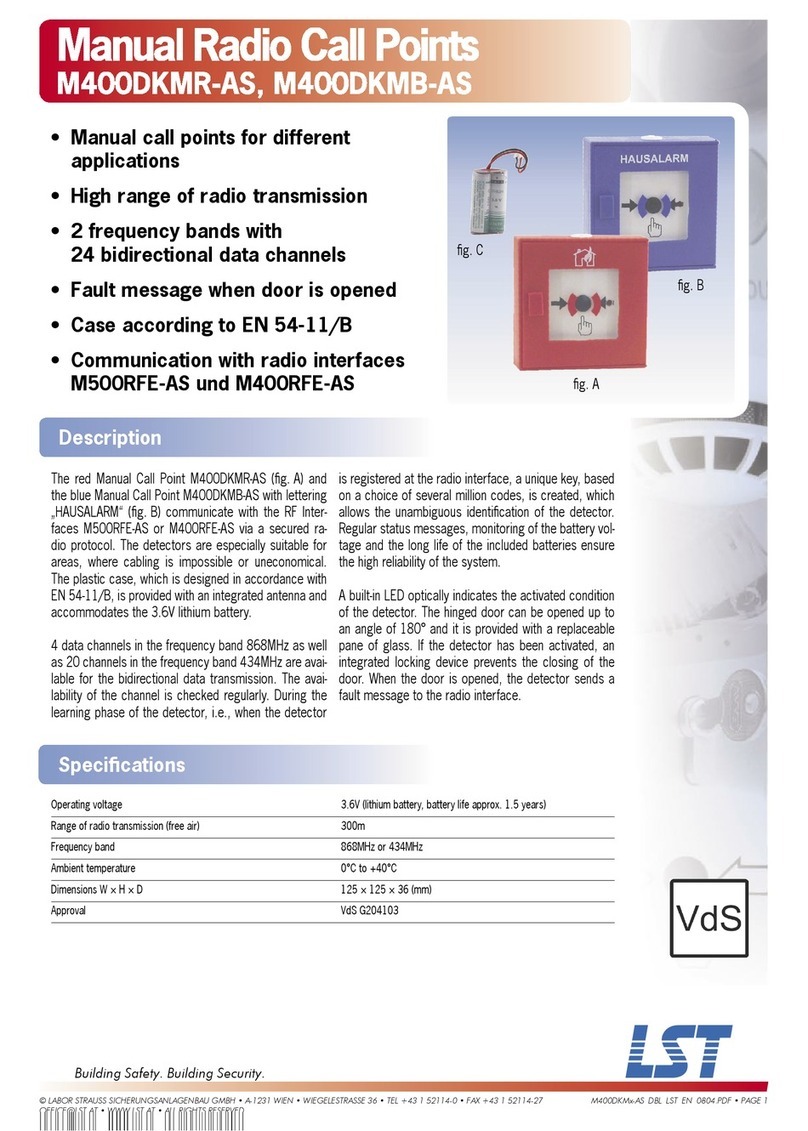
LST M400DKMB-AS Specification sheet

LST

LST M400DKMB-AS Specification sheet

FireAngel WFS-627 user manual

FireAngel

FireAngel WFS-627 user manual

Samsung SSA-R2001 user manual

Samsung

Samsung SSA-R2001 user manual

Hydreon FakeTV FTV-10 user manual

Hydreon

Hydreon FakeTV FTV-10 user manual

KIDPRO Monofilament net User manual and warranty

KIDPRO

KIDPRO Monofilament net User manual and warranty

Fiessler ESPE Type 4 operating instructions

Fiessler

Fiessler ESPE Type 4 operating instructions

Maretron MD-6517-N installation instructions

Maretron

Maretron MD-6517-N installation instructions

LST MGE8-1 Specification sheet

LST

LST MGE8-1 Specification sheet

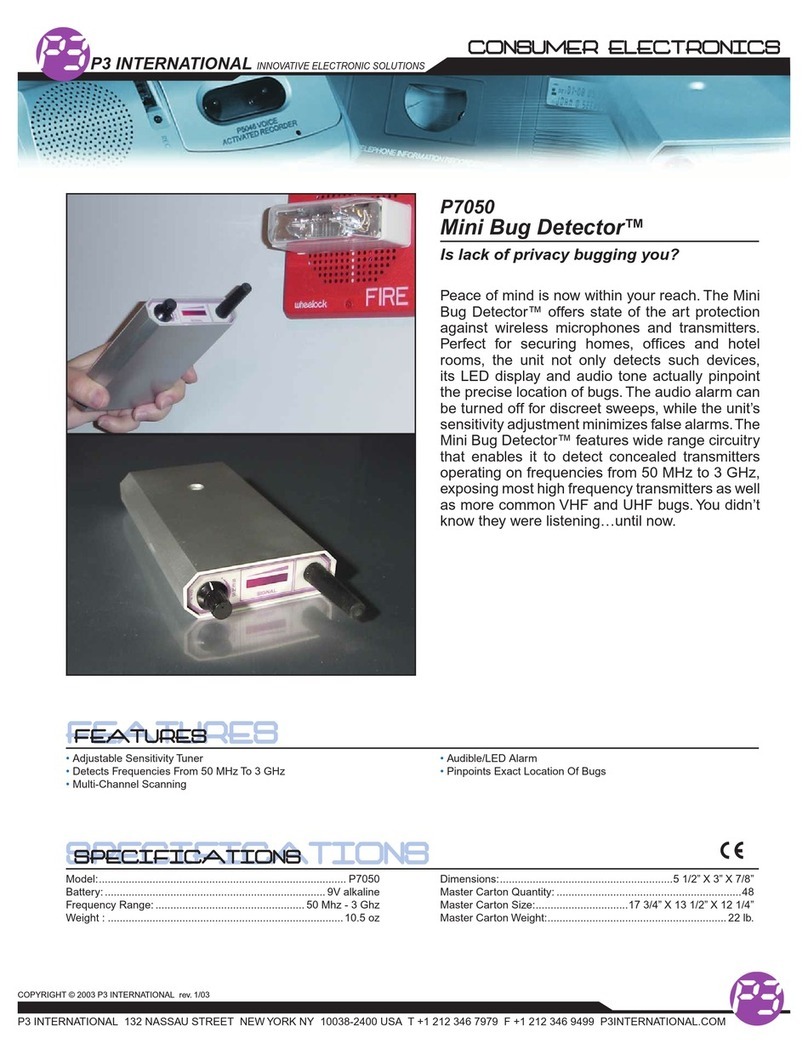
P3 International Mini Bug Detector P7050 Specifications

P3 International

P3 International Mini Bug Detector P7050 Specifications

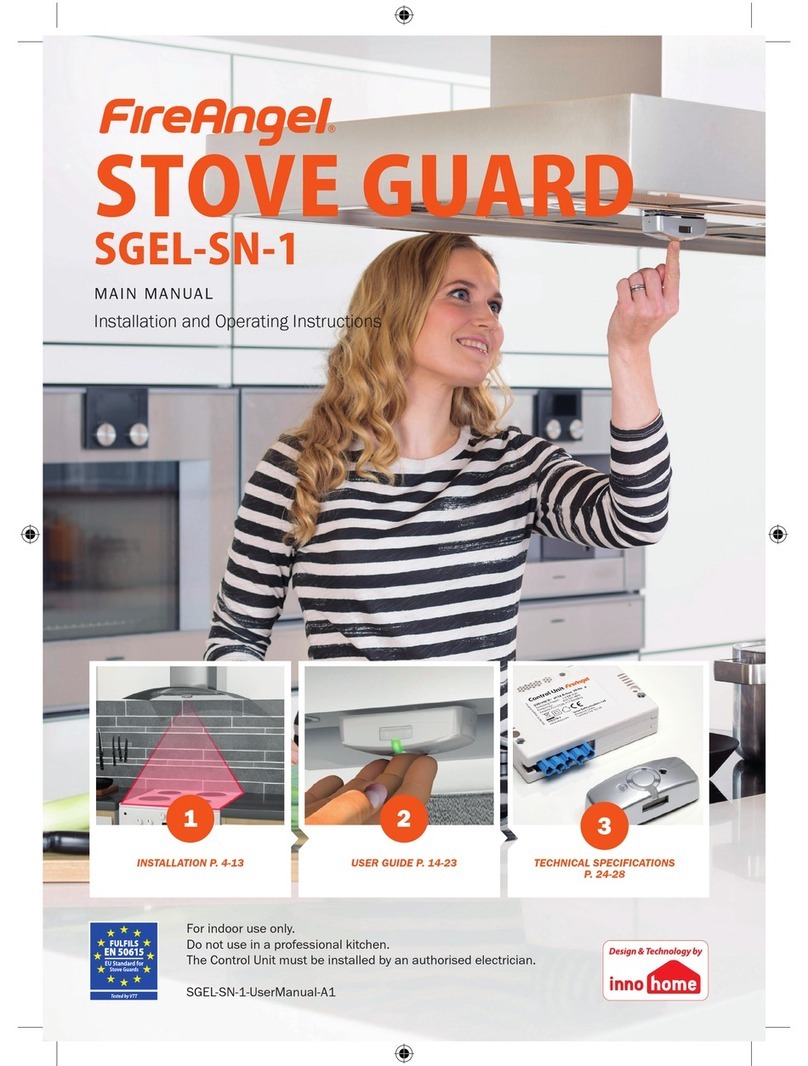
FireAngel Stove Guard SGEL-SN-1 Installation and operating instructions

FireAngel

FireAngel Stove Guard SGEL-SN-1 Installation and operating instructions

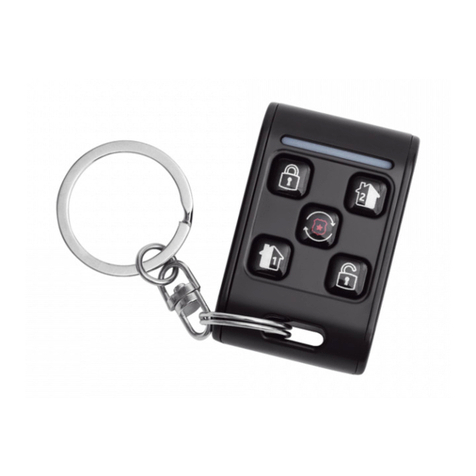
Smanos PB1000 user manual

Smanos

Smanos PB1000 user manual

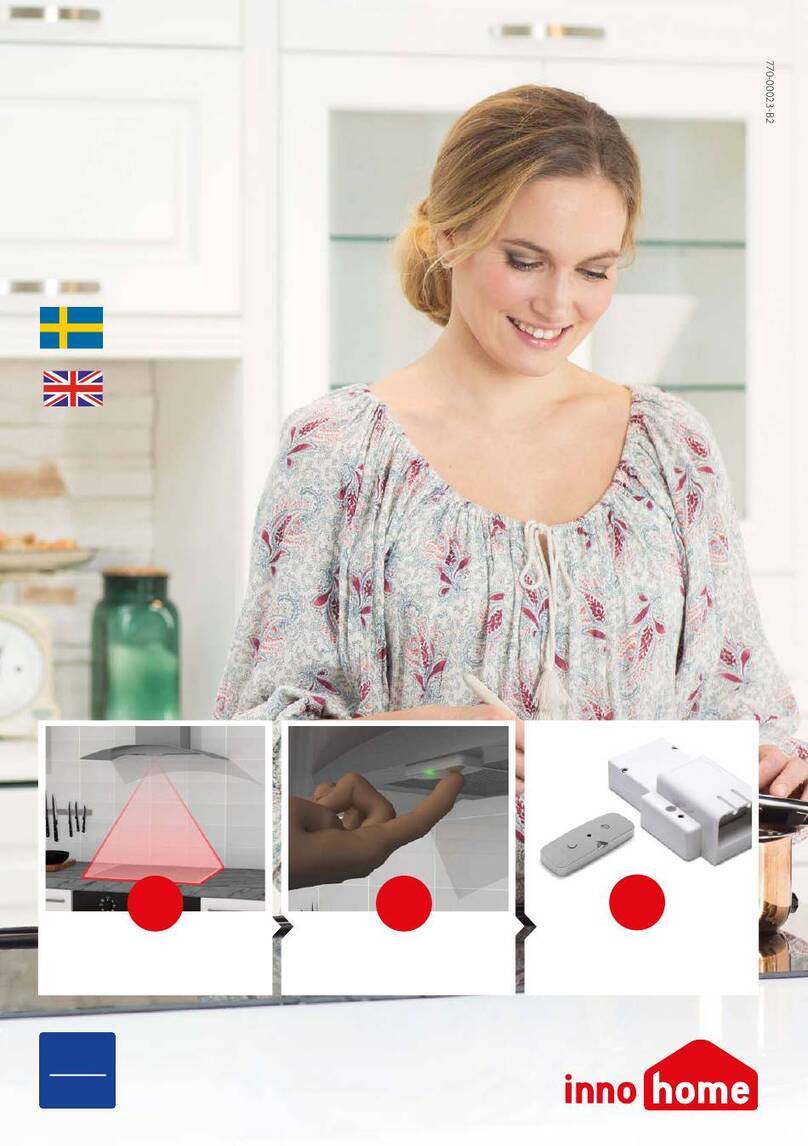
Innohome SGK4010 manual

Innohome

Innohome SGK4010 manual

Pima RMC Series installation instructions

Pima

Pima RMC Series installation instructions

Mustang Survival MD3183 owner's manual

Mustang Survival

Mustang Survival MD3183 owner's manual

https://manuals.online logo
https://manuals.online logoBrands
  • About & Mission
  • Contact us
  • Privacy Policy
  • Terms and Conditions

Copyright 2026 Manuals.Online. All Rights Reserved.

FUNCTION
The Herkules Motion Detector is a microwave sensor sending out
a high frequency sound wave while listening for bounce back.
When the sound wave is returned at a different frequency the
sensor knows that there is a moving object within the detection
zone. A signal is sent to the internal relay, which is wired to the
door control’s activation input.
FACTORY DEFAULT SETTINGS
The Herkules has been pre-programmed to the following settings
to make the installation easier and user friendly. If settings need
to be changed refer to manufacturer’s instructions.
Mounting Height . . . . . . . . . . . . . .13' to 16' above the
ground
Relay Hold Interval 1 . . . . . . . . . .2 seconds output
Slow Motion Detection . . . . . . . . .Medium detection
(detects very slow objects)
Separation People and Vehicles . .ON
Cross Traffic Detection . . . . . . . . .Medium
Direction Recognition . . . . . . . . . .Forward (movement toward
the detector)
NOTE: If other settings are desired, then they can be changed by
using the optional remote control or with the internal push
buttons in the detector.
ADDRESSING THE SENSOR
This assists in programming and reduces interference if multiple
units are used on the same location.
1. Open cover to motion detector.
2. Find Dip switches.
3. Adjust Dip switches.
HERKULES MOTION
DETECTOR
50HERK
PROGRAMMING
PROGRAMMING MOUNTING HEIGHTS
(Only use if factory default is not desired)
Without push-button remote:
1. Open detectors face plate.
2. Press both buttons "X" and "Y" for 2 seconds, the green LED
will flash (you are now in programming mode).
3. Press "X" button 2 times.
4. Press "Y" button for the desired height:
2 times for 8' to 9.5'
3 times for 9.5' to 12.5'
4 times for 12.5' to 16'
5 times for 16' to 19'
6 times for 19' to 22.5'
7 times for 22.5' to 23'
With (optional) remote:
1. Point the remote at the motion detector.
2. Press "G" the Start key.
3. Press "F" and then press the following number to set the
height:
#2 once for 8' to 9.5'
#3 once for 9.5' to 12.5'
#4 once for 12.5' to 16'
#5 once for 16' to 19'
#6 once for 19' to 22.5'
#7 once for 22.5' to 23'
4. When you press the number for the desired height, the
lighted button will stay on indicating the programming is
complete. If the button flashes, then the sensor did not accept
the program.

1 2
O
N
Address 1
1 2
O
N
Address 2
1 2
O
N
Address 3
1 2
O
N
Address 4
Address Dip Switch
Address Switch 1 Switch 2
Address 1 Off Off
Address 2 On Off
Address 3 Off On
Address 4 On On
Y
X
Programming
Buttons
QuickStart
© 2005, The Chamberlain Group, Inc.
01-32999 All Rights Reserved Printed in Mexico
Herkules
Microwave
Sensor
Pink
Herkules
Microwave
Sensor
Red
White 24 VAC AC/DC
Brown 24 VAC AC/DC
Open
Com
1 2 3 4 5 6 7 10 L1 L2 L3
White
Brown
Red
Pink
14 24 VAC AC/DC
13 24 VAC AC/DC
12
11
10
9
8
7 Open
6
5
4 Com
3
2
1
White
Brown
Red
Pink
13 24 VAC AC/DC
12 24 VAC AC/DC
11
10
9
8
7 Open
6
5
4 Com
3
2
1
OR
MECHANICAL OPERATOR
LOGIC OPERATOR LOGIC 3 TERMINAL STRIP LOGIC 2 TERMINAL STRIP