manuals.online logo
Brands
  1. Home
  2. •
  3. Brands
  4. •
  5. Channel Vision
  6. •
  7. Security Camera
  8. •
  9. Channel Vision 6710 User manual

Channel Vision 6710 User manual

Other Channel Vision Security Camera manuals

Channel Vision 6010-B User manual

Channel Vision

Channel Vision 6010-B User manual

Channel Vision 6200 Series User manual

Channel Vision

Channel Vision 6200 Series User manual

Channel Vision 6144 User manual

Channel Vision

Channel Vision 6144 User manual

Channel Vision 6126 User manual

Channel Vision

Channel Vision 6126 User manual

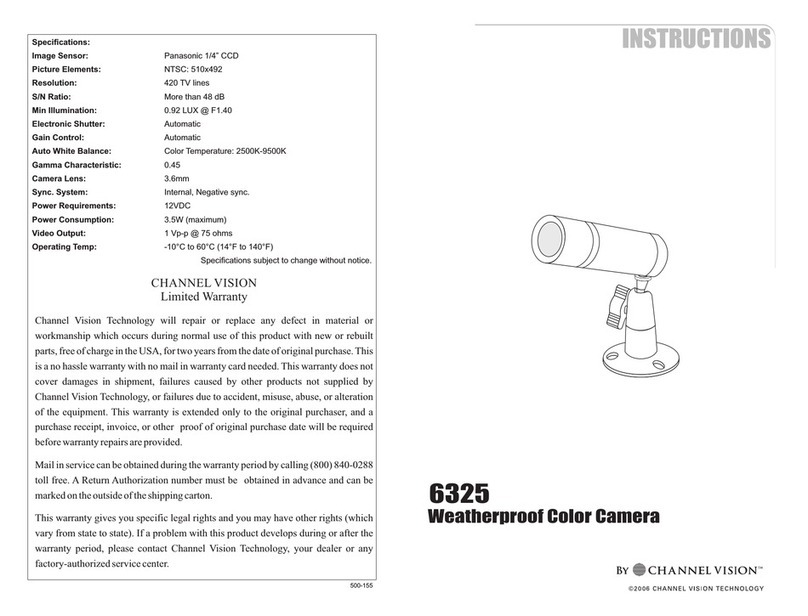
Channel Vision 6325-S User manual

Channel Vision

Channel Vision 6325-S User manual

Channel Vision 6105 User manual

Channel Vision

Channel Vision 6105 User manual

Channel Vision 6010 User manual

Channel Vision

Channel Vision 6010 User manual

Channel Vision 6405 User manual

Channel Vision

Channel Vision 6405 User manual

Channel Vision 6005 User manual

Channel Vision

Channel Vision 6005 User manual

Channel Vision 6821-0 User manual

Channel Vision

Channel Vision 6821-0 User manual

Channel Vision 6333-O User manual

Channel Vision

Channel Vision 6333-O User manual

Channel Vision 6117 User manual

Channel Vision

Channel Vision 6117 User manual

Channel Vision 6144 User manual

Channel Vision

Channel Vision 6144 User manual

Channel Vision 6901 User manual

Channel Vision

Channel Vision 6901 User manual

Channel Vision 6531 User manual

Channel Vision

Channel Vision 6531 User manual

Channel Vision channel User manual

Channel Vision

Channel Vision channel User manual

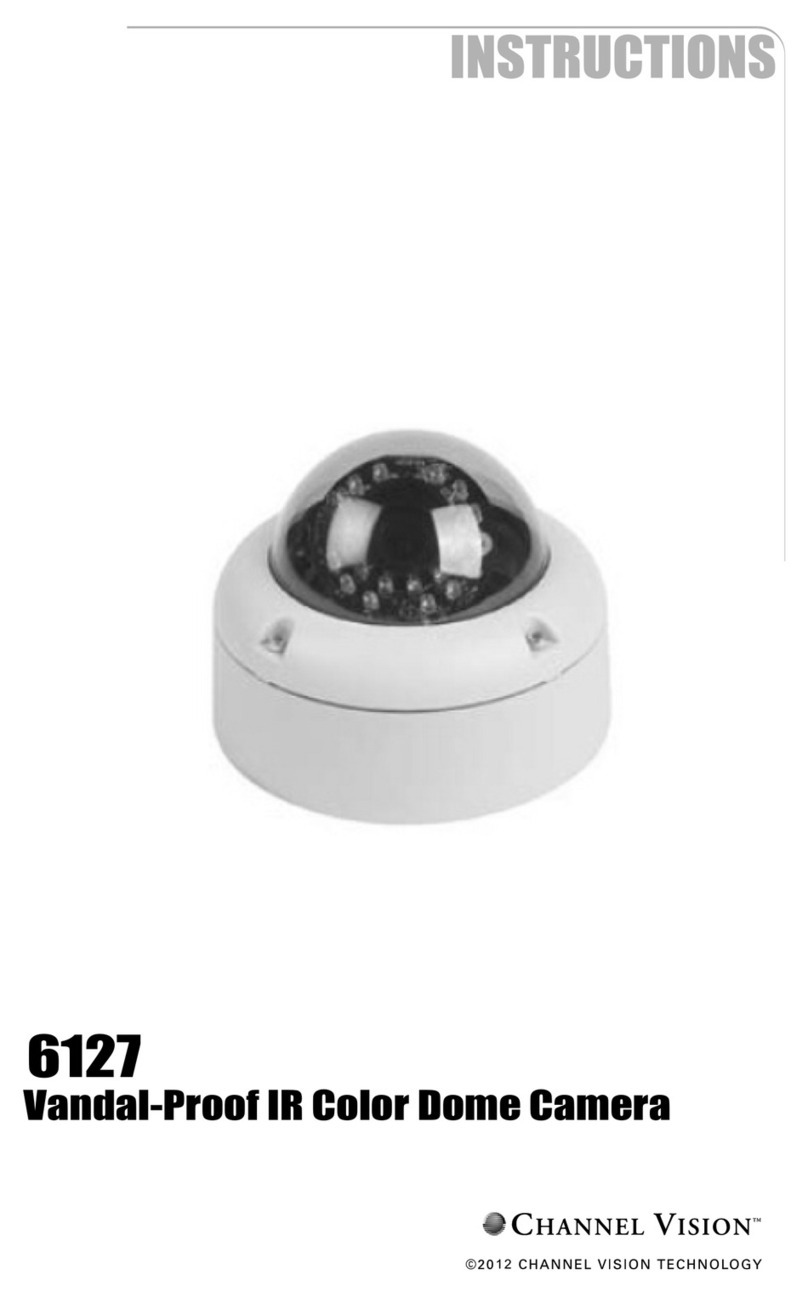
Channel Vision 6127 User manual

Channel Vision

Channel Vision 6127 User manual

Channel Vision 6115 User manual

Channel Vision

Channel Vision 6115 User manual

Channel Vision 6125 User manual

Channel Vision

Channel Vision 6125 User manual

Channel Vision 6330 User manual

Channel Vision

Channel Vision 6330 User manual

Channel Vision 6533 User manual

Channel Vision

Channel Vision 6533 User manual

Channel Vision 6401 User manual

Channel Vision

Channel Vision 6401 User manual

Channel Vision 6535 User manual

Channel Vision

Channel Vision 6535 User manual

Channel Vision 5102-FMC-II User manual

Channel Vision

Channel Vision 5102-FMC-II User manual

Popular Security Camera manuals by other brands

ADEMCO RapidDome Owners Operating & Installation Guide

ADEMCO

ADEMCO RapidDome Owners Operating & Installation Guide

EverFocus EBA2880 user manual

EverFocus

EverFocus EBA2880 user manual

Honeywell OptiCAM-IR Installation and setup guide

Honeywell

Honeywell OptiCAM-IR Installation and setup guide

Uniq UC-600 user manual

Uniq

Uniq UC-600 user manual

OPTICOM NVD-120-S datasheet

OPTICOM

OPTICOM NVD-120-S datasheet

Steren CCTV-221 instruction manual

Steren

Steren CCTV-221 instruction manual

Arm Electronics C420BCDNVFIR Features

Arm Electronics

Arm Electronics C420BCDNVFIR Features

Eneo PLD-2036PTZ installation guide

Eneo

Eneo PLD-2036PTZ installation guide

Axis AXIS M20 Series installation guide

Axis

Axis AXIS M20 Series installation guide

Panasonic KX-HCM230 operating instructions

Panasonic

Panasonic KX-HCM230 operating instructions

COP-USA CC15NV-SL Specifications

COP-USA

COP-USA CC15NV-SL Specifications

Active Silicon HARRIER H.264 quick start guide

Active Silicon

Active Silicon HARRIER H.264 quick start guide

Motorola Avigilon 1.3C-H5SL-BO1-IR installation guide

Motorola

Motorola Avigilon 1.3C-H5SL-BO1-IR installation guide

INSTEON 2864-232 user manual

INSTEON

INSTEON 2864-232 user manual

Wisenet XNB-6002 quick start guide

Wisenet

Wisenet XNB-6002 quick start guide

Axis M5525-E user manual

Axis

Axis M5525-E user manual

Vitek VTC-IR62NZ922 user guide

Vitek

Vitek VTC-IR62NZ922 user guide

Panasonic WV-SF342 Specifications

Panasonic

Panasonic WV-SF342 Specifications

manuals.online logo
manuals.online logoBrands
  • About & Mission
  • Contact us
  • Privacy Policy
  • Terms and Conditions

Copyright 2025 Manuals.Online. All Rights Reserved.

6710
Outdoor PTZ Dome Camera
12
2
Contents
Features......................................................................................................................................................
Box Contents.............................................................................................................................................
Measurements............................................................................................................................................
DIP Switch Settings; SW 1, SW 2...............................................................................................................
Assembly & Installation of 6710................................................................................................................
OSD Configuration.....................................................................................................................................
Dome Information.......................................................................................................................................
Display Options..........................................................................................................................................
Camera Name Setup..................................................................................................................................
Zoom and Focus........................................................................................................................................
Control Options.........................................................................................................................................
Camera Exposure......................................................................................................................................
Others.........................................................................................................................................................
Preset Menu...............................................................................................................................................
Vectorscan.................................................................................................................................................
Pattern........................................................................................................................................................
Sector Setup..............................................................................................................................................
Motion.........................................................................................................................................................
Power On Action........................................................................................................................................
Limit Operation..........................................................................................................................................
Park Action.................................................................................................................................................
Special Camera Functions.................................................................................................................
Troubleshooting........................................................................................................................................ 21
6710 Specifications...................................................................................................................................
Warranty.....................................................................................................................................................
II: Introduction...................................................................................................................................................
I: Safety Warnings............................................................................................................................................
III: Installation, Wiring, Operation Information
3
4
4
5
6
7
8
9
9
10
10
10
11
12
13
14
15
15
16
17
17
17
18
19, 20
22
23

3

Safety Warnings
IMPORTANT SAFETY INSTRUCTIONS
1. Read these instructions.
2. Keep these instructions for future reference.
3. Heed all warnings.
4. Follow all instructions.
5. Clean only with a dry cloth.
6. Install in accordance with these instructions.
7 Do not install near any heat sources such as radiators, heat registers, stoves, or other apparatus
that produce heat.
8. Do not defeat the safety purpose of the polarized-type plug. A polarized plug has two blades with
one wider than the other. The wide blade or the third prong are provided for your safety. If the
provided plug does not fit into your outlet, consult an electrician for replacement of the obsolete
outlet.
9. Protect the power cord from being walked on or pinched particularly at plugs, convenience
receptacles, and the point of exit from the apparatus.
10. Only use attachments/accessories specified by Channel Vision.
11. Unplug this apparatus during lightning storms or when unused for long periods of time.
12. Refer all servicing to qualified service personnel. Servicing is required when the apparatus has
been damaged in any way, such as power supply cord or plug is damaged, liquid has been
spilled or objects have fallen into the apparatus, the inside of the apparatus has been exposed to
rain or moisture, does not operate normally, or has been dropped.
13. The lightning flash with an arrowhead symbol within an equilateral triangle is intended to alert the
user to presence of uninsulated dangerous voltage within the product’s enclosure that may be of
sufficient magnitude to constitute a risk of electric shock to persons.
14. The exclamation point within an equilateral triangle is intended to alert the user to the presence
of important operating and maintenance accompanying the appliance.
15. Inside of apparatus shall not be exposed to dripping or splashing and objects filled with liquids.
CAUTION: To reduce the risk of electric shock,
do not remove the cover (or back). There are no
user-serviceable parts inside, refer servicing to
qualified service personnel.
CAUTION
RISK OF ELECTRIC SHOCK
DO NOT OPEN
RISK OF ELECTRIC SHOCK
DO NOT OPEN !
4
Introduction
Thank you for purchasing Channel Vision's 6710 Outdoor PTZ Camera. Please take the time to
read over these instructions to ensure proper installation and usage.
Channel Vision's hi-res 6710 Outdoor PTZ Camera provides pan, tilt and zoom functions
enabling wide area coverage and the ability to view objects in great detail with a 12x optical
zoom. This camera can be controlled with either a Channel Vision 3G Series Surveillance DVR
or from any device that supports Pelco D and Pelco P standards. With its high resolution 560 TV
line CCD, it is the perfect solution for any residential or commercial application that requires a
higher level of control than a standard analog camera.
Features
•
•
•
•
•
•
•
•
Supports up to 255 Camera Ids
Integrated multi-protocol and auto protocol differentiation
360 degree Pan (Up to 300 degrees per second)
90 degree Tilt (Up to 120 degrees per second)
2 degree angle adjustment, allowing viewing angle can be adjusted to 90 or 92 degrees
Supports 128 preset locations
IP66 rated for outdoor use
Long distance RS-485 transmission
4 Selectable baud rates
Non-volatile memory
•
•
Box Contents
24VAC Power Supply
Camera Mount
Camera
Camera Top
Items Included:
(1) Camera mount
(1) Camera enclosure
(1) Camera top
(1) 24VAC power supply
(1) Instruction manual
(4) Lag screws
(1) Gasket (goes between camera top and camera)
Tools & Accessories Required (Not included):
(1) Small screwdriver (flathead)
(1) Phillips screwdriver
(1) Wire stripper
(1) Wire cutter
(1) Two conductor power wire (16 AWG)
(1) RG-59U coax cable
(2) BNC connectors
(1) Two conductor RS-485 wire (16-24 AWG)
(2) Crimp on splice connectors for power wires
(1) Allen key (size 1.5mm)
5
Measurements
6
9.42”
4.41”
6.80”
5.93”
DIP Switch Settings
SW-1
Note:
These settings are also located on the bottom of the camera module.
The purpose of these switches are to designate protocol, baud rate,
and camera ID of each camera. To set camera for RS-485 (standard
ptz camera) set SW-1 DIP Switch 1 to on, and set DIP switch 2 to off.
DIP Switch Settings
SW-2
Note:
On SW-2, the sum of the DIP Switch values when they are in the ON position equals the address
of the dome device. Each dome in the system must have their own ID address.
For example, if DIP Switch 1, 2, and 6 are set to ON, the ID of the camera equals 35.
DIP Switch Values:
DIP Switch 1 = 1
DIP Switch 2 = 2
DIP Switch 3 = 4
DIP Switch 4 = 8
DIP Switch 5 = 16
DIP Switch 6 = 32
DIP Switch 7 = 64
DIP Switch 8 = 128
SW-2
(Example set to an ID of 35)
ON
ON
1
1
2
2
3
3
4
4
5
5
6
6
7
7
8
8
OFF
OFF
123457
68
Baud Rate (7, 8)
SW-1
Example Set for Pelco D, 2400
Pelco Standards (3, 4, 5 & 6)
Protocol (1 & 2)
7
VI VG TX- TX+ RX- RX+ AC AC
Assembly & Installation of 6710
1. Drill a hole for wiring to exit the
wall
2. Feed camera wires through the
base of the wall mount
3. Attach mount to wall with screws
4. Connect camera pigtail to the
base of the camera
5. Feed wires through camera
enclosure
6. Screw camera top onto wall
mount & place gasket on bottom
of camera top piece, by removing
paper (glue side up) onto the
bottom of the camera top piece
7. Secure the camera top module to
the mount, then tighten the set
screw on the camera mount
8. Connect the camera cable to
extensions
9. Connect the BNC video output to
a monitor or distribution system
10. Connect RS-485 wires
RX+ and RX- to PTZ
controller such as a
DVR or Web Server
11. Apply silicon sealant between
camera mount and wall, side of
cable entrance to mount, and
on the screws to help prevent
exposing camera to moisture
Wall Mount
Camera Top
Gasket
Camera Module
6710 Camera
Allen screw
Camera
Wires
Note: The installation of the 6710 camera is shown below.
BNC connector
o V deT io
D s a
ipl y
Crimp-on splice
connectors
(not included)
Power Supply
To PTZ
Controller
eWire Ext nsions
(
not included)
l ith i
Sea w sil con
Ph ps e c e
illi s t s r w
8
Align tab
OSD (On Screen Display) Configuration
Menu Operation Instructions
To enter OSD programming mode, enter preset 95 on a Channel Vision DVR. Select the OSD
function by moving the joystick on your PTZ controller in the Up or Down direction. The on-screen
arrow points to the selected option. Using the joystick to the Left or Right position you can change
the value of your selection or enter the submenu for the selected option. Press the escape button
on the keyboard controller to exit the menu or return to the previous menu (one layer up).
Title Menu
1. Language Setup
Used to change operation language of the camera
2. Dome Information
Displays general dome information of the camera
3. Display Options
Used to control display options of the camera
4. Control Options
Used to set the pan or tilt of the camera manually
or automatically in the camera
5. Camera Options
Used to set camera functions
6. Function Programming
Program and execute PTZ and Vectorscan
7. System Setup
Used to configure general system setup, including,
restoring default setup, clearing the memory,
changing color system, and resetting the camera
Dome Information
Dome Information Menu
1. Camera
Displays the camera name
2. Protocol
Displays the protocol of the camera
3. Baudrate
Displays the baud rate of the camera
4. Dome ID
Displays the dome ID (1-255)
5. Version
Displays the software version 9
Display Options Menu
1. Camera Name Setup
Used to change camera name
2. Coordinates
Used to turn off/on coordinates on the displayed image
3. Start_Up Scr Msg
Used to turn off/on start up messages
4. Crosshairs
Used to turn the crosshairs off/on
Display Options
Dome Information Menu
1. Name
Used to set camera name
2. Name Display
Displays the protocol of the camera
Camera Name Setup
Zoom and Focus
Zoom and Focus
1. Zoom Speed
Used to change the zoom speed
2. Digital Zoom
Used to turn digital zoom off/on
3. AF Sensitivity
Used to adjust auto focus sensitivity
10