manuals.online logo
Brands
  1. Home
  2. •
  3. Brands
  4. •
  5. Chiayo
  6. •
  7. Receiver
  8. •
  9. Chiayo SDR-8200M IrDA User manual

Chiayo SDR-8200M IrDA User manual

This manual suits for next models

1

Other Chiayo Receiver manuals

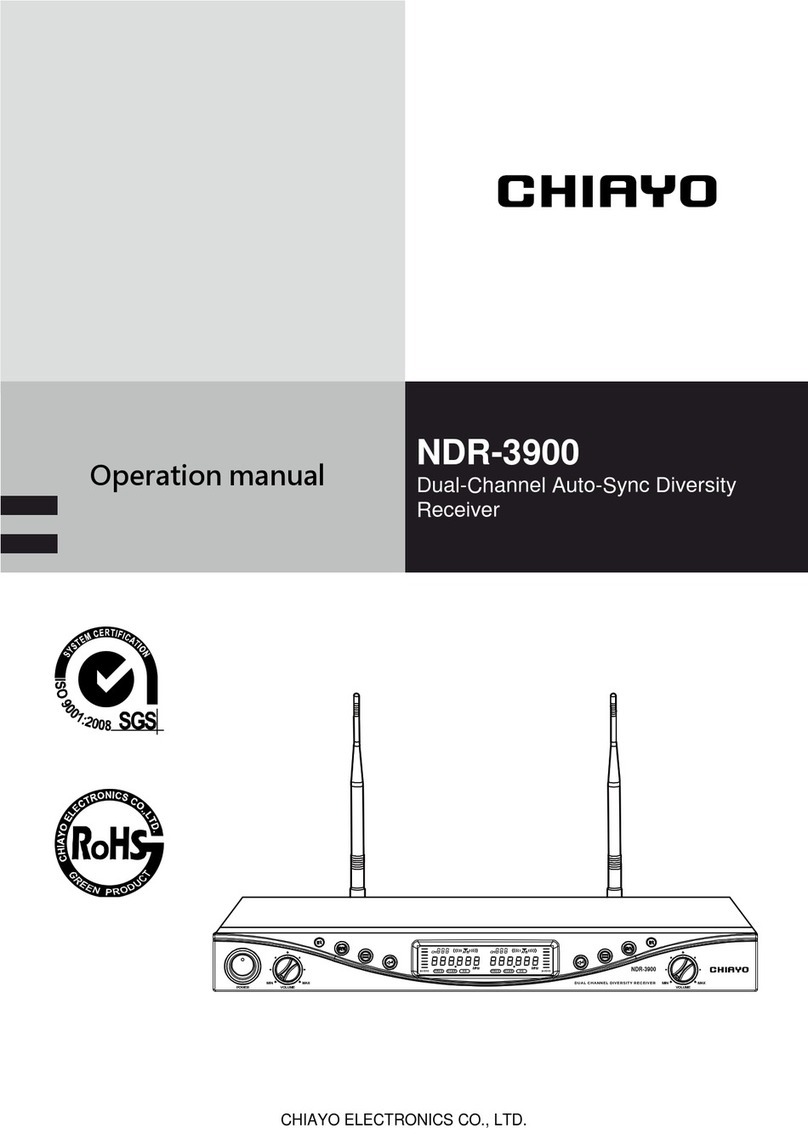
Chiayo NDR-3900 User manual

Chiayo

Chiayo NDR-3900 User manual

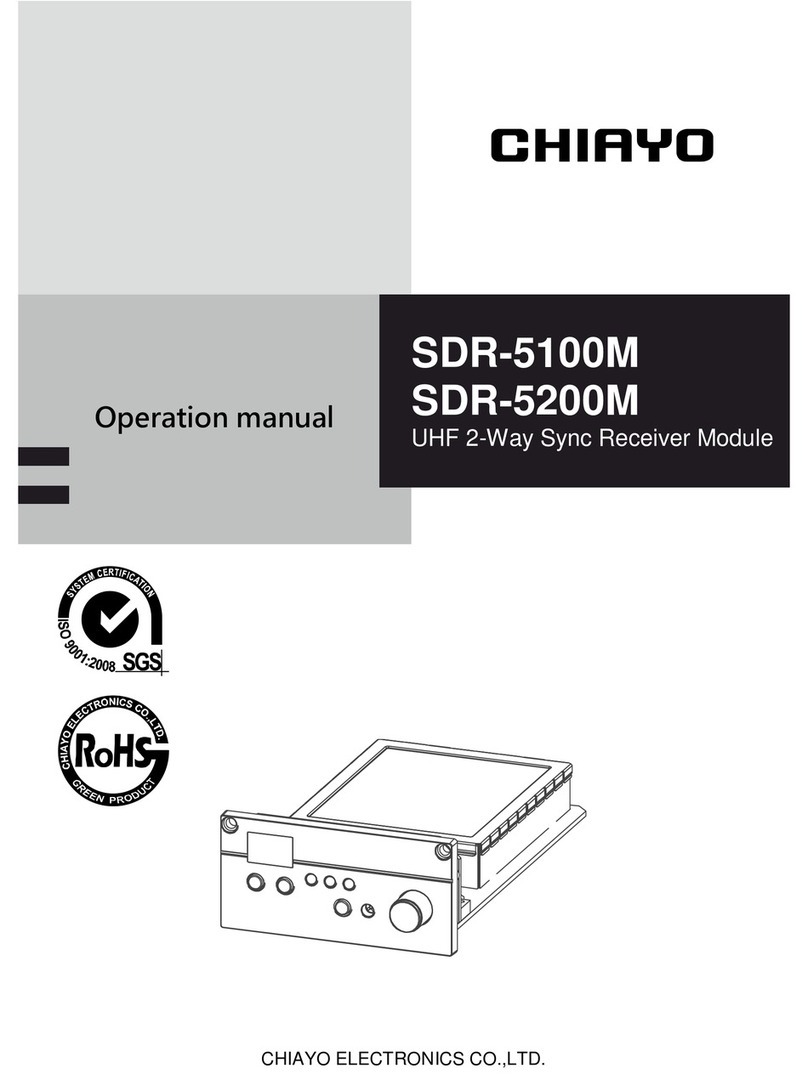
Chiayo SDR-5100M Installation manual

Chiayo

Chiayo SDR-5100M Installation manual

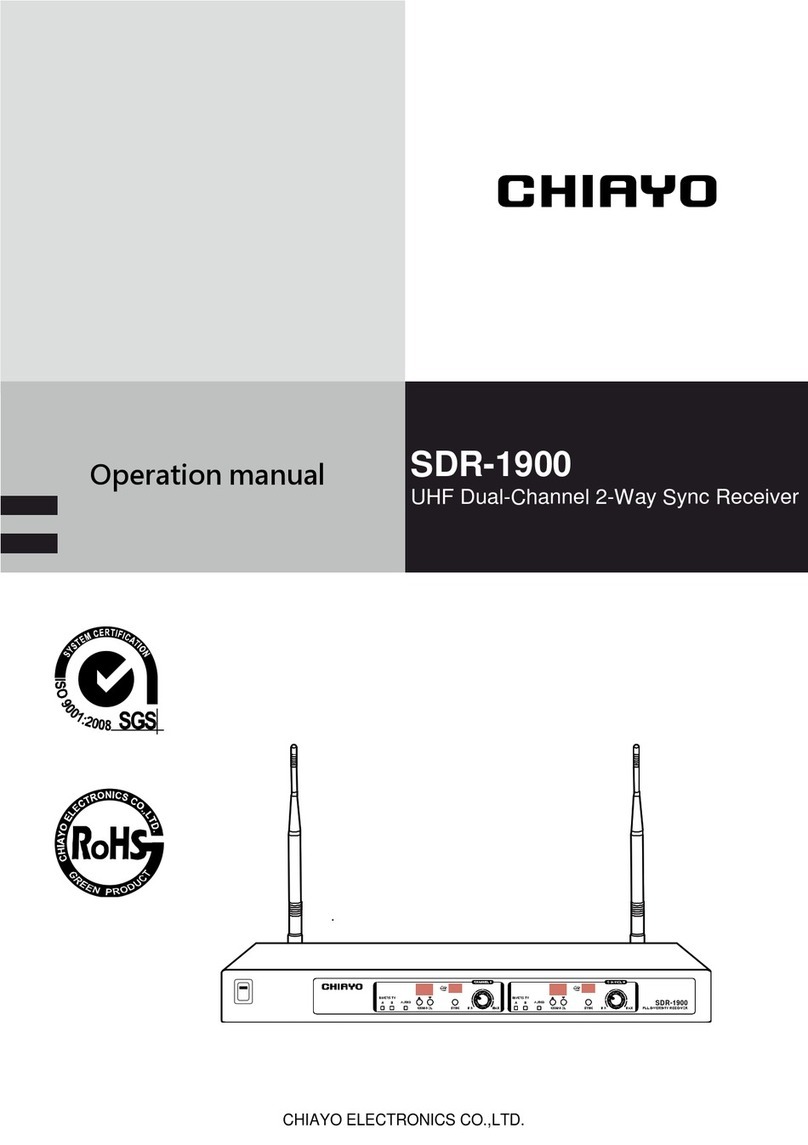
Chiayo SDR-1900 User manual

Chiayo

Chiayo SDR-1900 User manual

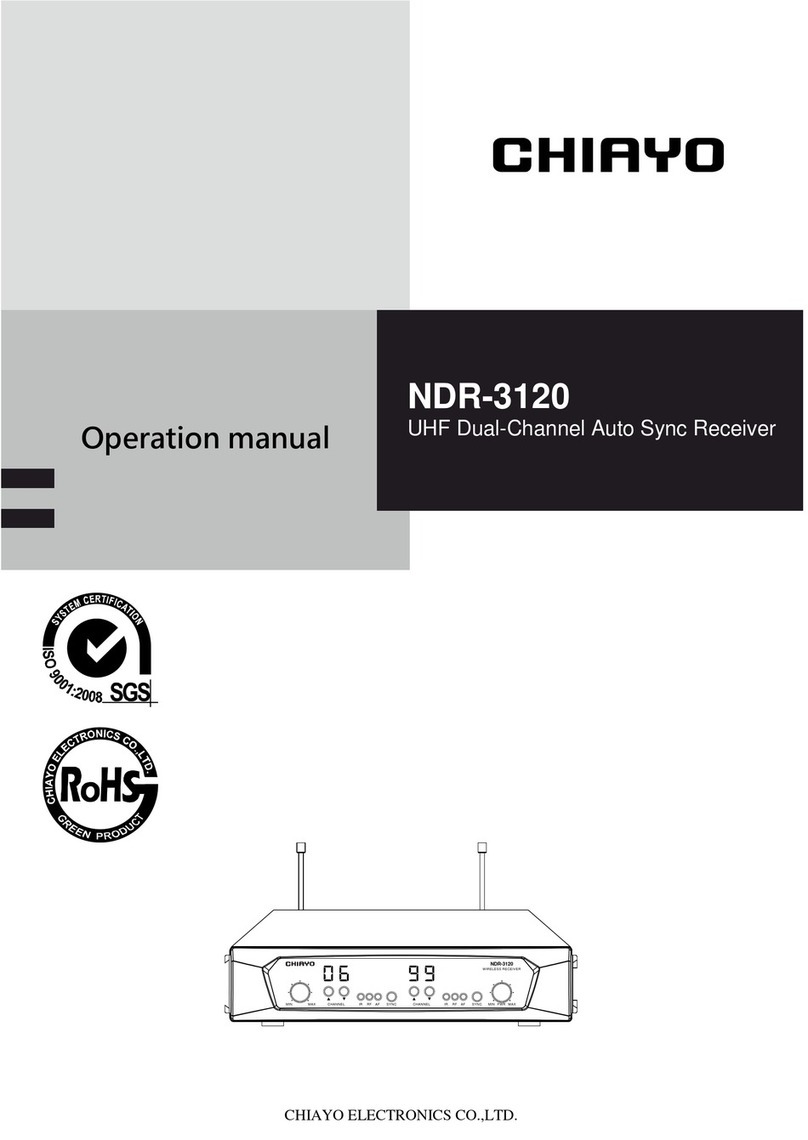
Chiayo NDR-3120 Installation manual

Chiayo

Chiayo NDR-3120 Installation manual

Chiayo NDR-2120 User manual

Chiayo

Chiayo NDR-2120 User manual

Chiayo DWR-2420 User manual

Chiayo

Chiayo DWR-2420 User manual

Chiayo QR-4000N User manual

Chiayo

Chiayo QR-4000N User manual

Chiayo SDR-6220 User manual

Chiayo

Chiayo SDR-6220 User manual

Chiayo SDR-5900 User manual

Chiayo

Chiayo SDR-5900 User manual

Chiayo NDR-2110 User manual

Chiayo

Chiayo NDR-2110 User manual

Chiayo NDR-2120 User manual

Chiayo

Chiayo NDR-2120 User manual

Chiayo SDR-6200 IrDA User manual

Chiayo

Chiayo SDR-6200 IrDA User manual

Chiayo SDR-5900 User manual

Chiayo

Chiayo SDR-5900 User manual

Chiayo DWR-2410 User manual

Chiayo

Chiayo DWR-2410 User manual

Chiayo NDR-3110 User manual

Chiayo

Chiayo NDR-3110 User manual

Chiayo SDR-5200M IrDA User manual

Chiayo

Chiayo SDR-5200M IrDA User manual

Popular Receiver manuals by other brands

Greenheck 06 null

Greenheck

Greenheck 06 null

Garmin GA 23 Owner's manual and reference guide

Garmin

Garmin GA 23 Owner's manual and reference guide

Aiphone PS-12F instructions

Aiphone

Aiphone PS-12F instructions

IMES TCS-01CA-PMI Original Operating Instruction

IMES

IMES TCS-01CA-PMI Original Operating Instruction

BWI Eagle AIR-EAGLE SR Product information bulletin

BWI Eagle

BWI Eagle AIR-EAGLE SR Product information bulletin

AMIMON AMN12310 WHDI datasheet

AMIMON

AMIMON AMN12310 WHDI datasheet

Dual DMCPA79BT Installation & owner's manual

Dual

Dual DMCPA79BT Installation & owner's manual

Sound Associates SA652P Operation manual

Sound Associates

Sound Associates SA652P Operation manual

Sherwood NewCastle R-772 Service manual

Sherwood

Sherwood NewCastle R-772 Service manual

Audio A10-RX Series user guide

Audio

Audio A10-RX Series user guide

AllSee PushShare PSRV1.1 user manual

AllSee

AllSee PushShare PSRV1.1 user manual

DEMAG DRC-DR D2 operating instructions

DEMAG

DEMAG DRC-DR D2 operating instructions

Teleco TVRCL868A02 manual

Teleco

Teleco TVRCL868A02 manual

Bosch RF3222E installation instructions

Bosch

Bosch RF3222E installation instructions

Kramer 631R user manual

Kramer

Kramer 631R user manual

Xpress xmc10 installation guide

Xpress

Xpress xmc10 installation guide

JVC KD-MR1BTS instruction manual

JVC

JVC KD-MR1BTS instruction manual

Omega Engineering UWTC-REC3 user guide

Omega Engineering

Omega Engineering UWTC-REC3 user guide

manuals.online logo
manuals.online logoBrands
  • About & Mission
  • Contact us
  • Privacy Policy
  • Terms and Conditions

Copyright 2025 Manuals.Online. All Rights Reserved.

CHIAYO ELECTRONICS CO.,LTD.
Operation manual
069 9
IR RF AF SYNCCHANNEL 1
MIN MAX MIN MAXIR RF AF SYNCCHANNEL 2
NDR-3120
DIVERSITY RECEIVER
SDR-8200M IrDA
SDR-8100M IrDA
UHF 2-Way Sync Receiver Module
1
SDR-8200/8100M IrDA UHF 2-Way Sync Receiver Module
650.000
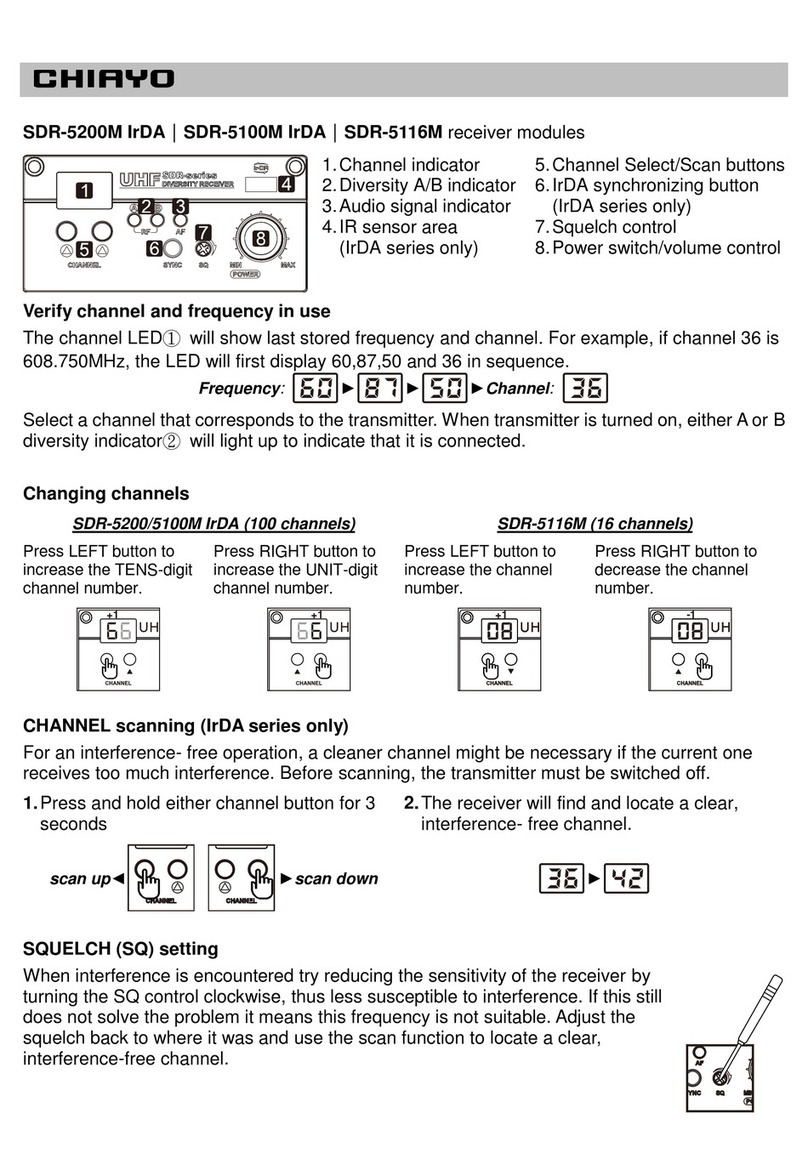
SDR-8200M IrDA|SDR-8100M IrDA receiver modules
1.LCD
2.DOWN button
3.UP button
4.SET button
5.IrDA synchronizing button
6.Power switch/volume control
7.IR sensor area
8.RF signal meter
9.Diversity A/B antenna
10.Transmitter battery power
11.Audio signal meter
First turn on the power and the LCD display will
show last stored channel and frequency. Select a
channel that corresponds to the transmitter.
When transmitter is turned on, the A/B diversity
antenna will appear to denote that it is connected.
1
2 3 4 5
6
7
CH
RF AF
A B
0 9 9
674750
910 118
2
Instructions
Channel synchronizing between receiver and transmitter
Align infrared areas of the receiver and transmitter within 10~30cm.
Changing receiver’s channel
Changing transmitter’s channel
1 Press the synchronizing button of
the transmitter.
1 Press the SYNC button of the
receiver.
►
►
2 The transmitter's LED will grow to
denote synchronizing signal
transmitted.
2 The transmitter's LED will grow
to denote synchronizing signal
received.
3 The channel number on the
receiver’s LED will become the
same as the transmitter’s, which
means the receiver has been
successfully synchronized.
3 The channel number on the
transmitter’s LCD will become
the same as the receiver’s,
which means the transmitter has
been successfully synchronized.
If it doesn’t work check that you have the IR sensor panels aligned, that
they are facing each other, devices are within 10~30cm of each other, and
try again.

AF
CH
RF AF
AB
0 10
652.250
10~30cm
3
SDR-8200/8100M IrDA UHF 2-Way Sync Receiver Module
CHANNEL scanning
For an interference- free operation, a cleaner channel might be necessary
if the current one receives too much interference. To operate the scanning:
1 Press ▲(up) or ▼(down) button to make the frequency icon
appear on the bottom.
2 Hold SET button until this icon flashes to denote
readiness for setting.
3 Press ▲(up) or ▼(down) button to find and locate a clear,
interference- free channel.
4 After a channel is chosen, press SET button or wait 5 seconds
to store the setting.
RF
CH
FREQ
RF AF
AB
099
674.500
CH
FREQ
RF AF
AB
099
674.500
RF
CH
FREQ
RF AF
A B
089
672.000
4
Instructions
SQUELCH (SQ) setting
When interference is encountered try reducing the sensitivity of the
receiver, thus less susceptible to interference. To operate the squelch
setting:
1 Press ▲(up) or ▼(down) button to turn to the squelch setting
page.
2 Hold SET button until this icon flashes to denote
readiness for setting.
3 Press ▲(up) or ▼(down) button to select a new squelch level
between 1 and 10.
4 After a level is chosen, press SET button or wait 5 seconds to
store the setting.
RF
SQ
le- 01
SQ
le- 01
RF
SQ
le- 03
5
SDR-8200/8100M IrDA UHF 2-Way Sync Receiver Module
Since increasing the squelch level will also reduce the reception distance,
it’s recommended to choose the lowest level that can eliminate the
interference.
If this still does not solve the problem it means this frequency is not
suitable. Adjust the squelch back to its preset level and use the scan
function to locate a clear, interference-free channel.
6
Instructions
CHIAYO ELECTRONICS CO.,LTD.
Http://www.chiayo.com.tw|Email: sales@chiayo.com.tw
Office: 30, Lane 27, Section 4, Jen-Ai Road, Taipei 10685, Taiwan
Tel: 886-2-27415741|Fax: 886-2-27525242
Factory: 88, Chung-Hsiao Street 2, Chiayi 60080, Taiwan
Tel: 886-5-2711000|Fax: 886-5-5767611