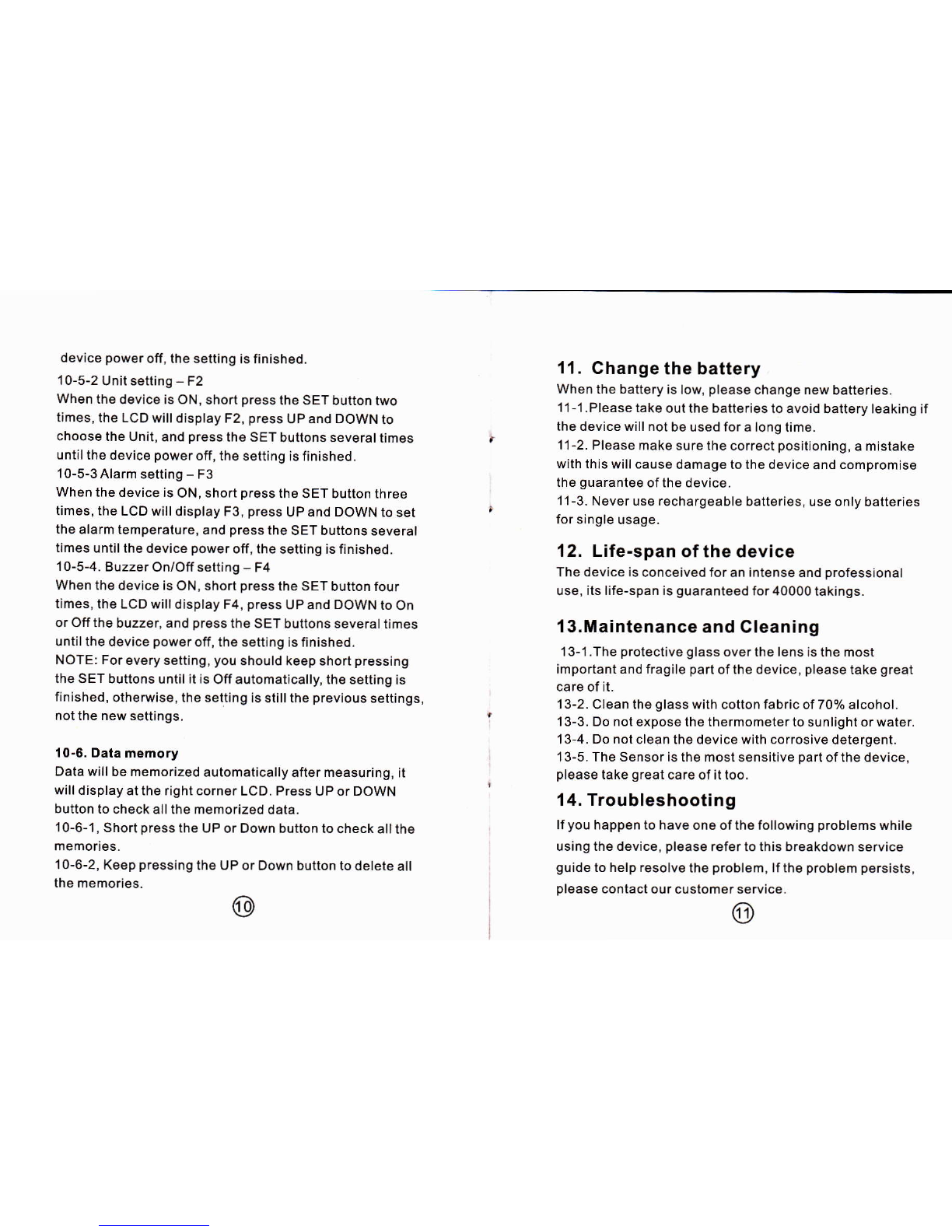
device ρ
ower°竹
,the setting is finished
10-5-2Vnit setting-F2
When the device is0N,sho^ρ ress the sET butto"tWo
“mes,the LCD wⅢ dispIay F2,press uP and DOWNt°
Choose the Vnit,and press thθ sET buttons severaltimes
unⅠlthe devi。 e powero仟 ,thθ sθ tung is"nished
10ˉ 5-3AIarm set"ng-F3
Whenthe deˇice is0N,short prθ ss the sET butt°n three
"mes,the LCD wⅢ display F3,press VP and DoWN t° set
the alarm temperature,and prθ ss the sET buttons severaI
umes unu"he devi。 ep° wθ ro仟 ,the set"ng is】 nished
10-5-4Buzzer on`o仟 setting-F4
Whenthe deˇice is0N,short prθ ss the sET button f° ur
犭mes,the LCD wⅢ display F4,pΓ θss UP and D0WNt° on
or0仟 the buzzer,and prθ ssthe sET buttons severaItimes
untiIthe device ρ
owθ r oπ ,the setting is f∶ nished
NOTE:For eVery setting,you shouId keep sho"ρ Γessing
the sET buttons unⅢ "is0仟 automaucally,the set"ng is
们
nished,otherWise,the se!ungis s""the preVious se1刂 ngs,
n° tthe new settings
10ˉ s Data memory
Data wⅢ be memo"zθd automa"cally afler measu"ng,"
WⅢ dispIay atthe"ghtcornθ rLCD Press VP or D0WN
button to oheck a"the lηemoHzθd data
10-6-1,shortρ ressthe uP or DOwn bu仗 onto Check a"the
10-6-2,Keeρ pressing the VP or Down buuont° delete a"
the mem° "es ⑩
11. Cha"ge the battery
When the battery is low,pIeasθ ohange new batte"es
11-1 Please take outthe batte"θ sto aˇ oid battery Ieaking if
the dev ce wⅢ n° t bθ used foralong"me
1← 2Please make sure the oorrθ ct pos"ioning,a m stake
w"h this WⅢ causθ damage to the device and comprom se
the guarantee ofthe devicθ
11-3 Never use reohargeab|e ba廿 e"es,use onIy batteries
for single usage
12. Lifeˉ span ofthe deˇ ice
The device is conCeiˇ ed for an intense and professional
use,its"fe-sρ an is guaranteed for40000takings
13.Ⅲ ainte"ance and CIeaning
13-1The proteCtiˇ e glass overthe Iensis the most
;mportant and frag"θ pa竹 ofthe device,please take great
care of"
13-2CIean the gIass wⅡ h Co⒒on fab"c of70%aIoohol
13-3 Do not exposθ the thermometerto sunlight or water
13-4Do not deanthθ devioe w"h oo"osiVe detergent
13ˉ 5 The sens° ris thθ most sensitive part ofthe deˇ ice,
p|ease take great oarθ ofittoo
14.TroubIeshooting
lfyou haρρ
ento haVe omθ ofthθ fo"owing probIems wh"e
us∶ ng the device,plθ asθ refer1o this breakdown service
guide to heIp resolˇ θthe ρ
robIem,lfthe probIem persists,
pIease contact° ur customer servIce
⊙