Digital Blood Pressure MonitorDigital Blood Pressure Monitor
BP11 BP11
- 12 - - 13 -
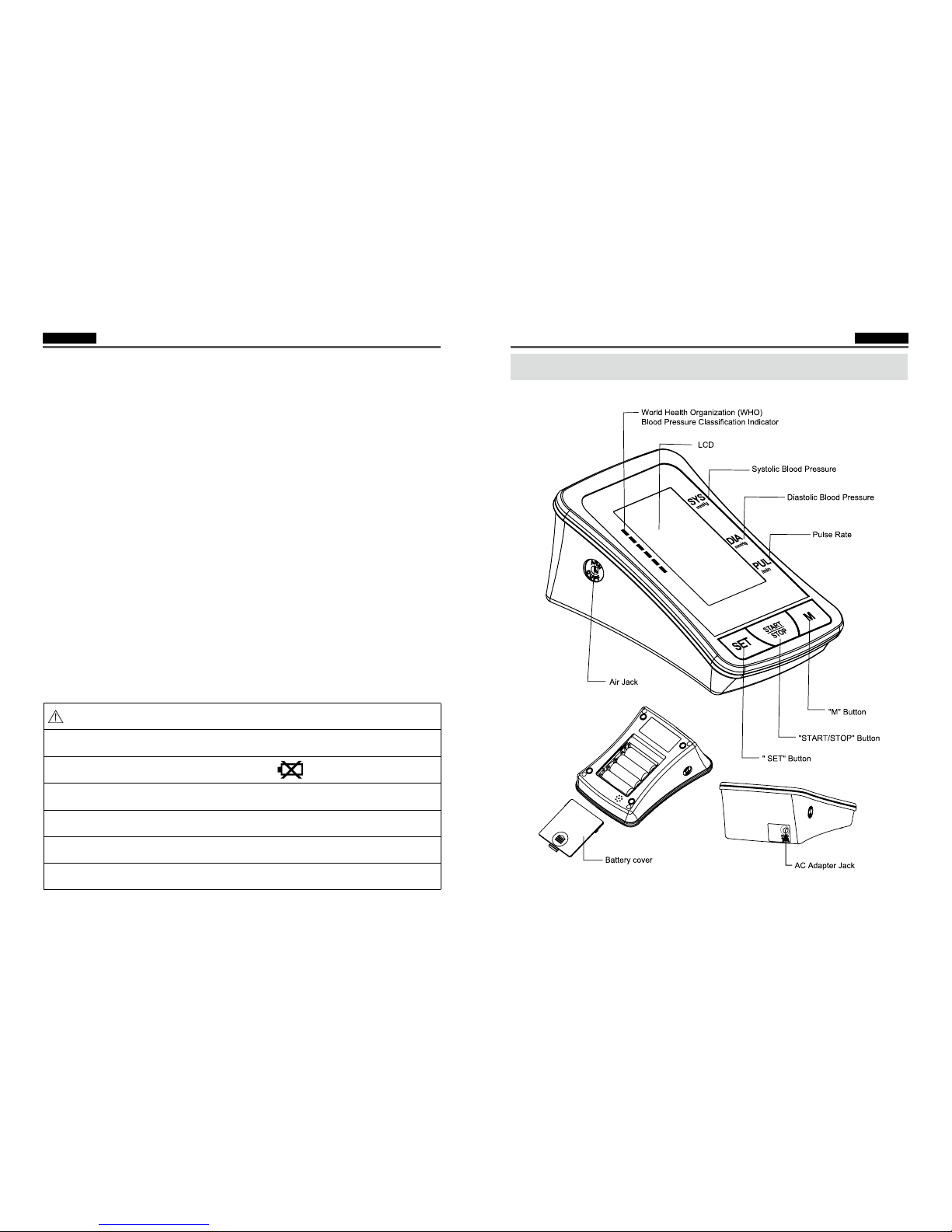
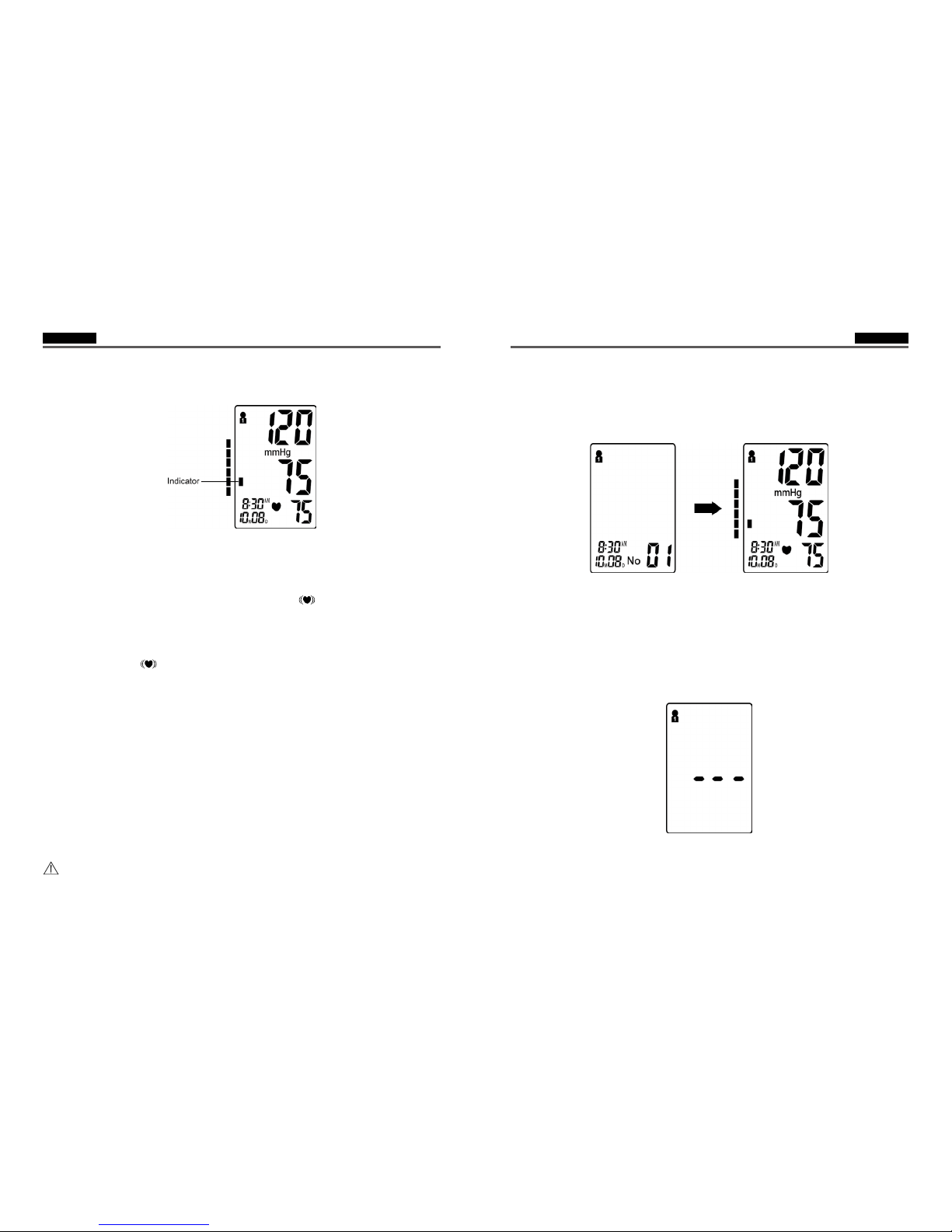
Three short beeps sound when testing is complete. The screen will display
measurements for systolic and diastolic blood pressure. A indicator representing the
current measurement will appear next to the corresponding WHO Classification.
Note: Refer to Page 23~24 for detail WHO Blood Pressure Classification Information.
Irregular Heartbeat Indicator
If the monitor detects an irregular heart rhythm two or more times during the
measuring process, the Irregular Heartbeat Symbol “ “appears on screen along
with
measurement results. Irregular heartbeat rhythm is defined as rhythm that is either
25% slower or faster than the average rhythm detected while measuring systolic
blood pressure and diastolic blood pressure. Consult your physician if the Irregular
Heartbeat Symbol “ “ frequently appears with your test results.
5. Deleting/Storing Test Results
User may delete their current test result due to unfavorable testing conditions or for
any other reason. To delete the last test result, press the “SET” button after result
is displayed. If result is not deleted, it will automatically store by date within the
previously configured Memory Group.
Note: Be sure the appropriate Memory Group selection is made prior to testing.
If the number of tests surpasses the allotted 60 memories per group, the most
recent tests will appear first, thus eliminating the oldest readings.
Power Off
The “ START/ STOP” button can be pressed to turn off the unit in any mode.The unit
can turn off the power itself about 3 minutes no operation in any mode.
Safety Precaution: If pressure in arm cuff becomes too extreme while testing,
press the “ START/STOP “ button to turn power off.The cuff pressure will rapidly
dissipate once the unit is off.
Memory Check
With power off, you may check past test results by using the “ M “ buttons.The most
recent test result and oldest test result in memory can be viewed by pressing and
holding the “ M “ button upon activating test results you can press the “ M ”button to
scroll through all test results stored in memory.
Note: Previous test results will only be displayed from the most recently used
memory group.To check previous test results in other memory groups, you must first
select the desired group and then turn monitor off.
(See “ Select Memory Group “on Page 10.)
Memory Deletion
Memory for a selected group may be deleted while in Memory Check mode. Press
and hold the “ SET “ button for approximately 3 seconds to delete all memory records
from the selected group. The monitor will beep indicating successful deletion and
then transfer into testing mode. Press the “ START/STOP “ button to turn the unit off.
Note: Memory cannot be recovered once it has been deleted.
Last 3 Tests Average
With power off, press and hold the “ M “ button to activate screen display. After the
unit performs a self diagnosis, the screen will display the average test results from