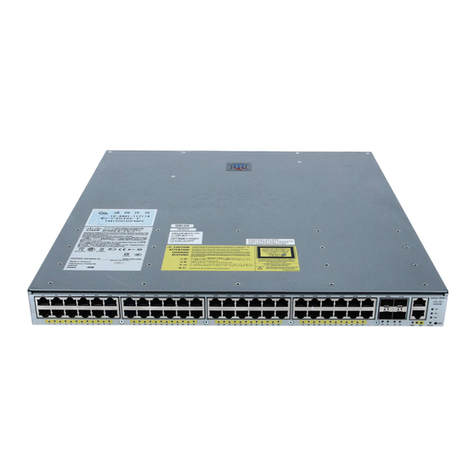
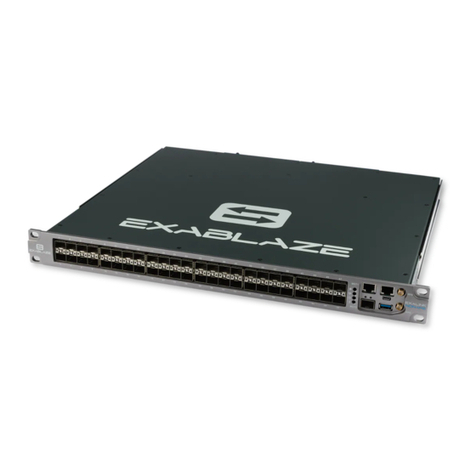
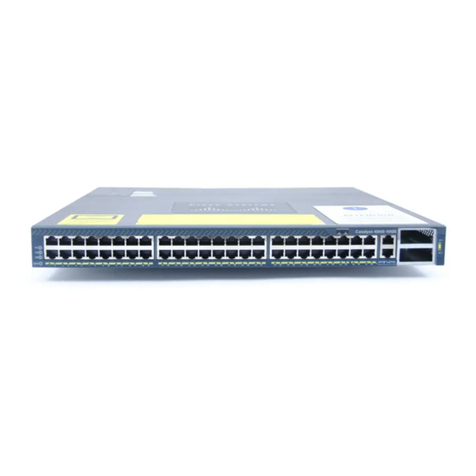
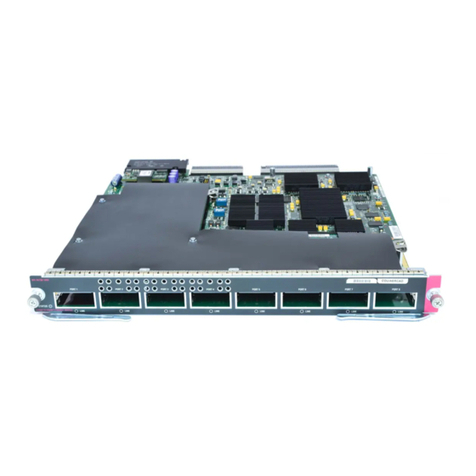
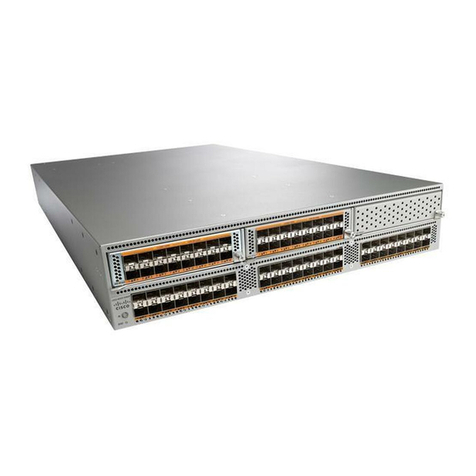
1. Attach your switch to power and a wired nternet connection.
2. The switch will turn on and the power LED will glow solid orange.
3. f the unit requires an upgrade, the power LED will begin blinking white until the upgrade is complete, at which
point the LED will turn solid white. You should allow at least a few minutes for the firmware upgrade to complete,
depending on the speed of your internet connection.
Check and Configure Upstream Firewall Settings
f a firewall is in place, it must allow outgoing connections on particular ports to particular P addresses. The most
current list of outbound ports and P addresses for your particular organization can be found on the firewall configuration
page in your dashboard.
Assigning an P Address
All switches must be assigned routable P addresses. These P addresses can be dynamically assigned via DHCP or
statically assigned.
Dynamic Assignment
When using DHCP, the DHCP server should be configured to assign a static P address for each MAC address
belonging to a Meraki switch. Other features of the network, such as 802.1X authentication, may rely on the property
that the switches have static P addresses.
Static Assignment
Static Ps are assigned using the local web server on each switch. The following procedure describes how to set the
static P:
1. Using a client machine (e.g., a laptop), connect to the switch over a wired connection.
2. Using a web browser on the client machine, access the switch’s built-in web server by browsing
to http://my.meraki.com. Alternatively, browse to http://1.1.1.100
3. Click on the “Uplink Configuration” tab. Log in. The default login is the serial number (e.g. Qxxx-xxxx-xxxx), with no
password (e.g., Q2DD-551C-ZYW3).
4. Configure the static P address, net mask, gateway P address and DNS servers that this switch will use on its
management connection.
5. f necessary, reconnect the switch to the LAN.
Static IP via DHCP Reservations
nstead of associating to each Meraki switch individually to configure static P addresses, an administrator can assign
static P addresses on the upstream DHCP server. Through “DHCP reservations,” P addresses are “reserved” for the
MAC addresses of the Meraki switches. Please consult the documentation for the DHCP server to configure DHCP
reservations.
7