manuals.online logo
Brands
  1. Home
  2. •
  3. Brands
  4. •
  5. Clarity
  6. •
  7. Cell Phone
  8. •
  9. Clarity ClarityLife C900 User manual

Clarity ClarityLife C900 User manual

Other manuals for ClarityLife C900

2

Other Clarity Cell Phone manuals

Clarity Clarity Pal User manual

Clarity

Clarity Clarity Pal User manual

Clarity PAL101 User manual

Clarity

Clarity PAL101 User manual

Clarity Clarity Pal User manual

Clarity

Clarity Clarity Pal User manual

Clarity Clarity Pal User manual

Clarity

Clarity Clarity Pal User manual

Clarity ClarityLife C900 User manual

Clarity

Clarity ClarityLife C900 User manual

Clarity Clarity Pal User manual

Clarity

Clarity Clarity Pal User manual

Clarity claritypal User manual

Clarity

Clarity claritypal User manual

Clarity ClarityLife C900 User manual

Clarity

Clarity ClarityLife C900 User manual

Clarity Clarity Pal User manual

Clarity

Clarity Clarity Pal User manual

Clarity ClarityPa User manual

Clarity

Clarity ClarityPa User manual
Popular Cell Phone manuals by other brands

Gigabyte GSmart t600 null

Gigabyte

Gigabyte GSmart t600 null

Sony Ericsson Z200 null

Sony Ericsson

Sony Ericsson Z200 null

Gigabyte GSmart t600 null

Gigabyte

Gigabyte GSmart t600 null

Gigabyte GSmart t600 null

Gigabyte

Gigabyte GSmart t600 null

Sony Ericsson K700i null

Sony Ericsson

Sony Ericsson K700i null

Zte BLADE A520 quick start guide

Zte

Zte BLADE A520 quick start guide

Nokia Lumia 620 user guide

Nokia

Nokia Lumia 620 user guide

Blackbe;rry KEYone Safety and product information

Blackbe;rry

Blackbe;rry KEYone Safety and product information

Bea-fon X5 Premium quick guide

Bea-fon

Bea-fon X5 Premium quick guide

Blackbe;rry 8707 Series user guide

Blackbe;rry

Blackbe;rry 8707 Series user guide

Blackbe;rry Storm Troubleshooting

Blackbe;rry

Blackbe;rry Storm Troubleshooting

LG LM-X420QN user guide

LG

LG LM-X420QN user guide

LifeWatch V user guide

LifeWatch

LifeWatch V user guide

Bea-fon SILVER LINE SL860 user guide

Bea-fon

Bea-fon SILVER LINE SL860 user guide

IKI Mobile KF4.5i user manual

IKI Mobile

IKI Mobile KF4.5i user manual

Hitech HT-850 user guide

Hitech

Hitech HT-850 user guide

Yezz Fashion F10 user manual

Yezz

Yezz Fashion F10 user manual

Point Mobile PM60 user manual

Point Mobile

Point Mobile PM60 user manual

manuals.online logo
manuals.online logoBrands
  • About & Mission
  • Contact us
  • Privacy Policy
  • Terms and Conditions

Copyright 2025 Manuals.Online. All Rights Reserved.

C900™
C900
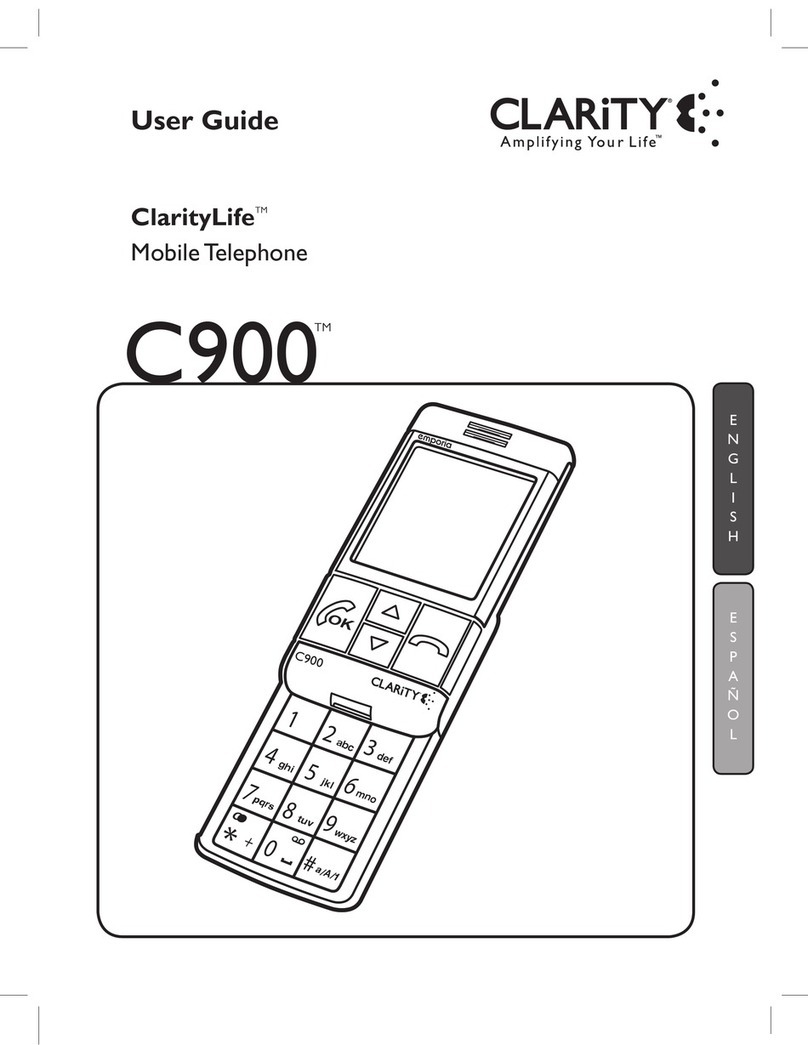
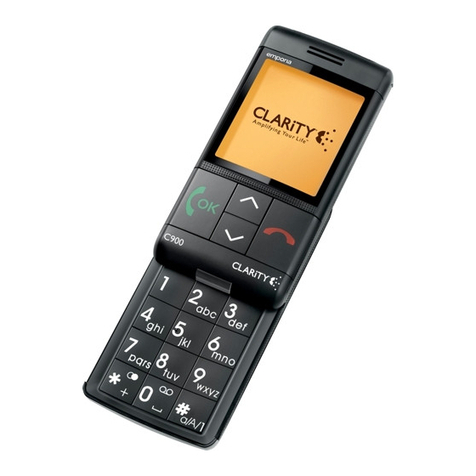
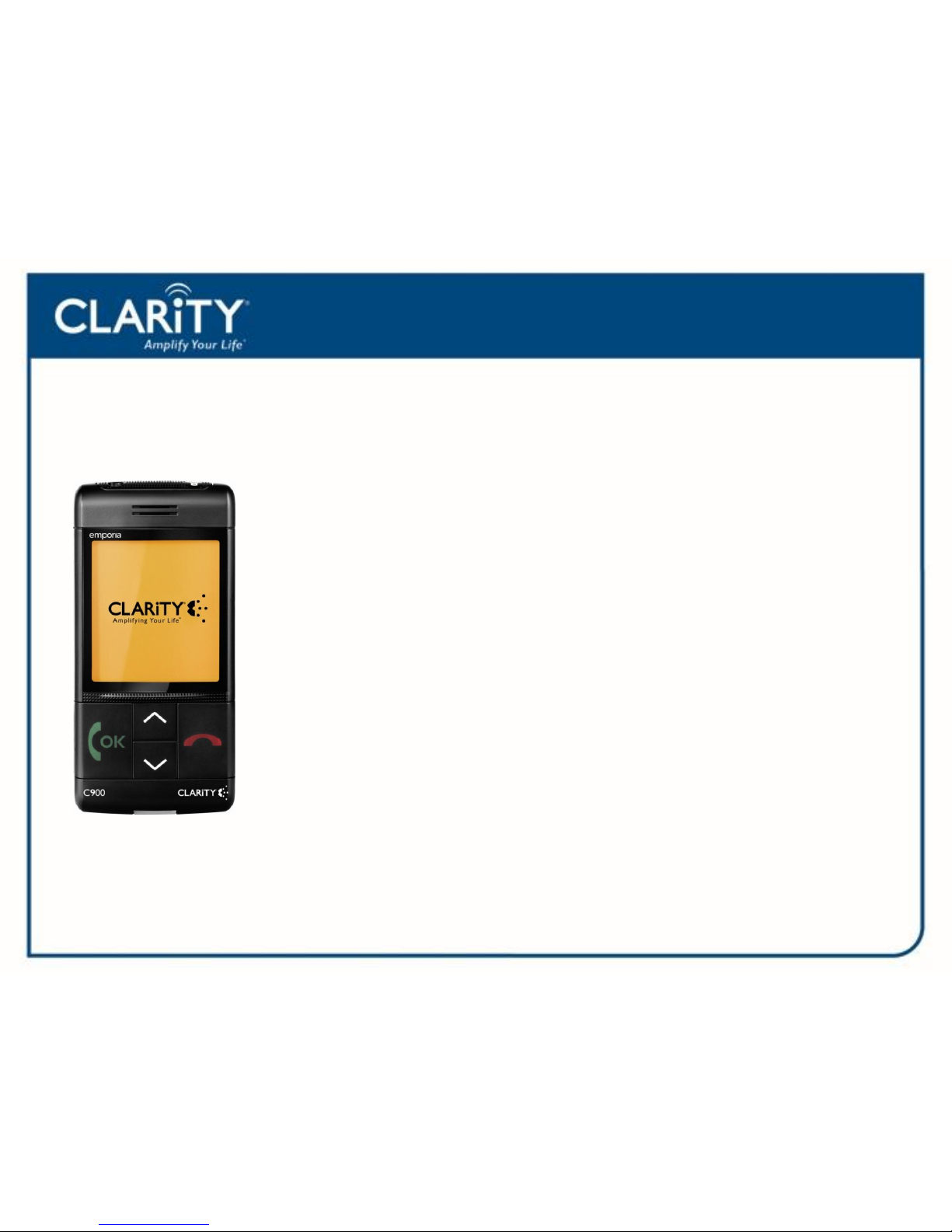
The C900 is a simple, easy to use mobile phone.
The ClarityLife C900 amplifies incoming sound up to 20 decibels and
offers large buttons for easy dialing. It also features an Emergency Button
that will auto dial 5 preprogrammed numbers. It will be sold unlocked,
which will allow the user to take the cell phone and place it on any GSM
network, such as AT&T and T-Mobile.
For a full listing of instructions please see the C900 user guide.
C900 Network
The C900 operates on a GSM Network (Global System for Mobile
Communications).
Two of the most popular US, GSM service providers areAT&T and T-Mobile.
The ClarityLife C900 will be sold “unlocked”. That means the customer can
choose their preferred GSM network. If the customer already has service
through one of these providers, they can take their current SIM card and
place it into the C900.
Clarity gives the customer the flexibility of choosing their own service provider
and a plan that best fits their needs.
C900 SIM Card
A SIM (Subscriber Identity Module) Card is a portable memory chip used in cell
phones that operate on a GSM network. If the SIM card has been activated by the
service provider, the customer only needs to insert the SIM card into their phone
for use. SIM cards hold information, such as cell phone number, phone book
information, text messaging and other data. SIM cards can be easily transferred
from one mobile to another.
Note: Some SIM cards operate on a pre-paid plan and minutes may need to be
purchased.
C900 Features
•Amplifies up to 20 decibels
•Unlocked cell phone that will operate
on any GSM network
•4-button operation
•Programmable Emergency Button
•Hearing Aid Compatible
•Large backlit screen with large text
•Large Buttons
•Visual and Vibrating Ringer
•Program phonebook by sending text
•Built in Flashlight
•200 Phonebook Memory
•Send and Receive text
C900 Parts Checklist
Note: Additional accessories are available
C900 Materials In the Box
•User Guide
•Quick Start Guide
•5 postcards to send to friends and family notifying
them that they are an Emergency Contact
•Service Brochure
C900 Installation
SIM
3. Insert the SIM card into it holder with the
gold colored contacts facing down with the
missing corner card on the bottom right.
4. Slide the SIM card holder back into its slot.
2. Pull out the SIM card holder. It is
located underneath the Emergency
Button.
1. Open the battery compartment door.
C900 Installation
Battery and Charging
1. After inserting the SIM card, insert
the battery. The battery contacts
must face the gold colored contacts
on the mobile phone.
2. Connect the Power Adapter into the
the bottom of the C900 and the other
end into a 120V wall outlet.
Note: Charge battery four hours before
making your first call.
C900 Features
1. Large Display Screen: Displays menu
2. Arrow Keys: Press to scroll through the menu
3. Answer/ OK Key: Press to Answer a Call or to
select an option shown on the screen above
4. End Call/Clear/Back Key: Press to End a call, to
Clear or Back up a space. This key can also be used
select an option shown on the screen above.
5. Alert Lights: Blinks Green for incoming calls
Blinks Red when battery needs to be charged
Blinks Orange during charging and remains
on when the battery is full
1.
2.
3. 4.
5.