manuals.online logo
Brands
  1. Home
  2. •
  3. Brands
  4. •
  5. Comar Systems
  6. •
  7. Receiver
  8. •
  9. Comar Systems AIS-2-USB User manual

Comar Systems AIS-2-USB User manual

Other Comar Systems Receiver manuals

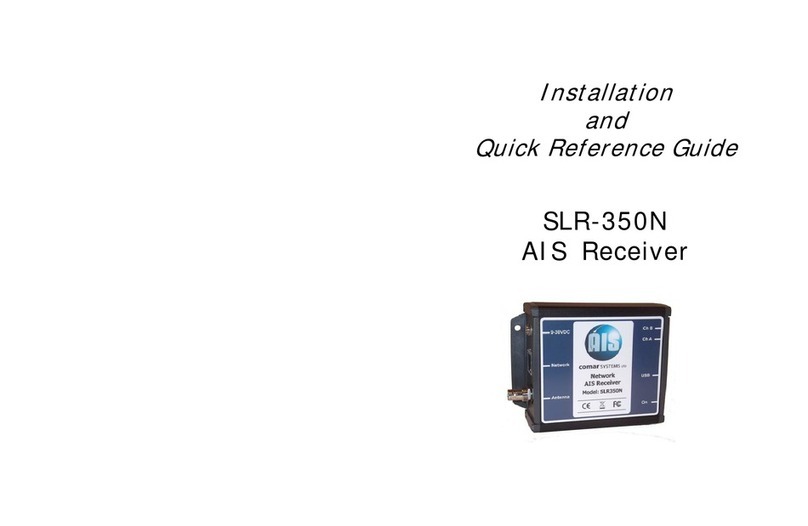
Comar Systems SLR-350N User manual

Comar Systems

Comar Systems SLR-350N User manual

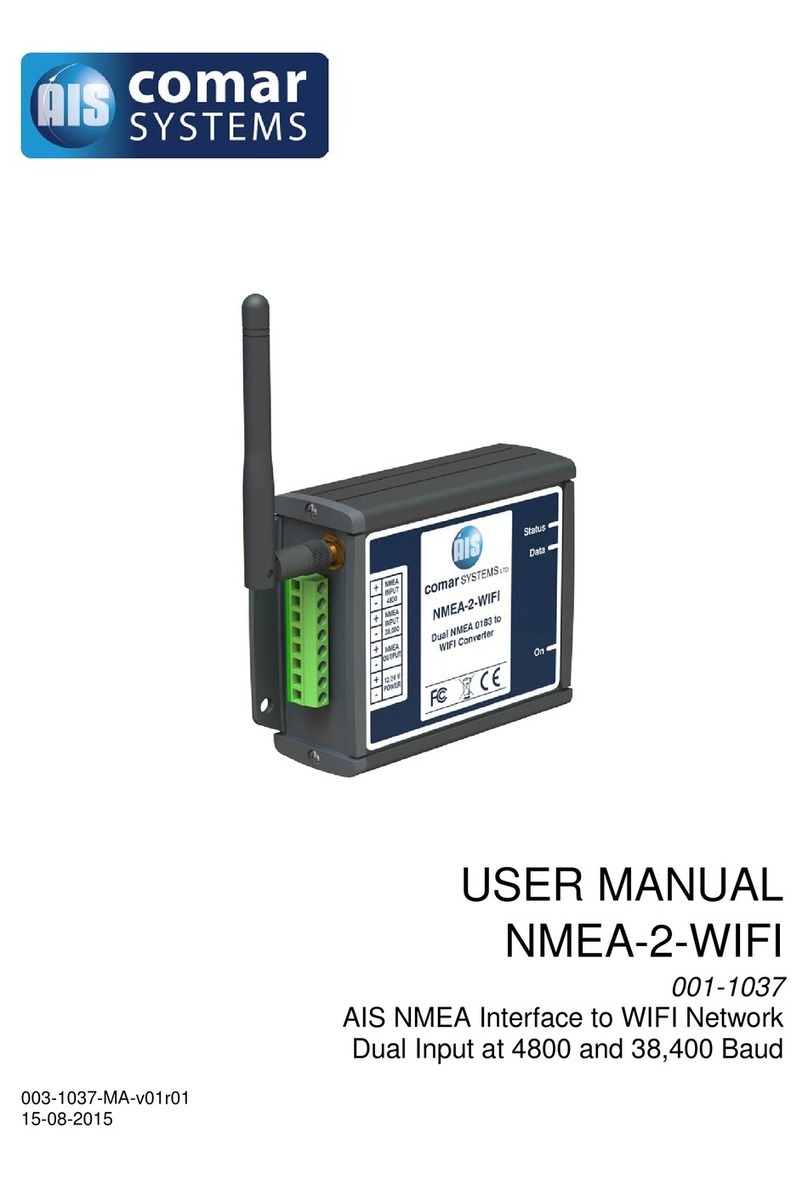
Comar Systems NMEA-2-WIFI User manual

Comar Systems

Comar Systems NMEA-2-WIFI User manual

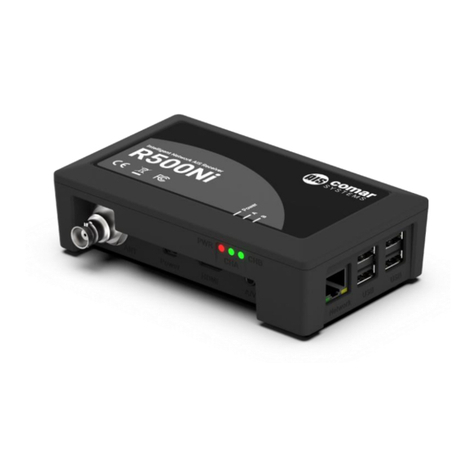
Comar Systems R500Ni User manual

Comar Systems

Comar Systems R500Ni User manual

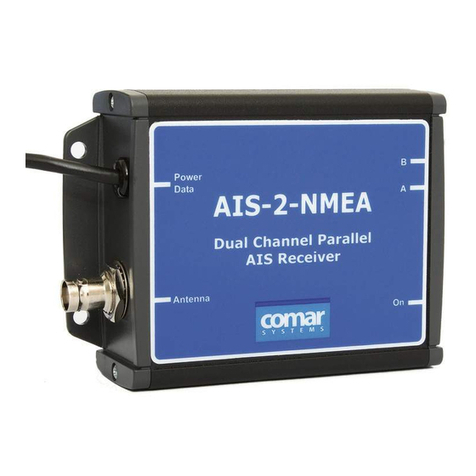
Comar Systems AIS-2-NMEA User manual

Comar Systems

Comar Systems AIS-2-NMEA User manual

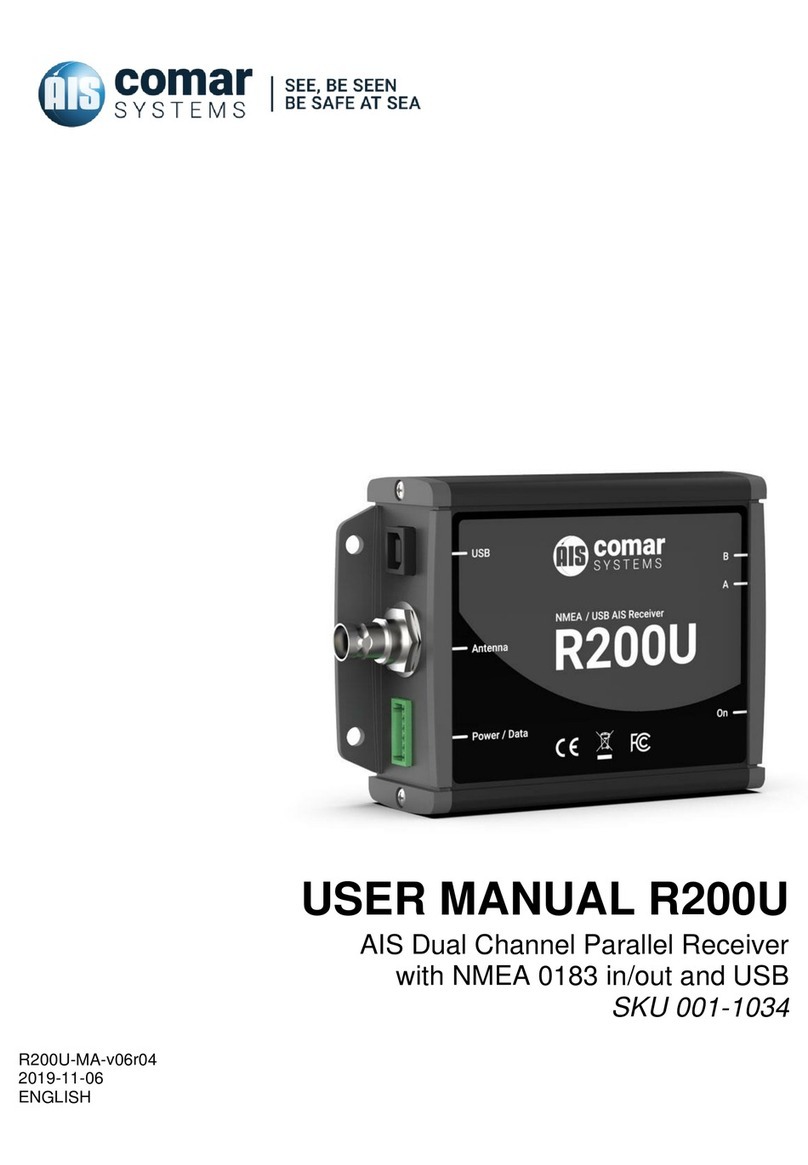
Comar Systems R200U User manual

Comar Systems

Comar Systems R200U User manual

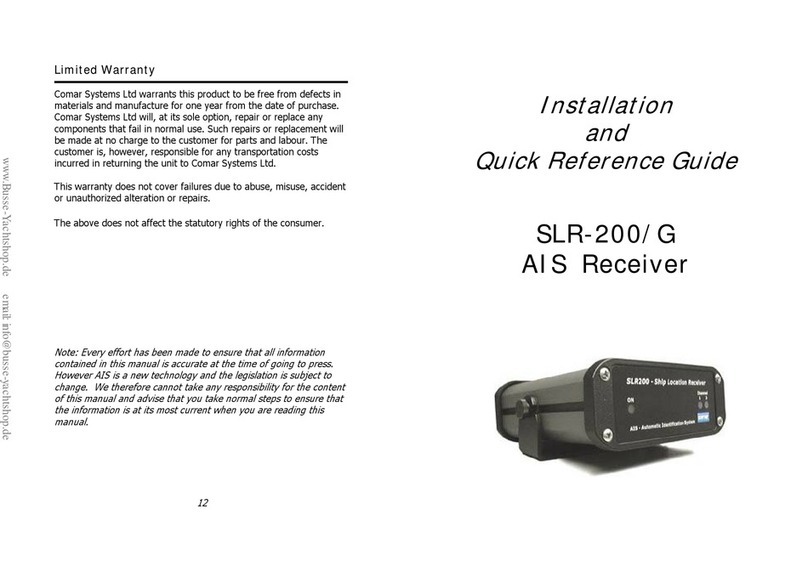
Comar Systems SLR-200 User manual

Comar Systems

Comar Systems SLR-200 User manual

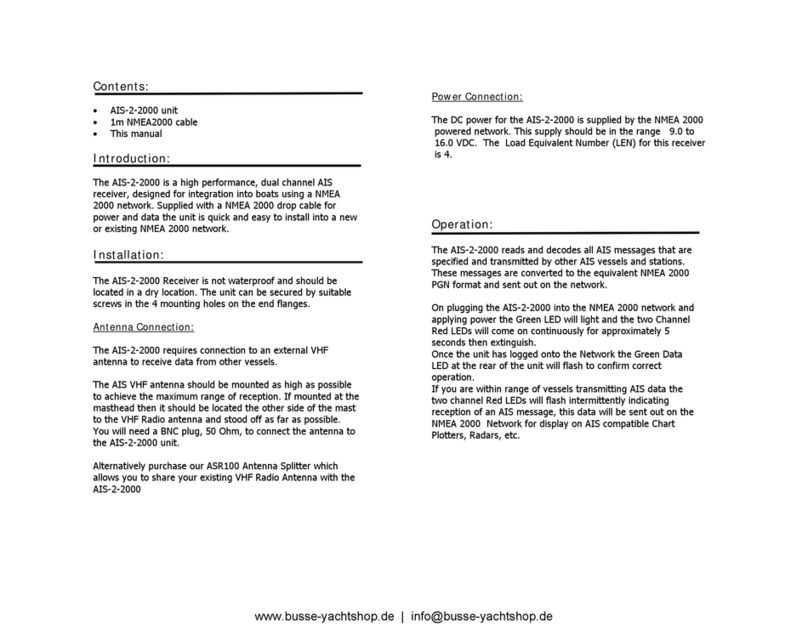
Comar Systems AIS-2-2000 User manual

Comar Systems

Comar Systems AIS-2-2000 User manual

Popular Receiver manuals by other brands

Televes ZAS HD SAT user manual

Televes

Televes ZAS HD SAT user manual

Realistic DX-75 Operating and service instructions

Realistic

Realistic DX-75 Operating and service instructions

Saris 4620 Assembly instructions

Saris

Saris 4620 Assembly instructions

Mini DTR 206C PVR user manual

Mini

Mini DTR 206C PVR user manual

RF Elements TwistPort manual

RF Elements

RF Elements TwistPort manual

Denon DN-200WS user guide

Denon

Denon DN-200WS user guide

Yamaha RX-V467 owner's manual

Yamaha

Yamaha RX-V467 owner's manual

Russound SaphIR 858 instruction manual

Russound

Russound SaphIR 858 instruction manual

Quasonix RDMS Firmware update procedure

Quasonix

Quasonix RDMS Firmware update procedure

Pioneer XV-HTD1 Service manual

Pioneer

Pioneer XV-HTD1 Service manual

ATZ HDMI-V2-44HE150 manual

ATZ

ATZ HDMI-V2-44HE150 manual

Sony XNV-770BT MyTomTom Specifications

Sony

Sony XNV-770BT MyTomTom Specifications

Grundig STR 7122 TWIN Service manual

Grundig

Grundig STR 7122 TWIN Service manual

Creative Blaster Modem user guide

Creative

Creative Blaster Modem user guide

Panduit ATLONA AT-OME-RX11 installation guide

Panduit

Panduit ATLONA AT-OME-RX11 installation guide

VOLTCRAFT UTPS-40 operating instructions

VOLTCRAFT

VOLTCRAFT UTPS-40 operating instructions

JVC KW-ADV794 instructions

JVC

JVC KW-ADV794 instructions

Litelink VT-1001 operating instructions

Litelink

Litelink VT-1001 operating instructions

manuals.online logo
manuals.online logoBrands
  • About & Mission
  • Contact us
  • Privacy Policy
  • Terms and Conditions

Copyright 2025 Manuals.Online. All Rights Reserved.

Installation:
The AIS-2-USB Receiver is not waterproof and should be
mounted in a dry location. The unit can be fixed by the 4
mounting holes in the end flanges.
It will require connection to a marine VHF antenna via the
BNC socket at the rear or with a BNC to VHF adaptor socket.
Connect the Receiver to your computer via the supplied USB
cable. Switch on the computer and load the Drivers as
detailed on the CD. This will create a Virtual Com Port that
will enable the AIS data sent via USB to be displayed on
a compatible AIS computer program.
The output Baud rate is set to 38,400, if you wish to change
this to 4800 baud, disconnect the power, unscrew the two
screws to release the front cover and move the jumper
located in the middle to the 4800 position.
Operation:
On applying power the Green LED will light and the two
Channel Red LEDs will come on continuously for
approximately 10 seconds then extinguish. If you are within
range of vessels transmitting AIS data the two channels Red
LEDs will flash intermittently indicating reception of a AIS
messages which will be sent as NMEA data via the USB
connection to the computer.
Limited Warranty:
Comar Systems Ltd warrants this product to be free from
defects in materials and manufacture for one year from the date
of purchase. Comar Systems Ltd will, at its sole option, repair or
replace any components that fail in normal use. Such repairs or
replacement will be made at no charge to the customer for parts
and labour. The customer is, however, responsible for any
transportation costs incurred in returning the unit to Comar
Systems Ltd.
This warranty does not cover failures due to abuse, misuse,
accident or unauthorized alteration or repairs.
The above does not effect the statutory rights of the consumer.
Note: Every effort has been made to ensure that all information
contained in this manual is accurate at the time of going to
press. However AIS is a new technology and the legislation is
subject to change. We therefore cannot take any responsibility
for the content of this manual and advise that you take normal
steps to ensure that the information is at its most current when
you are reading this manual.
Product Support
Comar Systems Limited
Unit 7, Medina Court
Arctic Road
Cowes
Isle of Wight, PO31 7XD
United Kingdom
Telephone: +44 (0) 1983 282400 Fax: +44 (0)1983 280402
E-mail: techsupport@comarsystems.com
Internet: www.comarsystems.com

www.busse-yachtshop.de | [email protected]
Fault finding:
No power light is displayed
●Check that the computer is on and the USB cable is connected
Channel A and Channel B lights do not flash
●Check that a VHF antenna is fitted and correctly connected.
●Check that the antenna is correctly positioned – i.e. at a suitable
location to visibly ‘see’ vessels.
Channel A and Channel B lights flash but no data is received
If the red channel lights flash then data is being received from
nearby vessels.
●Check on the PC application or device that the correct port is
assigned and the correct baud rate is setup. The correct baud rate
is 38400.
I can receive ships on my display but no names are shown.
●Remember that the names of ships as well as other static
information is only sent every 6 minutes or when requested by
another station.
Specification:
Dimensions Overall: 120 x 86 x 37
Power: via USB
Current: 130mA
Output: Via USB NMEA 0183
Message type: VDM
Baud Rate: 38400 (4800 by internal link)
Receiver: Dual Channel Parallel
Frequency: 161.975 and 162.025MHz
Sensitivity: -112dBm
Connections: USB2.0 type B
Cable: 1m type A to type B
Antenna: BNC 50 Ohm
Installation
and
Quick Reference Guide
AIS-2-USB
Receiver
www.busse-yachtshop.de | [email protected]