Type: D-BZ-ID8-DKHS, version: 1.0/0823 Commend International GmbH, Saalachstraße 51, A-5020 Salzburg – www.commend.com
Extent of supply
• Desk kit
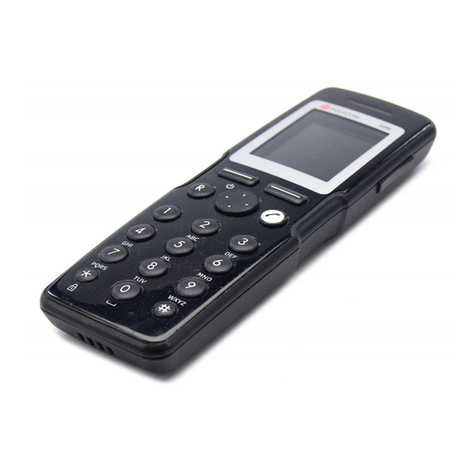
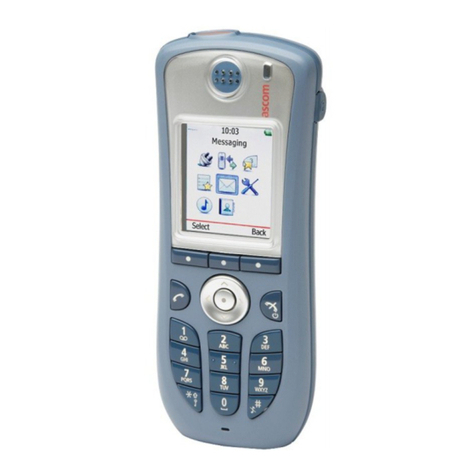
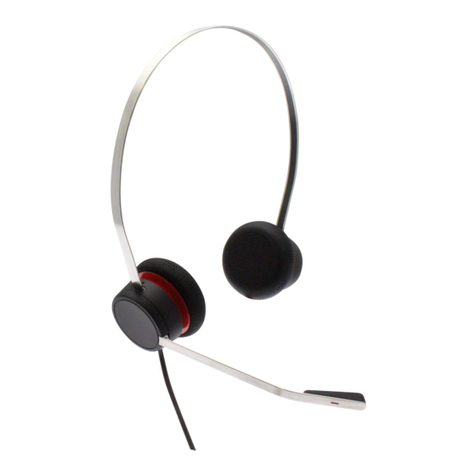
• HS-USB1 (handset)
• Cable clip with adhesive strip
• Short reference
Mounting
ID8 DKHS
Desk kit with 45° angle and the handset HS-USB1 for a control desk of the id8 series.
Remove the protection lm from the adhesive strip and stick the cable clip on the desk kit in a way
that the cut-out border forms a line with the housing (see illustration above).
Remove one of the bottom plates from the desk kit ID8 DK by unscrewing the 4 torx screws (see
illustration above).
Install the desk kit ID8 DKHS to the desk kit ID8 DK using the same screws.
Put the device onto the desk kit, lower end rst.
Press the device onto the desk kit so that it snaps in place.
Connect the cable of handset HS-USB1 to the device.
Bend open the cable clip, guide through the USB cable of the handset and bend back the cable clip
so that the USB cable is xed.
Disposal and recycling
Equipment with this symbol shall not be disposed of together with household or commercial
waste.
The directive 2012/19/EU on waste electrical and electronical equipment (WEEE) is applicable
in the European Union member states.
Manufacturer’s reference
CE – This device complies with the directives listed below by fullling corresponding standards:
• Electromagnetic compatibility (directive 2014/30/EU)
• The restriction of the use of certain hazardous substances in electrical and electronic
equipment (directive 2011/65/EU)
FCC – For the FCC Rules, see “Installation instructions”.
Contact Commend USA: Commend Inc, 63 Ramapo Valley Road, Suite 201,
Mahwah, NJ 07430 (New York Area), www.commendusa.com
For technical specications, see the respective data sheet.
For the latest software and documentation, visit: www.commend.com
Keep this description in safe custody.
Safety instructions
• This device shall be installed or replaced by trained and qualied personnel only.
• Do not make any modications to the device.
• This equipment has been tested and found to comply with the limits for a Class B digital device,
pursuant to part 15 of the FCC Rules. These limits are designed to provide reasonable protection
against harmful interference in a residential installation. This equipment generates, uses and can
radiate radio frequency energy and, if not installed and used in accordance with the instructions,
may cause harmful interference to radio communications. However, there is no guarantee that
interference will not occur in a particular installation. If this equipment does cause harmful interfer-
ence to radio or television reception, which can be determined by turning the equipment off and on,
the user is encouraged to try to correct the interference by one or more of the following measures:
Reorient or relocate the receiving antenna.
Increase the separation between the equipment and receiver.
Connect the equipment into an outlet on a circuit different from that to which the receiver is
connected.
Consult the dealer or an experienced radio/TV technician for help.
Installation instructions
• Do not place the device in areas where it may become wet or damp, and avoid dusty, humid and
high temperature environments.
• Do not place the device on unstable, uneven or vibrating surfaces.
• Do not expose the device to direct sunlight.
• Observe the country-specic standards, guidelines and specications for installation, mounting and
conguration.
• Before using the device, make sure the USB cable is connected correctly and not damaged.
Handling
Use the original packaging when transporting the device to prevent damage.