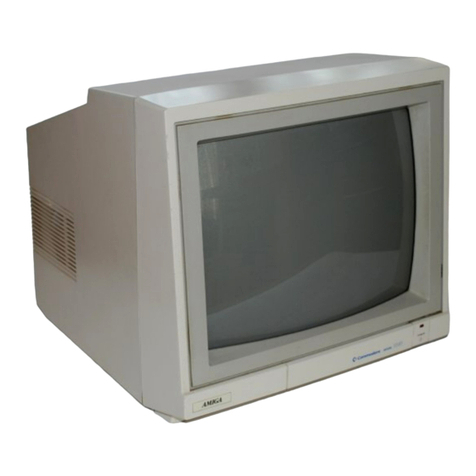
USER'S GUIDE STATEMENT
"This
equipment generates and
uses
radio frequency energy.
If
it
is
not
properly installed and
used
in
strict
accordance
with
the manu-
facturer's instructions, this
equipment
may interfere
with
radio and
television reception. This machine
has
been tested and
found
to
comply
with
the limits
for
a
Class
B
computing
device peripheral in
accordance
with
the specifications in Subpart J
of
Part 15
of
FCC
Rules, which
are
designed
to
provide reasonable
protection
against
such interference in a residential installation.
If
you
suspect inter-
ference, you
can
test this
equipment
by
turning
it
off
and on.
If
you
determine
that
there
is
interference
with
radio
or
television recep-
tion,
try
one
or
more
of
the
following
measures
to
correct
it:
• reorient the receiving antenna
• move the computer away
from
the receiver
• change the relative positions
of
the
computer
equipment and the
receiver
• plug the
computer
into
a
different
outlet
so
that
the
computer
and
the receiver
are
on
different
branch circuits.
If
necessary, consult
your
Commodore dealer
or
an
experienced
radio/television technician
for
additional suggestions.
You
may also
wish
to
consult the
following
booklet,
which
was prepared
by
the
Federal Communications Commission:
"How
to
Identify
and Resolve Radio-TV Interference Problems"
This
booklet
is
available
from
the U.S., Government Printing Office,
Washington, D.C. 20402,
Stock
No. 004-000-00345-4."
You should
use
only
the
monitor
cable recommended
by
Commo-
dore. The cable
is
specially shielded, in accordance
with
the regula-
tions
of
the Federal Comminications Commission. Failure
to
use
the
appropriate cable
will
invalidate the
FCC
grant
of
Certification, and
may
cause
harmful radio interference.
CAUTION
If
you
have
technical problems
with
your
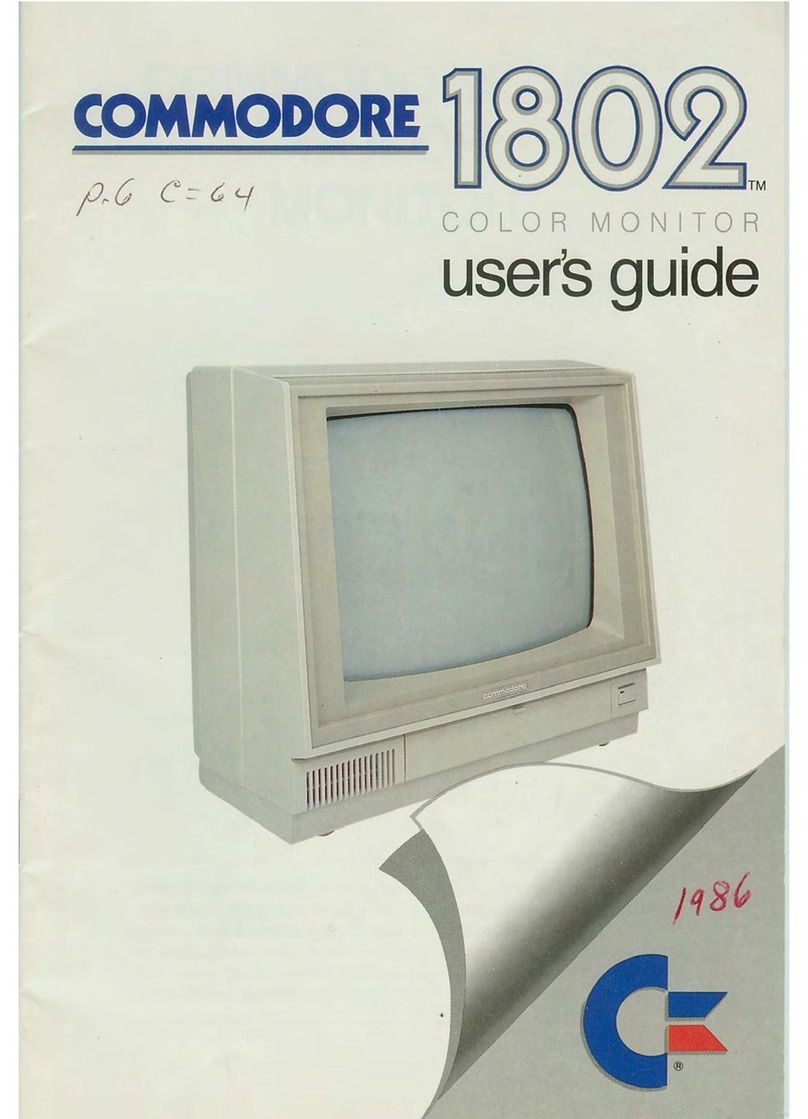
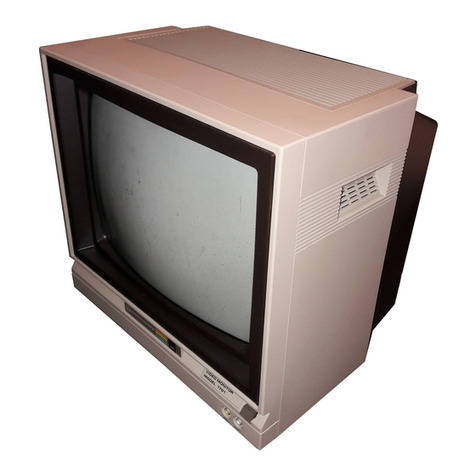
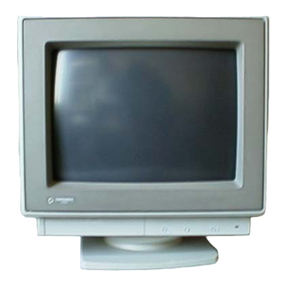
Commodore 1802
color
monitor,
especially
if
your
set produces
only
sound
with
no picture
or
if
the viewing
area
shrinks
to
half
size, unplug the set and call
your
dealer
or
service technician.
For
your
safety,
please
carefully
read
the
SAFETY
PRECAUTIONS
on
pages
7 and 8 in this user's manual.
WARNING
DO
NOT
EXPOSE
THIS
EQUIPMENT
TO
MOISTURE.
SUCH EX-
POSURE COULD CAUSE
FIRE
OR
ELECTRIC
SHOCK.