manuals.online logo
Brands
  1. Home
  2. •
  3. Brands
  4. •
  5. Community Controls
  6. •
  7. Transmitter
  8. •
  9. Community Controls CHAMELEON 318LIPW4CK User manual

Community Controls CHAMELEON 318LIPW4CK User manual

Other Community Controls Transmitter manuals

Community Controls STINGRAY 318DOPW V Series User manual

Community Controls

Community Controls STINGRAY 318DOPW V Series User manual

Community Controls Stinger User manual

Community Controls

Community Controls Stinger User manual

Community Controls TRAFIR315LMD21K Firefly User manual

Community Controls

Community Controls TRAFIR315LMD21K Firefly User manual

Community Controls 390 1 User manual

Community Controls

Community Controls 390 1 User manual

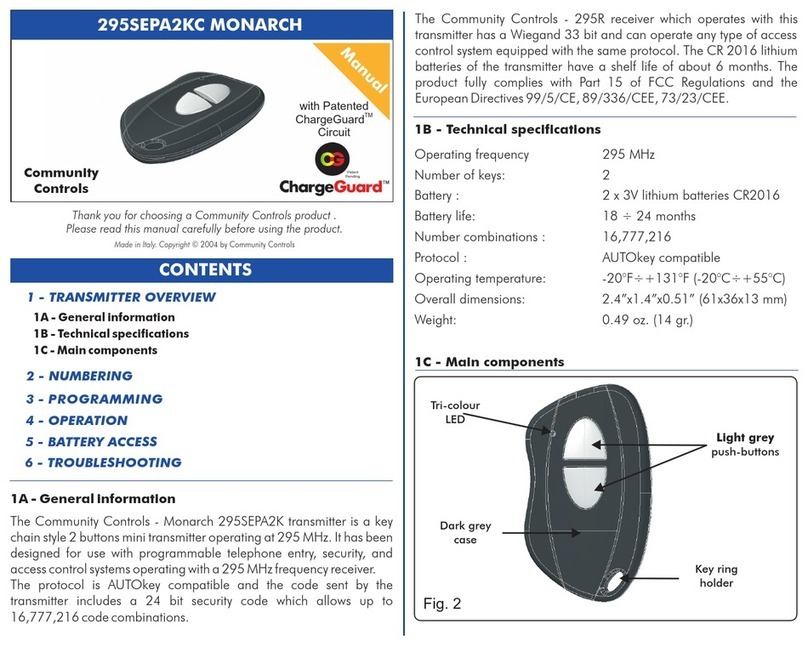
Community Controls Monarch 295SEPA2KC User manual

Community Controls

Community Controls Monarch 295SEPA2KC User manual

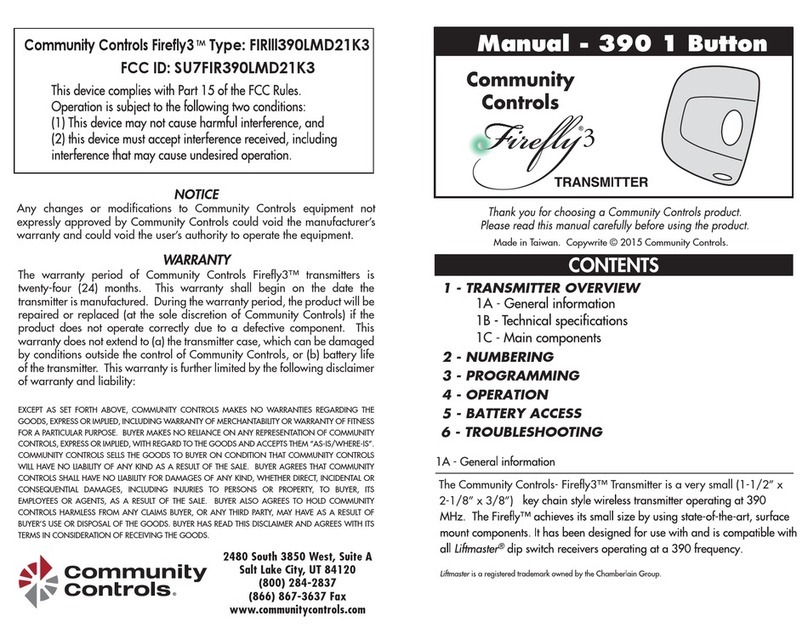
Community Controls Firefly3 User manual

Community Controls

Community Controls Firefly3 User manual

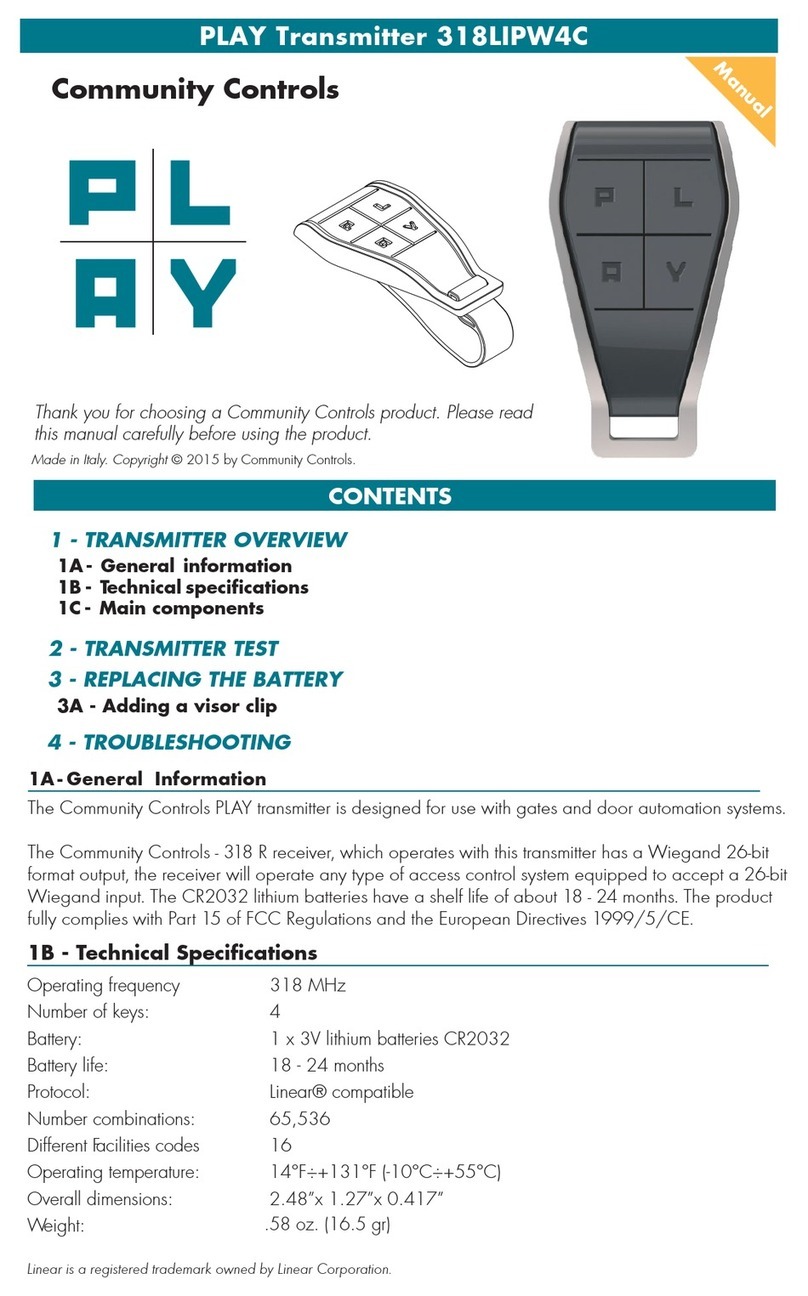
Community Controls PLAY 318LIPW4C User manual

Community Controls

Community Controls PLAY 318LIPW4C User manual

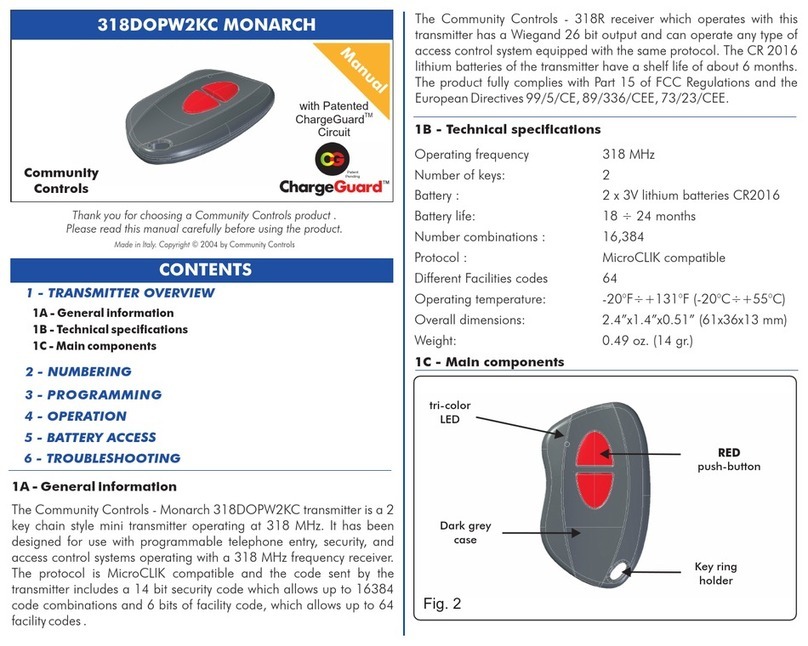
Community Controls 318DOPW2KC MONARCH User manual

Community Controls

Community Controls 318DOPW2KC MONARCH User manual

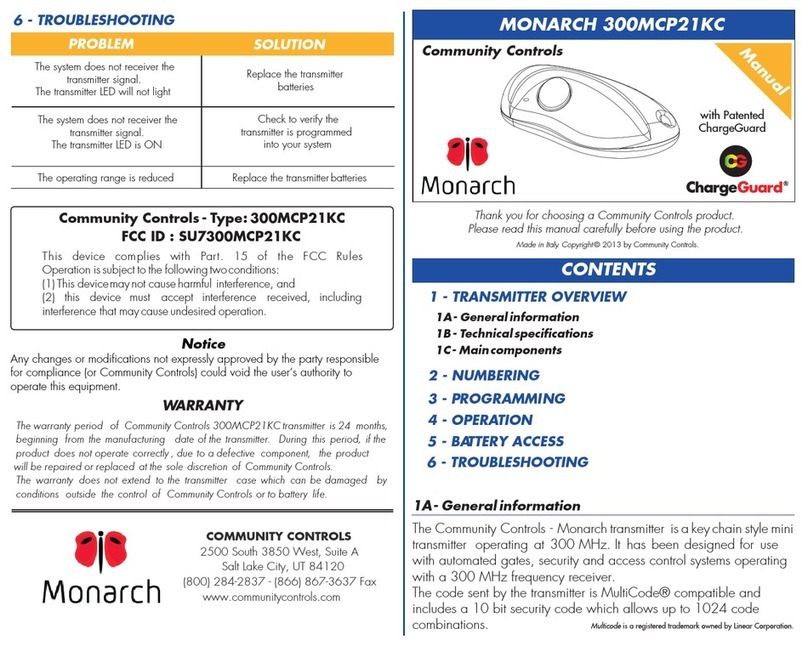
Community Controls Monarch 300MCP21KC User manual

Community Controls

Community Controls Monarch 300MCP21KC User manual

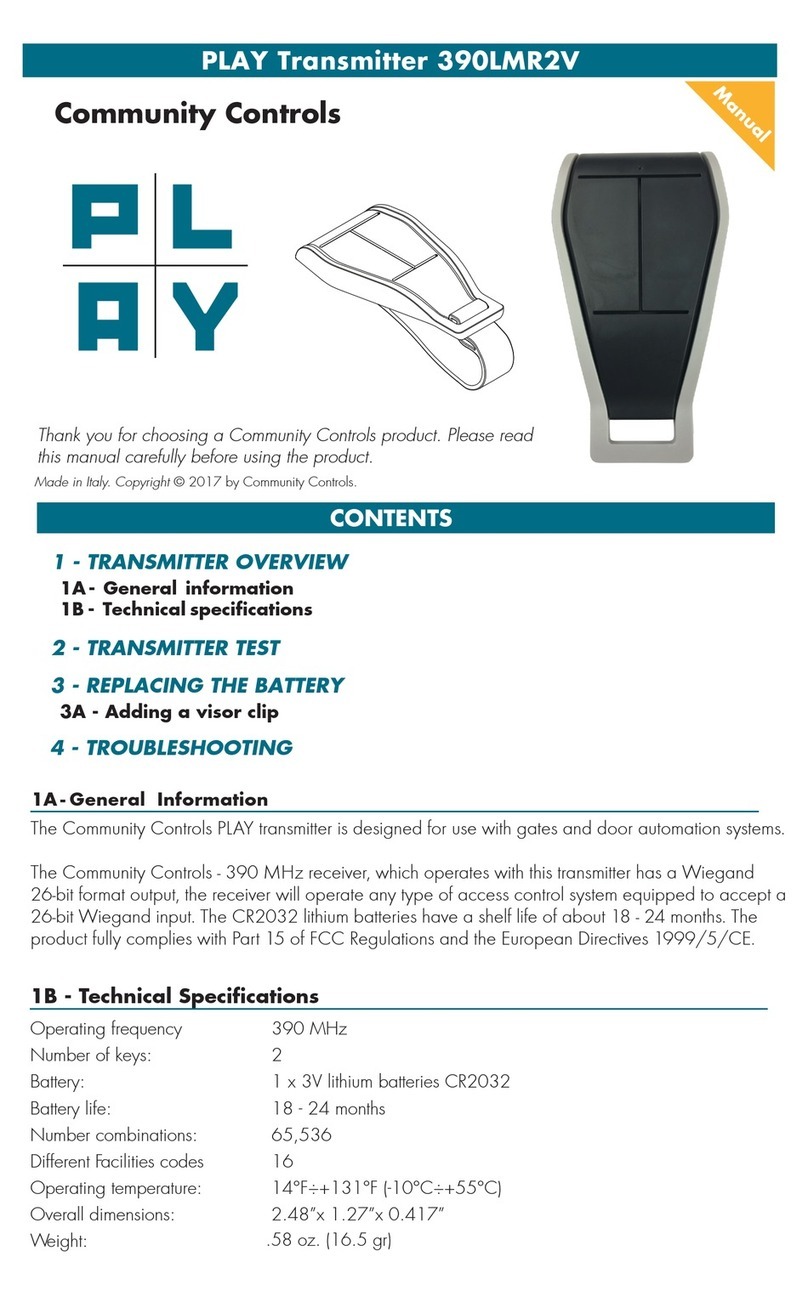
Community Controls 390LMR2V User manual

Community Controls

Community Controls 390LMR2V User manual

Popular Transmitter manuals by other brands

Seneca K120RTD installation manual

Seneca

Seneca K120RTD installation manual

Nautel GV40 installation manual

Nautel

Nautel GV40 installation manual

HumanTechnik cm-light operating instructions

HumanTechnik

HumanTechnik cm-light operating instructions

INOR APAQ C130 TC User instructions

INOR

INOR APAQ C130 TC User instructions

Linear DXS-64 operating instructions

Linear

Linear DXS-64 operating instructions

FeinTech ABT00102 instruction manual

FeinTech

FeinTech ABT00102 instruction manual

Geo Web Pack quick start guide

Geo

Geo Web Pack quick start guide

Inovonics EchoStream EN1210W installation instructions

Inovonics

Inovonics EchoStream EN1210W installation instructions

IKONNIK KA-6 quick start guide

IKONNIK

IKONNIK KA-6 quick start guide

Rohde & Schwarz SR8000 Series System manual

Rohde & Schwarz

Rohde & Schwarz SR8000 Series System manual

Audio Technica UniPak ATW-T93 Installation and operation

Audio Technica

Audio Technica UniPak ATW-T93 Installation and operation

NIVELCO EasyTREK SCA-300 Series Programming manual

NIVELCO

NIVELCO EasyTREK SCA-300 Series Programming manual

Honeywell 5816WMBR installation instructions

Honeywell

Honeywell 5816WMBR installation instructions

Kamstrup READy MTU Installation and operation guide

Kamstrup

Kamstrup READy MTU Installation and operation guide

Omega ZW Series user guide

Omega

Omega ZW Series user guide

ABB Field 264H Instructions for installation

ABB

ABB Field 264H Instructions for installation

Dejero EnGo 3x manual

Dejero

Dejero EnGo 3x manual

Rosemount 4600 Reference manual

Rosemount

Rosemount 4600 Reference manual

manuals.online logo
manuals.online logoBrands
  • About & Mission
  • Contact us
  • Privacy Policy
  • Terms and Conditions

Copyright 2025 Manuals.Online. All Rights Reserved.

Transmitter Flat 318LIPW4CK
1A- General Information
CONTENTS
1A- General information
1B- Technicalspecifications
1C- Maincomponents
1 - TRANSMITTER OVERVIEW
2 - TRANSMITTER TEST
3 - OPENING AND CLOSING THE CASE
4 - BATTERY ACCESS
5 - TROUBLESHOOTING
Manual
Community Controls
Thank you for choosing a Community Controls product. Please read this manual carefully before using the product.
Made in Italy. Copyright © 2012 by Community Controls.
The Community Controls Chameleon transmitter is designed for use with gates
and door automation systems. It is made through a high-technological,
three-injection molding process and is water resistant. The Chameleon is
available in many different inter-changeable colorful plastic covers.
The Community Controls - 318 R receiver, which operates with this transmitter has
a Wiegand 26-bit format output, the receiver will operate any type of access
control system equipped to accept a 26-bit Wiegand input. The CR2032 lithium
batteries have a shelf life of about 6 months. The product fully complies with Part
15 of FCC Regulations and the European Directives 1999/5/CE.
1B - Technical Specifications
Operating frequency 318 MHz
Number of keys: 4
Battery: 1 x 3V lithium batteries CR2032
Battery life: 18 - 24 months
Protocol: Linear® compatible
Number combinations: 65,536
Different Facilities codes 16
Operating temperature:
Chameleon 318
Linear® 34B
14°F÷+131°F (-10°C÷+55°C)
Overall dimensions: 2.48”x 1.27”x 0.417”
Weight: 1 oz. (20 gr.)
1C - Main Components
2 - TRANSMITTER TEST
Press any button on the front of the transmitter and verify that the LED light illuminates. The LED light flashes
when the battery is low. When replacing the battery, ensure the battery polarity is correct as shown in
Figure D.
To memorize the transmitter to the receiver, please check the instructions on the receiver. The Chameleon is
compatible with 318 MHz frequency receivers.
3 - OPENING AND CLOSING THE CASE
IMPORTANT: Always open and close the case using the following instructions to
avoid damaging the casing.
1. Using a screwdriver, remove the screw on the bottom of the case. See Figure A.
2. carefully lift the top cover from the back, leaving a small gap (0.2 in or 0.5 cm).
See Figure B. Then gently push forward the front cover. See Figure C.
Do not open trying to force the front of the transmitter. See Figure D.
Figure A
Figure B
(0.2 in or 0.5 cm)
Figure C Figure D
The Chameleon has
covers available in
the following colors:
• black
• white
• gray
• magenta
• blue
• green
• orange
• red
Linear is a registered trademark owned by Linear Corporation.
Figure E
5 - TROUBLESHOOTING
Problem
The system does not receive the transmitter signal.
The transmitter led is OFF.
The transmitter led is blinking.
The operating range is reduced.
The transmitter led is ON.
Solution
Replace the transmitter battery
Check the power supply of the receiver
NOTICE
This device complies with part 15 of the FCC rules and Industry Canada ICES-003. Operating is subject to
the following two conditions: (1) This device may not cause harmful interference, and (2) this device must
accept any interference received, including interference that may cause undesired operation. Any changes or
modifications not expressly approved by Community Controls could void the user’s authority to operate the
equipment.
IMPORTANT! Any changes or modifications not expressly approved by Community Controls could void the
user’s authority to operate this equipment.
WARRANTY
The warranty period of Community Controls Chameleon transmitters is twenty-four (24) months. This warranty
shall begin on the date the transmitter is manufactured. During the warranty period, the product will be
repaired or replaced (at the sole discretion of Community Controls) if the product does not operate correctly
due to a defective component. This warranty does not extend to (a) the transmitter case, which can be
damaged by conditions outside the control of Community Controls, or (b) battery life of the transmitter. This
warranty is further limited by the following disclaimer of warranty and liability:
EXCEPT AS SET FORTH ABOVE, COMMUNITY CONTROLS MAKES NO WARRANTIES REGARDING THE GOODS,
EXPRESS OR IMPLIED, INCLUDING WARRANTY OF MERCHANTABILITY OR WARRANTY OF FITNESS FOR A PARTICULAR
PURPOSE. BUYER MAKES NO RELIANCE ON ANY REPRESENTATION OF COMMUNITY CONTROLS, EXPRESS OR
IMPLIED, WITH REGARD TO THE GOODS AND ACCEPTS THEM “AS-IS/WHERE-IS”. COMMUNITY CONTROLS SELLS
THE GOODS TO BUYER ON CONDITION THAT COMMUNITY CONTROLS WILL HAVE NO LIABILITY OF ANY KIND AS
A RESULT OF THE SALE. BUYER AGREES THAT COMMUNITY CONTROLS SHALL HAVE NO LIABILITY FOR DAMAGES OF
ANY KIND, WHETHER DIRECT, INCIDENTAL OR CONSEQUENTIAL DAMAGES, INCLUDING INJURIES TO PERSONS OR
PROPERTY, TO BUYER, ITS EMPLOYEES OR AGENTS, AS A RESULT OF THE SALE. BUYER ALSO AGREES TO HOLD
COMMUNITY CONTROLS HARMLESS FROM ANY CLAIMS BUYER, OR ANY THIRD PARTY, MAY HAVE AS A RESULT OF
BUYER’S USE OR DISPOSAL OF THE GOODS. BUYER HAS READ THIS DISCLAIMER AND AGREES WITH ITS TERMS IN
CONSIDERATION OF RECEIVING THE GOODS.
Figure I
3. After opening the case, remove the electronic board
containing the battery. See Figure E.
4. To close the case, place the metal insert in its slot on the bottom of the case, then replace the
electronic board inside. Align the top cover of the case with the bottom loop. See Figure F. Check that
both the upper clips are aligned, then press together the two sides. See Figure G. Replace the screw on
the bottom of the case. See Figure H. NOTE: Never force the case closed.
4 - BATTERY ACCESS
Replacing the Battery: Place the new battery with the negative facing down, towards the electronic
board. See Figure I.
NOTE: Please dispose of batteries correctly, they are hazardous waste. Always use the proper battery,
using a non-equivalent battery may cause damage to the transmitter.
Figure F
Figure G
Figure H