manuals.online logo
Brands
  1. Home
  2. •
  3. Brands
  4. •
  5. Conair
  6. •
  7. Radio
  8. •
  9. Conair SR9 User manual

Conair SR9 User manual

This manual suits for next models

4

Other Conair Radio manuals

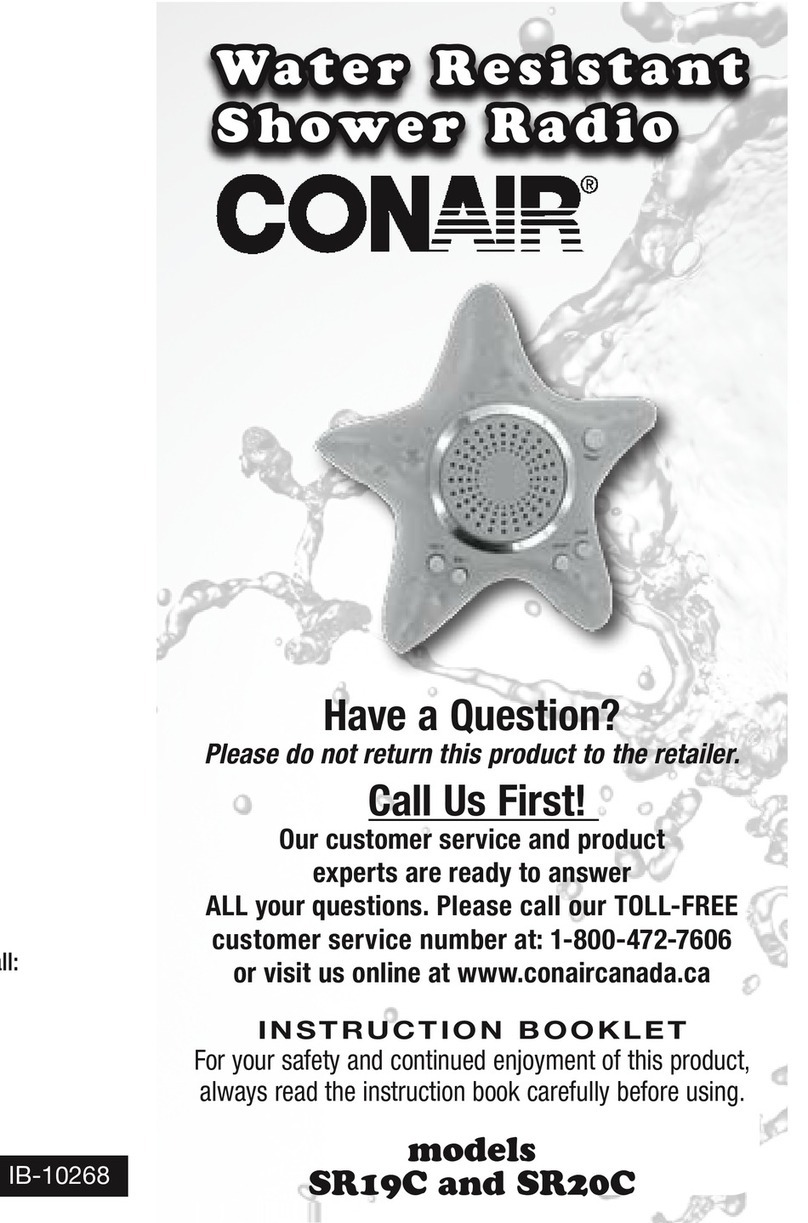
Conair SR19C User manual

Conair

Conair SR19C User manual

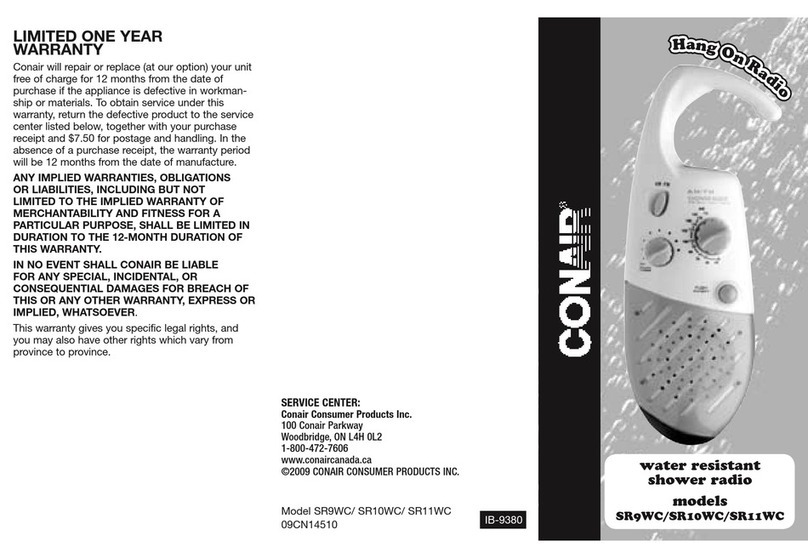
Conair SR9WC User manual

Conair

Conair SR9WC User manual

Popular Radio manuals by other brands

EisSound KBSound iSelect user manual

EisSound

EisSound KBSound iSelect user manual

Midland 1001LWX owner's manual

Midland

Midland 1001LWX owner's manual

Konig HAV-SR41 manual

Konig

Konig HAV-SR41 manual

Roberts exprssion manual 

Roberts

Roberts exprssion manual 

VDigi DD3.0 Operation manual

VDigi

VDigi DD3.0 Operation manual

Radio Shack 21-1863 owner's manual

Radio Shack

Radio Shack 21-1863 owner's manual

Roberts Stream 207 instruction manual

Roberts

Roberts Stream 207 instruction manual

Sony Walkman SRF-M97 Service manual

Sony

Sony Walkman SRF-M97 Service manual

Stanley FatMax FMC770 manual

Stanley

Stanley FatMax FMC770 manual

auna DAB-Radio 10026947 manual

auna

auna DAB-Radio 10026947 manual

SOUNDMASTER UR190 instruction manual

SOUNDMASTER

SOUNDMASTER UR190 instruction manual

HYT TC-320 user manual

HYT

HYT TC-320 user manual

B-Tech GMRS-V2 manual

B-Tech

B-Tech GMRS-V2 manual

Weierwei VEV-V8 user manual

Weierwei

Weierwei VEV-V8 user manual

SOUNDMASTER DAB750 instruction manual

SOUNDMASTER

SOUNDMASTER DAB750 instruction manual

Telefunken TF-1505 instruction manual

Telefunken

Telefunken TF-1505 instruction manual

Makita LXRM03 instruction manual

Makita

Makita LXRM03 instruction manual

PRESIDENT TEDDY R. owner's manual

PRESIDENT

PRESIDENT TEDDY R. owner's manual

manuals.online logo
manuals.online logoBrands
  • About & Mission
  • Contact us
  • Privacy Policy
  • Terms and Conditions

Copyright 2025 Manuals.Online. All Rights Reserved.

PRECAUTIONS
• Avoid leaving unit in direct sunlight
or in hot or dusty places.
• Keep unit away from heating
appliances and sources of electrical
noise such as uorescent lamps
or motors.
• This unit has rubber seals to
minimize risk of moisture entering.
However, do not immerse in water
since permanent damage to
electrical and mechanical parts
will result.
• When housing becomes soiled,
clean with a soft cloth dampened
with a mild detergent solution.
Never use abrasive cleaners or
chemical solvents, as they may
permanently damage housing.
Water Exposure
This product is not designed to be
immersed in water or to come in
continuous contact with water.
• Do not expose to water warmer
than 158 F (70 C) for extended
periods of time.
• When wet or if accidentally
dropped into water, wipe dry with
a soft cloth.
• Clean unit with a damp (never wet)
cloth. Solvents or detergents should
never be used.
Battery Use
• Follow battery manufacturer’s
instructions.
• Do not mix old and new batteries.
• Do not mix alkaline, standard
(carbon-zinc) or rechargeable
(Nickel-Cadmium) batteries.
• Do not dispose of batteries in re,
batteries may explode or leak.
• Although the battery compartment
is sealed, even small amount of
moisture can negatively affect
batteries. It is recommended that
batteries periodically be removed,
dried and inspected for corrosion.
INSTALLING BATTERIES
• Open battery cover on back by
turning battery door screw counter-
clockwise (see arrow on cover).
• Open battery compartment only
when hands and environment are
dry so water does not enter.
• Install or replace batteries (UM-4/
AAA/R03/LR03 or equivalent; not
included) following polarity diagram
AM/FM
HANG ON RADIO
with water-resistant
speaker
in battery compartment.
• Replace cover and tighten battery
door screw.
• Replace batteries when audio
becomes weak or distorted
at ordinary volume level.
• Always turn off power when unit is
not in use to extend battery life.
RADIO OPERATION
• Press power switch button once to
turn the radio on.
• Adjust volume control to desired
sound level.
• Set AM/FM selector to either
AM or FM.
• Adjust tuning knob to select your
favorite station.

09PX16290 sr9_10_11_12_14 radio IB.indd 1 10/6/09 1:32:18 PM
LIMITED ONE
YEAR WARRANTY
Conair will (at our option) repair or
replace your appliance free of charge
for 12 months from the date of
purchase if the appliance is defective
in workmanship or materials.
To obtain service under this warranty,
return the defective product to the
service center listed below that is
nearest you, together with your
sales slip and $5.00 for postage and
handling. California residents need
only provide proof of purchase and
should call 1-800-3-CONAIR for
shipping instructions. In the absence
of a purchase receipt, the warranty
period will be 12 months from the
date of manufacture.
ANY IMPLIED WARRANTIES,
OBLIGATIONS OR LIABILITIES,
INCLUDING BUT NOT LIMITED
TO THE IMPLIED WARRANTY OF
MERCHANTABILITY AND FITNESS
FOR A PARTICULAR PURPOSE,
SHALL BE LIMITED IN DURATION
TO THE 12-MONTH DURATION
OF THIS WARRANTY.
Some states do not allow
limitations on how long an implied
warranty lasts, so the above limitations
may not apply to you.
IN NO EVENT SHALL
CONAIR BE LIABLE FOR
ANY SPECIAL, INCIDENTAL OR
CONSEQUENTIAL DAMAGES
FOR BREACH OF THIS OR ANY
OTHER WARRANTY, EXPRESS OR
IMPLIED, WHATSOEVER.
Some states do not allow the
exclusion or limitation of special,
incidental or consequential damages,
so the above limitation may not
apply to you. This warranty gives you
specic legal rights, and you may also
have other rights which vary from
state to state. For service, please bring
or send defective unit with sales slip to
the nearest service center listed below.
Service Centers
Conair Corporation
Service Department
150 Milford Road
East Windsor, NJ 08520
Conair Corporation
Service Department
7475 North Glen Harbor Blvd.
Glendale, AZ 85307
©2009 Conair Corporation
Models SR9, SR10, SR11, SR12, SR14
09PX16290 IB-7792
H
a
n
g
O
n
R
a
d
i
o
H
a
n
g
O
n
R
a
d
i
o
by
®
water resistant
shower radio
models SR9, SR10,
SR11, SR12, SR14
09PX16290 sr9_10_11_12_14 radio IB.indd 2 10/6/09 1:32:19 PM