2
Connects2Vision
www.c2vision-eu.com
CONTENTS
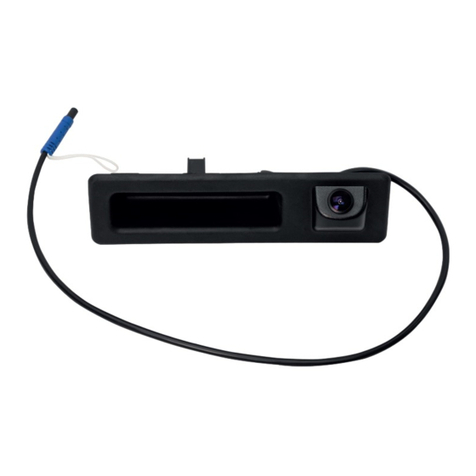
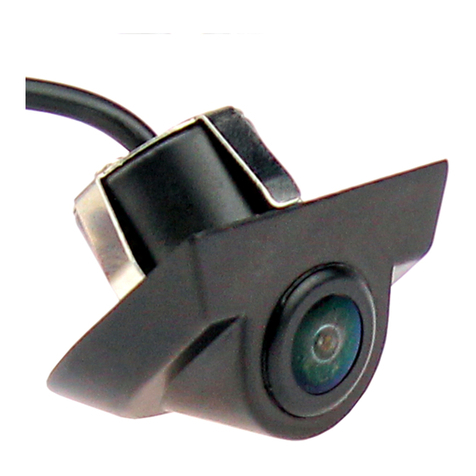
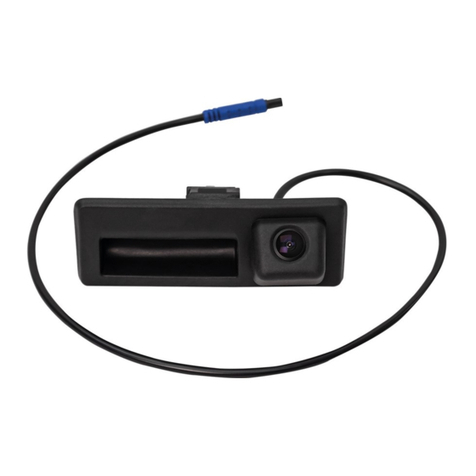
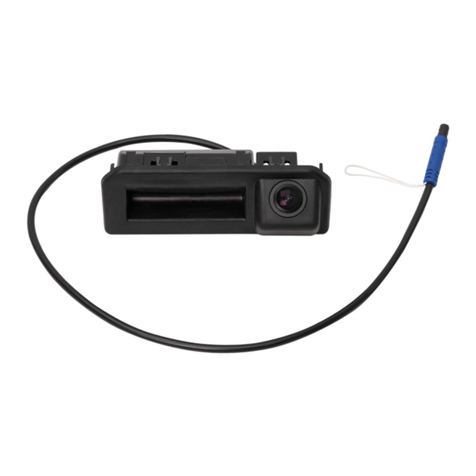
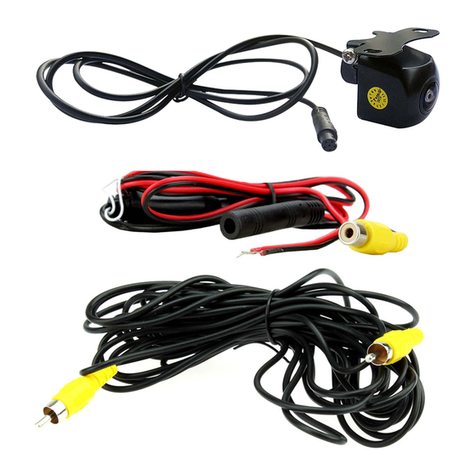
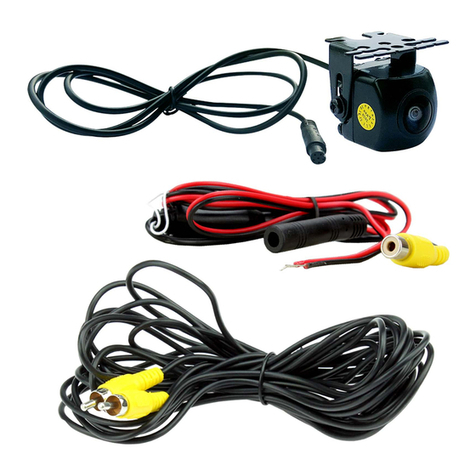
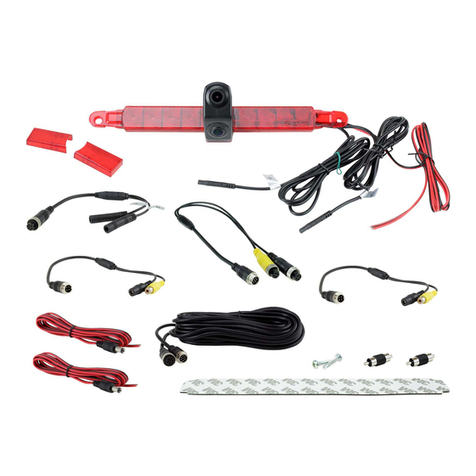
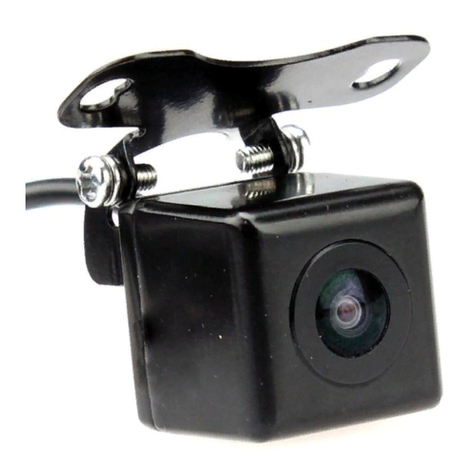
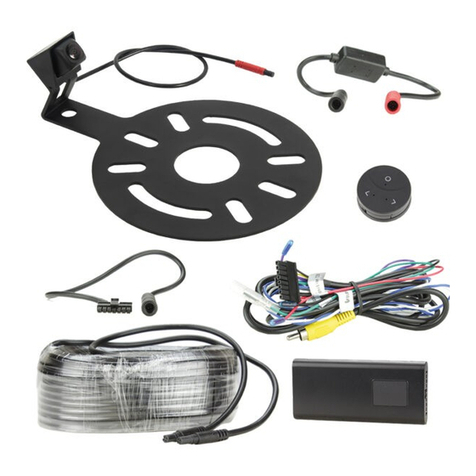
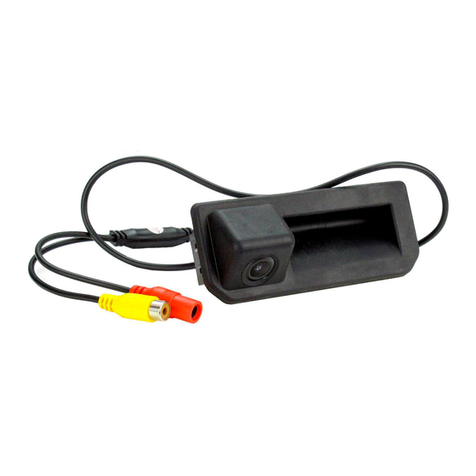
• Camera with 1m cable to Female DC connector and RCA Female
connector
• 1m DC power cable with Male DC connector
• 6m Male to Male RCA extension cable
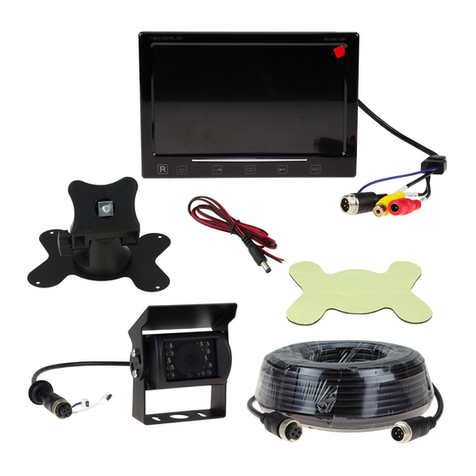
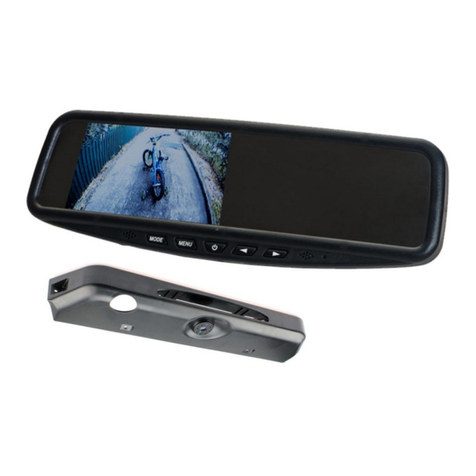
• 5-inch Digital TFT LCD Display (with 2x AV ports and power connection cable)
• Instructions
INSTALLATION
1. Connect the Black wire to a suitable ground and the Red wire to a switched
+12V supply.
2. If the camera is to be used in the rear of the vehicle, the Red wire should
be connected to the reversing light circuit or an interface which provides a
reverse signal.
3. Select a suitable location for the camera and ensure that the area is free
from all cables, fuel & oil. Whenever possible, avoid locations that are subject
to road dirt & water spray.
4. Mount the camera in the required position and connect the 1m camera
connection cable to the to the 1m power cable cable.
5. Connect the camera to the monitor via the 6m RCA cables and ensure that
the image is displayed correctly on the monitor.
6. Connect the Blue auto switching input wire located on the monitor cable to
the reversing light circuit or an interface which provides a reverse signal.
7. When reverse gear is engaged, the monitor will automatically switch to the
reversing camera screen and switch back to the previous input when reverse
gear is disengaged.
Note: the reversing camera screen can also be selected by pressing the input
selector button on the monitor.
8. Adjustment of the camera may be required to ensure that the correct angle
of the image is achieved and that the distance markers on the parking lines
correspond to that of the object in view.
9. To swap the image from the camera from mirror to normal view, cut the
White looped wire located on the camera cable.
10. To remove the parking line feature, cut the Blue looped wire located on the
camera cable.