manuals.online logo
Brands
  1. Home
  2. •
  3. Brands
  4. •
  5. CorPath
  6. •
  7. Robotics
  8. •
  9. CorPath GRX User manual

CorPath GRX User manual

Popular Robotics manuals by other brands

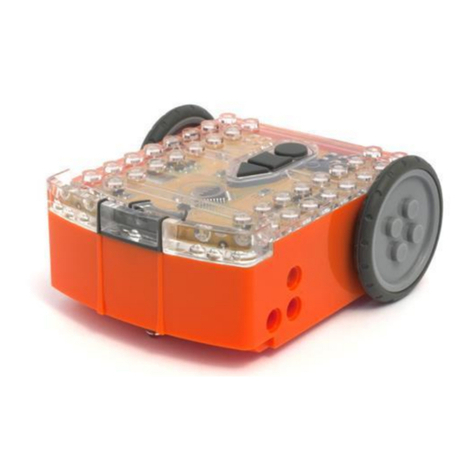
Edison Edison Robot V2.0 manual

Edison

Edison Edison Robot V2.0 manual

Aldebaran plato Original instructions

Aldebaran

Aldebaran plato Original instructions

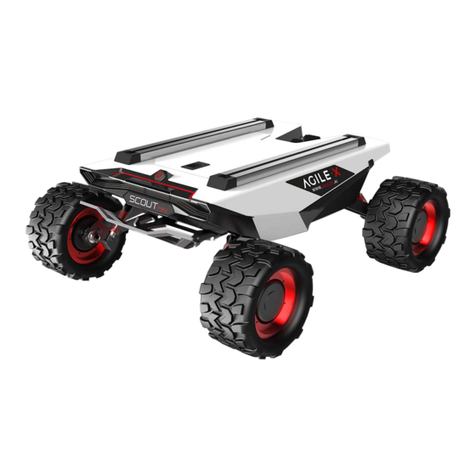
AgileX SCOUT MINI user manual

AgileX

AgileX SCOUT MINI user manual

Keenon Robotics W3 user manual

Keenon Robotics

Keenon Robotics W3 user manual

Franka Emika RESEARCH 3 product manual

Franka Emika

Franka Emika RESEARCH 3 product manual

STEMCenter USA Pi-Bot v2.00 user manual

STEMCenter USA

STEMCenter USA Pi-Bot v2.00 user manual

SunFounder PiDog manual

SunFounder

SunFounder PiDog manual

Universal Robots UR5 Service manual

Universal Robots

Universal Robots UR5 Service manual

Universal Robots E Series Original instructions

Universal Robots

Universal Robots E Series Original instructions

EFORT ECR5 Quick start manual

EFORT

EFORT ECR5 Quick start manual

RoboMaster AI Robot 2020 Standard Version user manual

RoboMaster

RoboMaster AI Robot 2020 Standard Version user manual

fischertechnik Mini Bots manual

fischertechnik

fischertechnik Mini Bots manual

Abicor Binzel iCAT mini operating instructions

Abicor Binzel

Abicor Binzel iCAT mini operating instructions

ABB OmniCore E10 product manual

ABB

ABB OmniCore E10 product manual

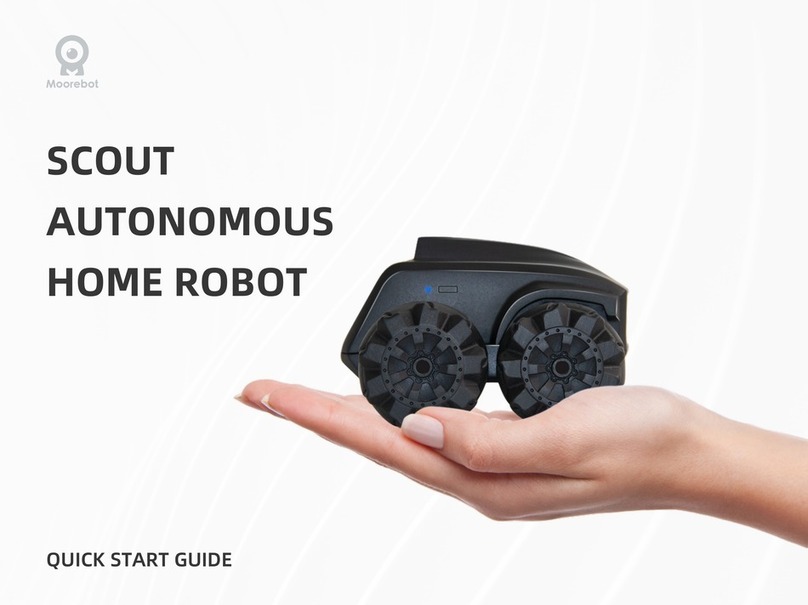
Moorebot Scout quick start guide

Moorebot

Moorebot Scout quick start guide

pitsco Tetrix Max Creator's Guide

pitsco

pitsco Tetrix Max Creator's Guide

ECOVACS DEEBOT R95 instruction manual

ECOVACS

ECOVACS DEEBOT R95 instruction manual

Feng Yuan Interstellar Warrior user guide

Feng Yuan

Feng Yuan Interstellar Warrior user guide

manuals.online logo
manuals.online logoBrands
  • About & Mission
  • Contact us
  • Privacy Policy
  • Terms and Conditions

Copyright 2025 Manuals.Online. All Rights Reserved.

4. Press “Load/
Exchange
Devices”
on bedside
touchscreen
9. Pinch wire
as close to
CoPilot as
possible
10. Pull back
device until
Rx port
reaches
ngers
13. Continue to
shift ngers
back and pull
back device
until Rx port
reaches
nger
14. Continue
until distal tip
of device is
outside guide
catheter
15. Remove wire from guidewire holder
16. Pinch exposed wire and remove device past end of cassette
1. Robotically
retract device
into guide
catheter
2. Engage
turbo and
retract device
through guide
catheter
3. Bedside
personnel to
give verbal feedback:
•1st marker – once 1st marker is outside cassette
•2nd marker – once 2nd marker is outside cassette
5. Open cassette
cover and
both gates
6. Tip up
Y-connector
holder
7. Release wire
and device
from cassette
8. Place wire
in guidewire
holder
11. Shift ngers
back 1-2”
and pinch
wire against
linear deck of
cassette
12. Pull back
device until
Rx port
reaches
ngers
CORPATH GRX DEVICE EXCHANGE TECHNIQUE
REMOVING A DEVICE

3. Use exchange
groove to
assist with
loading device
onto wire as
shown
4. Keeping wire
in guidewire
holder, move
Rx device up
to cassette
7. Place wire
back into
guidewire
holder
11. Place device
and wire into
cassette
12. Close wire
gate and
covers
1. Place wire
back into
guidewire
holder
2. Wipe down
wire before
placing new
device
5. Remove
wire from
guidewire
holder
6. Move Rx
device to
CoPilot
8. Advance
device
into guide
catheter
9. Release valve
on CoPilot if
necessary
10. Advance
until device
markers are
at CoPilot
LOADING A DEVICE
© 2017 Corindus, Inc. |309 Waverley Oaks Road, Suite105 |Waltham MA 02452 |[email protected] |www.corindus.com PN 162-06325 Rev A
CORPATH GRX DEVICE EXCHANGE TECHNIQUE