H. Mute
1. During conversation, press the MUTE button will disable the opposite party from hearing
your conversation
2. To deactivate Mute, press the MUTE button again.
I. CONF
Two lines in the different Accounts
1. Ensure account 1 and account 2 had register SIP account.
2. Both accounts are in conversation. (account 1 in conversation and account 2 on hold OR
Line 2 in conversation and Line 1 on hold).
3. Press “CONF”button to complete 3-way different accounts conference
Both lines in the same Account
1. During conversation in account 1(or account 2), press flash and dial the third party’s
phone number followed by pressing # button(Flash + 1234 #)
2. If the third party’s phone is answered, press “Flash”again to complete same Account 3-
way conference.
J. Programmable Memory Button
FG1088-IP (2S) SP has up to 10 programmable memory buttons. These buttons can be used to store
commonly dial numbers or codes for activating PABX features.
Storing a number or a code
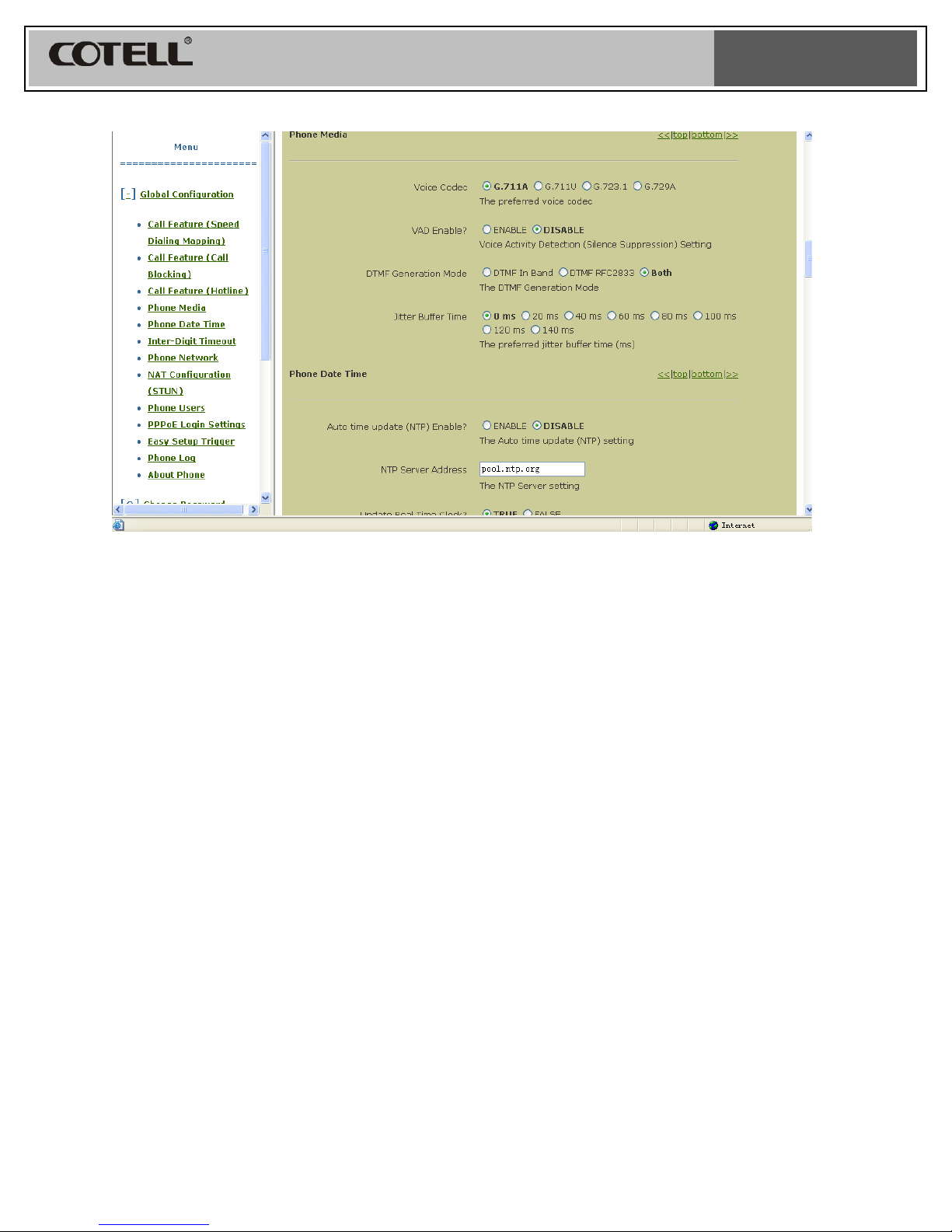
1. Please go to the phone web for memory button programming.
K. Message Retrieval
FG1088A (1S) SP requires 1 of the 10 memory button to be reserved for message retrieval
button. The mail box number will be programmed into this memory location “Message” or “MSG”.
Set up the “Voice Mail Extension” in the phone Web.
When there is an incoming message, the message indicator will light up.
Retrieve a message using the handset
1. Lift up the handset; press the “Message” or “MSG” button to retrieve the message.
2. Once completed, place the handset back on the cradle
Retrieve a message using the speakerphone
1. Press the speakerphone button, the red LED indicates that the speakerphone is active.
Press the “Message” or “MSG” button to retrieve the message.
2. Once completed, press the speakerphone again. The red LED will turn off.
L. LINE 1 / LINE 2
1. Press the Line 1 button to select SIP account 1 or Press Line 2 button to select SIP
account 2.