12
Features of the MBR1400
13
Features of the MBR1400 (continued)
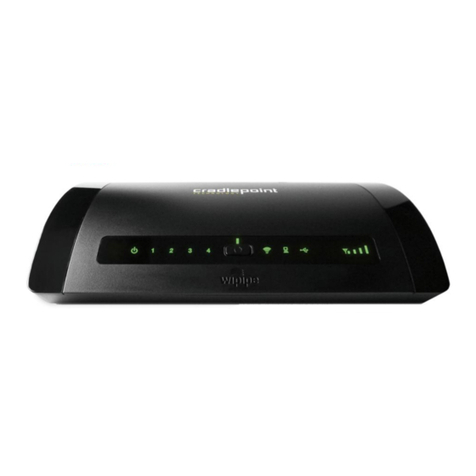
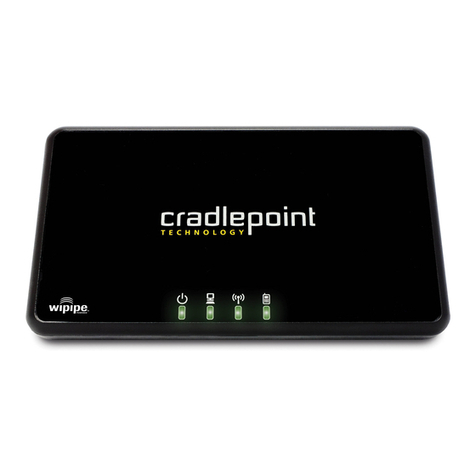
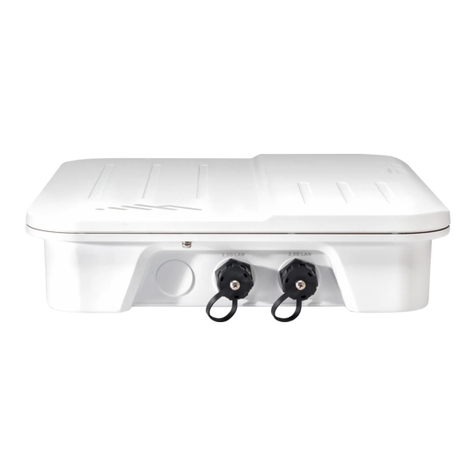
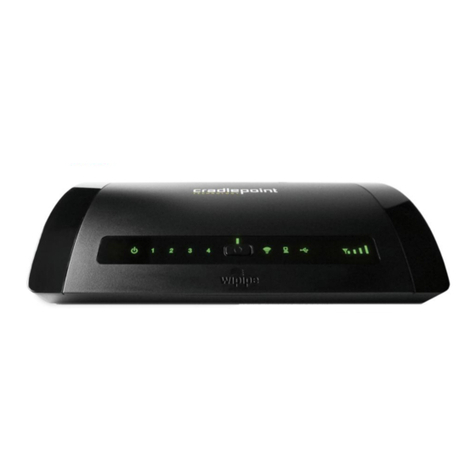
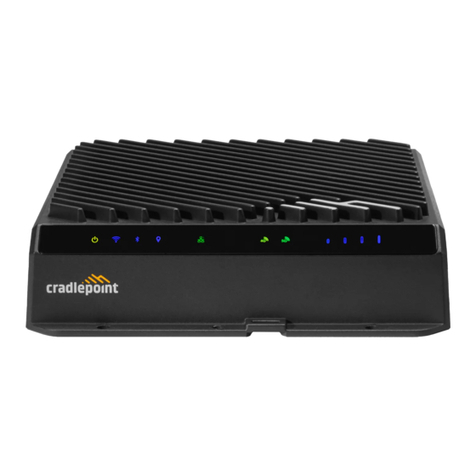
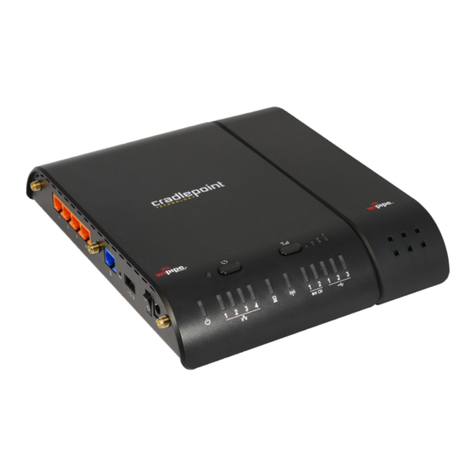
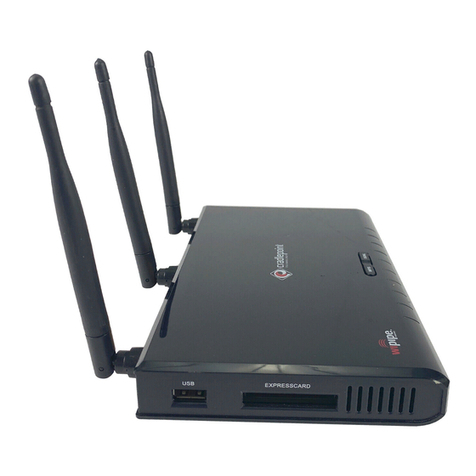
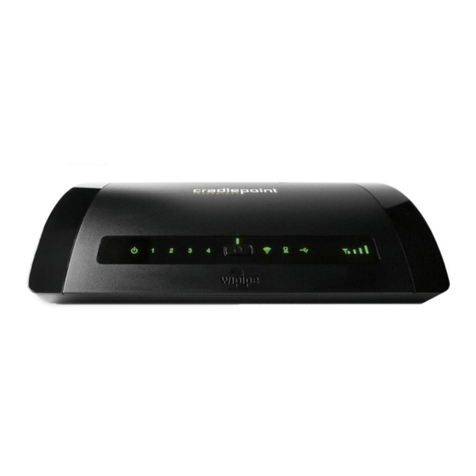
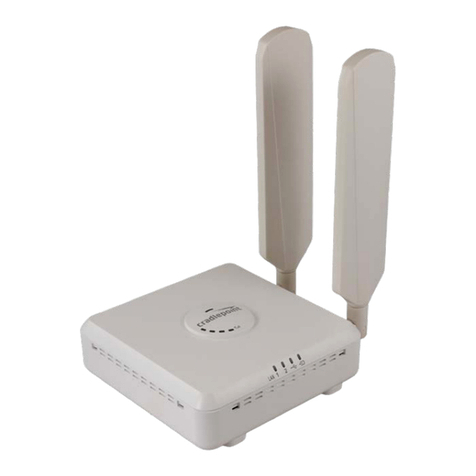
The CradlePoint MBR1400 is a business-grade router specifically designed
for retail locations and small/branch offices. Optimized for performance,
reliability, and maximum WiFi range, the MBR1400 has access to a cloud-
based tool called WiPipe Central, for group-based configuration,
management, and monitoring of remotely deployed routers.
Secure Access
The MBR1400 supports WEP, WPA, WPA2 and AES encryption modes to create secure internet connections
for up to 128 connected devices via WiFi and unlimited via Ethernet. Prevent unwanted access to computers
connected to your networks with an SPI Firewall and NAT (Network Address Translation). Features like URL
Filtering, Traffic Filtering, DMZ, Virtual Server, Port Forwarding, and FTP pass-through (passive and active)
are also available to enable safe internet access for all connected users.
VPN (Virtual Private Networking)
Create, manage and terminate secure VPN tunnels between remote computers and secure corporate
networks with IPSec, L2TP, PPTP. With up to 20 concurrent VPN sessions, the MBR1400 supports both
transport and tunnel modes. Provide end-to-end protection of secure company communications with Hash
and Cipher encryption algorithm protocols.
Network Failover Support
When multiple internet sources (4G, 3G, DSL, Cable, T1, Fibre, etc) are connected to the MBR1400, it can
automatically detect an internet outage and “failover” to a secondary connection and “failback” when the
primary data service returns.
HOW TO CONFIGURE: Select INTERNET from top tab and CONNECTION MANAGER from drop-down
menu. Order your connections by failover priority. Select ADVANCED, then FAILOVER CHECK, then
click ENABLE. Click APPLY to save settings. Select FAILBACK CONFIGURATION. Set desired
FAILBACK MODE.
Load Balancing
When multiple data sources are connected to the MBR1400, the router can be configured to distribute all
connected users or device traffic across active data connections. This feature distributes each connected
user to the best data source available, relieving congestion and pressure on any single data source.
Dual-Band WiFi WLAN
The MBR1400 provides the option of broadcasting your WiFi network on either the 2.4GHz or 5GHz band.
This allows administrators the option to select the less used 5GHz frequency band if desired.