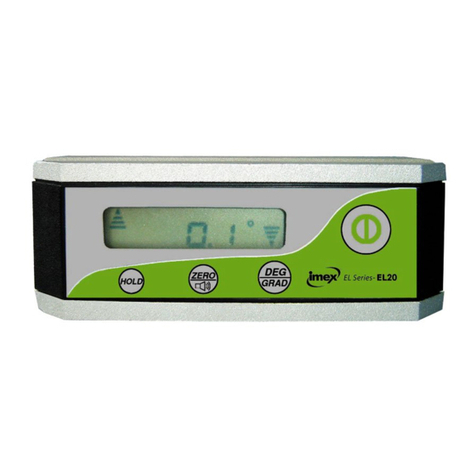
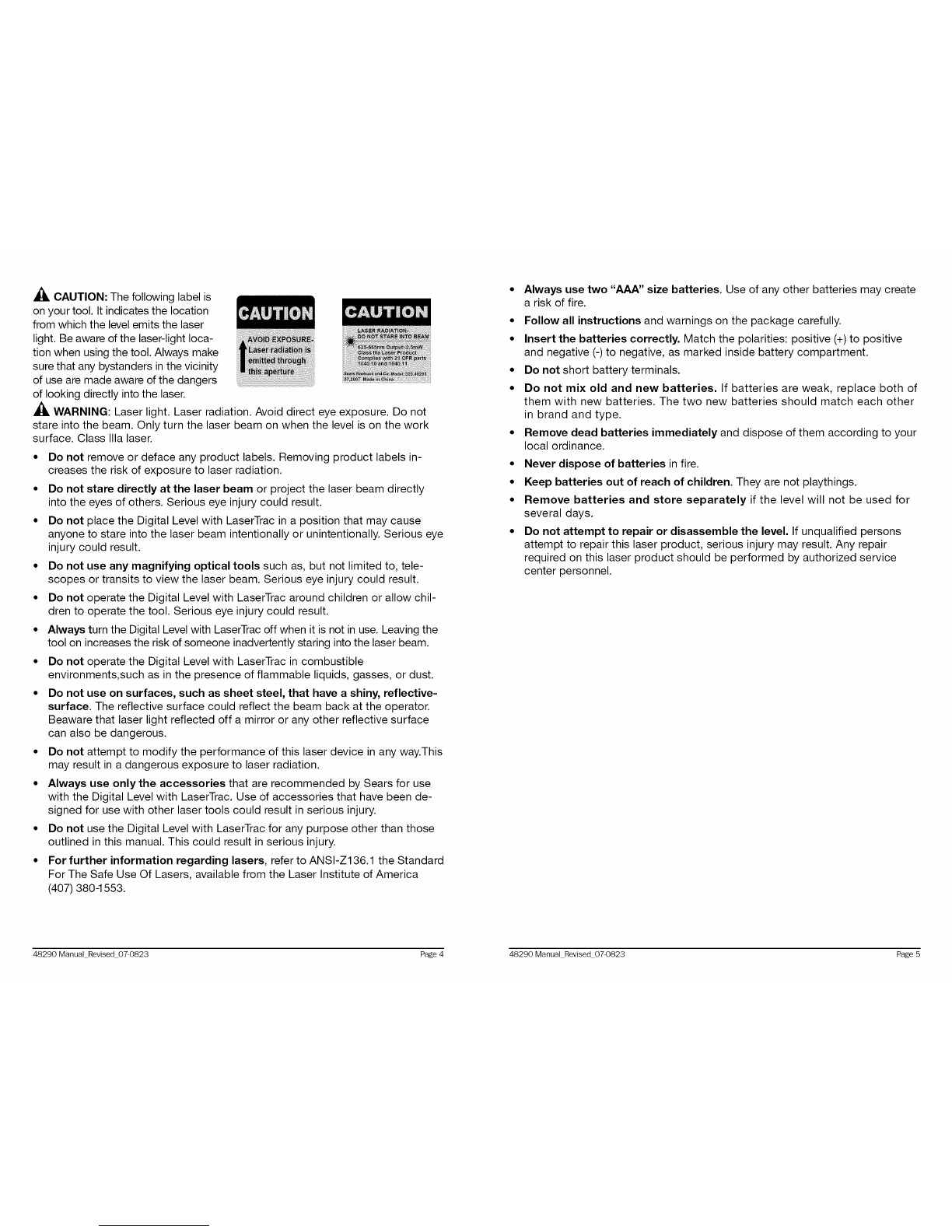
Angle (Fig. 8)
The digital level measures
any angle in degrees, up to
0.1° accuracy. If the sound
button is turned on, the level
will beep at the 0°, 45 °, 90 °,
and last saved angle.
Push the convert button to
change the display to Angle
mode (Z o).
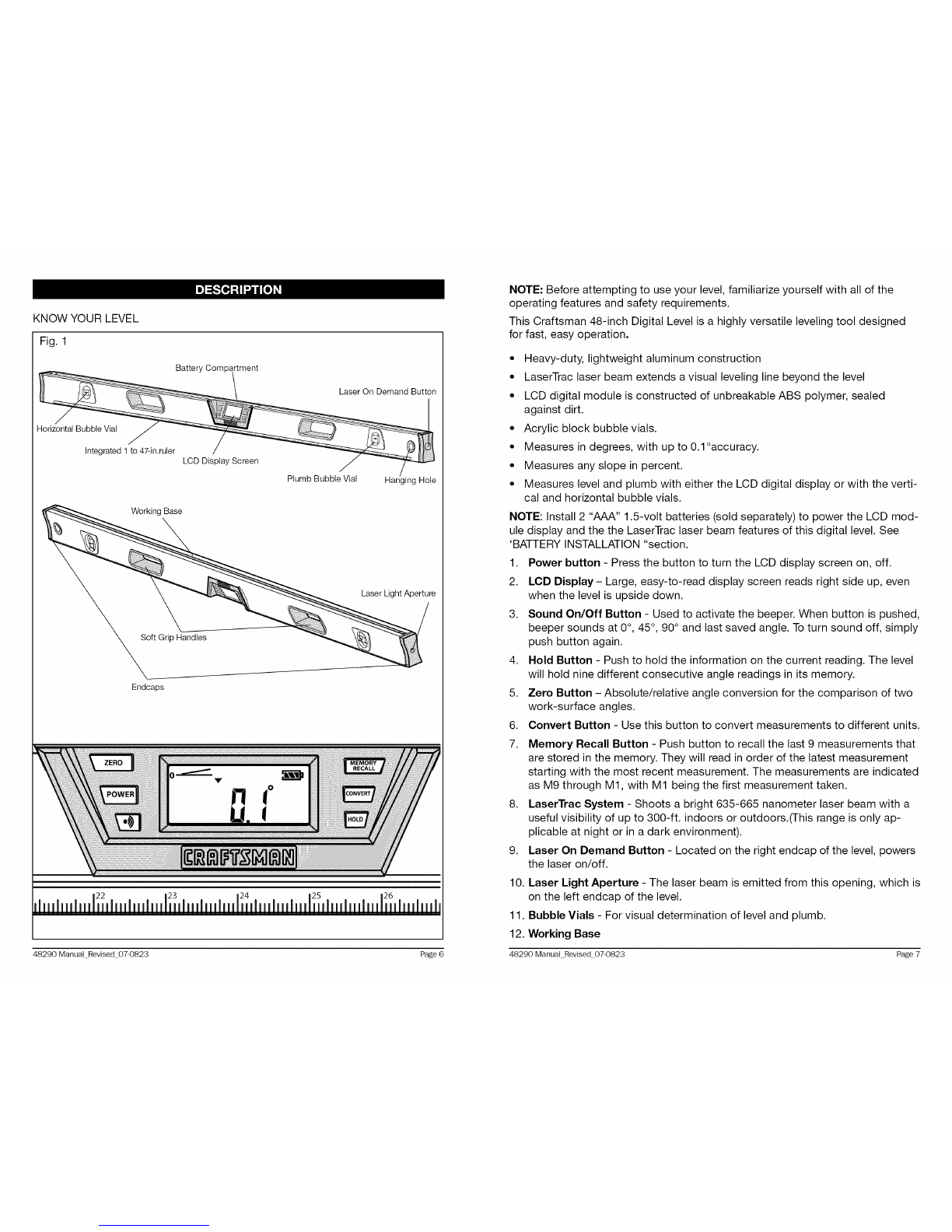
Slope (Fig. 9)
The digital level measures the
percent slope of a surface.
This is useful when laying pipe
for proper drainage. When the
display is in the slope mode,
it will measure the surface in
percent, with exact level at
0.0%. If the sound is turned
on, the level will beep at 0.0%
and 100%.
Push the convert button to
change the display to Slope
mode (%).
Fig. 8
Fig. 9
ABSOLUTE AND RELATIVE ANGLE MEASUREMENTS
Absolute angle measurement
1. Place the digital level on a working surface with the base flat against the surface.
2. When level power is turned on, the display indicates the absolute angle
between "level" and the working surface. The zero line indicates the level
position, and the arrow indicates the direction of the working surface either
above or below level.
3. To activate the beeper, push the beeper button. The beeper will sound when
the level is at 0° (level), 45°, 90° (plumb), and last saved angle. To deactivate
the beeper, push the button a second time.
4. To save the measured angle in the memory, press the hold button. This
level can remember the last nine measurements. To display the data in
the memory, press the memory recall button to recall the recorded angles.
The level will display the data, starting with the most recent measurements
and going backwards to the earliest in its memory. The measurements are
indicated as M9 through M1, with M1 being the first measurement taken.
5. To take a new measurement, press the hold button to return to
measurement mode.
Relative angle measurement
The relative angle mode allows you to measure the difference between two
different surface angles.
1. Place the digital level on Surface 1.
2. The LCD screen indicates the absolute angle between true level and the
Surface 1.
3.
4.
Press the ZERO button to activate the relative-angle measurement mode. The
current angle will be considered to be 0.0 ° and the display will read 0.0%
Place the digital level on Surface 2, and the relative angle between Surface
1 and Surface 2 will be displayed. The zero line indicates the Surface 1
position, and the arrow indicates the orientation of Surface 2, either above or
below Surface 1.
5. At this point you can change the display units for the measured angle from
degrees (o),to pitch (inch/foot), or slope (%) by pressing the convert button.
This digital level has been designed to be a low-maintenance tool. However, in
order to maintain its performance, follow these directions:
• Handle the tool with care. Treat it as a precision optical device, such as a
camera or binoculars.
• Avoid exposing the tool to shock, continuous vibration, or extreme hot or cold
temperatures.
• Store the tool indoors and in a safe place.
• The Level is designed to be weather resistant and construction-site tough. If
the level is splashed with mortar or other construction-site residue, simply
wipe it clean with a damp cloth.
• Do Not immerse the level in water.
• Aluminum surfaces can be cleaned with a non-abrasive powder.
• Remove the batteries from the tool if it is not going to be used for an
extended period.
• Do not attempt to take the level apart.
48290 Manual Revised 07-0823 Page 12 48290 Manual Revised 07-0823 Page 13