logo
Brands
  1. Home
  2. •
  3. Brands
  4. •
  5. CTC Union
  6. •
  7. Media Converter
  8. •
  9. CTC Union FRM220-FXO-4 User manual

CTC Union FRM220-FXO-4 User manual

This manual suits for next models

1

Other CTC Union Media Converter manuals
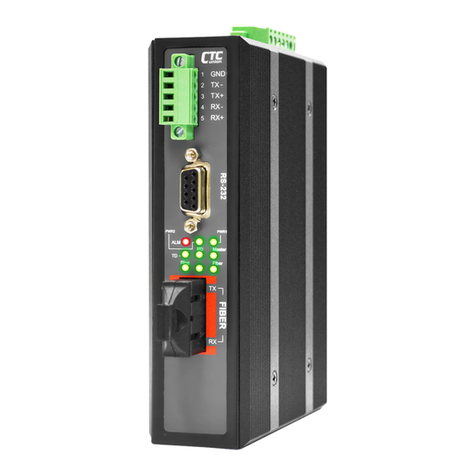
CTC Union FMC-10/100I series User manual

CTC Union

CTC Union FMC-10/100I series User manual

CTC Union FMC-1000M User manual

CTC Union

CTC Union FMC-1000M User manual

CTC Union IFC-100PD User manual

CTC Union

CTC Union IFC-100PD User manual

CTC Union FRM220-1000MS User manual

CTC Union

CTC Union FRM220-1000MS User manual

CTC Union IMC-1000MS-PH12 User manual

CTC Union

CTC Union IMC-1000MS-PH12 User manual

CTC Union FRM220-10/100iS-2 User manual

CTC Union

CTC Union FRM220-10/100iS-2 User manual

CTC Union IMC-1000M-PH12 User manual

CTC Union

CTC Union IMC-1000M-PH12 User manual

CTC Union IFC-Serial User manual

CTC Union

CTC Union IFC-Serial User manual
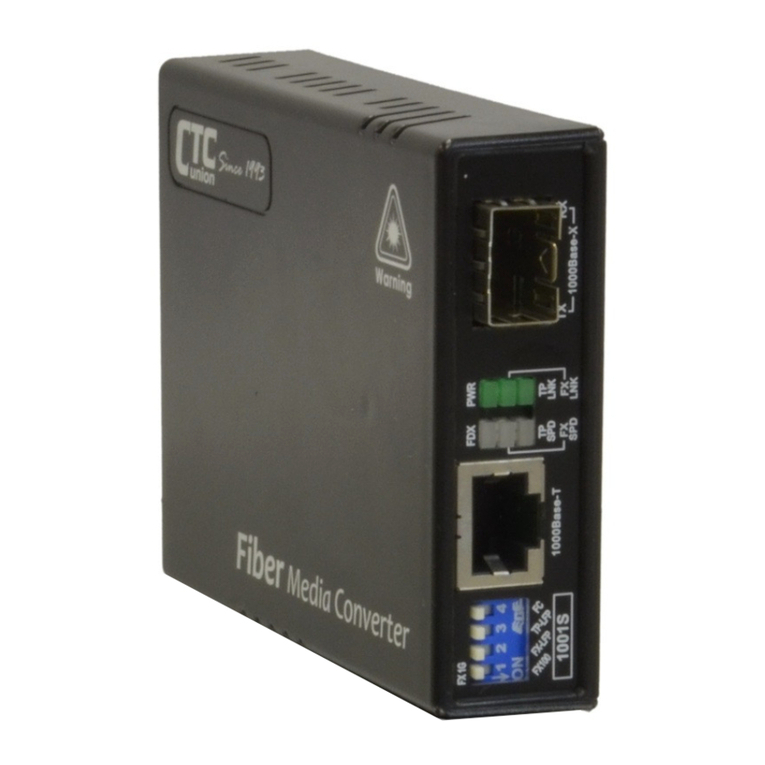
CTC Union OFC-1000PSE-AC User manual

CTC Union

CTC Union OFC-1000PSE-AC User manual

CTC Union FIB1-1000ES User manual

CTC Union

CTC Union FIB1-1000ES User manual

CTC Union FRM220-10 User manual

CTC Union

CTC Union FRM220-10 User manual

CTC Union FMC-1001S User manual

CTC Union

CTC Union FMC-1001S User manual
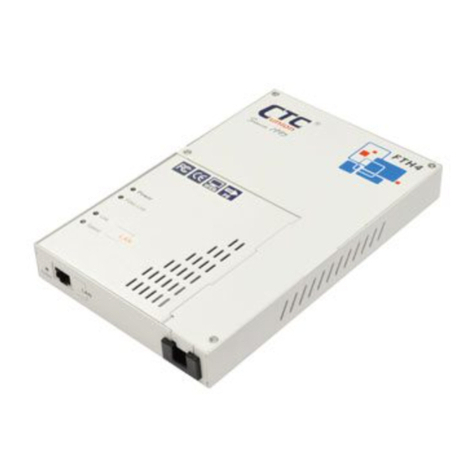
CTC Union FRM220-1000ES-2F User manual

CTC Union

CTC Union FRM220-1000ES-2F User manual

CTC Union DVS-8501D User manual

CTC Union

CTC Union DVS-8501D User manual

CTC Union IMC-100 User manual

CTC Union

CTC Union IMC-100 User manual

CTC Union FIB1-10/100 series User manual

CTC Union

CTC Union FIB1-10/100 series User manual

CTC Union FMC-1000-PH User manual

CTC Union

CTC Union FMC-1000-PH User manual

CTC Union FRM220 User manual

CTC Union

CTC Union FRM220 User manual

CTC Union FRM220-100M User manual

CTC Union

CTC Union FRM220-100M User manual

CTC Union FRM220-100M User manual

CTC Union

CTC Union FRM220-100M User manual

CTC Union FMC-100M User manual

CTC Union

CTC Union FMC-100M User manual

CTC Union IMC-100-E User manual

CTC Union

CTC Union IMC-100-E User manual

CTC Union FRM220-10/100 User manual

CTC Union

CTC Union FRM220-10/100 User manual
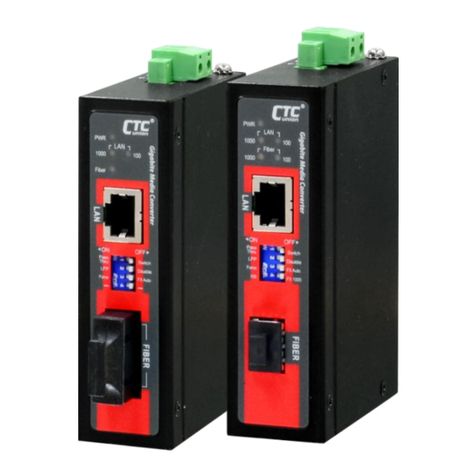
CTC Union IMC-1000-PH12 User manual

CTC Union

CTC Union IMC-1000-PH12 User manual

Popular Media Converter manuals by other brands

SoundTraxx Blunami BLU-2200 user guide

SoundTraxx

SoundTraxx Blunami BLU-2200 user guide

SPROLINK VA1 user manual

SPROLINK

SPROLINK VA1 user manual

Acclaim Lighting DDC-1-AC user guide

Acclaim Lighting

Acclaim Lighting DDC-1-AC user guide

Nikon AF-S TC-20E III user manual

Nikon

Nikon AF-S TC-20E III user manual

Axis AXIS Q7406 user manual

Axis

Axis AXIS Q7406 user manual

Omega TAC80B-J instruction sheet

Omega

Omega TAC80B-J instruction sheet

Zoom Thunderbolt TAC-2R Operation manual

Zoom

Zoom Thunderbolt TAC-2R Operation manual

OST iConverter 10/100M quick start guide

OST

OST iConverter 10/100M quick start guide

Vertiv Netsure user manual

Vertiv

Vertiv Netsure user manual

birddog MINI user guide

birddog

birddog MINI user guide

Roland GI-10 owner's manual

Roland

Roland GI-10 owner's manual

Wallenstein WX310 Operator's manual

Wallenstein

Wallenstein WX310 Operator's manual

Pace MSS 200-1 Service manual

Pace

Pace MSS 200-1 Service manual

Solar Converters EQ 12/24-50 manual

Solar Converters

Solar Converters EQ 12/24-50 manual

CYP EL-7400V Operation manual

CYP

CYP EL-7400V Operation manual

TIE MIDI 1i1o user manual

TIE

TIE MIDI 1i1o user manual

DCS Vivaldi Upsampler user manual

DCS

DCS Vivaldi Upsampler user manual

Westermo MCW-211 SERIES user guide

Westermo

Westermo MCW-211 SERIES user guide

https://manuals.online logo
https://manuals.online logoBrands
  • About & Mission
  • Contact us
  • Privacy Policy
  • Terms and Conditions

Copyright 2026 Manuals.Online. All Rights Reserved.

QUICK INSTALLATION GUIDE
FRM220-FXO-4/FXS-4
4 x FXO/FXS POTS Over Fiber Optic
Slide-in-Module Media Converter
Description
CTC Union’s FRM220-FXO-4/FXS-4 POTS over fiber media converter connects
central-office voice grade signal to distant POTS (Plain Old Telephone Service) equipment
using standard telephone signaling. It can extend, over fiber, the distance between two
voice path communication devices by up to 120km using single mode fiber.
The FRM220-FXO-4/FXS-4 provides audio transmission, caller ID, ringing at the distant
end and automatic ring down. Two units are required to implement an end to end system.
The RJ-11 connector provides the electrical interface between the media converter and the
telephone device or PSTN.
The FRM220-FXO-4/FXS-4 is designed to be installed in FRM220-CH20 (20 slots Chassis)
for CO side or installed in FRM220-CH01 (1 slot Chassis) for CPE stand-alone.
General Specifications
Environment Dimension & Weight
Operating Temperature: 0°C ~50°C 88 mm (W) x 154 mm(D) x 24 mm (H)
Storage Temperature: -10°C ~70°C Weight: 120 g
Humidity: 5%~90% non condensing
Power
DC+12V / 800mA input
Power Consumption: < 8W (FRM220-FXS-4), < 5W (FRM220-FXO-4)
Technical Specifications
Copper Connector
Fiber Optic
FXO/FXS mode available
Connector: SFP-LC
◆FRM-220-FXS-4: 4 x FXS ports
Fiber Type: MM 62.5/125um, 50/125um
◆FRM-220-FXO-4: 4 x FXO ports
SM 9/125um
Phone Connector: 4 X RJ-11C
Optical Data Rate: 1.25Gbps
FXS Mode
FXO Mode
Impedance: 600 ohm
Impedance: 600 ohm
Coding: A-Law
Coding: A-Law
Dial: DTMF and Pulse Dial
Loop Current: 10~100mA
Battery Source: 48VDC 4V
Ring Frequency: 20~55 Hz selectable
Ringing Waveform: Sine wave
Ringing Supply: 60Vrms10%
Ring Frequency: 20/25/30/35/40/45/50/55 Hz selectable
Ring Cadence: FXS to FXS-On / 1 second, Off / 3 second
FXO to FXS-Ring cadence selectable & user-defined option available
REN (Ring Equivalence Number): 4.0B
Installation
Connect the RJ-11 cable to the FRM220-FXO-4/FXS-4. The converter supports either FXO or
FXS mode and the fiber link will be indicated on the LED. Follow the connection examples
below. Install the fiber converter with the DC power adapter provided (+12VDC, 800mA) and
connect the adapter to an AC outlet.
Connection
The following example illustrates the connection scheme when connecting PBX or PSTN to
telephones through the fiber converter (POTS extension).
PBX
FRM220
FXO-4
Telephones
Fiber Optic
DC Jack
V.:1.0
- 1 -
- 2 -
FRM220
FXS-4
Figure 1: Voice Transmission over Fiber Optic
DIP Switch Poles
Fiber Connection
RJ-11C Connection
LED Indicators
© 2014 CTC Union Technologies Co., Ltd.
All trademarks are the property of their respective owners.
Technical information in this document is subject to change
without notice.
CTC Union Technologies Co., Ltd.
Far Eastern Vienna Technology Center
(Neihu Technology Park)
8F, No. 60 Zhouzi St., Neihu District, Taipei 114
Taiwan
T +886-2-26591021
F +886-2-26590237
E [email protected]om
The following example illustrates the Automatic Ring-Down connection scheme (Hot Line)
when connecting telephones to telephones through the fiber converter.
DIP Switch Setting
Figure 3: FRM220-FXS-4/FXO-4 DIP Switch
By default, all DIP Switch poles are set to OFF position. See tables below for DIP Switch
settings.
FRM220-FXS-4 DIP SW
MODE SETTING
1
2
3
4, 5, 6, 7
8
OFF
OFF
OFF
Reserved for
future uses.
Ring frequency: 20 Hz
OFF
OFF
ON
Ring frequency: 25 Hz
OFF
ON
OFF
Ring frequency: 30 Hz
OFF
ON
ON
Ring frequency: 35 Hz
ON
OFF
OFF
Ring frequency: 40 Hz
ON
OFF
ON
Ring frequency: 45 Hz
ON
ON
OFF
Ring frequency: 50 Hz
ON
ON
ON
Ring frequency: 55 Hz
OFF
Setting parameters by DIP SW.
ON
Setting parameters from storage.
Table 1: FRM220-FXS-4 DIP Switch Settings
FRM220-FXO-4 DIP SW
MODE SETTING
1
2
3
4
5, 6, 7
8
ON
ON
ON
ON
Reserved for
future uses.
Area setting: Area 1 (See NOTE below.)
ON
ON
ON
OFF
Area setting: Area 2 (See NOTE below.)
ON
ON
OFF
ON
Area setting: Area 3 (See NOTE below.)
ON
ON
OFF
OFF
Area setting: Area 4 (Australia)
ON
OFF
ON
ON
Area setting: Area 5 (Brazil)
ON
OFF
ON
OFF
Area setting: Area 6 (Bulgaria)
ON
OFF
OFF
ON
Area setting: Area 7 (China)
ON
OFF
OFF
OFF
Area setting: Area 8 (Japan)
OFF
ON
ON
ON
Area setting: Area 9 (New Zealand)
OFF
ON
ON
OFF
Area setting: Area 10 (South Africa)
OFF
ON
OFF
ON
Area setting: Area 11 (South Korea)
OFF
ON
OFF
OFF
Area setting: Area 12 (See NOTE below.)
OFF
Setting parameters by DIP SW.
ON
Setting parameters from storage.
Table 2: FRM220-FXO-4 DIP Switch Settings
NOTE: Counties covered in Area 1, 2, 3, 12 are described below:
Area 1: Austria, Bahrain, Belgium, Croatia, Cyprus, Czech Republic, Denmark, Egypt, Finland, France,
Germany, Greece, Hungary, Iceland, Ireland, Israel, Italy, Latvia, Lebanon, Luxembourg, Malta, Morocco,
Netherlands, Nigeria, Norway, Poland, Portugal, Romania, Slovakia, Slovenia, Spain, Sweden, Switzerland
(ETSI regulatory standard)
Area 2: Argentina, Canada, Chile, Colombia, Ecuador, El Salvador, Guam, Hong Kong, India, Indonesia,
Kazakhstan, Kuwait, Macao, Mexico, Peru, Russia, Saudi Arabia, Singapore, Taiwan, UAE, USA, Yemen
Area 3: Jordan, Malaysia, Oman, Pakistan, Philippines, Thailand
Area 12: Austria, Belgium, Denmark, Finland, France, Germany, Greece, Iceland, Ireland, Italy, Luxembourg,
Norway, Portugal, Spain, Sweden, Switzerland, United Kingdom (TBR 21 regulatory standard)
LED Indicators
LED
STATE
STATUS
PWR
Green
Converter has power.
Off
Converter has no power.
FX Link
Green
The fiber link is ok.
Off
No link or link is faulty.
Flash
The local device receives remote fiber link loss
(FEF, Far End Fault) signals.
SYS
Green
System is normal.
Off
System fails.
Flash
In upgrade mode.
Test
Off
Always off (no test function)
CH1, CH2, CH3, CH4
Green
Activity (Off hook)
Off
Idle (On hook)
Flash
Ringing
Table 3: LED Indicators
Fiber Optic
Telephones
Telephones
ON
1
2
3
4
5
6
7
8
- 4 -
FRM220
FXS-4
FRM220
FXS-4
Figure 2: Automatic Ring Down Hotline
- 3 -
www.ctcu.com