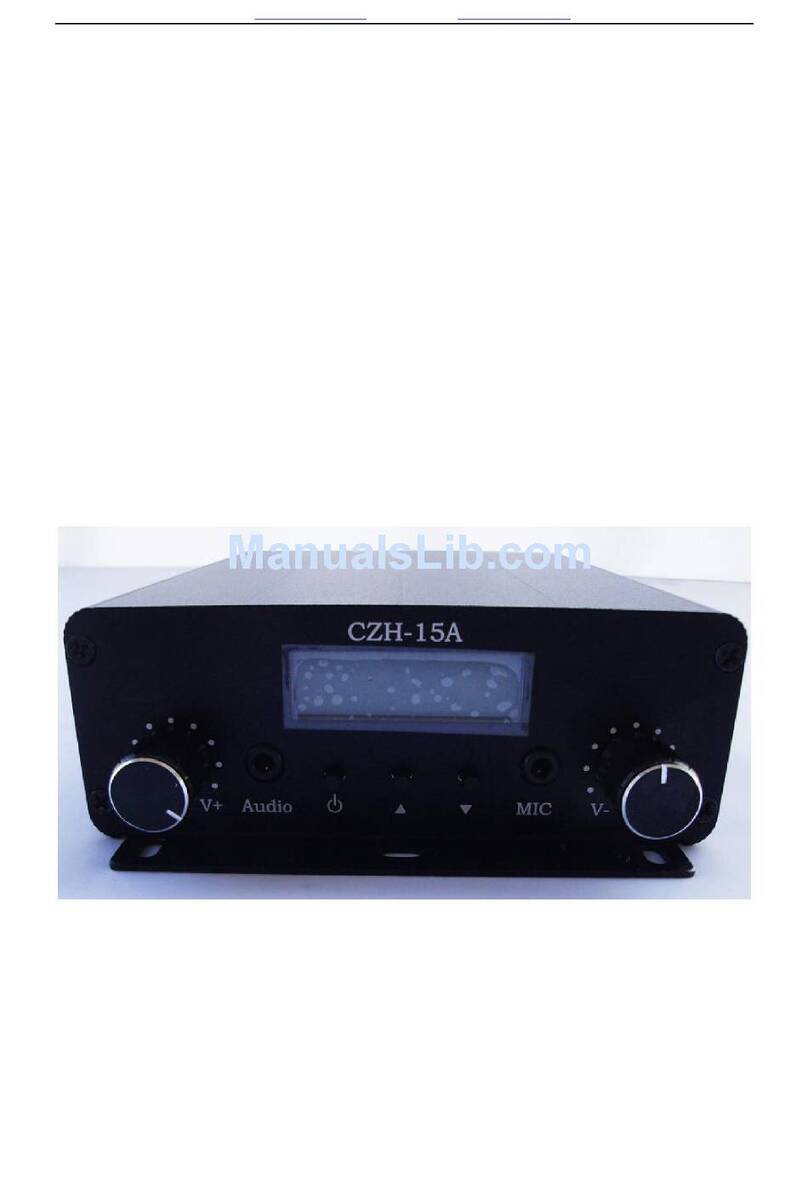
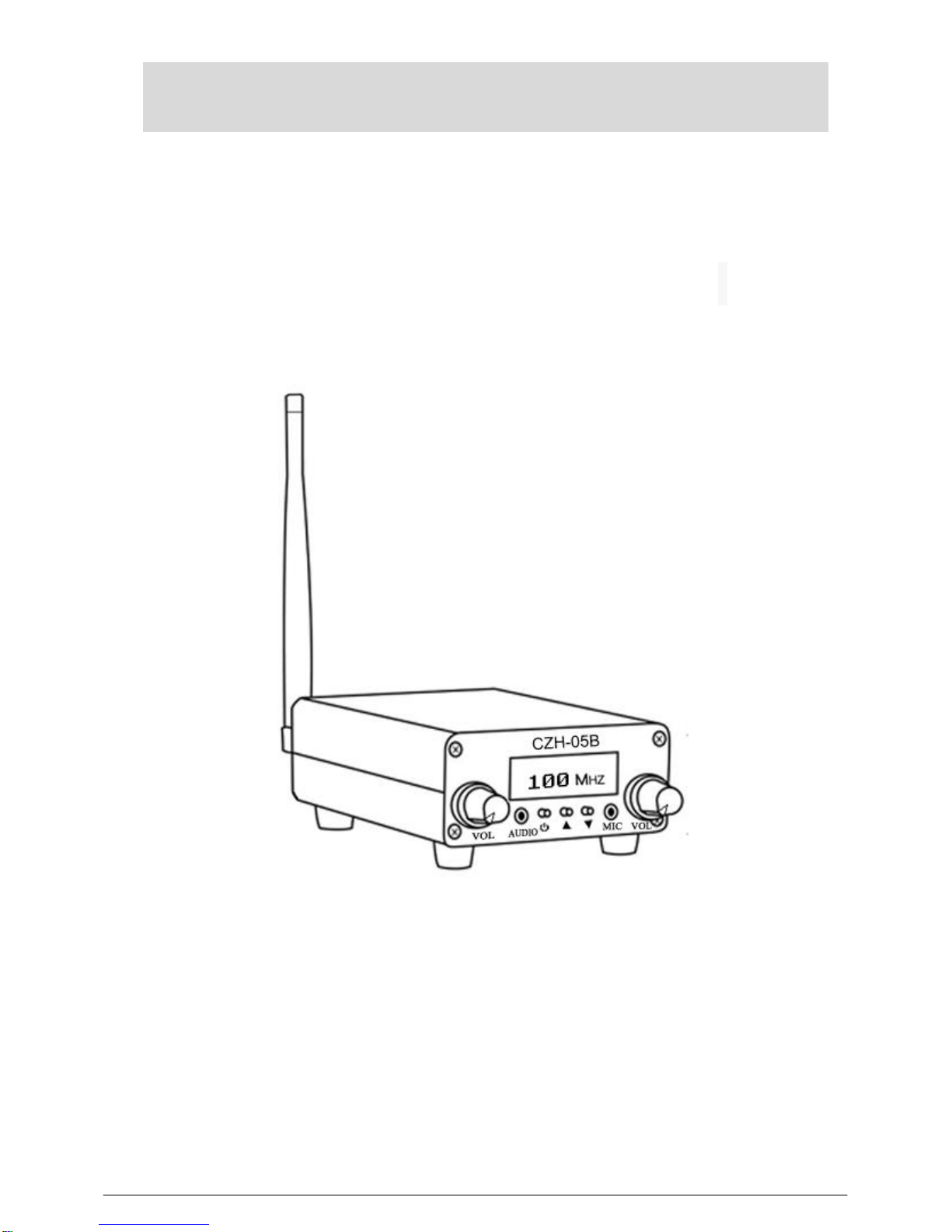
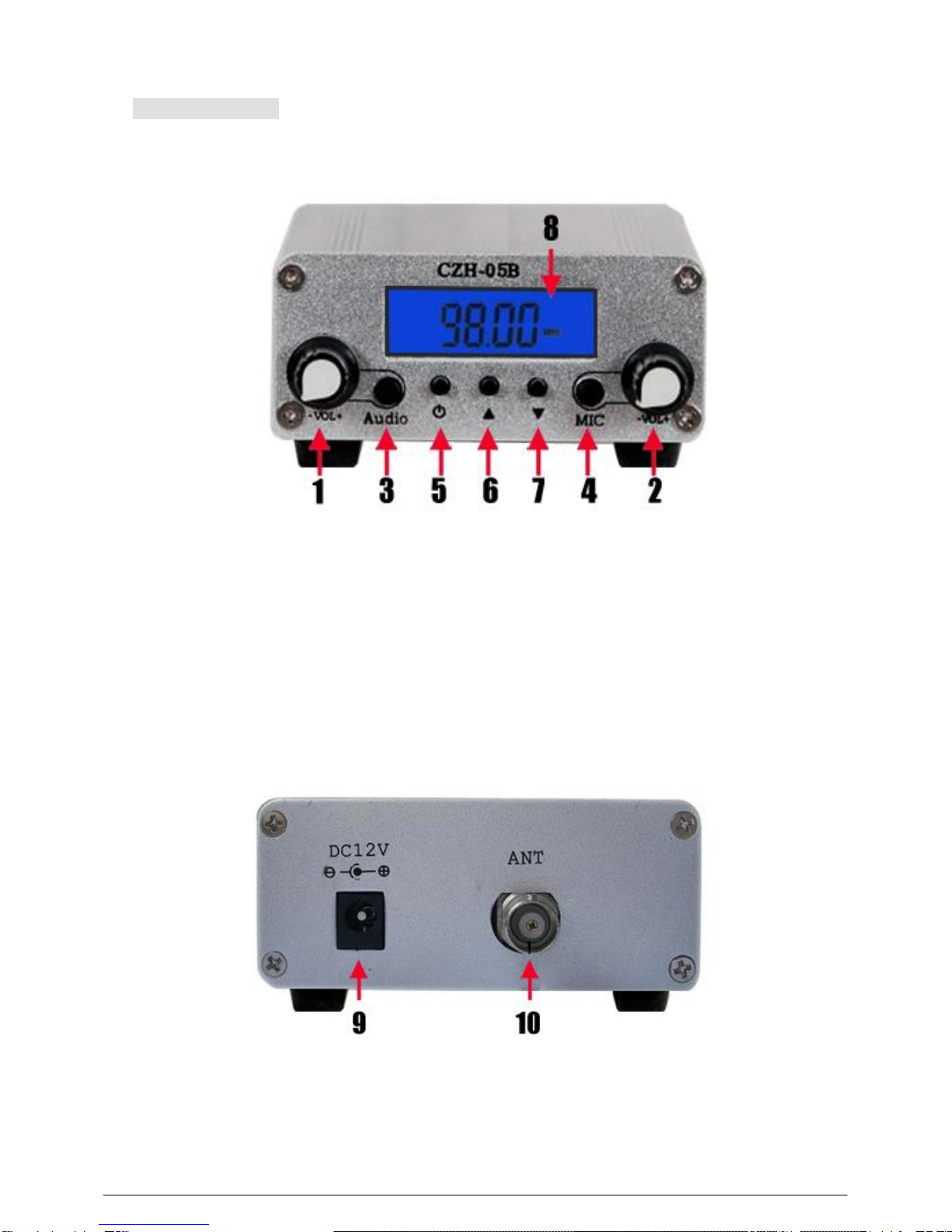
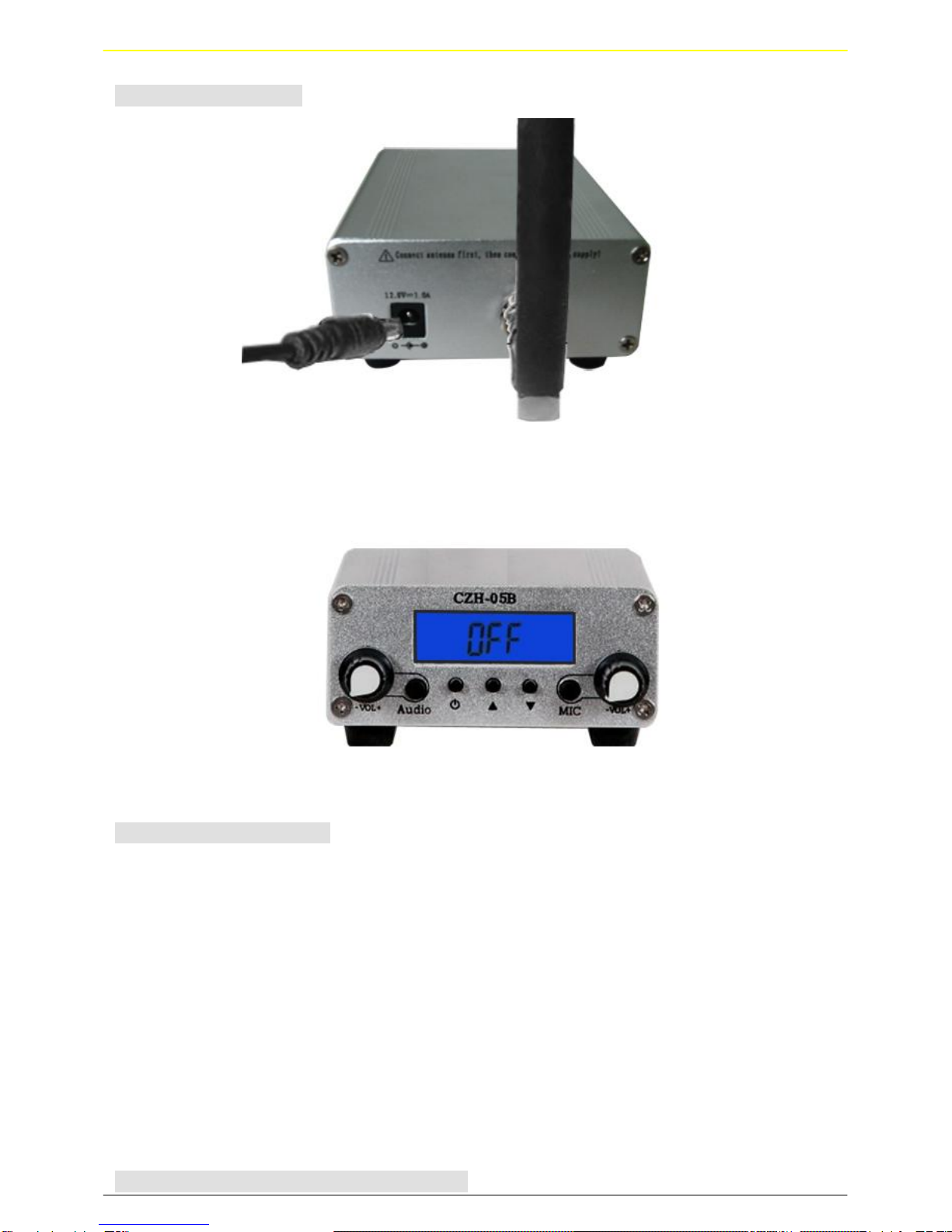
1.Press Power Button to turn on the FM Transmitter
2.Adjust the FM frequency channels: (Radio frequency channels adjustment range is 76.0MHz~108.0MHz.)
3.Press Frequency Up/Down Button to increase/decrease 0.1MHz radio frequency channels on the
Transmitter.
4.Press and hold the Frequency Up/Down Button to continuously increase/decrease radio frequency
channels on the Digital Transmitter.
Power On/Off and Power
Press Power Button turn off the FM Transmitter.
Important Notice
• This product should be kept in dry condition and away from water.
• Keep the product off direct sunlight or high temperature environment.
• Please unplug the power plug when it is not in use.
Troubleshooting
1、If the FM Transmitter does not function normally,
• Please check whether all wires/ cables being connected tight and correct.
• If the product cannot be powered on, check whether the AC adapter works and connects properly.
2、If music output from the radio is distorted (not clear),
• First, reduce volume from iPod or audio player to medium or lower volume range, and then turn up
volume from radio to desired level. The music sound quality should improve.
•If the pervious method does not improve the music sound quality, it means the problem may be
due to frequency interference. Then you need to switch to other channel.
3、If the volume output from the radio is too loud when the FM Transmitter is not being in use,
•When FM Transmitter is in used, desired volume output level from the radio is typically higher than
without using FM Transmitter. To prevent the volume output too loud when the FM Transmitter is not
being in use, you can decrease the radio volume and increase the iPod or audio player volume as long as
the sound from the radio remains clear.
4、If music output from the radio have current acoustic interference,
•Try to change the location of the transmitter, or change the location of the power supply, or change
the location of the audio line. Power supplymust be away from the transmitter at work.
Setting and adjustment of special functions
power adjustment and frequency adjustment
2010 V1.2 version with two level power adjustment: High power (H):> 500mW; low-power (L): <100mW
Step 1:
First press and hold the power switch " ",
and then insert the power plug to the power jack " ".
Step 2:
Release the power switch " " after 3 seconds , LCD screen shows the "H" or "L". Through
the "▲/▼" switch "H/L". Press "▲", LCD screen display "H", Press "▼" LCD screen display
"L". "H" is the output power > 500mW;, "L" is the output power <100mW.