EnglishDeutsch
 logo
Brands
  1. Home
  2. •
  3. Brands
  4. •
  5. Datalogic
  6. •
  7. Laboratory Equipment
  8. •
  9. Datalogic MAGELLAN 9800i TDi User manual

Datalogic MAGELLAN 9800i TDi User manual

Other Datalogic Laboratory Equipment manuals

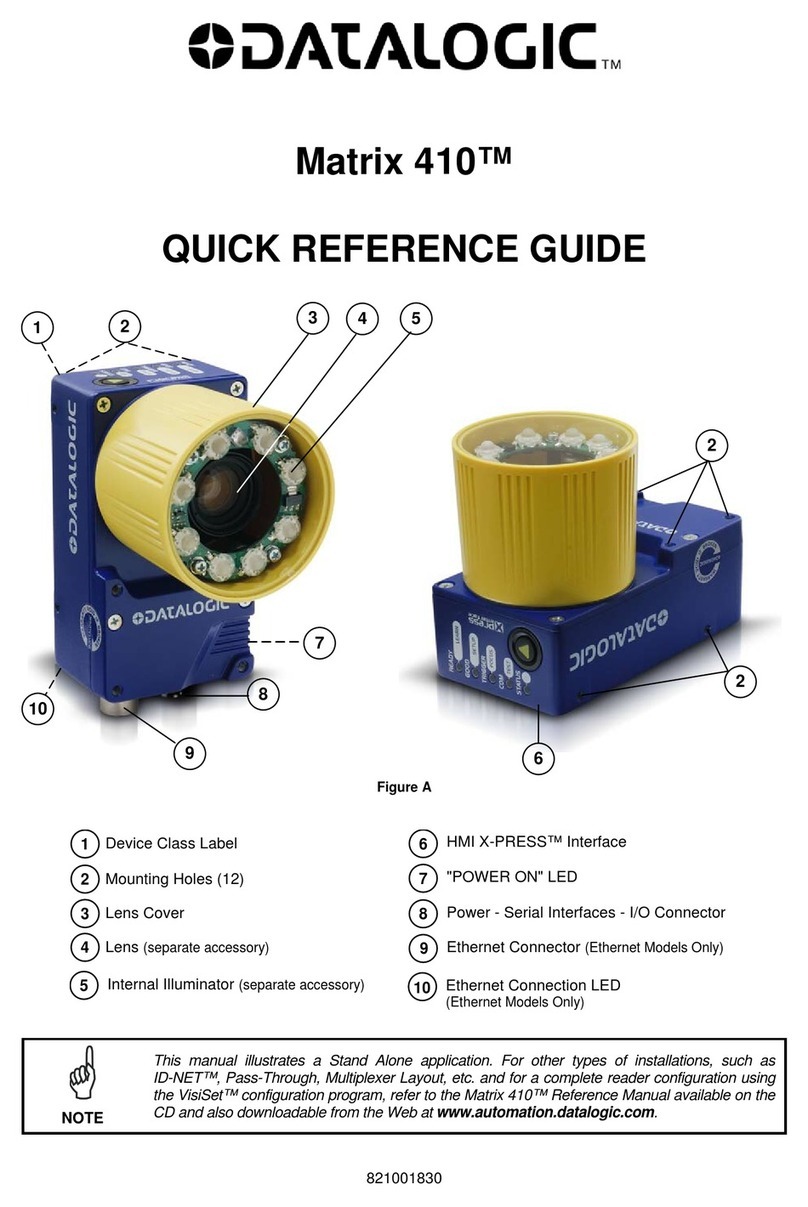
Datalogic Matrix 410 User manual

Datalogic

Datalogic Matrix 410 User manual

Datalogic Heron HD3430 Installation and operation manual

Datalogic

Datalogic Heron HD3430 Installation and operation manual

Datalogic Matrix N Series User manual

Datalogic

Datalogic Matrix N Series User manual

Datalogic Matrix 400 User manual

Datalogic

Datalogic Matrix 400 User manual

Datalogic RIDA DBT6400 User manual

Datalogic

Datalogic RIDA DBT6400 User manual

Datalogic matrix 450N Installation and operation manual

Datalogic

Datalogic matrix 450N Installation and operation manual

Datalogic Heron HD3430 User manual

Datalogic

Datalogic Heron HD3430 User manual

Datalogic Matrix 220 Installation and operation manual

Datalogic

Datalogic Matrix 220 Installation and operation manual

Datalogic Matrix 400 User manual

Datalogic

Datalogic Matrix 400 User manual

Datalogic Heron HD3130-WH User manual

Datalogic

Datalogic Heron HD3130-WH User manual

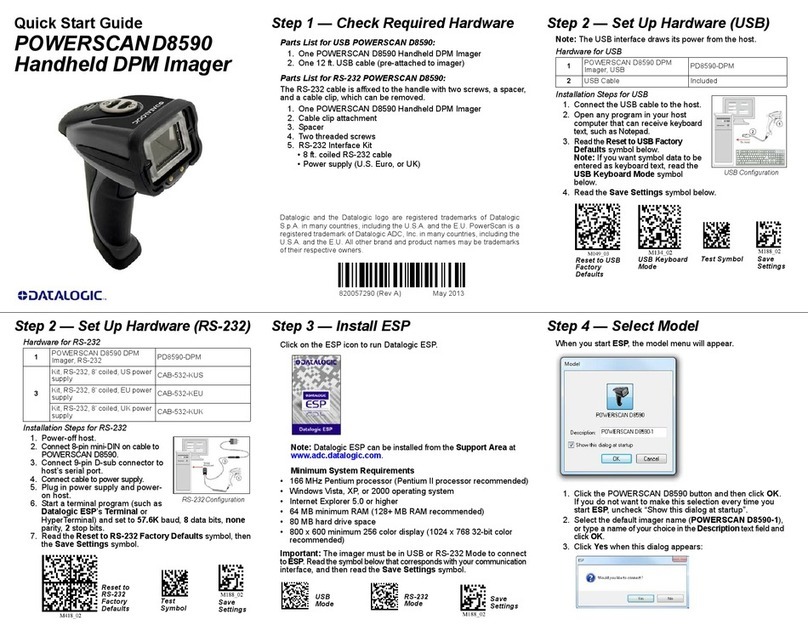
Datalogic POWERSCAN D8590 User manual

Datalogic

Datalogic POWERSCAN D8590 User manual

Datalogic EOX 30W User manual

Datalogic

Datalogic EOX 30W User manual

Popular Laboratory Equipment manuals by other brands

Qiagen DML 3000 user manual

Qiagen

Qiagen DML 3000 user manual

Queensgate NANOSCAN OP400 Quick start instructions

Queensgate

Queensgate NANOSCAN OP400 Quick start instructions

Conviron GEN1000-GE Operator's manual

Conviron

Conviron GEN1000-GE Operator's manual

Parr Instrument 4560 Operating instructions manual

Parr Instrument

Parr Instrument 4560 Operating instructions manual

IKA IC control operating instructions

IKA

IKA IC control operating instructions

Integra DOSE IT operating instructions

Integra

Integra DOSE IT operating instructions

Agilent Technologies 5800 ICP-OES user guide

Agilent Technologies

Agilent Technologies 5800 ICP-OES user guide

Endress+Hauser Cleanfit CPA875 operating instructions

Endress+Hauser

Endress+Hauser Cleanfit CPA875 operating instructions

NI PXI-5422 CALIBRATION PROCEDURE

NI

NI PXI-5422 CALIBRATION PROCEDURE

Collomix Aqix operating instructions

Collomix

Collomix Aqix operating instructions

SPEX SamplePrep 6875 Freezer/Mill Series operating manual

SPEX SamplePrep

SPEX SamplePrep 6875 Freezer/Mill Series operating manual

Ocean Insight FLAME-NIR+ Installation and operation manual

Ocean Insight

Ocean Insight FLAME-NIR+ Installation and operation manual

Parker ALIGN-MG-NA Installation, operation and maintenance manual

Parker

Parker ALIGN-MG-NA Installation, operation and maintenance manual

BD 644787 user guide

BD

BD 644787 user guide

DENTAURUM Compact Megaplus Instructions for use

DENTAURUM

DENTAURUM Compact Megaplus Instructions for use

Biuged Laboratory Instruments BGD 626 instruction manual

Biuged Laboratory Instruments

Biuged Laboratory Instruments BGD 626 instruction manual

VWR SAS Super IAQ instruction manual

VWR

VWR SAS Super IAQ instruction manual

illumina MiSeqDx reference guide

illumina

illumina MiSeqDx reference guide

https://manuals.online logo
https://manuals.online logoBrands
  • About & Mission
  • Contact us
  • Privacy Policy
  • Terms and Conditions

Copyright 2026 Manuals.Online. All Rights Reserved.

Magellan is a trademark of Datalogic S.p.A. and/or its affiliates. All other
brand and product names may be trademarks of their respective owners.
Datalogic USA, Inc.
959 Terry Street
Eugene, OR 97402
U.S.A.
Telephone: (541) 683-5700
Fax: (541) 345-7140
©2021 Datalogic S.p.A. and/or its affiliates
All rights reserved. Without limiting the rights under copyright, no part
of this documentation may be reproduced, stored in or introduced into a
retrieval system, or transmitted in any form or by any means, or for any
purpose, without the express written permission of Datalogic S.p.A. and/
or its affiliates.
Owners of Datalogic products are hereby granted a non-exclusive, revo-
cable license to reproduce and transmit this documentation for the purcha-
ser's own internal business purposes. Purchaser shall not remove or alter
any proprietary notices, including copyright notices, contained in this docu-
mentation and shall ensure that all notices appear on any reproductions of
the documentation.
Electronic versions of this document may be downloaded from the Datalo-
gic website (www.datalogic.com). If you visit our website and would like to
make comments or suggestions about this or other Datalogic publications,
please let us know via the "Contact" page.
Disclaimer
Datalogic has taken reasonable measures to provide information in this
manual that is complete and accurate, however, Datalogic shall not be
liable for technical or editorial errors or omissions contained herein, nor for
incidental or consequential damages resulting from the use of this mate-
rial. Datalogic reserves the right to change any specification at any time
without prior notice.
Trademarks
Datalogic and the Datalogic logo are registered trademarks of Datalogic
S.p.A. in many countries, including the U.S.A. and the E.U.
MAGELLAN™ 9800iTDi
INSTALLATION GUIDE
Top Down Imager
©2021 Datalogic S.p.A. and/or its affiliates
• All rights reserved • Without limiting the rights under copyright,
no part of this documentation may be reproduced, stored in or
introduced into a retrieval system, or transmitted in any form or
by any means, or for any purpose, without the express written
permission of Datalogic S.p.A. and/or its affiliates • Datalogic
and the Datalogic logo are registered trademarks of Datalogic
S.p.A. in many countries, including the U.S. and the E.U.
See the Safety & Regulatory Addendum included
with your product for additional regulatory, safety
and legal information.
www.datalogic.com
820123100 (Rev. A) September 2021
SUPPORT THROUGH THE WEBSITE
Datalogic provides several services as well as technical support
through its website.
Log on to www.datalogic.com.
For quick access, from the home page click on the search icon ,
and type in the name of the product you’re looking for. This allows
you access to download Data Sheets, Manuals, Soware & Utilities,
and Drawings.
Hover over the Support & Service menu for access to Services and
Technical Support.

INSTALLATION
A Top Down Imager (TDi) module can be optionally installed on a
Magellan 9800i scanner.
CAUTION: Plug in the TDi cables before connecting
power to the scanner.
7.8cm
(3.07”) 7” TDi
Use same
dimension
for left side
mount
17.78cm
(7.0”)
Figure 1. Top Down Imager (TDi) Dimensions
To install the TDi, proceed as follows:
1. Determine on which corner of the scanner you want to install
the TDi. It can be placed in either the le or right-hand corner
just behind the scanner’s bonnet. Carefully push upwards on
the plastic Corner Piece to disengage it from the scanner.
Corner Piece
2. Gently slide the Filler Tab from the Corner Piece. This will leave
an opening for the neck of the TDi.
Corner Piece
Filler Tab
3. Route the TDi cables
down through the base
of the scanner, gently
pulling them all the way
through on the bulkhead
side of the base and sea-
ting the TDi in its corner
cavity. Make sure they
are not pinched or cau-
ght beneath the scanner
base.
Corner Piece
TDi
Bolts
TDi Cables
(AUX and USB)
4. Use a 3mm ball end hex driver to secure the TDi with the two
bolts provided for this purpose, tightening them evenly to
1.74Nm (15 in-lb).
5. Fully seat the plastic Corner Piece in the grooves intended for
it on the scanner frame.
6. Verify that the cables are not pinched or caught between
assemblies, then connect the AUX cable to the AUX port on the
back of the scanner.
Corner
Piece
Bolts
TDi AUX cable
TDi USB cabl
e
7. Connect the USB cable to the device that will control the TDi.
This is typically a PC or POS.