EnglishDeutsch
 logo
Brands
  1. Home
  2. •
  3. Brands
  4. •
  5. Dell
  6. •
  7. Monitor
  8. •
  9. Dell 2720HB User manual

Dell 2720HB User manual

Other Dell Monitor manuals
Dell E2020HB Instructions for use

Dell

Dell E2020HB Instructions for use
Dell E2213 Reference guide

Dell

Dell E2213 Reference guide

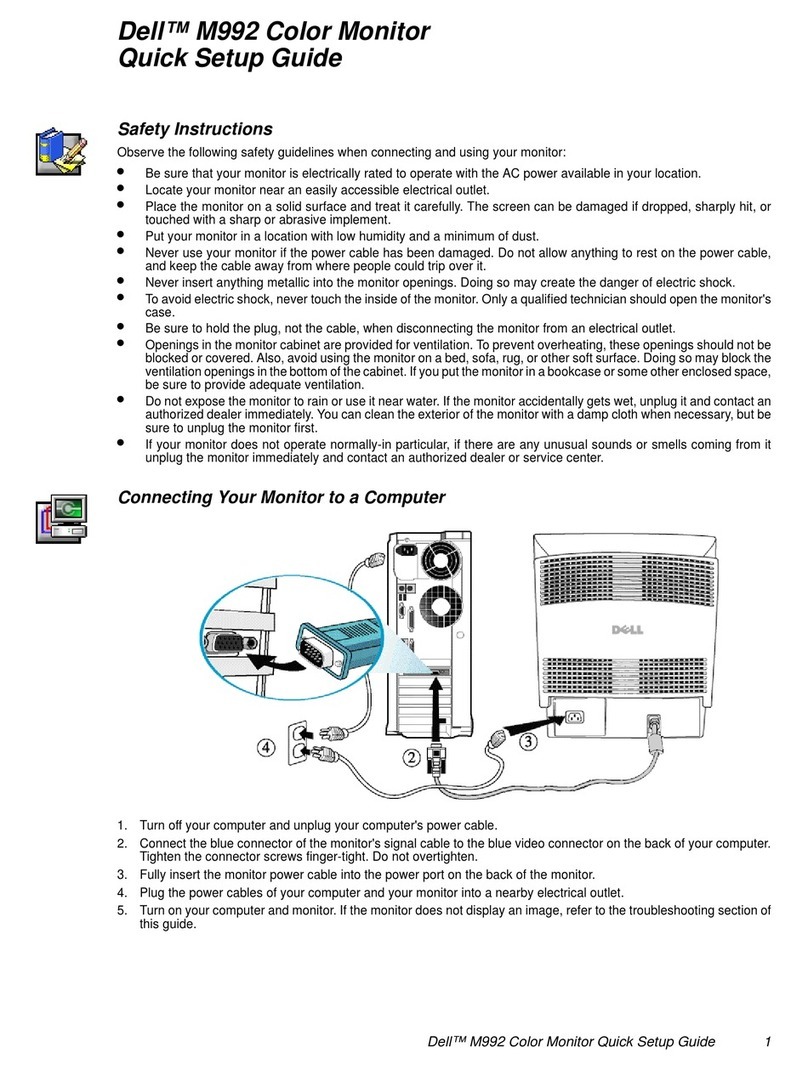
Dell M992 - 19" CRT Display User manual
Dell

Dell M992 - 19" CRT Display User manual

Dell E248WFP - 24" LCD Monitor User manual
Dell

Dell E248WFP - 24" LCD Monitor User manual

Dell D2719HGF User manual

Dell

Dell D2719HGF User manual
Dell P2424HEB User manual

Dell

Dell P2424HEB User manual
Dell E2209Wf User manual

Dell

Dell E2209Wf User manual
Dell C5519Q User manual

Dell

Dell C5519Q User manual
Dell UP2720QA Instructions for use

Dell

Dell UP2720QA Instructions for use
Dell E2209WFP User manual

Dell

Dell E2209WFP User manual

Dell ST2320L User manual

Dell

Dell ST2320L User manual

Dell E2416HM User manual

Dell

Dell E2416HM User manual

Dell UltraSharp 32 User manual

Dell

Dell UltraSharp 32 User manual

Dell 2407WFP-HC - UltraSharp - 24" LCD Monitor User manual
Dell

Dell 2407WFP-HC - UltraSharp - 24" LCD Monitor User manual

Dell UltraSharp U2913WM User manual

Dell

Dell UltraSharp U2913WM User manual
Dell S2419H User manual

Dell

Dell S2419H User manual
Dell 2707WFP - UltraSharp - 27" LCD Monitor User manual
Dell

Dell 2707WFP - UltraSharp - 27" LCD Monitor User manual

Dell E153FPT User manual

Dell

Dell E153FPT User manual
Dell E2016HV Instructions for use

Dell

Dell E2016HV Instructions for use
Dell G2724D User manual

Dell

Dell G2724D User manual
Dell E170S User manual

Dell

Dell E170S User manual

Dell E170S - 17" LCD Monitor User manual

Dell

Dell E170S - 17" LCD Monitor User manual

Dell U3011 Guide

Dell

Dell U3011 Guide

Dell P6524QT User manual

Dell

Dell P6524QT User manual

Popular Monitor manuals by other brands

Linear Acoustic LQ-1000 user guide

Linear Acoustic

Linear Acoustic LQ-1000 user guide

AOC I2579V user manual

AOC

AOC I2579V user manual

ViewSonic VX1945WM - ViewDock - 19" LCD Monitor null

ViewSonic

ViewSonic VX1945WM - ViewDock - 19" LCD Monitor null

ViewSonic VA705M null

ViewSonic

ViewSonic VA705M null

BenQ FP757 null

BenQ

BenQ FP757 null

ViewSonic VA703MB - 17" LCD Monitor null

ViewSonic

ViewSonic VA703MB - 17" LCD Monitor null

Gateway FPD1520 user guide

Gateway

Gateway FPD1520 user guide

Furuno Mu 120c Operator's manual

Furuno

Furuno Mu 120c Operator's manual

Asus VB171D - 17" LCD Monitor Service manual

Asus

Asus VB171D - 17" LCD Monitor Service manual

Philips 107C64 user manual

Philips

Philips 107C64 user manual

EverFocus EN-7517E instruction manual

EverFocus

EverFocus EN-7517E instruction manual

Panasonic TH152UX1 - 152" PLASMA TV Service manual

Panasonic

Panasonic TH152UX1 - 152" PLASMA TV Service manual

LG 50PM1M -  - 50" Plasma Panel Service manual

LG

LG 50PM1M - - 50" Plasma Panel Service manual

Bosch DDU 9 manual

Bosch

Bosch DDU 9 manual

Acer A231HL user manual

Acer

Acer A231HL user manual

Philips 86BDL4152T user manual

Philips

Philips 86BDL4152T user manual

NEC AccuSync LCD5V user manual

NEC

NEC AccuSync LCD5V user manual

Emay SleepO2 user manual

Emay

Emay SleepO2 user manual

https://manuals.online logo
https://manuals.online logoBrands
  • About & Mission
  • Contact us
  • Privacy Policy
  • Terms and Conditions

Copyright 2026 Manuals.Online. All Rights Reserved.


DELL E
2
1. Disas
s
S1
Tur
n
S2
Pla
c
the
Re
m
rel
e
S3
1.
2
720HB
s
embly Pr
o
n
off the m
o
c
e the mon
desk.
m
ove VES
A
e
ase button
.
Use a long
push the r
e
hole just a
b
1
o
cedures
o
nitor.
itor on a so
A
cover to a
c
.
and thin s
c
e
lease latc
h
b
ove the st
a
ft cloth alo
n
c
cess the
c
rewdriver t
o
h
located in
a
nd.
n
g
o
a
S4
S5
S6
Once t
h
base a
w
Press d
latch o
n
separat
e
Unlock
4








(Screw
T
Unlock
2
(Screw
T
e latch is r
e
w
ay from th
e
o
wn on the
the botto
m
e
base fro
m
4
screws o
n
T
orque: 8~
1
2
CLMN sc
r
T
orque: 4.5
e
leased, re
m
e
monito
r
.
quick rele
a
m
of the bas
m
stand col
u
n
Rear Cov
1
0kgf)
rews
5
±0.5kgf)
m
ove the
a
se tab
e to
u
mn.
e
r

S7
Dis
a
mo
n
Not
1)
D
2)
D
3)
D
4)
S
a
ssemble
R
n
itor
ice the dis
a
D
isassembl
e
D
isassembl
e
D
isassembl
e
S
eparate R
C
R
ear Cove
r
a
ssembly o
r
e
the Top p
a
e
the Left /
e
the Botto
m
C
from Bez
e
from the
r
der :
a
rt
Right part
m
part
e
l
S8
S9
S1
0
Remov
e
BD
Remov
e
backlig
h
Remov
e
Remov
e
SPS B
D
Remov
e
panel
0
Disass
e
Unlock
3
off Co
(Screw
T
DELL
e
Control B
D
e
2 tapes fr
o
h
t wire
e
LVDS ca
b
e
backlight
w
D
e
2 tape fro
m
e
mble Beze
l
3
screws o
n
n
trol BD fr
o
T
orque: 0.9
E2720H
B
D
FFC cabl
o
m LVDS c
b
le from pa
n
w
ire from p
m Main SH
l from the
p
n
Control B
o
m Bezel
9
~1kgf)
2
B
e from I/F
a
ble and
n
el
anel and
D and
p
anel
D
to take

DELL E
2
S11
Dis
a
S12
Unl
o
scr
e
(Sc
(Sc
2
720HB
a
ssemble
M
o
ck 5 PCB
A
e
ws
rew Torque
rew Torque
3
M
ylar from
M
A
screws a
n
: 6.5±1.0kg
: 5.0±0.6kg
M
ain SHD
n
d 2 hex
f)
f)
S1
3
S1
4
3
Disass
e
Main S
H
4
Remov
e
Remov
e
e
mble SPS
B
H
D
e
SPS wire
e
LVDS ca
b
BD and I/F
from I/F
B
b
le from I/F
BD from
B
D
BD

S15
Re
m
S1
5
S1
5






m
ove elect
r
5
-1 Cut the
5
-2 Ensure
c
r
olyte capa
c
glue betwe
e
c
utting pat
h
c
itors (red
m
e
n bulk ca
p
h
within the
m
ark) from
p
p
. and PCB
glue, don’t
p
rinted circ
u
with a knif
e
touch bulk

DELL
u
it boards
e
cap. or PC
B
E2720H
B
B
4
B
5DELL E2720HB
S15-3 Take out bulk cap. pin solder with soldering iron and absorber
S15-4 Lift the bulk cap. up and away from the PCB
6DELL E2720HB
2. Product material information
The following substances, preparations, or components should be disposed of or
recovered separately from other WEEE in compliance with Article 4 of EU Council
Directive 75/442/EEC.
Capacitors / condensers (containing
PCB/PCT) No used
Mercury containing components No used
Batteries No used
Printed circuit boards (with a surface greater
than 10 square cm) Product has printed circuit boards
(with a surface greater than 10 square
cm)
Component contain toner, ink and liquids No used
Plastic containing BFR No used
Component and waste contain asbestos No used
CRT No used
Component contain CFC, HCFC, HFC and
HC No used
Gas discharge lamps No used
LCD display > 100 cm2 Product has an LCD greater than 100
cm2
External electric cable Product has external cables
Component contain refractory ceramic fibers No used
Component contain radio-active substances No used
Electrolyte capacitors (height
> 25mm, diameter > 25mm) Product has electrolyte capacitors
(height >25mm, diameter > 25mm)

3. Tools Required
List the type and size of the tools that would typically can be used to disassemble the
product to a point where components and materials requiring selective treatment can be
removed.
Tool Description:
- Screwdriver
- Scraper Bar
- Penknife
- Soldering iron and absorber