©2023 by DermLite LLC | 01 May 2023 | DL3N-1701I
(English)
Instructions
Intended Use
This device is intended for medical
purposes to illuminate body surfaces. It is
used for non-invasive visual examination
of intact skin.
This battery-operated product is designed
for external examination only within pro-
fessional healthcare facilities by medical
professionals.
Check the correct operation of the device
before use! Do not use the device if there
are visible signs of damage.
CAUTION: Do not look directly into the
LED light. Patients must close their eyes
during examinations.
In case of a serious incident with the use
of this device, notify DermLite immediately
and, if required by local regulations, your
national health authority.
CAUTION: Do not use the device in re
or explosive risk area (e.g. oxygen-rich
environment).
WARNING: This product can expose you
to chemicals including methylene chloride
and hexavalent chromium, which are
known to the State of California to cause
cancer or reproductive toxicity. For more
information go to www.P65Warnings.
ca.gov.
Electromagnetic Compatibility
This device complies with the EMC Emis-
sions and Immunity level requirements of
the standard IEC 60601-1-2:2014. The
emission characteristics of this equipment
make it suitable for use in professional
healthcare environment as well as resi-
dential environment (CISPR 11 Class B).
This equipment oers adequate protection
to radio communication service. In the
rare event of interference to the radio
communication service, the user might
need to take mitigation measures, such as
relocating or re-orienting equipment.
WARNING: Use of this equipment adja-
cent to or stacked with other equipment
should be avoided because it could result
in improper operation. If such use is
necessary, this equipment and the other
equipment should be observed to verify
that they are operating normally.
WARNING: Use of accessories other than
those provided by the manufacturer of
this equipment could result in increased
electromagnetic emissions or decreased
electromagnetic immunity of this equip-
ment and result in improper operation.
WARNING: Portable RF transmitters
should be used no closer than 30 cm (12
inches) to any part of the device. Other-
wise, degradation of the performance of
this equipment could result.
IMPORTANT: Before initial use, please
charge the internal lithium ion battery. See
“Battery and Charging” for details.
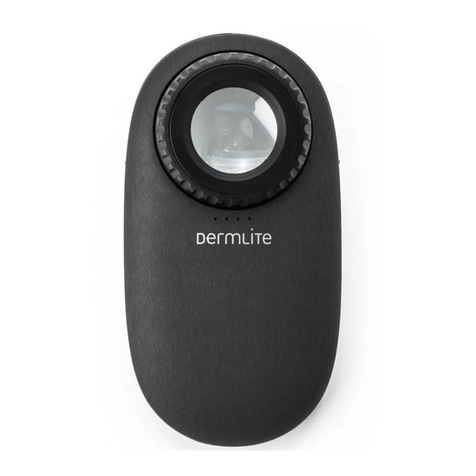
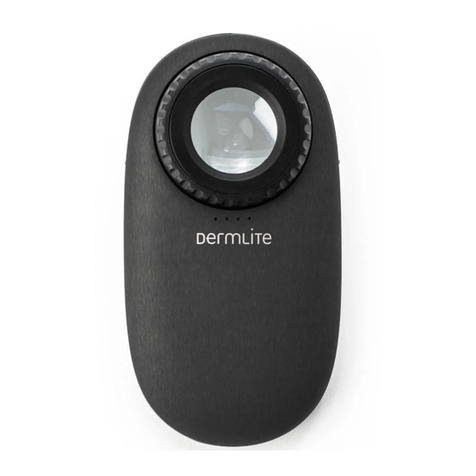
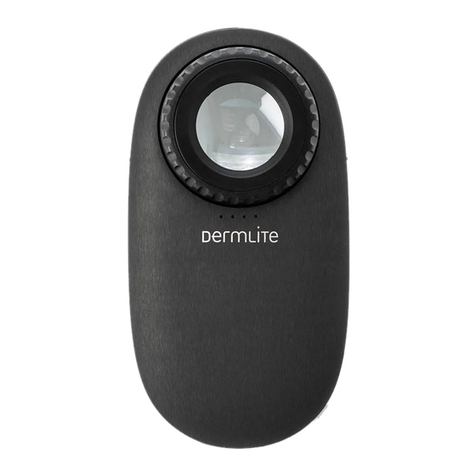
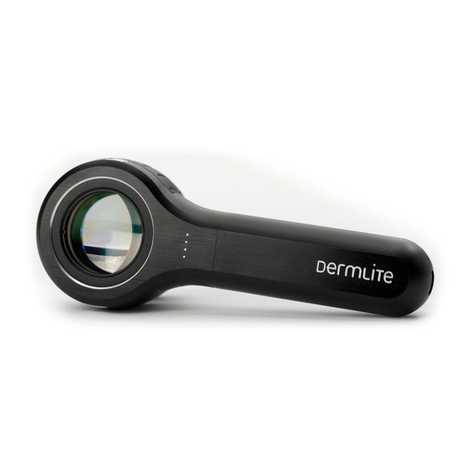
DermLite DL3N is a smartphone-compat-
ible pocket dermatoscope designed to
view skin lesions using cross-polarized or
non-polarized light and high magnication
and clarity.
A high-quality 10x lens with superb color
correction and reduced image distortion
produces an image rich in surface detail.
Hold your DermLite DL3N so that the
LEDs are aimed in the direction of the
lesion to be examined. Place the device
approximately 25 mm (1”) from the skin.
Push and hold the power button (A1)
for approximately 1 second to activate
cross-polarized mode. A quick tap of the
button toggles between polarized and
non-polarized modes. The additional Pig-
mentBoost® illumination may be activated
via the left button (A2).
Look through the lens with your eye
placed about 25-100 mm (1-4”) above the
lens. Move the device closer or further
away from the skin to focus. For dermos-
copy with skin contact, extend the spacer
by rotating the Focus Dial (B). To turn o
your DermLite, push & hold the power
button for about 1 second.
Removing the Spacer
Unscrew the Retaining Ring (B1) and
rotate the Focus Dial (B) until the Spacer
(B2) drops.
To re-attach the Spacer, slip its three pins
through the three notches (D) and gently
rotate the Focus Dial until the Spacer is
being pulled back in. Reattach the Retain-
ing Ring.
Eyepiece
To reduce internal reections and improve
the contrast of the image, attach the op-
tional eyepiece onto the 28mm thread (E).
Photography
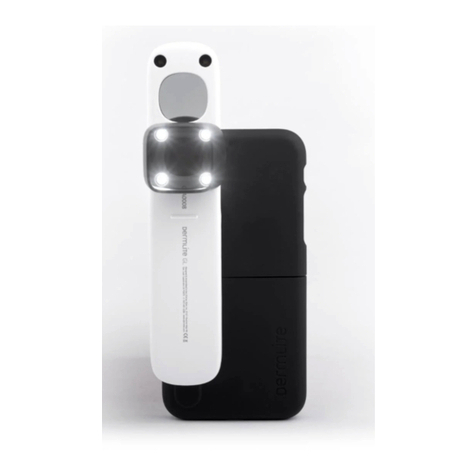
DermLite adapters for mobile devices and
cameras (sold separately) are designed to
attach to the 28 mm thread (E). To accept
DermLite magnetic adapters, attach the
included steel ring to the 28 mm thread.
Prior to taking images, wipe the Faceplate
(F) clean and extend the Spacer to the “0”
position.
Battery and Charging
CAUTION: This device uses a special
3.7V 1250 mAh lithium ion battery, which
can only be purchased from DermLite or
from an authorized DermLite dealer. Do
not under any circumstances use another
battery other than the one designed for
this unit.
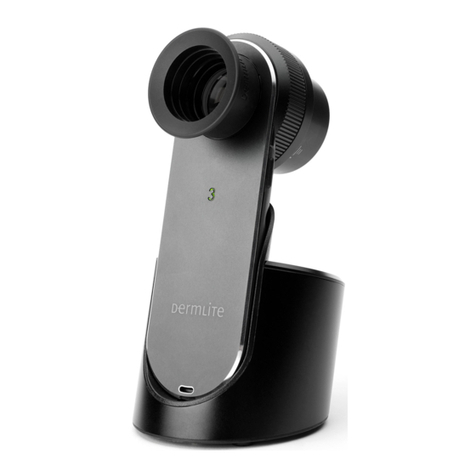
Prior to using the DermLite, insert the
110V-220V power plug into an electrical
outlet and the other end into the back
of the charging base. Set the base on a
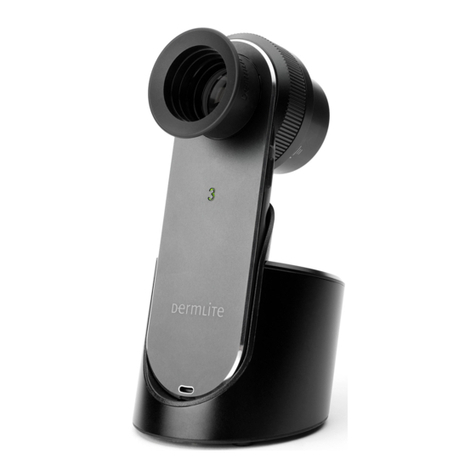
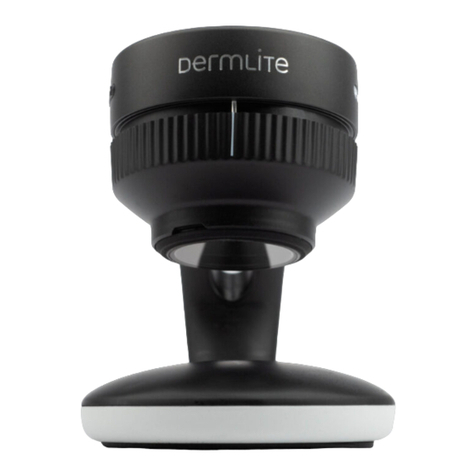
level surface. Place the DermLite onto the
base, and the “3” illuminates red to indi-
cate charging. When fully charged, the “3”
turns green and the device will allow up
to 2 hours of continuous operation. When
less than 25% battery life remains, the “3”
turns orange.
The battery’s capacity diminishes after
years of use. To replace the battery, slide
the rubber handle (G) back and complete-
ly o the device. Disconnect the small
white battery plug and remove the battery.
Insert a new battery and reconnect the
battery plug. Slide the rubber handle
securely onto the device.
Troubleshooting
Please check www.dermlite.com for the
most current troubleshooting information.
If your device requires servicing, visit
www.dermlite.com/service or contact your
local DermLite dealer.
Care and Maintenance
CAUTION: No modication of this equip-
ment is allowed.
Your device is designed for trouble-free
operation. Repairs shall be made only by
qualied service personnel.
Cleaning
The exterior of your device, except the
optical parts, may be wiped clean with
isopropyl alcohol (70% vol.) prior to use
on a patient. The lens should be treated
as high-quality photographic equipment
and should be cleaned with standard lens
cleaning equipment and protected from
harmful chemicals. Do not use abrasive
material on any part of the equipment
or immerse the device in liquid. Do not
autoclave.
Warranty: 5 years for parts and labor. The
battery is warranted for 1 year.
Disposal
This device contains electronics and a
lithium-ion battery that must be separated
for disposal and may not be disposed of
with general household waste. Please
observe local disposal regulations.
This set includes:
DermLite-Dermatoscope (28 LEDs, 25mm
10x lens, cross-polarized and non-polar-
ized illumination, PigmentBoost, retract-
able faceplate spacer with 10mm reticule),
charging base, leather sleeve, 28 mm
eyepiece, lanyard
Technical Description
Visit www.dermlite.com/technical or con-
tact your local DermLite dealer.
ENGLISH