Copyright ..................................................................... 2
Trademarks.................................................................. 2
FCC and DOC Statement on Class A................. 2
About this Manual ..................................................... 4
Warranty .................................................................... 4
Static Electricity Precautions................................... 4
Safety Measures.......................................................... 4
Safety Precautions...................................................... 5
About the Package .................................................... 5
Before Using the System ......................................... 5
Chapter 1 - Introduction......................................... 6
Overview ................................................................................................................ 6
Specifications.......................................................................................................... 7
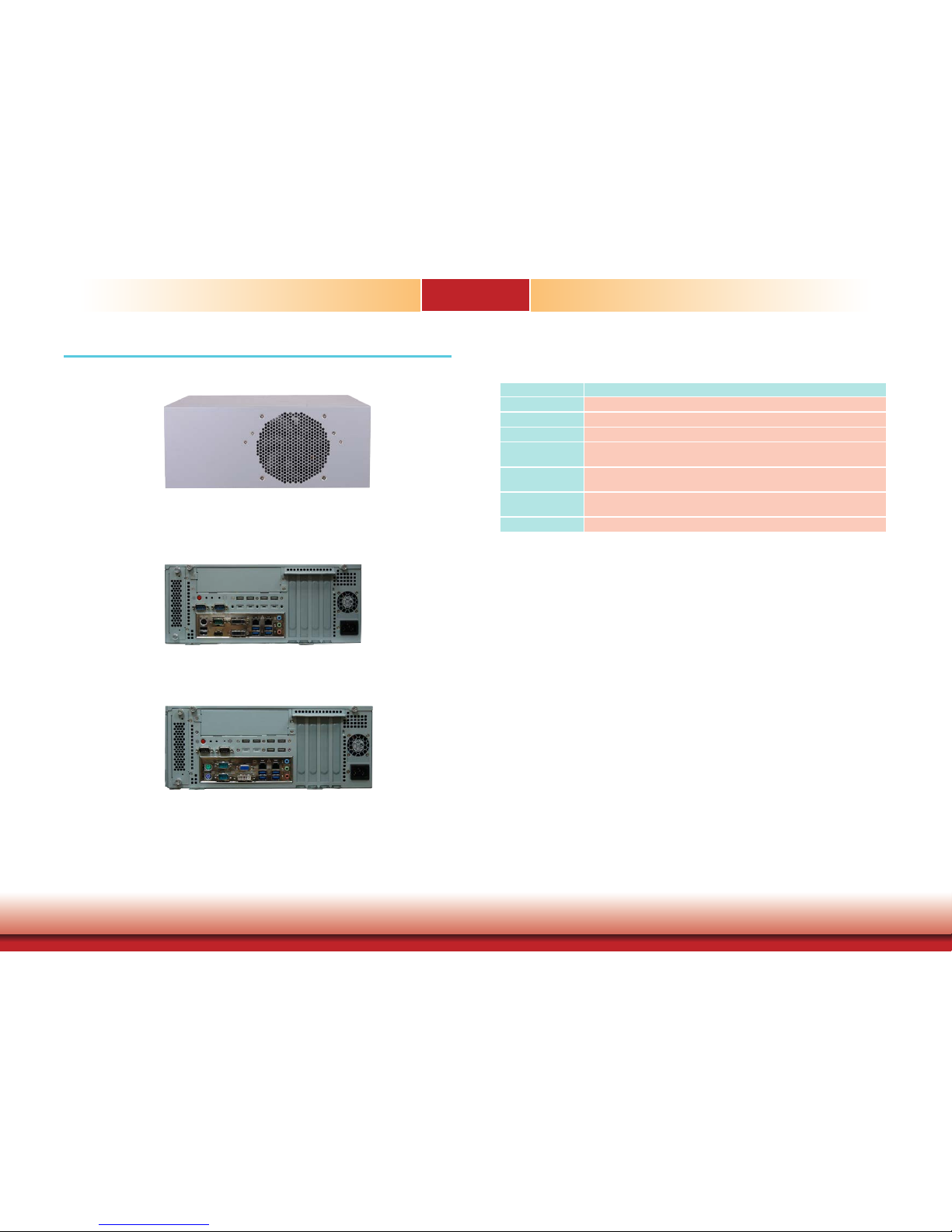
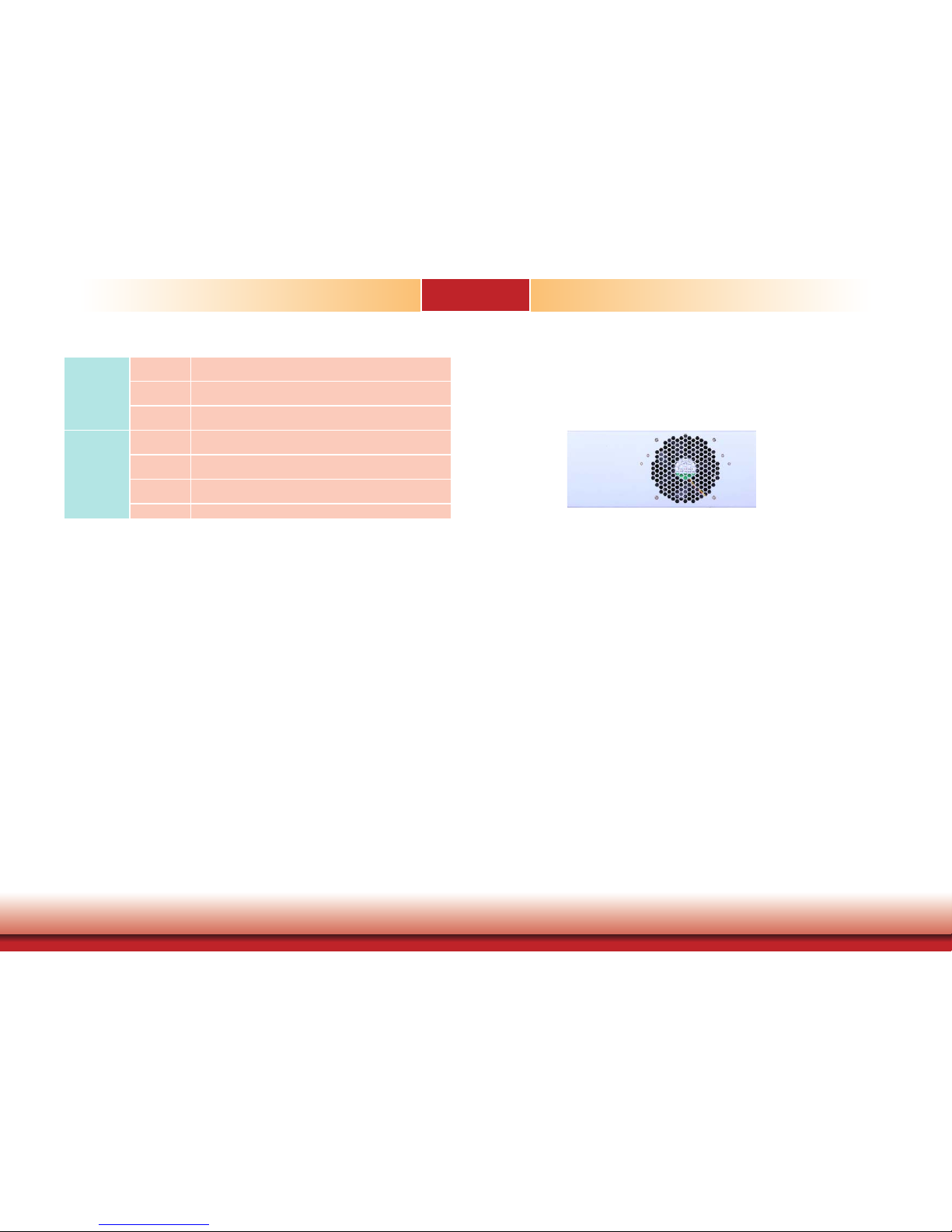
Getting to Know the WM343-MB ................................................................... 8
Chapter 2 - Getting Started...................................12
Chapter 3 - Installing Devices................................13
Chapter 4 - Jumper Settings .................................17
Jumper Settings (MB330-CRM).......................................................................17
Clear CMOS Data (MB330-CRM)................................................. 17
PS/2 Keyboard/Mouse Power Select (MB330-CRM)....................... 17
USB Power Select (MB330-CRM)............................................... 18
Power-on Select (MB330-CRM) ................................................. 18
COM1/COM2 RS232/RS422/RS485 Select (MB330-CRM).............. 19
COM1/COM2 RS232/Power Select (MB330-CRM)......................... 19
Jumper Settings (MB331-CRM).......................................................................20
Clear CMOS Data (MB331-CRM)................................................ 20
PS/2 Keyboard/Mouse Power Select (MB331-CRM)...................... 20
USB Power Select (MB331-CRM)............................................... 21
Table of Contents Power-on Select (MB331-CRM) ................................................. 21
COM1/COM2 RS232/RS422/RS485 Select (MB331-CRM)............... 22
COM1/COM2 RS232/Power Select (MB331-CRM)......................... 22
Chapter 5 - Ports and Connectors ....................23
Rear Panel I/O Ports (MB330-CRM).............................................................23
I/O Connectors (MB330-CRM) ......................................................................27
Rear Panel I/O Ports (MB331-CRM).............................................................34
I/O Connectors (MB331-CRM) ......................................................................38
Chapter 6 - Mounting Options.............................44
Chapter 7 - BIOS Setup 46
Overview .............................................................................................................46
AMI BIOS Setup Utility (MB330-CRM) ........................................................47
Main....................................................................................... 47
Advanced ............................................................................... 47
Chipset ................................................................................... 57
Boot....................................................................................... 62
Security.................................................................................. 64
Save & Exit............................................................................. 65
AMI BIOS Setup Utility (MB331-CRM) ........................................................66
Main....................................................................................... 66
Advanced ............................................................................... 66
Boot....................................................................................... 80
Security.................................................................................. 81
Save & Exit............................................................................. 82
Updating the BIOS .............................................................................................83
Notice: BIOS SPI ROM......................................................................................83
Chapter 8 - Supported Software..........................84
Chapter 9 - Intel AMT Settings.............................95
Appendix A - Troubleshooting Checklist............109