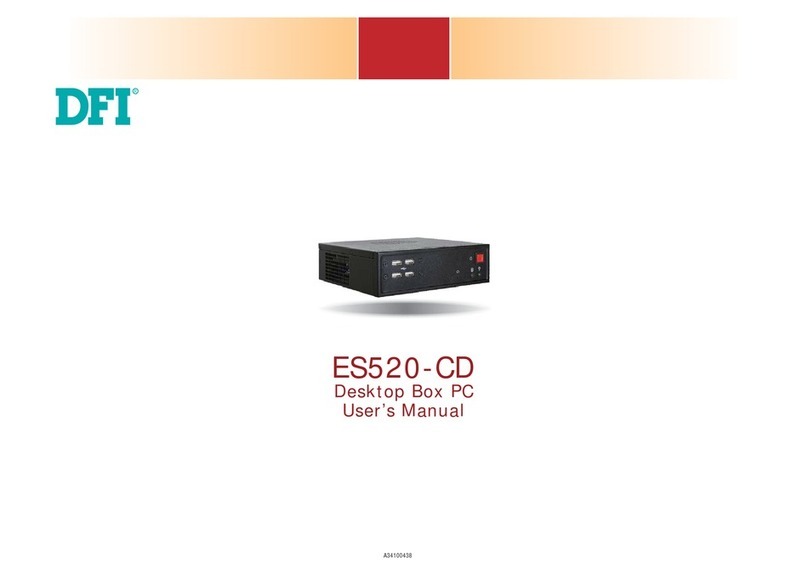
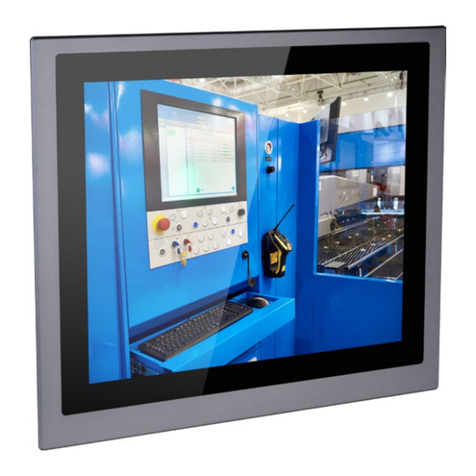
3User's Manual | EB100-KU
Table of Contents
Chapter 1 - Introduction................................................................................................................6
Specifications ......................................................................................................................... 6
Chapter 2 - Hardware Installation................................................................................................7
Overview.................................................................................................................................. 7
Front Panel....................................................................................................................... 7
Rear Panel........................................................................................................................ 7
Dimensions ...................................................................................................................... 7
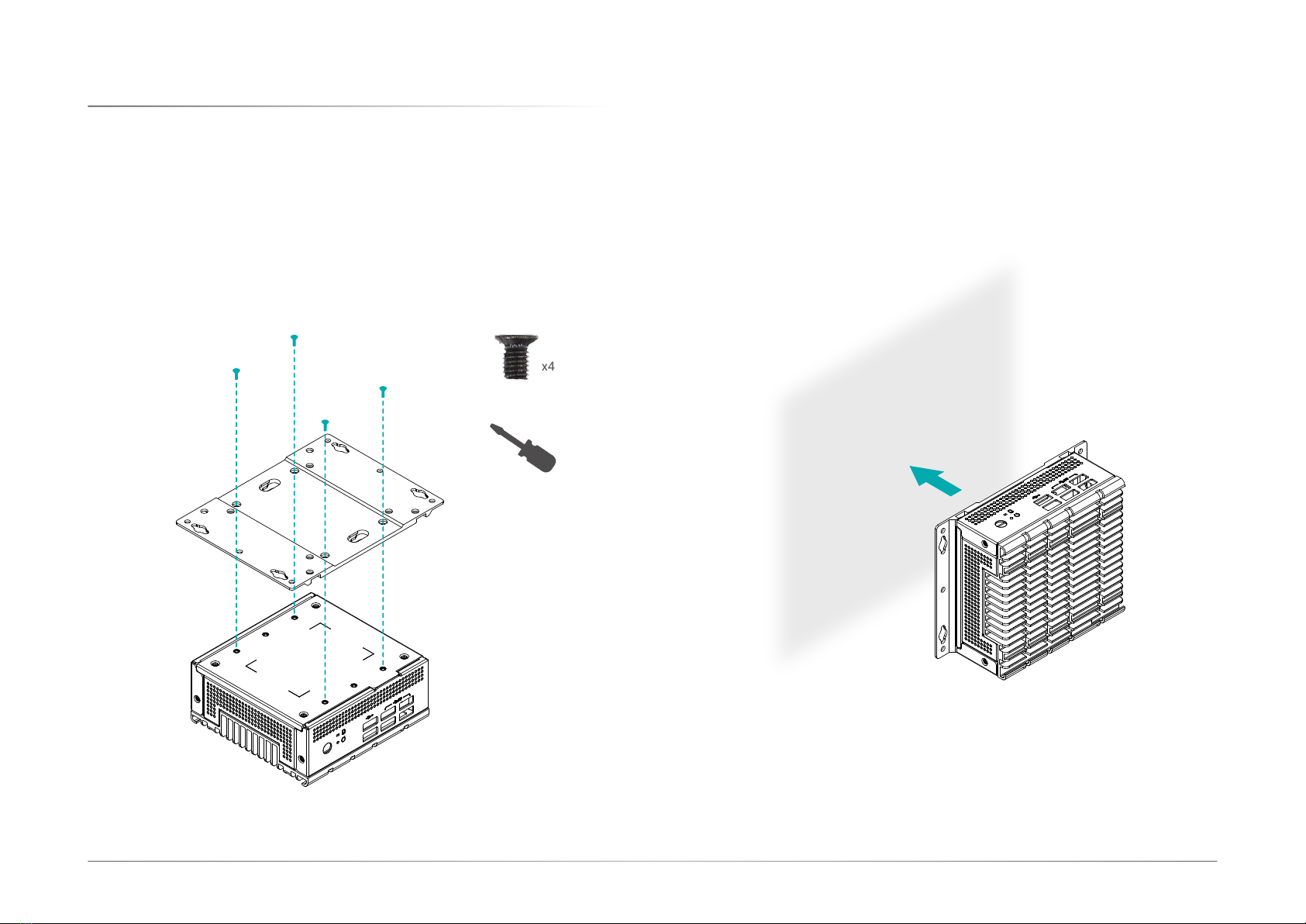
Mounting Options................................................................................................................... 8
Wall Mount ....................................................................................................................... 8
VESA Mount..................................................................................................................... 9
Assembly ..............................................................................................................................10
Overview.........................................................................................................................10
Bottom Cover and SATA Drive Tray .............................................................................10
SATA Drive (optional) ....................................................................................................10
Front and Rear Panels...................................................................................................11
System Board.................................................................................................................12
Side Cover ......................................................................................................................12
Antenna ..........................................................................................................................13
Board Layout.........................................................................................................................14
System Board.................................................................................................................14
System Memory ...................................................................................................................15
Installing the SO-DIMM Module ...................................................................................15
Jumper Settings ...................................................................................................................16
Clear CMOS (JP1) .........................................................................................................16
I/O Ports................................................................................................................................17
Graphics Display............................................................................................................17
USB Ports .......................................................................................................................17
RJ45 LAN Ports .............................................................................................................18
12V DC-In .......................................................................................................................18
Battery ............................................................................................................................19
SATA (Serial ATA) Connector .......................................................................................19
Expansion Slots .............................................................................................................20
Installing the Mini PCIe Module ...................................................................................20
Chapter 3 - BIOS Settings...........................................................................................................22
Overview ...............................................................................................................................22
Main.......................................................................................................................................23
Advanced .............................................................................................................................23
ACPI Configuration........................................................................................................24
CPU Configuration.........................................................................................................25
Video Configuration.......................................................................................................25
Audio Configuration.......................................................................................................26
SATA Configuration .......................................................................................................26
USB Configuration .........................................................................................................27
USB Power Control........................................................................................................27
PCI Express Configuration............................................................................................28
ME Configuration...........................................................................................................28
MEBX Configuration ......................................................................................................29
Active Management Technology Support ...................................................................29
UEFI Device Manager ....................................................................................................30
SIO NUVOTON6106D.....................................................................................................30
Security .................................................................................................................................31
Boot .......................................................................................................................................31
Exit.........................................................................................................................................34
Updating the BIOS................................................................................................................34
Notice: BIOS SPI ROM..........................................................................................................34
Chapter 4 - Intel AMT Settings...................................................................................................35
Overview ...............................................................................................................................35
Enable Intel®AMT in the Insyde BIOS ................................................................................35
Entering Management Engine BIOS Extension (MEBX)....................................................36
MEBX.....................................................................................................................................37
Main Menu .....................................................................................................................37
Intel(R) ME General Settings ........................................................................................37
Intel(R) AMT Configuration...........................................................................................39