logo
Brands
  1. Home
  2. •
  3. Brands
  4. •
  5. Digicom
  6. •
  7. Wireless Access Point
  8. •
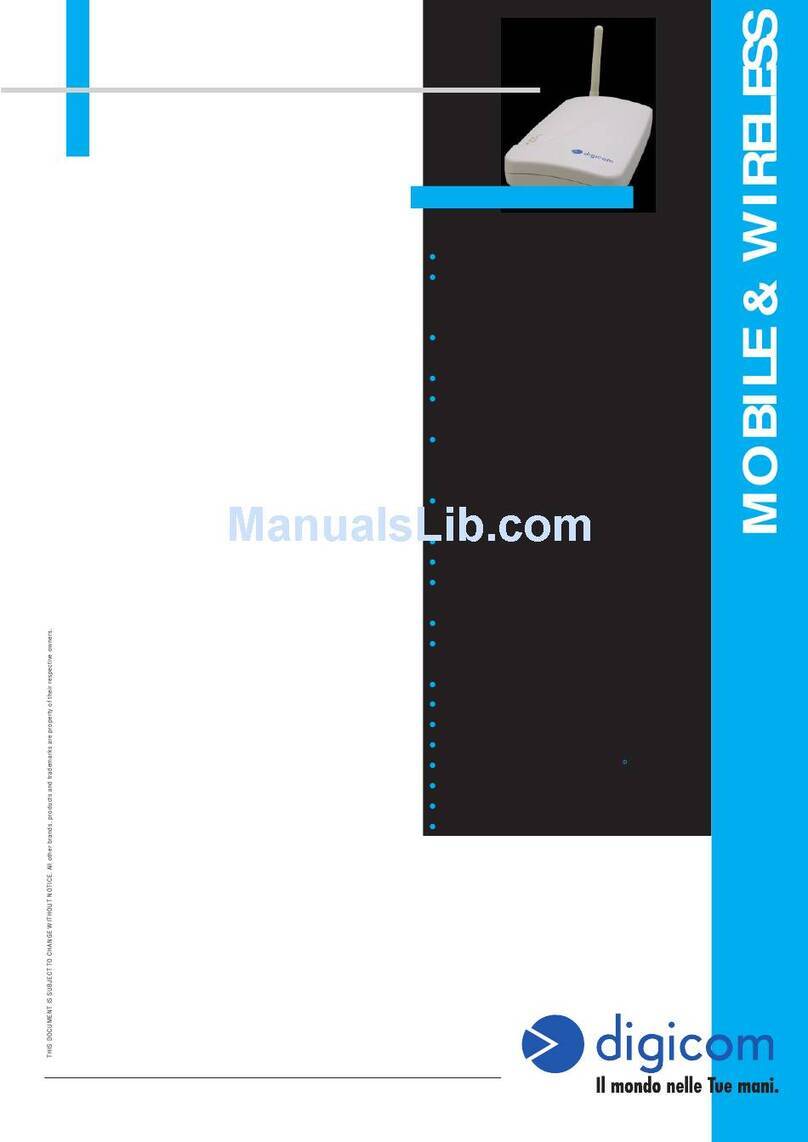
  9. Digicom Wave Gate 54CX User manual

Digicom Wave Gate 54CX User manual

This manual suits for next models

2

Other Digicom Wireless Access Point manuals

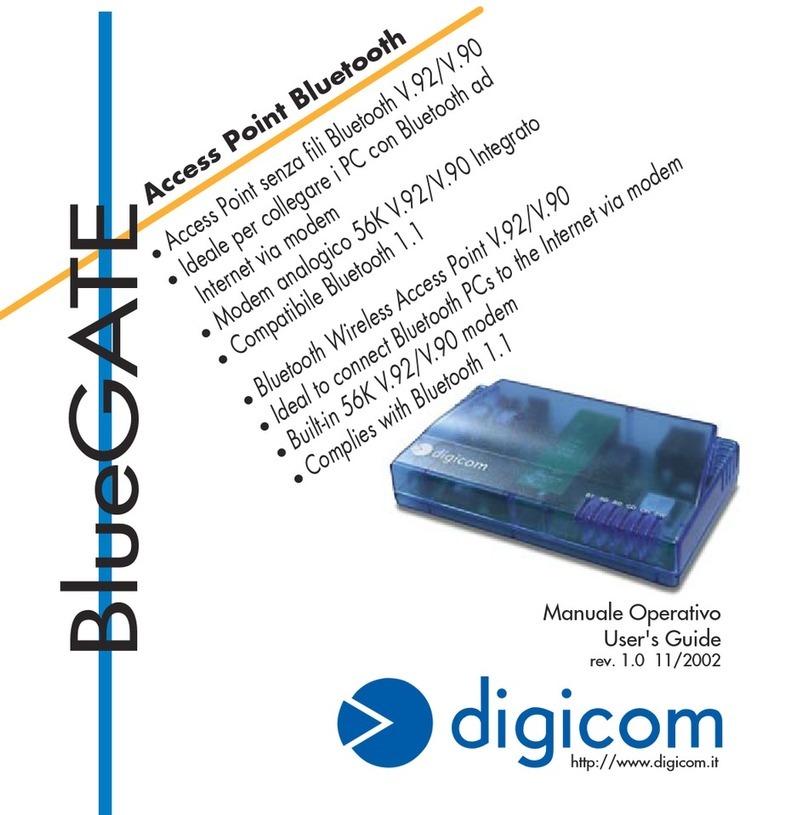
Digicom BlueGATE User manual

Digicom

Digicom BlueGATE User manual

Digicom Wave Gate Network Adapter User manual

Digicom

Digicom Wave Gate Network Adapter User manual

Popular Wireless Access Point manuals by other brands

D-Link DWL-2100AP - AirPlus Xtreme G Quick installation guide

D-Link

D-Link DWL-2100AP - AirPlus Xtreme G Quick installation guide

Ubiquiti NanoStation NSM2 quick start guide

Ubiquiti

Ubiquiti NanoStation NSM2 quick start guide

Cisco Aironet 1550 Series Getting started guide

Cisco

Cisco Aironet 1550 Series Getting started guide

Aruba IAP-335 user guide

Aruba

Aruba IAP-335 user guide

Advantek Networks AWN-AP-54MR user manual

Advantek Networks

Advantek Networks AWN-AP-54MR user manual

IP-COM AP355 user guide

IP-COM

IP-COM AP355 user guide

Buffalo AirStation WLA-L11G user manual

Buffalo

Buffalo AirStation WLA-L11G user manual

EnGenius EnStationACv2 user manual

EnGenius

EnGenius EnStationACv2 user manual

D-Link DAP-3662 Quick installation guide

D-Link

D-Link DAP-3662 Quick installation guide

Widelink ezWave WAP-1100 Series user guide

Widelink

Widelink ezWave WAP-1100 Series user guide

Edimax CAP1200 user manual

Edimax

Edimax CAP1200 user manual

xG Technology xMax CN1300 installation guide

xG Technology

xG Technology xMax CN1300 installation guide

Ubiquiti LBE-5AC-Gen2 quick start guide

Ubiquiti

Ubiquiti LBE-5AC-Gen2 quick start guide

Aruba AP-203R installation guide

Aruba

Aruba AP-203R installation guide

LuXout Shades LUXSHADE MOTION manual

LuXout Shades

LuXout Shades LUXSHADE MOTION manual

CreatComm TB5F user manual

CreatComm

CreatComm TB5F user manual

SineDigital MW-1500AP(H) installation guide

SineDigital

SineDigital MW-1500AP(H) installation guide

TP-Link AP9650 V1 Quick installation guide

TP-Link

TP-Link AP9650 V1 Quick installation guide

https://manuals.online logo
https://manuals.online logoBrands
  • About & Mission
  • Contact us
  • Privacy Policy
  • Terms and Conditions

Copyright 2026 Manuals.Online. All Rights Reserved.

MOBILE & WIRELESS - WLAN
For further information: [email protected] or http://www.digicom.it
THIS DOCUMENT IS SUBJECT TO CHANGE WITHOUT NOTICE. All other brands, products and trademarks are property of their respective owners.
2 Ethernet ports 10/100BaseT
Access Point mode
IEEE 802.11b 2.4 GHz Wireless
technology, 13 channels
Frequency range 2412-2483,5 MHz
Wireless operating speed: from 54 to 1
Mbps
Closed space area coverage (depending
on building structure): 25m at 54Mbps,
100-300m at 5.5/2/1Mbps
802.11 standard Roaming
WEP, WPA/WPA2 encryption
DSSS Direct Sequence Spread Spectrum
modulation
Removable external antenna on reverse
female SMA connector
Led indicators: Power, Err Status, Link/
Act, MAC control, LAN1, LAN2
Flash upgradable
DHCP Client support
Wi-Fi and Airport® interoperable
Power supply 9DC, 750 mA
Operating temperature 0 - 50 °C
Non condensing humidity 10 - 95%
Dimensions 129 x 90 x 27 mm
CE Mark
WaveGATE 54CX 01.02.06
DESCRIPTION
WaveGATE 54CX, faster and secure Wireless
connections.
WaveGATE 54CX is the suitable solution for the
carrying out of wireless networks in SOHO
environments.
The higher spreading of wireless networks allowed to
have a cheaper device within everybody’s reach.
The configuration of WaveGATE 54CX is based on
web pages easy to set also for non professional
users.
WaveGATE 54CX concentrates the communications
of the Wireless clients and acts as Gateway towards
the wired LAN, WaveGATE 54CX is in the center of
the Wireless communications.
All the LAN PCs, both wired and wireless, will be able
to communicate, transfer data and documents, share
resources, peripherals and Internet access.
Thanks to the Roaming function the Wireless stations
can be moved inside a covered area with multiple
Access Point connected in Ethernet, without
interruption of the connection.
The DHCP Client functionality allows the transparent
integration of the wireless network in an organized
structure of addressings.
WaveGATE 54CX
Code: 8E4261
WaveGate 54CX
Router
cavo di LAN
cavo di LAN ADSL
For the data security WaveGATE 54CX
supports the new WPA2 protocol (Wi-Fi
Protected Access) that is the evolution of
WEP protocol with integration of TKIP
(Temporal Key Integrity Protocol) and PSK
(Pre Shared Key).